Have you ever sent a perfectly normal email only to find out it was ghosted into someone’s spam folder? Or worse, your whole domain suddenly got flagged, and no one tells you why.
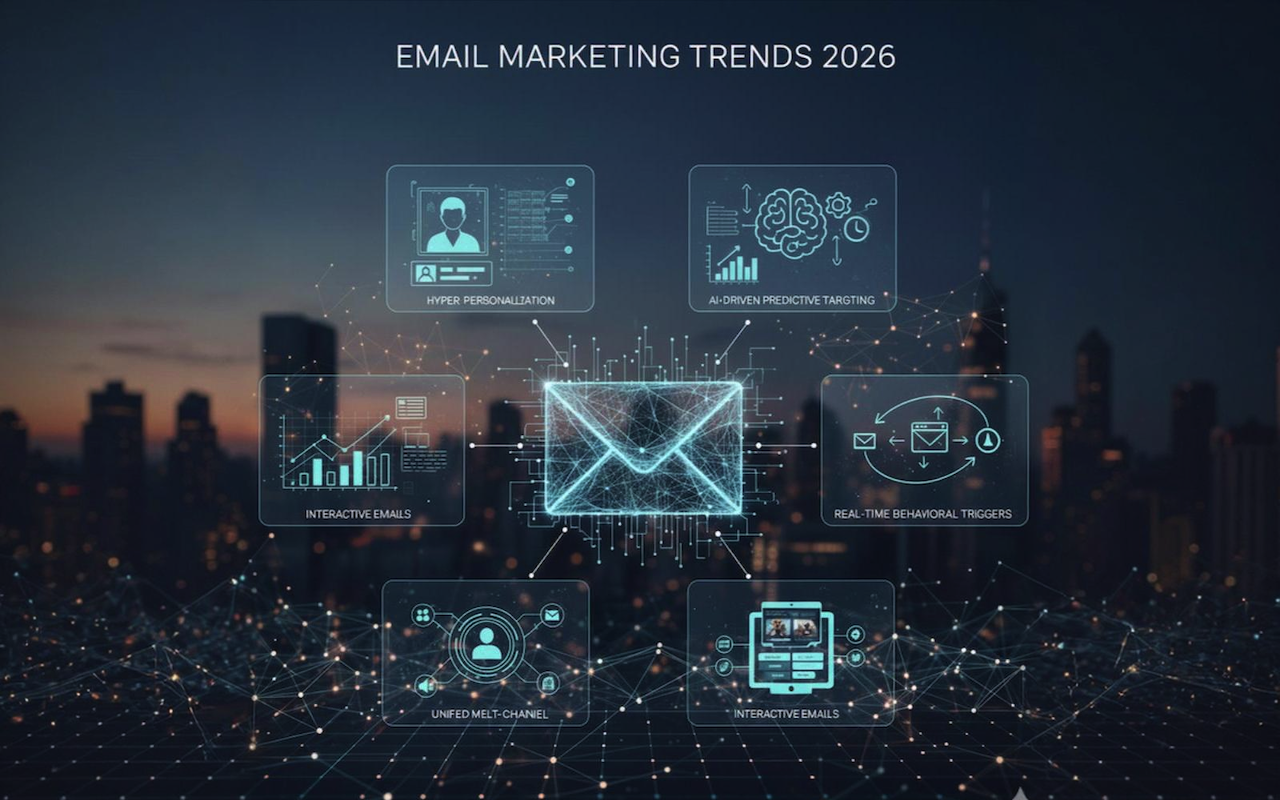
Email marketing continues to evolve as customer expectations shift. Today’s audiences expect messages that offer direct value, personalized guidance, and meaningful solutions. Companies in 2026 are adopting advanced, smarter strategies to remain competitive and meet rising engagement standards.
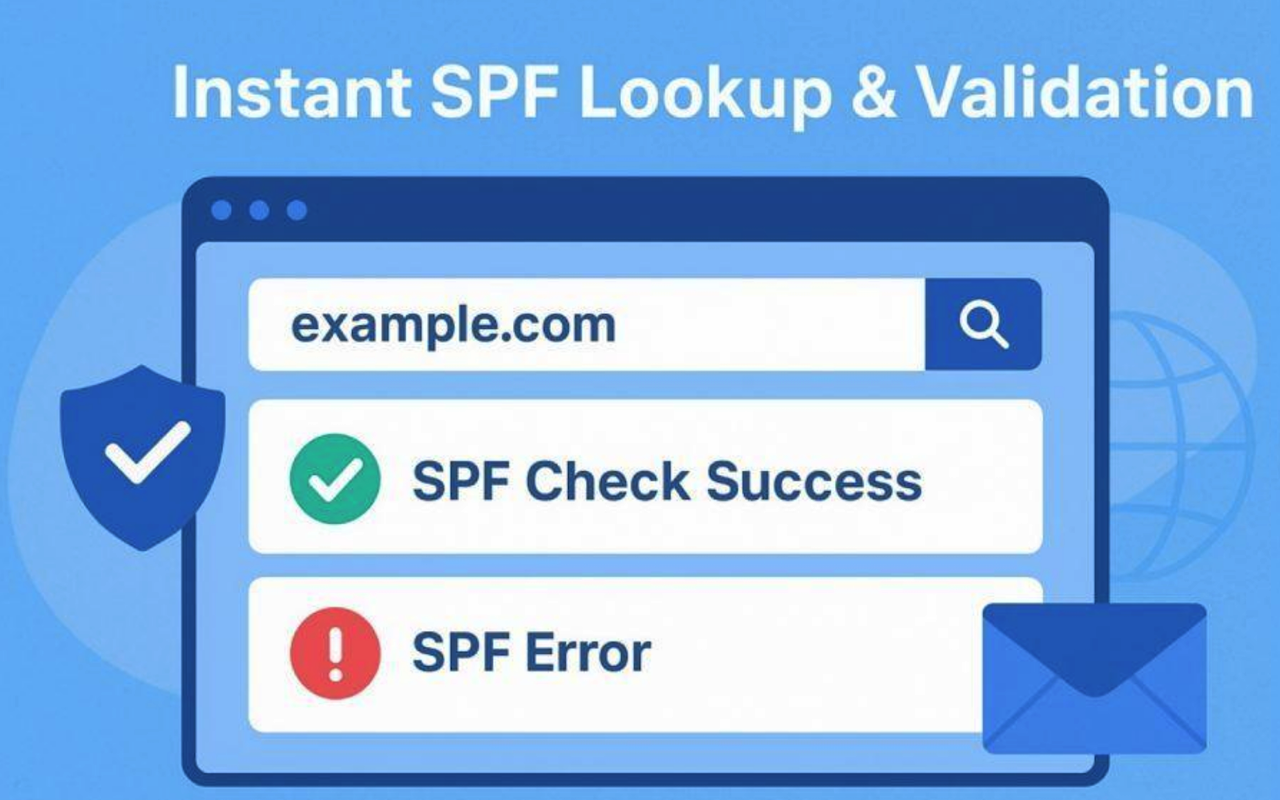
The Sender Policy Framework (SPF) is a crucial email authentication protocol designed to protect both individuals and organizations from email spoofing and phishing attacks. At the heart of SPF is the SPF record, a specific type of DNS record (typically a TXT record) that acts as an explicit policy for your domain name. This record lists the mail servers or authorized IP addresses that are permitted to send emails on behalf of your domain, providing an essential line of defense against fraudulent use.
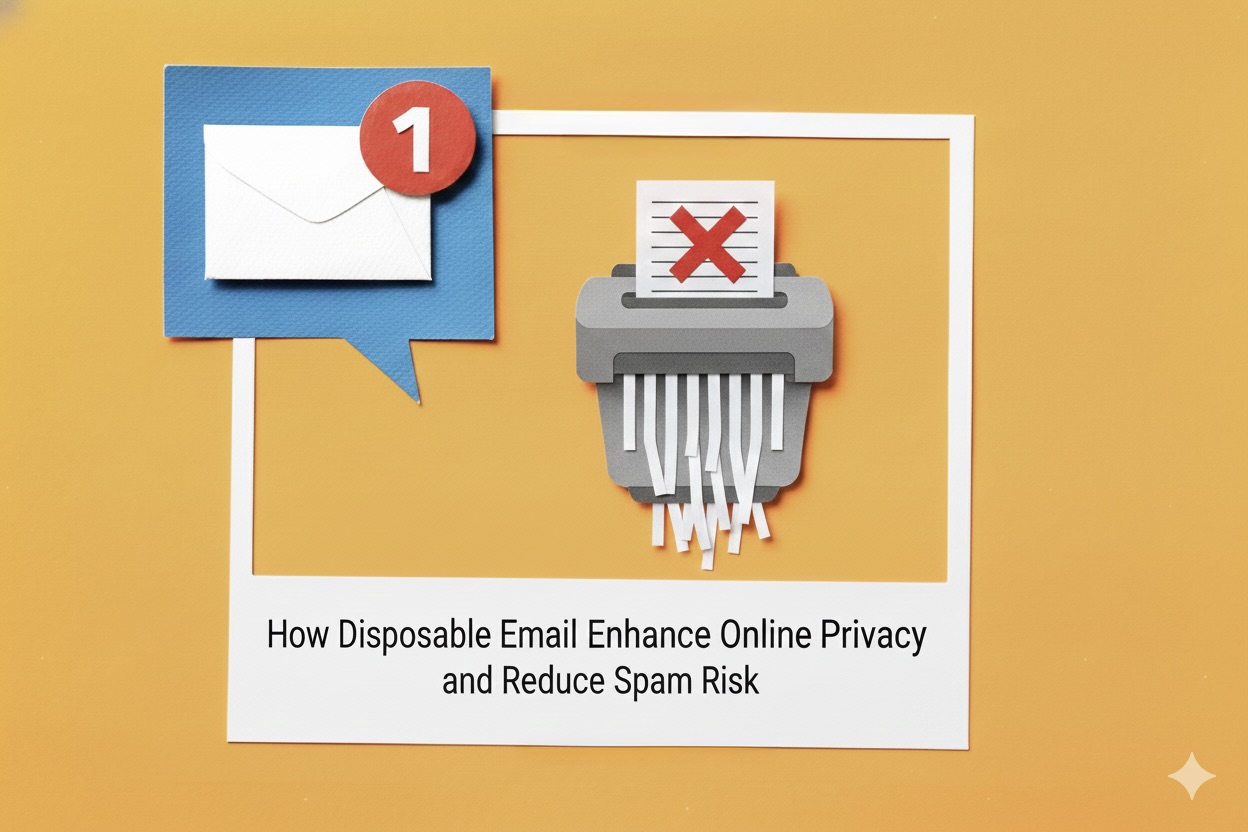
Email is one of the most essential tools for online communication, but it’s also a common target for spam, data collection, and privacy invasion. As websites increasingly ask for email verification for sign-ups, newsletters, free trials, and downloads, users often end up sharing more personal information than necessary. This is where disposable email becomes a safe and practical solution.
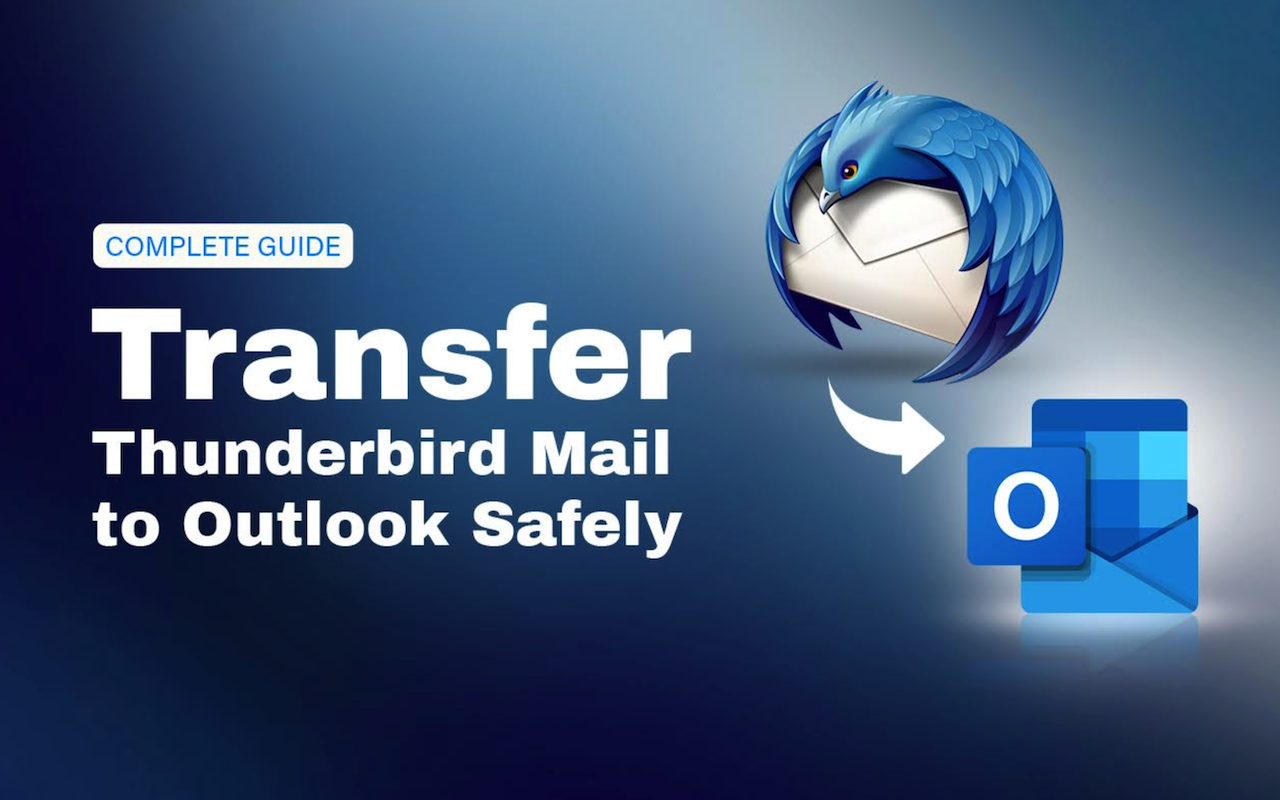
Mozilla Thunderbird stores mailbox data—such as emails, contacts, and calendars—in an MBOX file, a container format that Outlook does not support. Because of this, you cannot transfer Thunderbird mail to Outlook directly. The practical solution is to convert the Thunderbird MBOX file into a PST file, which Outlook uses for import and export. In this guide, you’ll learn how to convert the MBOX file into PST format and use a manual workaround to move Thunderbird emails to Outlook safely.
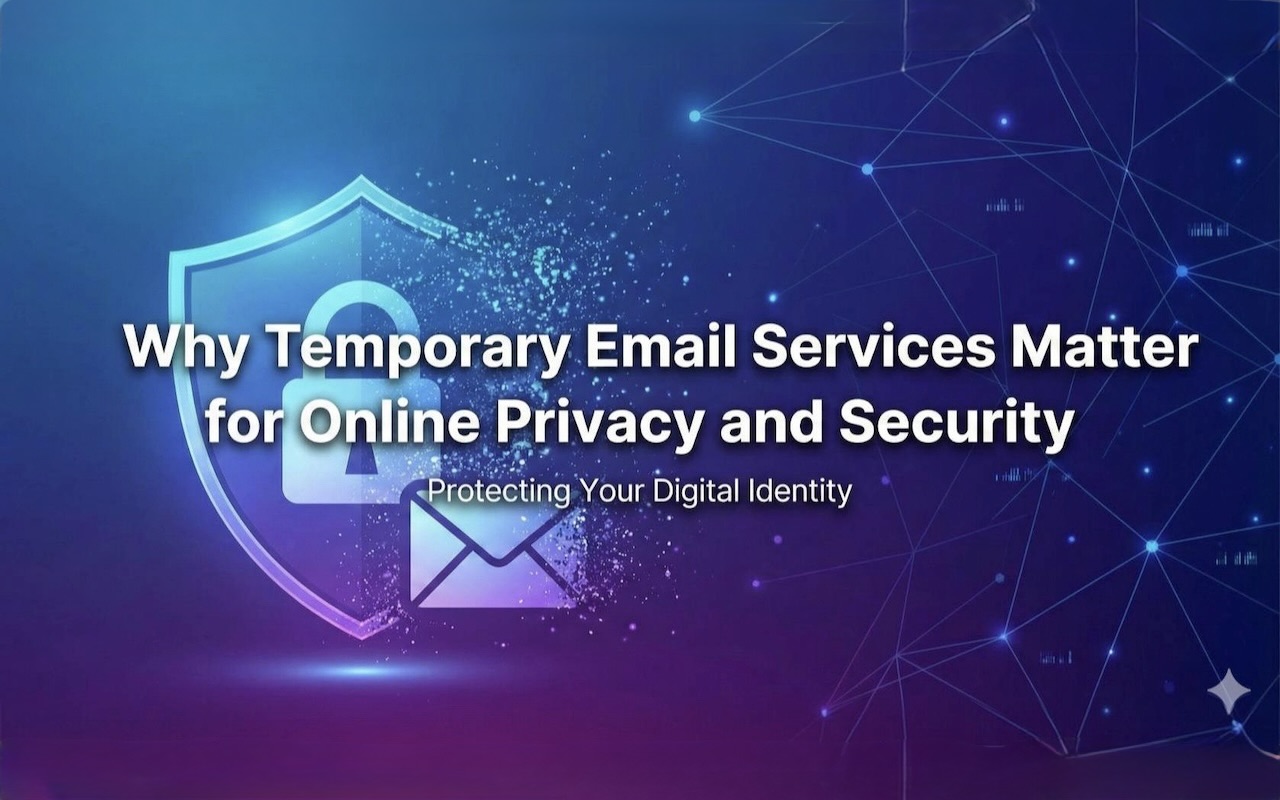
Email is the primary identity used in modern digital life. It’s your login for accounts, your identity for services, and your communication channel for everything from banking to personal notifications. But using the same personal email address across dozens of websites comes with serious privacy and security risks.
Email automation, just like nearly every other marketing channel out there, is no longer about a universal, one-size-fits-all approach. Personalization is in high demand, and customers expect to be messaged with tailored communications instead of generalistic prompts to buy.
Email response times can be the difference between losing your customers to competitors and closing more deals. If your replies are too slow, you risk losing opportunities and hurting your reputation.
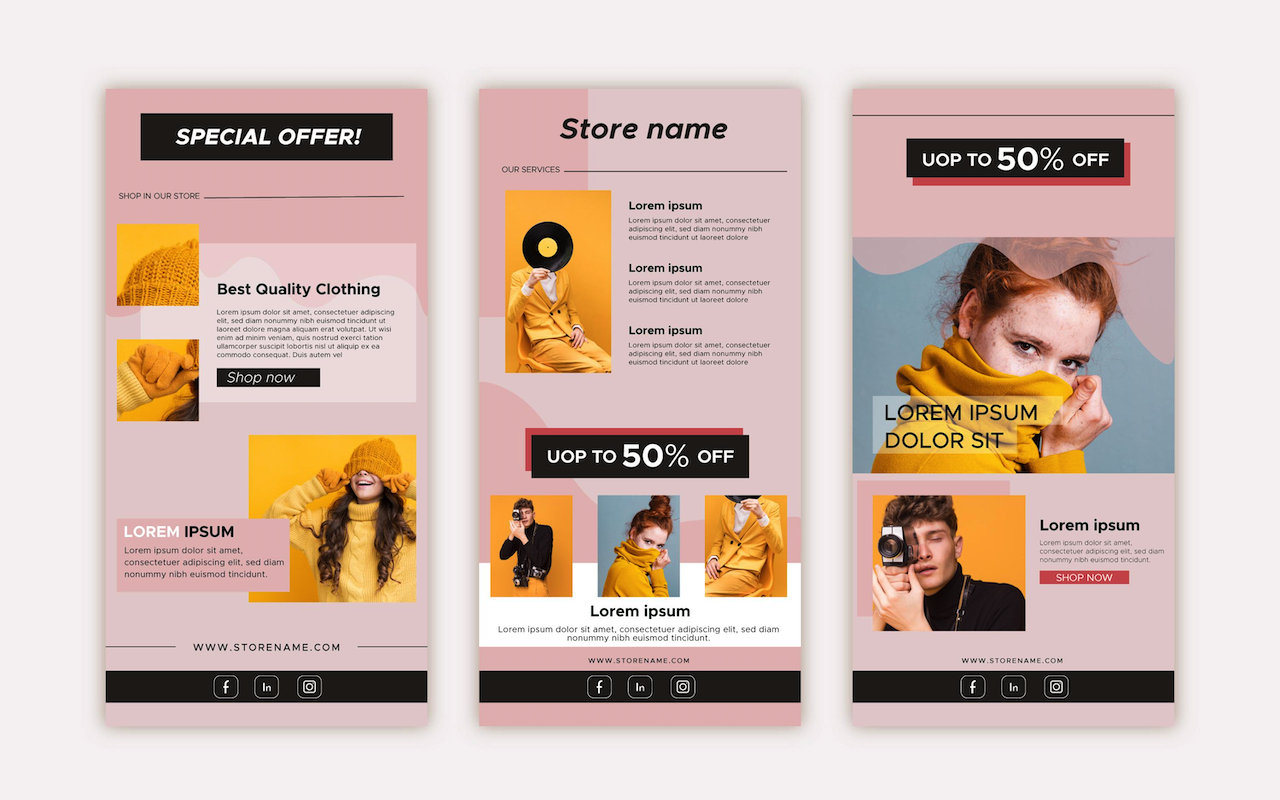
Running an online store requires sending emails that communicate important information in a clear and appealing way. WooCommerce automatically handles notifications for order placements, shipping updates, and status changes.
We all use email every day — for meetings, quick updates, and even business deals. It’s convenient, it’s fast, and it's second nature. But here’s the reality: when it comes to sharing sensitive documents, email is dangerously outdated and insecure.