
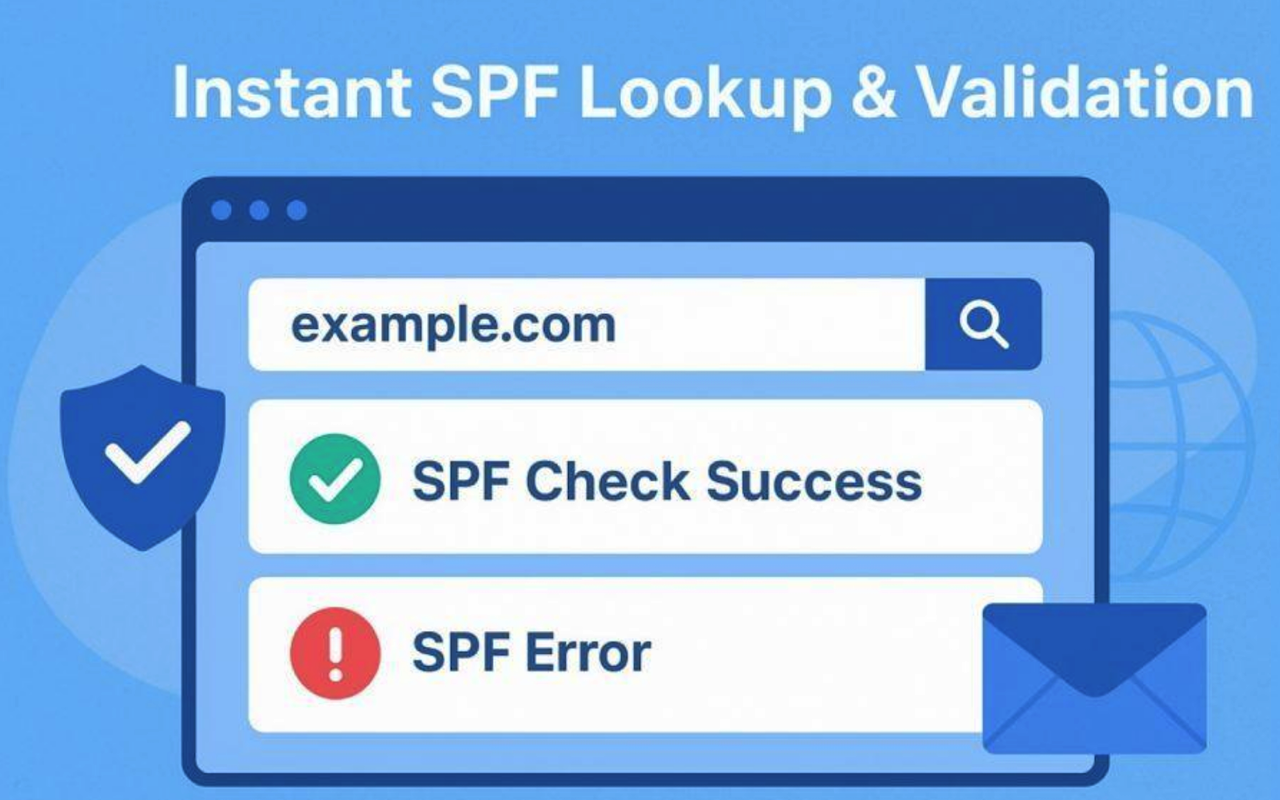
The Sender Policy Framework (SPF) is a crucial email authentication protocol designed to protect both individuals and organizations from email spoofing and phishing attacks. At the heart of SPF is the SPF record, a specific type of DNS record (typically a TXT record) that acts as an explicit policy for your domain name. This record lists the mail servers or authorized IP addresses that are permitted to send emails on behalf of your domain, providing an essential line of defense against fraudulent use.
When a receiving server gets an email purportedly from your organization, it performs an SPF check by executing a DNS lookup on your domain to fetch the SPF record. The server then assesses whether the sending mail server’s IP address matches the list of authorized sending sources specified. If there is a match and the SPF record exists, the email authentication check passes, adding a layer of confidence that the email originates from a legitimate source, thereby reducing the risks of email spoofing and improving overall email delivery.
Maintaining an accurate, up-to-date SPF record is vital for several reasons:
- Fraud Prevention: Criminals regularly attempt to impersonate trusted brands or organizations, especially through phishing attacks.
- Deliverability: MBPs (Mailbox Providers) like Google, Microsoft, and Verizon often factor SPF validation into their spam and risk assessment algorithms.
- SPF Compliance: Many organizations are now enforcing stringent email security standards with additional layers such as DKIM (DomainKeys Identified Mail) and DMARC (Domain-based Message Authentication, Reporting, and Conformance), both of which rely on proper SPF configuration.
What is an SPF Checker and How Does It Work?
An SPF checker is a specialized tool, often web-based, that analyzes the SPF record associated with a domain name. These tools, such as MXToolBox, EasyDMARC, and SuperTool, perform an instant SPF lookup, retrieving your SPF record via a DNS lookup and validating its correctness, syntax, and compliance with SPF standards (such as those outlined in RFC 7208).
How an SPF Validator Analyzes Records
- The SPF tool queries your domain’s DNS records, searching specifically for TXT records with SPF tags and mechanisms.
- It then evaluates the SPF syntax, ensuring every directive, such as ip4, ip6, or include tag, is correct.
- The SPF diagnostic tool identifies whether the listed authorized IP addresses and sending sources match your mail server infrastructure.
- The checker reviews incompatibilities, missing mechanisms, or SPF record issues and provides alerts for SPF fail or pass scenarios.
Key Benefits of Using an SPF Checker
- Instant SPF validation and risk assessment, ensuring your DNS settings are up to date.
- Early detection of configuration errors—be it syntax errors or misconfigured authorized sending sources.
- Improved email security posture by confirming your advertisement of an authenticated sender.
Step-by-Step Guide: Using an SPF Checker for Instant Lookup
Using an SPF lookup tool is both straightforward and accessible, even for non-technical users. Here’s how to run an SPF check for any domain name:
Step 1: Choose Your SPF Diagnostic Tool
Select a reputable tool such as MXToolBox SPF Record Lookup, EasyDMARC SPF Checker, or SuperTool. Some platforms, like MXToolBox, also provide integrated DKIM and DMARC checking for comprehensive SPF validation.
Step 2: Enter Your Domain Name
Locate the search or input field in your chosen tool. Enter the domain name you wish to verify. For example: yourcompany.com.
Step 3: Initiate the SPF Lookup
Click to start the check. The tool will perform a real-time DNS lookup, retrieving the associated TXT record that contains your SPF configuration.
Step 4: Review the SPF Check Results
Within seconds, the SPF validator will display:
- The current SPF record for your domain
- A parsed list of authorized IP addresses, include tags, and all mechanisms
- Detailed analysis of SPF syntax and logic
Often, the diagnostic interface will flag SPF fail or pass for each part of your policy, helping you identify whether your SPF record is both valid and effective.
Step 5: Resolve Any Issues Detected
If the tool identifies risks (such as missing MX record entries, invalid IP address specifications, syntax errors, or conflicting SPF tags), it will generally provide actionable remediation guidance.
Example: SPF Record Validation Output
    SPF record:
v=spf1 ip4:192.0.2.1 include:_spf.google.com ~all
SPF pass: Valid syntax, includes Google’s sending sources, specific authorized IP addresses.
SPF fail: Missing mail server, excessive DNS lookups, or deprecated mechanisms.
Step 6: Re-Test After Corrections
Once you’ve updated your DNS records based on the tool suggestions, run another SPF lookup to confirm full compliance.
Interpreting SPF Checker Results: What to Look For
A robust SPF checker doesn’t just verify syntax;it interprets your domain’s SPF policy in depth. Here’s what to assess:
SPF Record Structure and Mechanisms
- SPF Version Tag: Ensures presence of “v=spf1” at the beginning.
- Authorized IP Addresses: Lists valid, up-to-date IPs for each mail server.
- Include Tag: Calls out external providers like Google or Microsoft, ensuring accurate delegation.
- MX Record and A Record Mechanisms: Allow delivery from IPs tied to designated MX hosts or A records.
- SPF Tags: Looks for proper use of all, include, ip4, ip6, exists, and other tags as required.
- SPF Syntax: Flags any syntax errors that could break email authentication.

Validation Status: Pass/Fail Indications
- SPF Pass: Authenticated sender; email will likely be delivered as intended.
- SPF Fail: Indicates delivery failures and increases the risk of messages being marked as spam or lost.
- SPF Record Exists: Confirms that your DNS TXT record is published and accessible.
- SPF Compliance: Verifies alignment with RFC 7208 to maximize deliverability and prevent fraud.
Diagnostic Output and Risk Assessment
Sophisticated tools show warnings for:
- Excessive DNS lookups (over 10 DNS lookups in SPF evaluation is non-compliant)
- Deprecated tags or mechanisms
- Unnecessarily broad authorizations, which increase exposure to email spoofing
- Suggestions for enhanced SPF reporting and integration with DKIM/DMARC for layered email security
Tips for Maintaining and Validating Your SPF Records Regularly
Monitor and Update DNS Settings
- Regular SPF Checks: Schedule periodic SPF lookups, especially after changing mail server providers or adding third-party platforms.
- DNS Records Hygiene: Remove stale IP addresses or obsolete include tags to maintain strict source authorization.
Adopt Layered Email Authentication
Integrate DKIM and DMARC with your SPF policy for holistic email authentication. Reference platform best practices from providers like Google, Microsoft, and EasyDMARC.
Avoid Common SPF Record Pitfalls
- Do not exceed SPF evaluation limits; minimize chained include tags and MX record lookups to stay under DNS lookup boundaries.
- Maintain clear SPF syntax; rely on SPF validator tools to surface and correct syntax errors.
- Document all changes and leverage SPF reporting and audit logs for compliance.
Leverage Automation and Reporting
Use SPF diagnostic tool APIs (like those from MXToolBox or EasyDMARC) for automated risk assessment and compliance monitoring. Regularly assess reports from DMARC, DKIM, and SPF integrations to track authentication rates and deliverability metrics.
Proactive SPF validation using an SPF checker is an essential pillar of modern email security, greatly reducing the attack landscape for email spoofing while ensuring trustworthy, compliant email delivery now and in the future.
Conclusion
Keeping your SPF records accurate and regularly validated is essential for protecting your domain from spoofing, improving deliverability, and maintaining trust with recipients. Whether you manage a small personal domain or a large enterprise system, using an SPF checker simplifies the process of identifying risks, correcting errors, and staying compliant with modern authentication standards. By combining SPF with DKIM and DMARC, and by monitoring records consistently, you build a stronger, more resilient email security posture for the long term.
Share this post
Leave a comment
All comments are moderated. Spammy and bot submitted comments are deleted. Please submit the comments that are helpful to others, and we'll approve your comments. A comment that includes outbound link will only be approved if the content is relevant to the topic, and has some value to our readers.






Comments (0)
No comment