
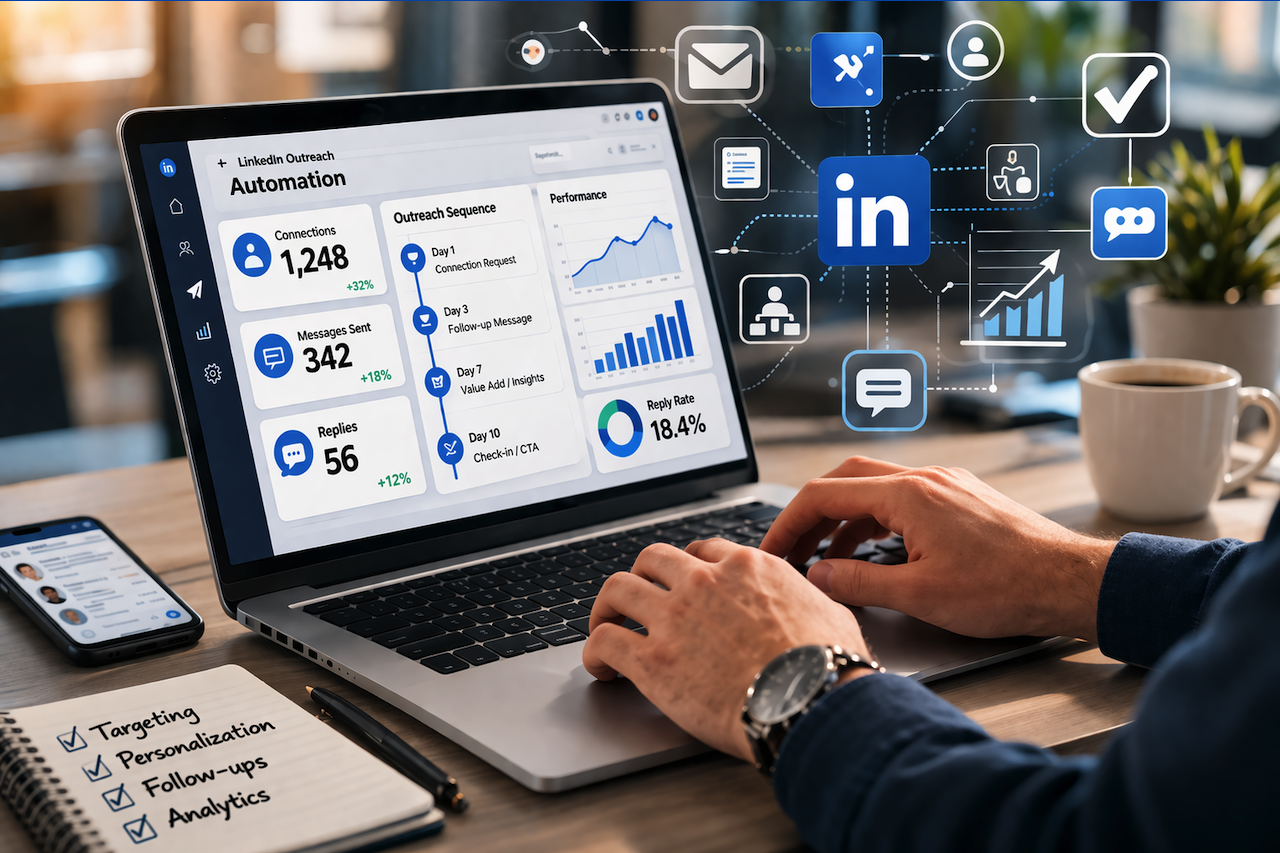
Every B2B sales rep, founder, and agency owner knows the feeling. You open LinkedIn, start manually working through a list of prospects, and two hours later, you have sent maybe 15 messages. Half of them are the same templated copy with a name swapped in. The reply rate reflects it.
LinkedIn outreach in 2026 is not optional for serious B2B growth. With cold email deliverability declining sharply across Google and Microsoft's spam filters, LinkedIn has become the most dependable channel for reaching decision-makers directly. But doing it at any real volume, with the kind of personalization that actually gets replies, is not something you can sustain manually.
The best LinkedIn automation tools solve that problem. They handle the repetitive mechanics of outreach so you can focus on the parts that require a human touch: the targeting logic, the offer, and the follow-through when a prospect responds.
This guide covers 10 tools worth considering in 2026, including what each one is best suited for, what they do well, and where they fall short. No padding, no vague summaries—just a clear breakdown to help you pick the right platform and start building a pipeline.
Why LinkedIn Automation Tools Matter More in 2026
Cold email is getting harder every year. Google and Microsoft keep tightening spam filters, deliverability rates are dropping, and inboxes are noisier than ever. LinkedIn has quietly become the most reliable channel for reaching B2B decision-makers in 2026.
Over 65 million decision-makers log into LinkedIn every week. Connection request acceptance rates still sit between 30 and 40 percent for well-targeted campaigns. That kind of reach is valuable, but doing it manually at any real scale is not realistic.
This guide breaks down which tools are worth your time in 2026, who each one suits, and what the real tradeoffs look like.
What Makes a LinkedIn Automation Tool Worth Using
Before getting into specific tools, it helps to understand what separates a platform that actually moves the needle from one that simply adds risk.
Cloud-Based Operation
LinkedIn has significantly improved its bot-detection capabilities. Tools that run directly inside your browser leave behavioral fingerprints that are easier for LinkedIn to flag. Cloud-based tools operate via dedicated IP addresses on remote servers, so activity appears far more organic. According to a 2026 LinkedIn Safety Analysis, cloud-based tools reduce the risk of account restrictions by up to 95 percent compared to browser extensions.
Personalization Beyond First Name
Inserting someone's first name into a message template is table stakes, not a feature. In 2026, buyers spot templated outreach almost instantly. The tools worth using can draw on live profile data, recent posts, company news, and job-change signals to craft messages that feel genuinely relevant to the person reading them.
Sequence Logic That Adapts
A fixed drip sequence treats every prospect identically, regardless of how they engage. Someone who accepted your connection request and opened your first message is in a different position than someone who ignored the request entirely. Platforms with conditional branching logic handle these scenarios automatically, routing prospects through different paths based on real behavior.
Analytics That Show Conversion, Not Just Activity
Sent counts and open rates are easy to generate. Knowing which message variation drove a reply, where prospects are dropping out of your sequence, and which prospect segments convert at the highest rate is where real optimization happens.
Safety Controls Built In
Any tool that encourages you to ignore daily limits is one you should avoid. LinkedIn enforces roughly 100 connection requests per week per account in 2026, and aggressive activity triggers reviews quickly. Reputable tools have hard limits baked in and warm up new accounts gradually.
Best LinkedIn Automation Tools in 2026: Full Breakdown
1. Dealsflow: Best Overall
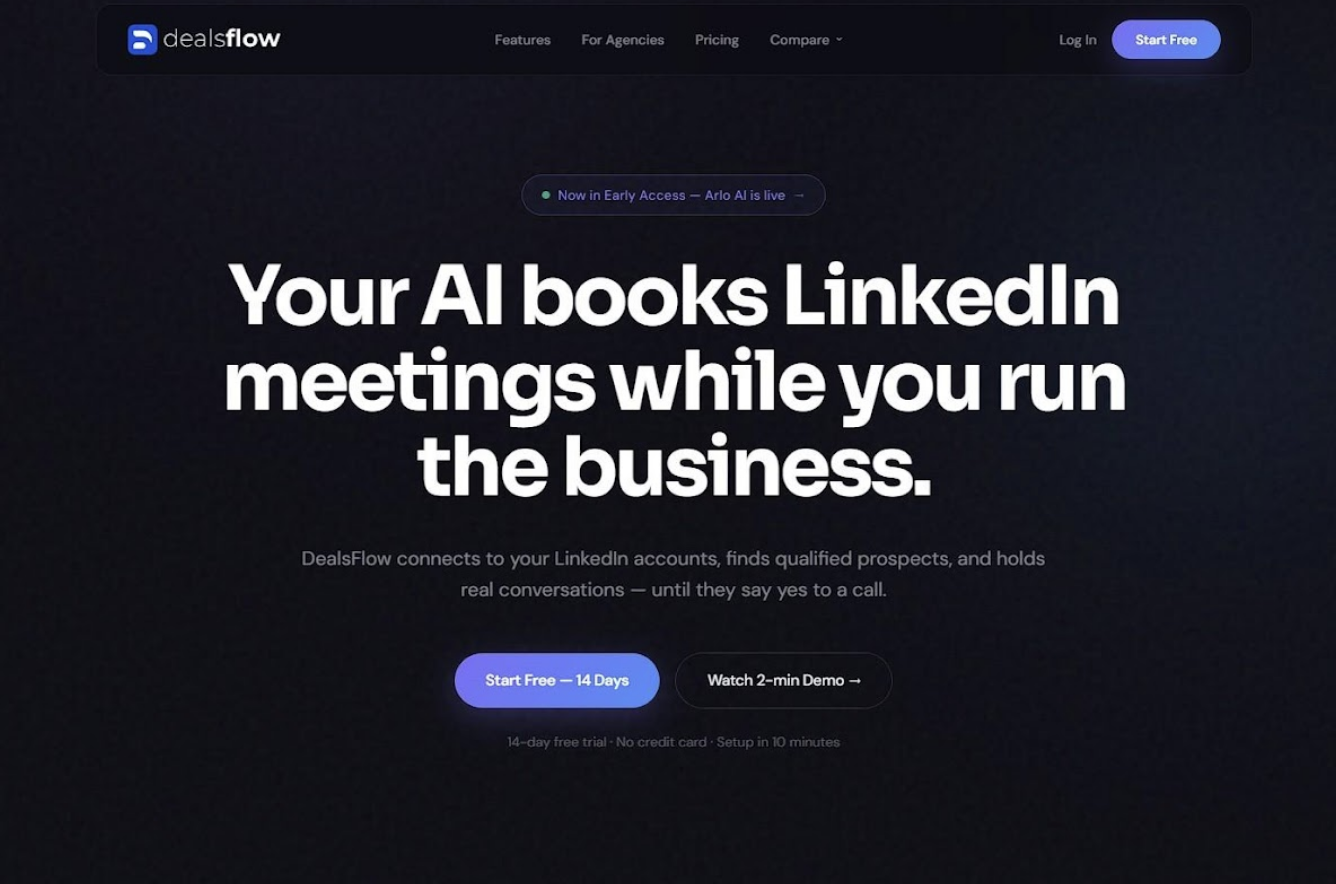
Dealsflow sits at the top of this list because it is built around a different goal than most tools. Where other platforms compete on how many messages you can send, Dealsflow is engineered to maximize the number of those messages that turn into actual conversations.
The platform runs multichannel sequences across LinkedIn and email, with personalization that pulls from LinkedIn profiles, company data, and your CRM simultaneously. This is not about swapping in a job title field. The system builds context around each prospect so messages reflect something genuinely true about their situation.
Pipeline management is native. Lead handoff, response tracking, and sequence performance all live in one place, rather than being stitched together across separate tools. For B2B sales teams and agencies that treat outreach as a system, that consolidation removes significant operational friction.
The analytics deserve a mention. Dealsflow reports on funnel performance at a sequence level, showing where momentum drops and which message variations win. For anyone using LinkedIn outreach tools as part of a broader link-building or digital PR strategy, this kind of conversion visibility makes it easy to see which target segments and message angles are working.
Best for: B2B sales teams, growth marketers, agencies running multichannel outreach campaigns
Standout capabilities:
- Multichannel sequences (LinkedIn and email in one flow)
- Personalization built from live profile and CRM data
- Native pipeline and lead management
- Conversion-level analytics, not just surface metrics
- Built-in account safety controls
2. HeyReach: Best for Multi-Account Scale
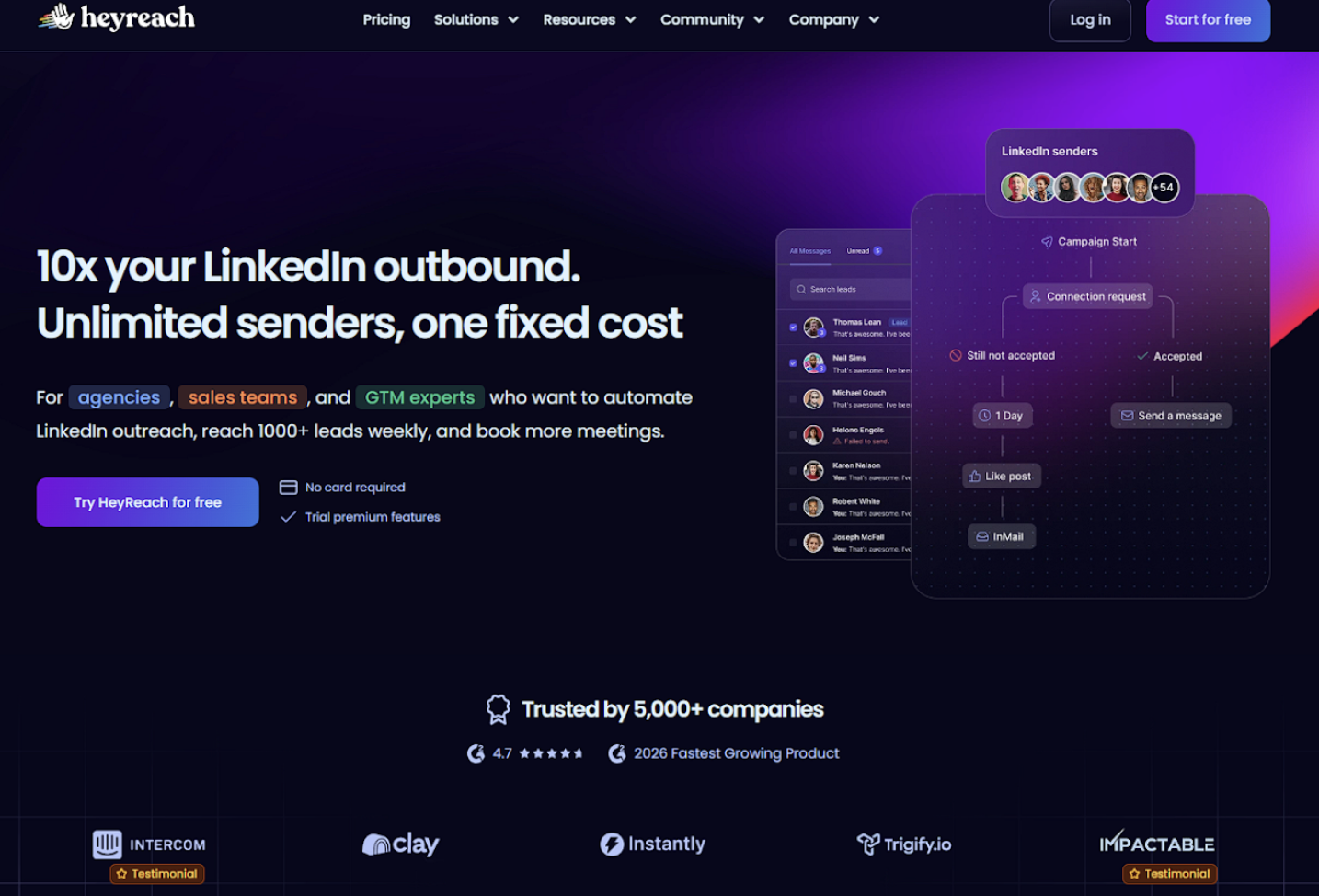
HeyReach has emerged as one of the fastest-growing platforms in the LinkedIn automation space in 2026, and the reason is straightforward: it solves a problem most tools ignore entirely.
When LinkedIn caps individual accounts at around 100 connection requests per week, teams that need serious volume hit a ceiling fast. HeyReach lets you connect multiple LinkedIn profiles and rotate sending across all of them simultaneously. All replies flow into a single unified inbox, so managing five accounts does not mean managing five separate dashboards.
The pricing model is also unconventional. Rather than charging per seat, HeyReach offers unlimited senders at a flat monthly rate. For agencies running outreach across multiple client accounts, that structure changes the economics considerably.
Safety infrastructure is solid. Each account is isolated with its own activity limits and warming schedule, so adding more profiles does not proportionally increase your risk.
Best for: Lead generation agencies, sales teams running campaigns at volume, outbound-heavy operations that need to scale past single-account limits
3. Lemlist: Best for Multichannel Personalization
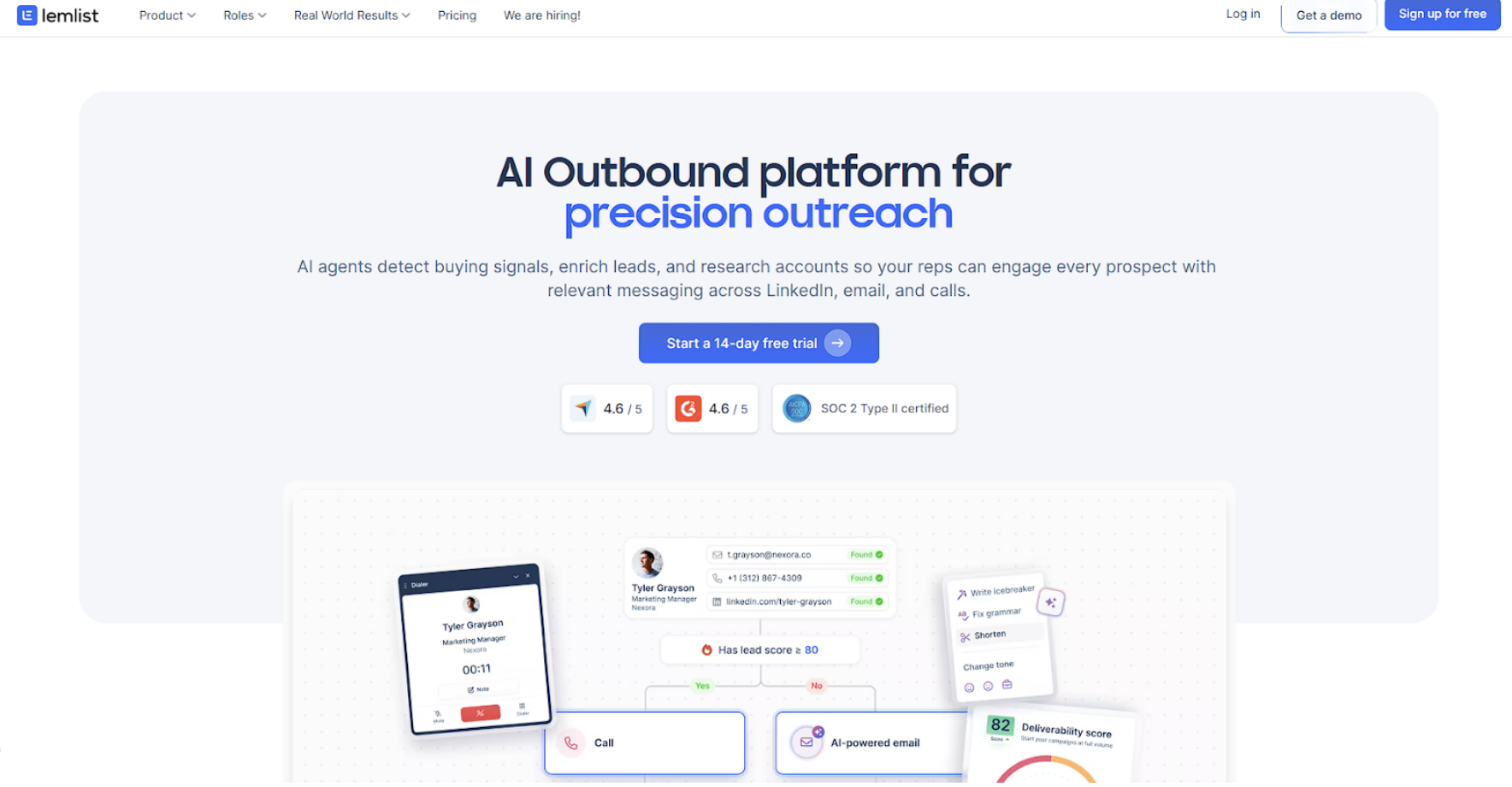
Lemlist started as an email outreach tool and has matured into a full multichannel platform that combines LinkedIn, email, and calling into coordinated sequences. What sets it apart is the depth of personalization available across every channel.
The platform lets you build AI-powered intro lines based on each prospect's recent activity, incorporate personalized images and videos into messages, and run proper A/B tests on subject lines and connection note variations. That level of customization requires more setup time than simpler tools do, but the improvement in reply rate is measurable.
Lemlist also has a built-in lead database and email enrichment, which reduces your reliance on external tools for list building. For teams that want email and LinkedIn handled in a single workflow with deep personalization, it is one of the stronger options available.
Best for: Sales teams with strong content and personalization muscle, agencies focused on email-first multichannel outreach
4. Salesflow: Best for Team Inboxes and AI Tagging
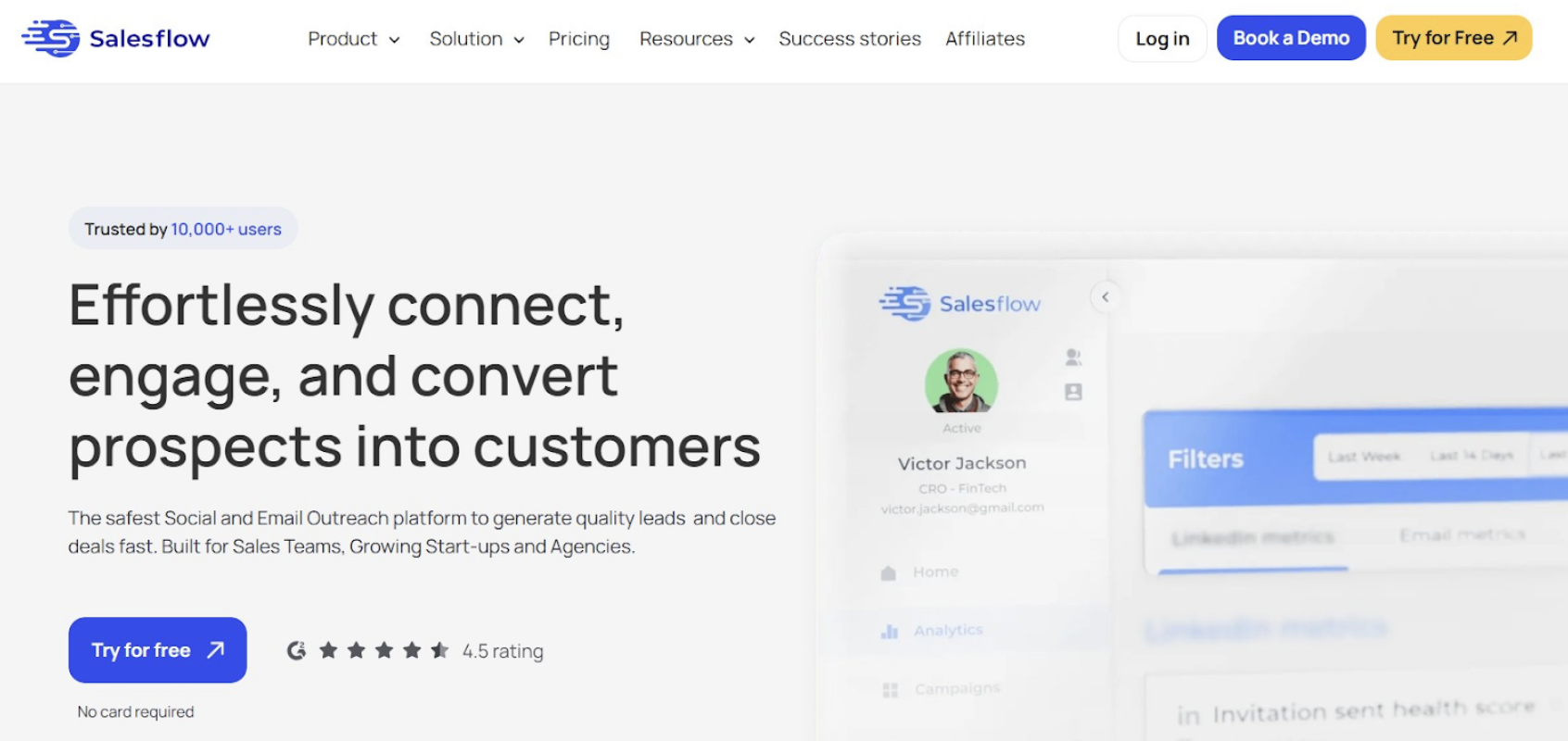
Salesflow focuses on something most automation tools overlook: what happens after the message goes out. The platform combines cloud-based LinkedIn and email automation with a unified inbox that includes AI-powered sentiment detection. Replies are automatically tagged as positive or negative, so your team knows exactly which prospects need attention without having to read every message manually.
For teams where multiple reps share outreach responsibilities, that reply management layer is genuinely useful. Campaign analytics include invite acceptance rates, response rates by campaign, and timeline views that make it straightforward to identify the best-performing sequences.
The onboarding process is smooth, and the support team has a strong reputation, which matters when you are trusting a tool with your primary LinkedIn account.
Best for: Sales teams with dedicated SDRs, agencies managing multiple LinkedIn inboxes, operations that care about reply quality as much as reply volume
5. La Growth Machine: Best for True Multichannel Sequences
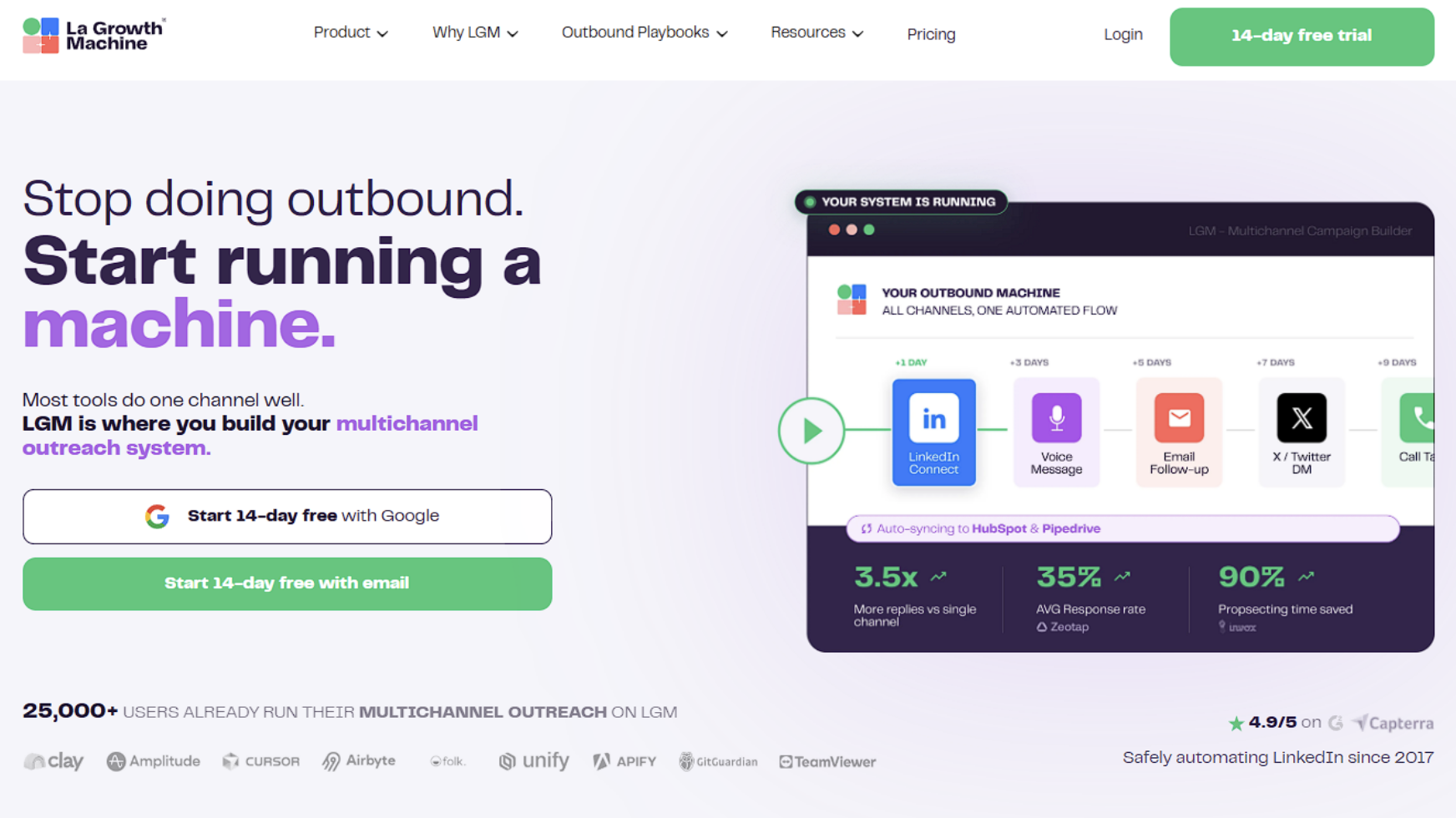
La Growth Machine takes a different approach to multichannel outreach. Rather than treating LinkedIn and email as parallel tracks, it builds genuinely unified sequences where actions across channels are coordinated based on prospect behavior.
If a prospect ignores your LinkedIn connection request, the tool automatically attempts to reach them by email. If they accept the connection but do not reply, it follows up on LinkedIn. The sequence logic adapts around what each prospect actually does rather than firing predetermined messages on a fixed schedule.
The platform also enriches contacts with verified email addresses sourced from multiple providers, reducing the amount of manual list cleaning required before launch. The interface has a steeper learning curve than simpler tools, but the sequence flexibility is hard to match.
Best for: Experienced outreach teams who want genuine multichannel logic, not just LinkedIn and email running separately
6. Expandi: Best for Safety-First Solo Operators
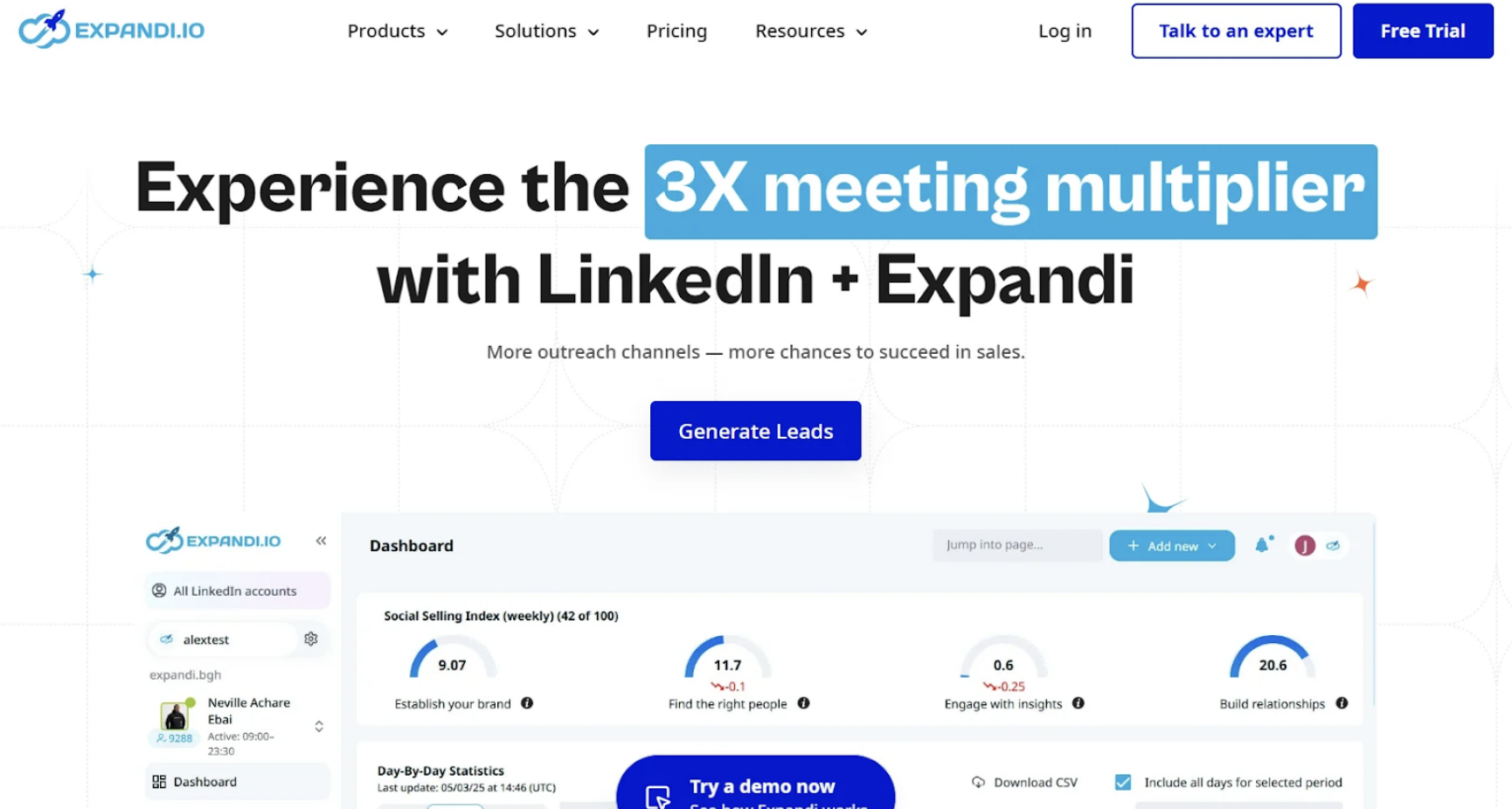
Expandi has been in the market long enough to have genuinely figured out how to ensure account safety. The platform is fully cloud-based, randomizes the timing and pace of every action, and assigns a dedicated IP to each account. Its warm-up system for new accounts is one of the more careful implementations in the category.
Connection campaigns and follow-up sequences are straightforward to set up. Targeting can pull from standard LinkedIn searches, Sales Navigator lists, group members, and event attendees. The interface is functional without being particularly polished.
Personalization is where Expandi shows its age. Basic variable insertion works fine, but there is limited ability to pull in the kind of contextual data that makes messages feel individually written.
Best for: Individual sellers and small teams where account safety is the top priority
7. Dripify: Best for Fast Setup
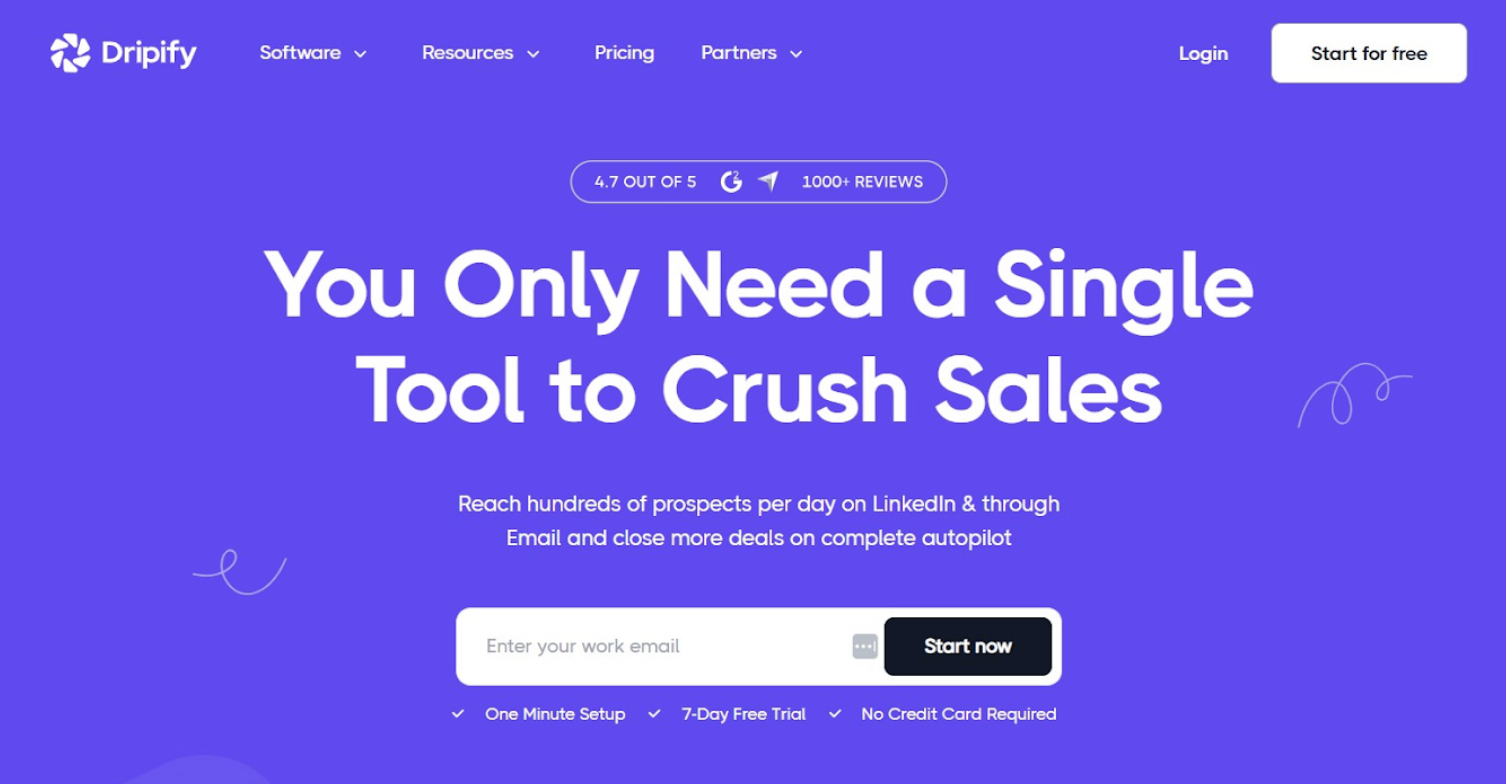
Dripify is built for people who need to get a campaign running quickly. The interface is one of the cleanest in the category, sequence setup takes minutes rather than hours, and sensible default safety settings mean you do not have to configure everything from scratch.
The platform handles automated LinkedIn connection requests, message follow-ups, profile visits, and skill endorsements. Analytics are basic but readable. Team features include shared dashboards and campaign management across multiple accounts.
What Dripify gives up for simplicity is advanced personalization and the kind of conditional logic that more sophisticated platforms offer. For teams with a clear, repeatable outreach process who want minimal operational overhead, it gets the job done.
Best for: Small sales teams, founders running lean outreach, and anyone who values speed to launch over advanced configuration
8. We-Connect: Best Budget Option
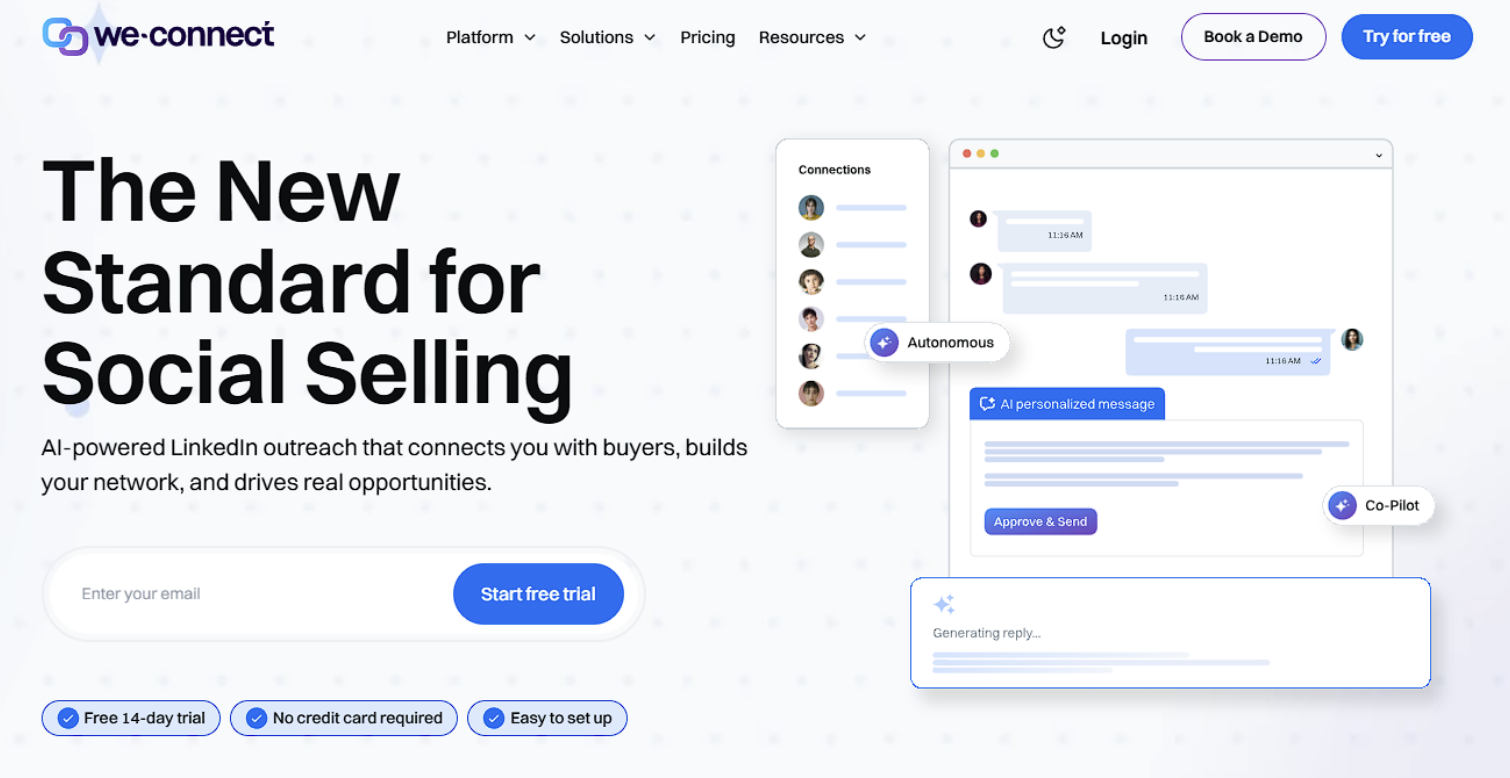
We-Connect covers the essentials of LinkedIn automation at a price point accessible to individuals and early-stage teams. Cloud-based operation, connection campaigns, follow-up sequences, and basic email integration are all included.
The platform does what it promises without unnecessary complexity. The campaign setup is logical, the safety features are adequate, and the pricing is genuinely competitive compared to everything else on this list.
The tradeoff is depth. Personalization options are limited, analytics are surface-level, and there is no advanced branching logic. For a small team or individual operator who needs reliable LinkedIn outreach without paying enterprise prices, We-Connect is a reasonable starting point.
Best for: Freelancers, early-stage startups, budget-conscious operators who need basic automation without the extras
9. Waalaxy: Best for Non-Technical Users
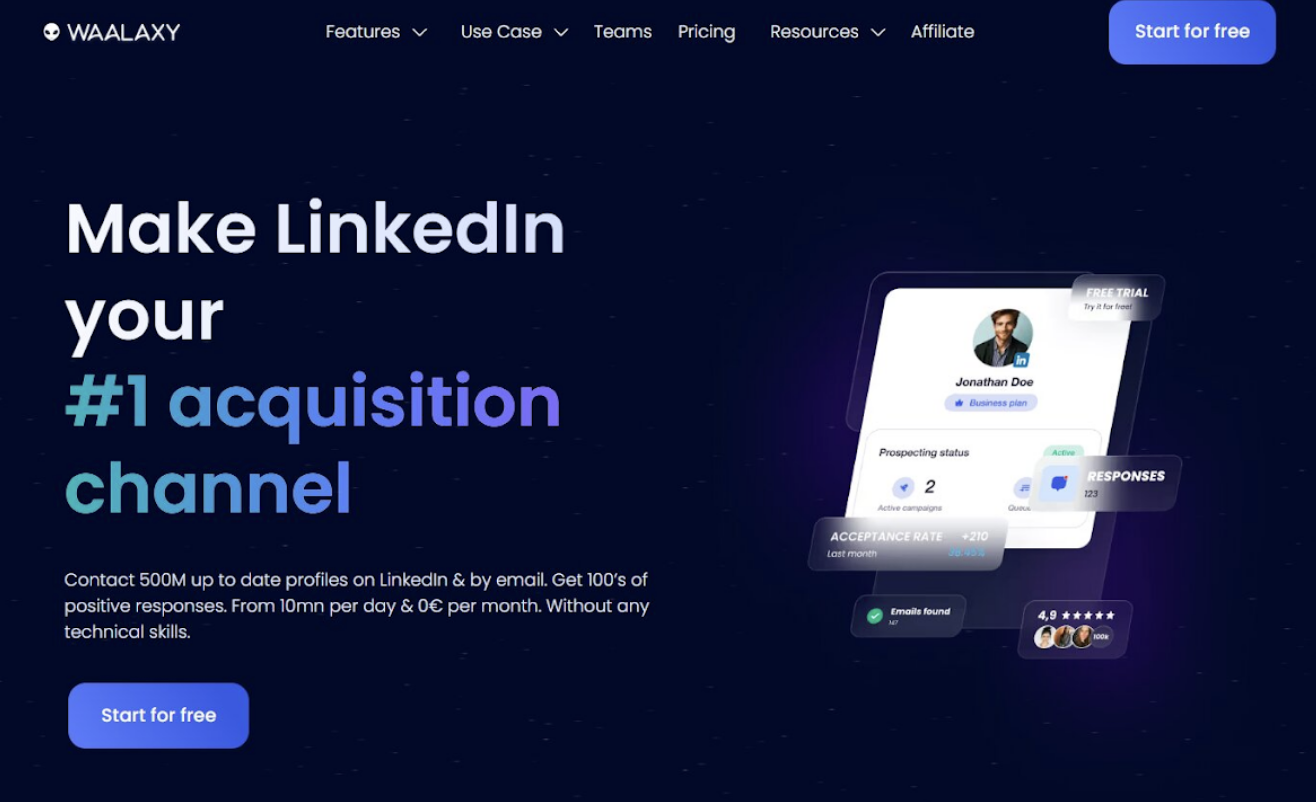
Waalaxy has built its reputation on accessibility. The platform is designed for users without technical backgrounds who need to run LinkedIn and email sequences with minimal setup.
The Sales Navigator integration is one of the better implementations in this category. You can export a filtered lead list directly into a Waalaxy sequence without touching a CSV file or doing any manual cleanup. The template library covers most common outreach scenarios, which cuts setup time considerably.
Advanced users will find the personalization and branching logic limiting compared to tools like La Growth Machine or Dealsflow. For non-technical teams and solo operators who want to be running campaigns in under 30 minutes, Waalaxy delivers exactly that.
Best for: Non-technical operators, small teams, Sales Navigator users who prioritize fast setup
10. Linked Helper: Best for Deep Automation Logic
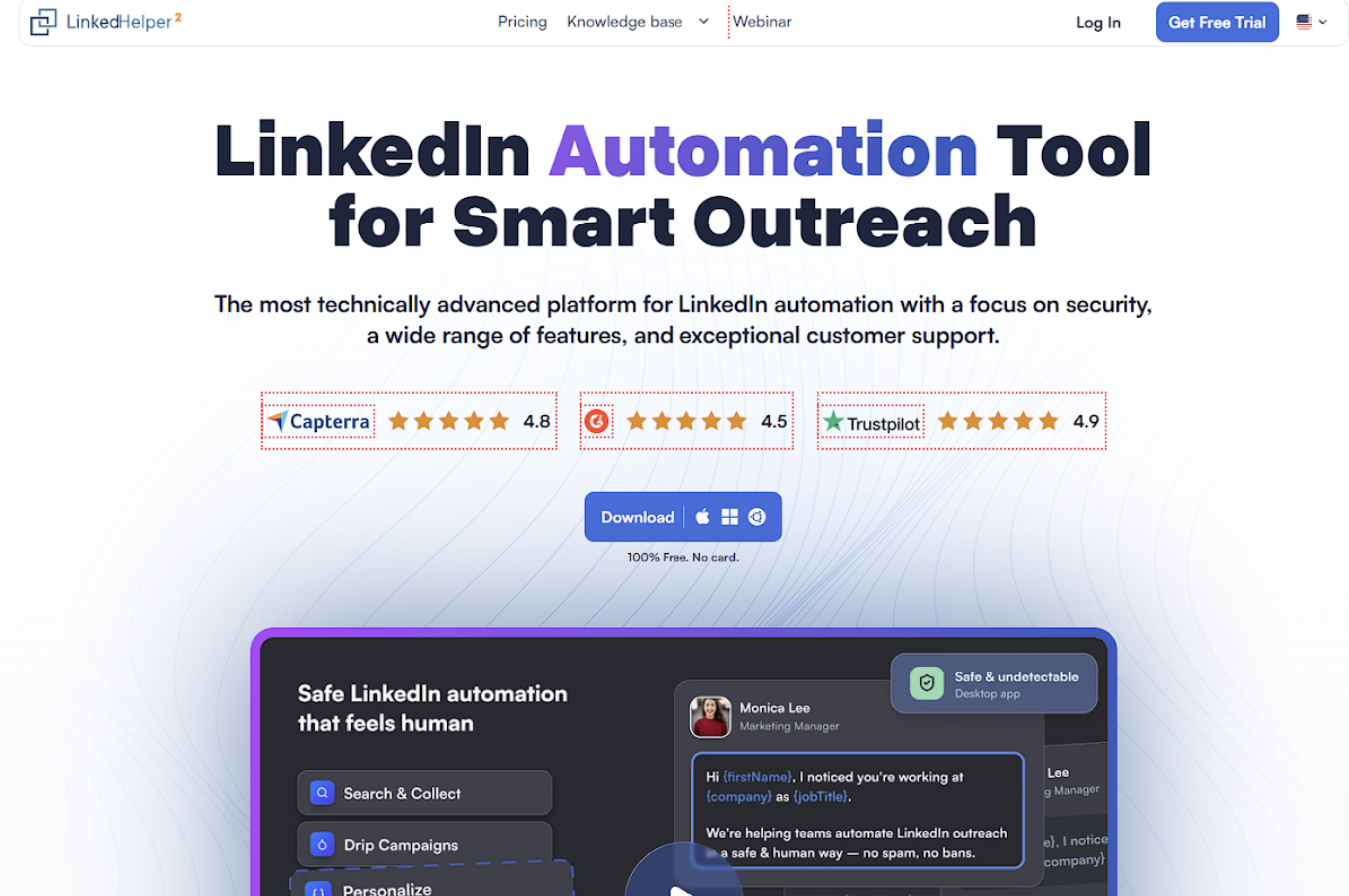
Linked Helper takes an automation-first approach that goes further than most tools are willing to go. The platform automates a wide range of LinkedIn actions: connection requests, messages, profile visits, skill endorsements, post likes, and InMail sequences, all with detailed targeting options and CRM-style lead management.
The depth comes with a tradeoff. Linked Helper runs as a browser-based application rather than fully in the cloud, which introduces more detection risk than dedicated cloud platforms. It also requires more configuration time to use properly.
For technically confident users who want comprehensive LinkedIn automation capabilities and are willing to manage the safety implications carefully, it offers more control than most competitors.
Best for: Technical users who need comprehensive LinkedIn automation across a wide range of actions
Quick Comparison Table
| Tool | Type | Best For | Multichannel | Safety Level |
|---|---|---|---|---|
| Dealsflow | Cloud | B2B sales teams, agencies | Yes | High |
| HeyReach | Cloud | Multi-account volume | Limited | High |
| Lemlist | Cloud | Deep personalization | Yes | High |
| Salesflow | Cloud | Team inbox management | Yes | High |
| La Growth Machine | Cloud | Unified multichannel logic | Yes | High |
| Expandi | Cloud | Solo operators, safety-first | Limited | High |
| Dripify | Cloud | Fast setup | Limited | Medium-High |
| We-Connect | Cloud | Budget outreach | Limited | Medium |
| Waalaxy | Cloud | Non-technical users | Yes | Medium-High |
| Linked Helper | Browser | Advanced automation logic | No | Medium |
How to Pick the Right Tool for Your Situation
With ten solid options on this list, the decision comes down to a few practical questions.
Are You a Solo Operator or Managing a Team?
Solo users can get away with simpler tools like Expandi, Dripify, or We-Connect. Teams benefit from platforms with shared inboxes, multi-account management, and per-rep analytics.
Is LinkedIn Your Primary Channel or One of Several?
If LinkedIn is everything, a LinkedIn-first tool like Dealsflow or HeyReach makes sense. If you need email and LinkedIn genuinely coordinated, Lemlist or La Growth Machine handles that better.
Are You Using LinkedIn for SEO-Driven Outreach?
Link builders and digital PR teams increasingly use LinkedIn alongside traditional email to reach site owners and editors. In that context, knowing which SEO keywords your target sites are ranking for helps you build more relevant prospect lists and write outreach angles that land. Tools with conversion-level analytics like Dealsflow make it easy to track which segments and angles are actually generating responses.
How Important Is Personalization Depth?
Basic variable insertion is enough for some use cases. If your prospects receive a lot of automated outreach and you need messages to feel individually written, Dealsflow or Lemlist are the right tools.
What Is Your Technical Tolerance?
Linked Helper and La Growth Machine reward users who invest time in setup. Waalaxy and Dripify are built for people who need to be operational quickly.
Mistakes That Get LinkedIn Accounts Restricted
Running good outreach is as much about what you avoid as what you do.
Ignoring Daily Limits
LinkedIn has gotten stricter. Staying under 20 connection requests per day for new accounts and under 50 for established ones is the safe range in 2026. Pushing harder than this for short-term volume almost always results in temporary or permanent restrictions.
Skipping Account Warmup
New LinkedIn accounts that immediately start sending high volumes of connection requests look like bots. Every reputable tool has a warmup sequence. Using it is not optional.
Neglecting Your Profile
Automation drives traffic to your profile. A vague headline, no recent posts, and a generic summary kill acceptance rates regardless of how good your message is. Sort the profile before scaling outreach.
Using the Same Message for Every Segment
Running the same sequence for a VP of Engineering and an HR Director at the same company type will produce weak results for at least one of them. Segment your lists and write for the specific person.
Choosing Tools Based on Price Alone
A free or very cheap tool that gets your account restricted costs you far more than a mid-tier paid platform used properly. Account safety is worth paying for.
Conclusion
The best LinkedIn automation tools in 2026 share a few things in common: cloud-based safety infrastructure, personalization that goes beyond variable insertion, and analytics that tell you something meaningful about what is working.
Key Takeaways
- Dealsflow is the strongest all-round platform for teams serious about B2B outreach
- HeyReach solves the multi-account volume problem better than anyone else
- Lemlist and La Growth Machine lead on true multichannel personalization
- Dripify and Waalaxy are the fastest to get up and running for simpler use cases
- Account safety is not negotiable in 2026 — cloud tools with daily limits are the baseline
Whichever tool you go with, the mechanics of automation are a small part of the outcome. A clean, well-qualified list and a message that reads like it was written for a specific person will outperform high-volume generic outreach every time.
 Frequently Asked Questions
Cloud-based tools like Dealsflow, HeyReach, Expandi, and Salesflow are the safest options in 2026. They operate through dedicated IP addresses on remote servers, randomize activity timing to mimic human behavior, and enforce daily limits automatically. Browser-based tools like Linked Helper carry higher detection risk because they run directly inside your active browser session, making behavioral patterns easier for LinkedIn to flag.
LinkedIn currently allows roughly 100 connection requests per week per account, which works out to around 15 to 20 per day. For accounts that are new or have recently been warmed up, staying under 10 to 15 per day for the first month is the safer approach. Pushing past these limits, even temporarily, increases the chance of triggering a review or temporary restriction.
Yes, and the combination works well. Sales Navigator lets you build significantly more precise lead lists using filters like department, seniority, company growth signals, and recent job changes. Those tighter lists improve conversion rates when fed into an automation tool because you are starting with better-qualified prospects rather than broad searches.
Cloud-based tools run on external servers and operate through your LinkedIn account via a stable dedicated IP address. They work in the background without needing your device to be on. Browser-based tools run directly inside your active browser session, which means your laptop needs to stay open and creates a stronger behavioral fingerprint for LinkedIn to detect. Cloud tools are safer and more scalable for anything beyond occasional light use.
Yes, and this is an increasingly common use case in 2026. Finding site owners, editors, and content managers on LinkedIn and running personalized outreach sequences is often more effective than cold email for link building. Tools like Dealsflow and Skylead are particularly well-suited for this because they combine multichannel sequencing with conversion analytics that let you track which outreach angles generate responses from link prospects.
Most well-structured campaigns see initial replies within the first one to two weeks. Response rates vary significantly based on list quality, message personalization, and the relevance of your offer to the target audience. A typical benchmark for a well-optimized sequence is a 25 to 40 percent connection acceptance rate and a 15 to 25 percent reply rate on follow-up messages, though these numbers shift based on industry and targeting quality.
Stop all automated activity immediately and do not attempt to work around the restriction with another tool. Log into LinkedIn manually and follow any account verification steps they prompt you with. After the restriction is lifted, restart outreach at a much lower daily volume and build back up gradually. Avoid using the same tool or settings that triggered the restriction. If the ban is permanent, the account is not recoverable through the same email address.
A handful of tools offer limited free tiers. Waalaxy and Phantombuster both have free plans with restricted features. Lemlist offers a trial period. For anything beyond basic testing, free tools hit their limits quickly and often lack the safety features that protect your account. The cost of a paid tool is typically justified if it contributes even one or two qualified meetings per month. Treating automation as a fixed cost rather than a variable expense tends to lead to better tool choices.
It depends on the tool. Waalaxy and Dripify are designed specifically for non-technical users and can be set up in minutes. La Growth Machine and Linked Helper have steeper learning curves and reward users who invest time in configuration. Dealsflow and Salesflow sit in the middle: more capable than entry-level tools but not requiring technical expertise to use effectively.
Most reputable cloud-based tools built for B2B use cases handle GDPR compliance through data minimization practices, allowing users to delete prospect data on request, and not storing sensitive personal information beyond what is needed for campaign operation. If you are running outreach into European markets, check whether the tool has explicit GDPR documentation and data processing agreements available. Dealsflow, Salesflow, and HeyReach all address compliance in their product documentation.
Disclaimer
This article is for informational purposes only and does not constitute professional, legal, or business advice. The tools and platforms mentioned are provided as examples based on general industry observations and do not represent endorsements or guarantees of performance.
Users are responsible for ensuring their use of LinkedIn automation tools complies with LinkedIn’s terms of service and applicable regulations. Misuse of automation tools may result in account restrictions or other consequences.
iplocation.net shall not be held liable for any actions taken or outcomes resulting from the use of the information or tools referenced in this article.
Featured Image generated by ChatGPT.
Share this post
Author

Read the latest articles from Aiyla Eylül
Topical Authority vs Backlinks: What Actually Wins on Google Search Today?
April 13, 2026
Over time, the SEO world has been governed by a simple gospel: more backlinks, higher rankings. Create links, gain links, purchase links (if you were willing to take that route), and watch your pages move up the search results. It was a straightforward, transactional relationship between effort and outcome. Howev [...]
Learn moreFrom Static Pages to Smart Experiences: The Evolution of the Web

April 7, 2026
The first version of the internet was a mere digital library. In 1989, when Tim Berners-Lee created the World Wide Web, pages were static, meaning they were coded by hand in HTML, served up on a server, and passively consumed by whoever happened to stumble upon them. You were able to read, but not to inte [...]
Learn moreLeave a comment
All comments are moderated. Spammy and bot submitted comments are deleted. Please submit the comments that are helpful to others, and we'll approve your comments. A comment that includes outbound link will only be approved if the content is relevant to the topic, and has some value to our readers.
Comments (0)
No comment