
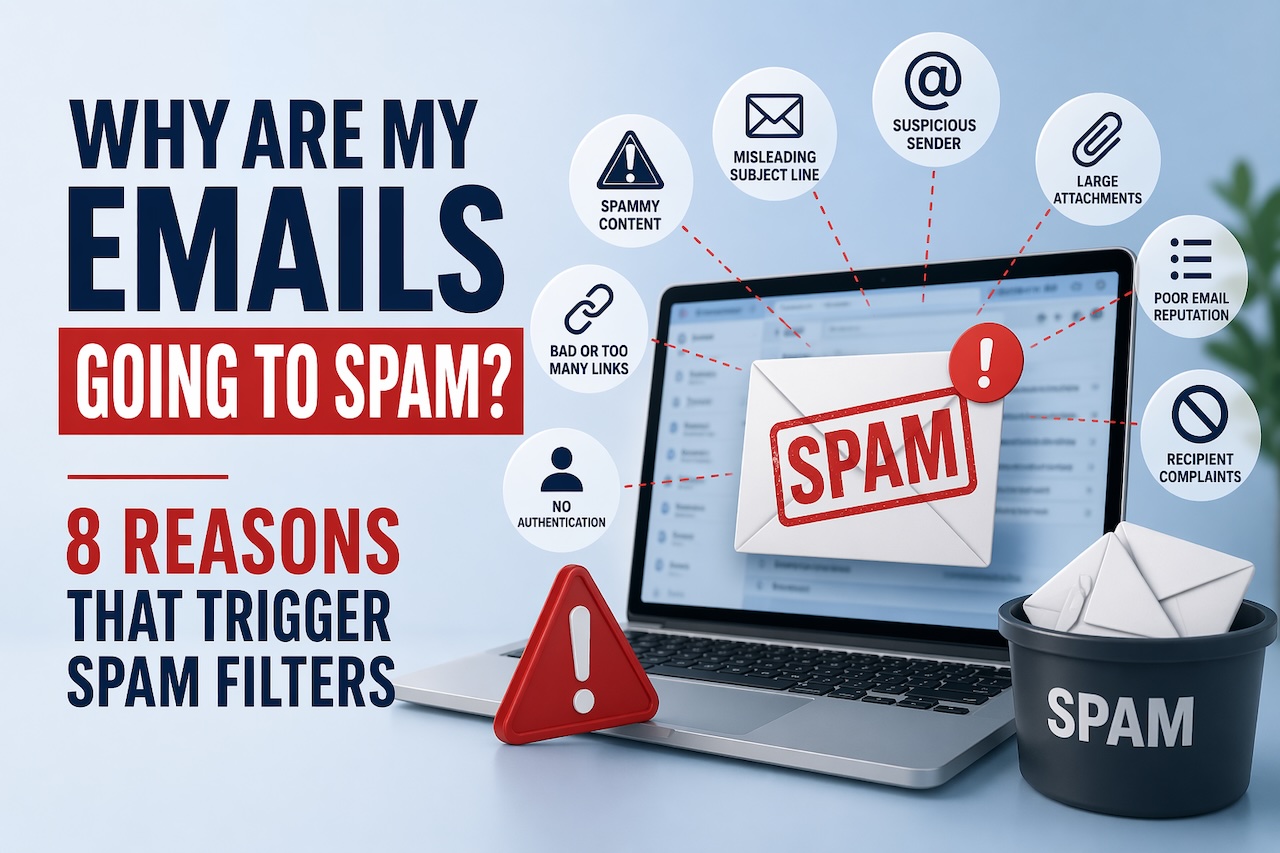
Email marketers often ask themselves this painful question: “Why are my emails going to spam?” If you are also looking for an answer, you are not alone. In this article, we will look at the main reasons why your campaigns are not reaching the recipient’s inbox and what to do about it.
8 Potential Reasons Why Your Emails Are Going to Spam
Few things frustrate senders more than seeing a perfectly planned campaign end up in the spam folder. Today’s filtering systems behave more like complex reputation engines. They look for strong authentication setups, learn from subscriber actions, and detect risky sending patterns before they trust your emails.
When you use an email spam checker regularly, you can see how effectively your messages are reaching your subscribers. If your emails are landing in spam, chances are one of these eight factors is the reason:
1. Your sender reputation has been damaged.
Mailbox providers like Gmail, Outlook, and Yahoo track your domain’s behavior over time. If they see suspicious activity like sending volume spikes, high bounce rates, low engagement, or an increase in spam complaints, they may flag your domain as riskier.
A damaged reputation is one of the hardest issues to recover from because it affects every future send. Building it back requires clean list practices, consistent volumes, proper segmentation, and sending only relevant content that your users will interact with. If you start a new domain, warm it up gradually, maintain steady volume, and follow best practices.
2. Your authentication is missing or misconfigured.
Authentication has become non-negotiable, not just recommended. If you’re not using SPF, DKIM, and especially DMARC, mailbox providers have no reliable way to verify that you’re a legitimate sender. Last year, providers tightened enforcement even further. Gmail, Yahoo, and Microsoft now require bulk senders of over 5,000 emails daily to authenticate and maintain DMARC alignment.
Set up authentication records for your domain correctly and enforce DMARC policy to “quarantine” or “reject” to stay compliant. With a DMARC inspector tool like DMARKOFF, you can continuously monitor your DMARC reports, quickly spot authentication issues, and get clear guidance on what to fix. Smart alerts notify you about suspicious activity or failures, and integrated AI analysis helps you understand your data without digging through raw reports.
Collaboration is built in from the start. You can safely invite team members or share access with clients and consultants at no extra cost, while keeping full control over your projects in one place.
Pricing is often designed to be straightforward. You pay only for the domains you monitor (not for users, messages, or bundled features), making it easier to scale without hidden limits or unexpected costs.
3. Your email list needs cleaning.
Often, the problem isn’t in your email, but in who you’re sending it to. Old, purchased, or low-quality lists cause high bounce rates, spam trap hits, low engagement, and more complaints. Mailbox providers notice these patterns immediately.
Use confirmed opt-ins, remove inactive subscribers, and never buy lists.
4. You’re sending too many emails at once.
Sudden volume spikes look suspicious, even if your intentions are good. At the same time, sending too infrequently creates unpredictable activity that filters don’t trust.
Mailbox providers reward consistent behavior, not random blasts. Maintain a steady volume and scale it gradually.
5. Your content triggers spam filters.
You’ve probably seen those long lists of “spam trigger words”: free, guaranteed, limited offer, etc. These once-popular checklists are now considered outdated. Modern filters don’t penalize you simply for using a promotional phrase. Many brands use them every day with no issues.
Instead, filters look at how recipients behave with your content and whether it matches their expectations. When your email design has technical issues, it can simply land in spam. For instance, if the HTML code is broken or heavily designed.
Common content-related triggers include:
- Irrelevant messaging that leads to low engagement;
- Broken HTML formatting;
- Suspicious or many URLs;
- Image-heavy emails or large attachments;
- Unoptimized mobile rendering;
- Deceptive styling (excessive caps, punctuation, or misleading buttons).
Mailbox providers no longer scan only for spam trigger words. They scan more for sender trustworthiness and campaign relevance. Focus on clean formatting, clear messaging, and content that your audience expects and interacts with.
6. Your subscribers aren’t engaging.
Engagement has become the strongest deliverability signal. When recipients open, click, reply, star, or forward your emails, filters interpret this as a sign of trust. When they scroll past, delete without reading, or ignore your messages for months, the opposite happens.
Low engagement across a large portion of your list is one of the biggest spam drivers. Segment non-engaged users, run re-engagement campaigns, and focus on sending value, not volume. Manage your customer behavior to send them the right content and strengthen your deliverability.
7. Your domain or IP has been blocklisted.
Blocklists warn mailbox providers when a domain or IP has been associated with harmful or suspicious activity. Sometimes it’s a real issue; sometimes it’s inherited from another sender using shared infrastructure.
A blocklisted domain or IP doesn't always guarantee spam placement, but it definitely works against you. Monitor blocklists regularly and address issues quickly. Consider using a dedicated IP address, so your campaigns aren’t affected by others under the same IP. Tools like GlockApps let you check your domain and IP against major blocklists to spot and resolve issues on time.
8. You’re sending from a free or inconsistent “From” address.
Sending newsletters or campaigns from free non-branded mailboxes is one of the fastest ways to get filtered to the spam folder. Email providers expect companies to use authenticated, custom domains for commercial correspondence, not personal addresses.
Also, constantly changing your “From” name or address confuses both users and filters. Use a dedicated, branded domain and keep your “From” name consistent.
Closing Thoughts
Emails usually end up in spam, not because of a single mistake, but because of complex issues with your sender reputation. The good news is that most deliverability issues can be resolved, and you can see improvements in a relatively short time. Authenticate your domain properly, test your emails for spam with tools such as GlockApps regularly, and send relevant content that your audience is really interested in. Spam filters rely far more on how your subscribers behave, so it’s vital to engage your readers with valuable material.
Featured Image generated by ChatGPT.
Share this post
Author

Leave a comment
All comments are moderated. Spammy and bot submitted comments are deleted. Please submit the comments that are helpful to others, and we'll approve your comments. A comment that includes outbound link will only be approved if the content is relevant to the topic, and has some value to our readers.
Comments (0)
No comment