
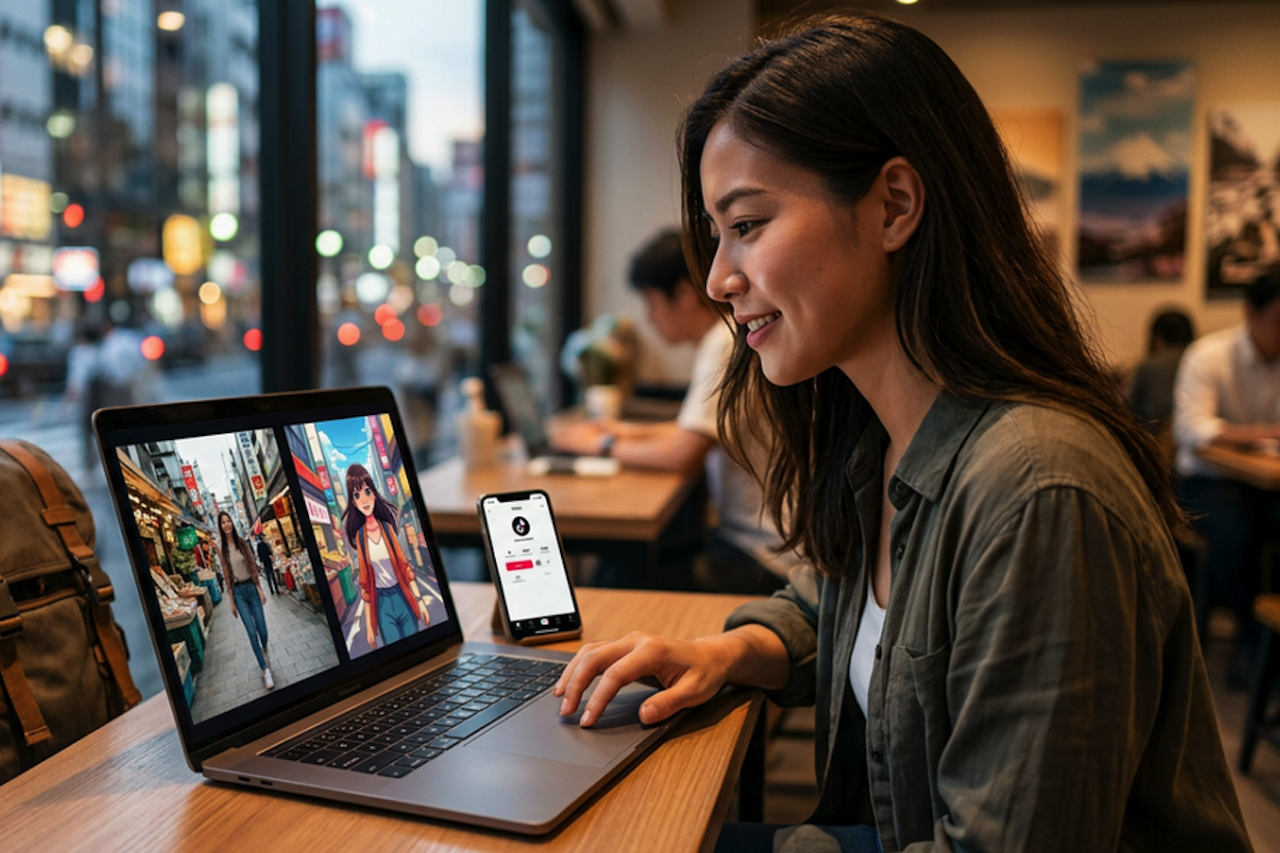
You come back from a shoot with footage that’s good enough to use. The lighting works, the movement feels natural, and a few clips could easily become social media teasers. Then you hit the usual wall: making them look anime-inspired, illustrated, or cinematic often means learning effect-heavy editing, testing plugins, and trying to keep everything visually consistent.
That’s where many beginners get stuck. You don’t need to create a new video from scratch. You already have the footage. What you need is a quicker way to change the look of the clip without losing its original pacing and motion. A browser-based tool, such as Media.io, is useful here because it lets you repurpose your footage instead of rebuilding it.
The Real Problem Behind Video Restyling
Video restyling sounds straightforward until you try to do it by hand. One effect shifts the colors too much. Another softens the subject. A style that works on one clip falls apart on the next. Then comes the tool switching: edit in one place, apply an effect somewhere else, export, reimport, and repeat. For beginners, that gets tiring fast.
It also helps to define the task correctly. This is not text-to-video. You are not generating a new scene from a prompt. You are restyling footage you already shot. The goal is to keep the original action, scene feel, and camera movement while giving the clip a different visual treatment. Video to video tools are designed to preserve the underlying footage while applying a new visual style.
That matters even more for short social posts. If you want to reuse an existing moment, a new style can make familiar footage feel fresh again. The shot is the same, but the presentation gives it a different energy.
What a Publishable Result Should Look Like
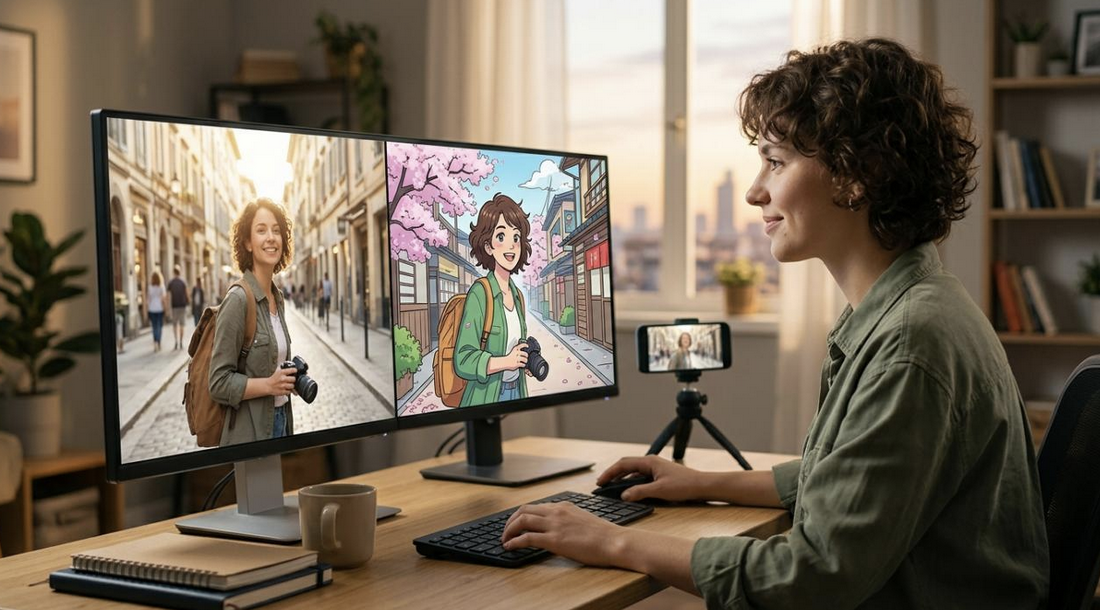
A publishable result does not have to be flawless. It just has to feel solid enough to share. In most cases, that means the restyled clip still has recognizable motion, stays visually consistent, and looks intentional from start to finish.
For digital teasers, good output usually comes down to a few basics: the subject stays clear, the scene holds together across frames, and the style fits the mood of the video.
Example: An anime styling often suits neon city streets, transit scenes, or fast-paced action clips, while a softer illustrated look can work better for quiet outdoor settings, cafés, or slower scenic shots.
Browser-based creative platforms can simplify video restyling by bringing style-focused workflows into one place. Media.io is one example of a tool that enables users to experiment with different visual treatments without switching between multiple applications. This approach can make it easier to evaluate styles and repurpose existing footage for short-form content.
How to Apply Video-to-Video AI to Existing Footage
Step 1. Upload Your Source Clip and Decide the New Look
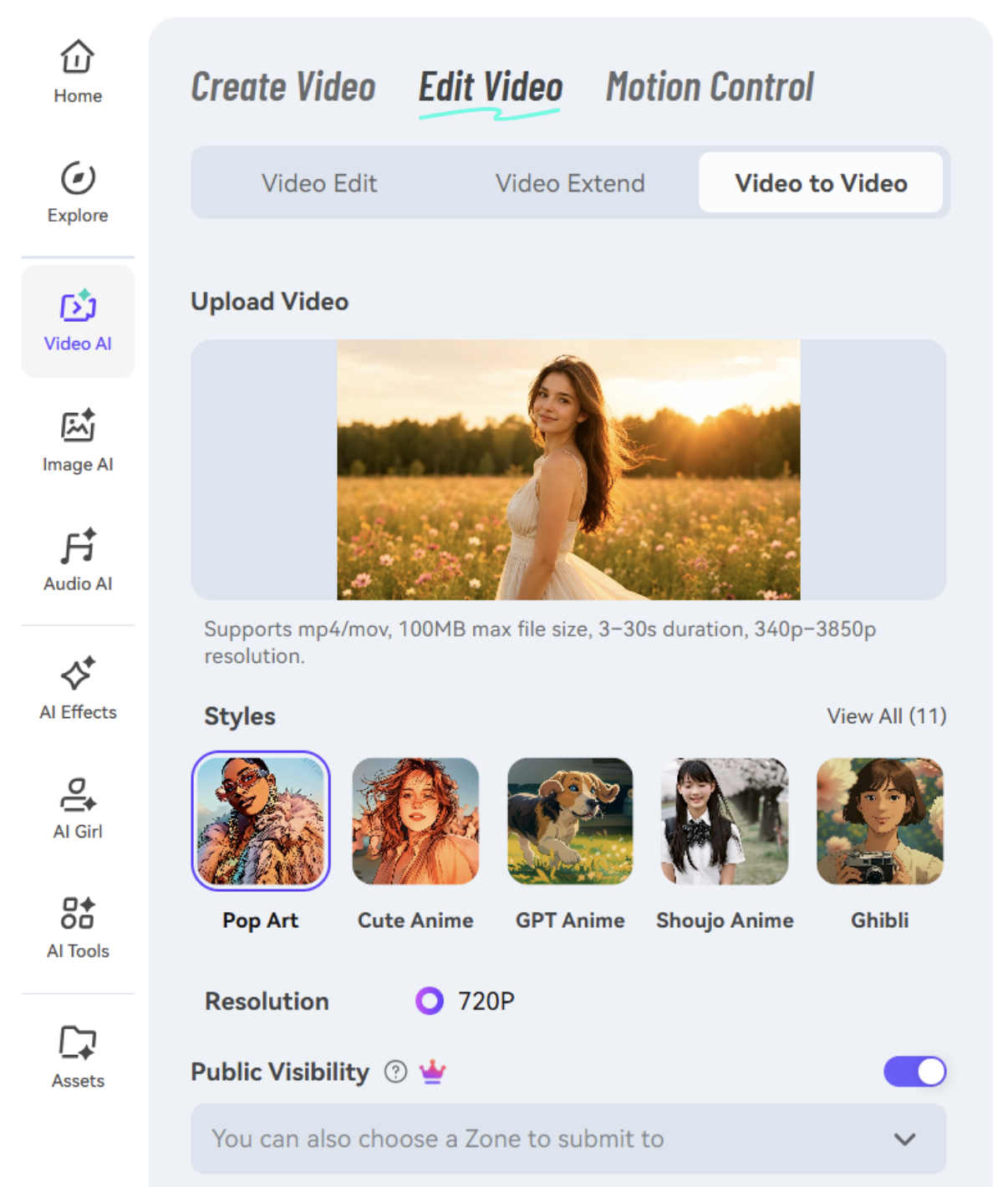
Start by uploading a short clip you want to reuse into a video-to-video AI tool that supports style transfer. For a first test, pick something simple: one clear subject, one clean movement, or one easy scene.
Before you generate anything, decide on the look you want. That could be anime-inspired, cinematic, illustrated, or another stylized treatment. The more clearly you define the direction, the easier it is to judge whether the result is actually working. If you skip this step and experiment without a direction, the output usually feels random rather than intentional.
Step 2. Choose a Style Template and Adjust the Transformation
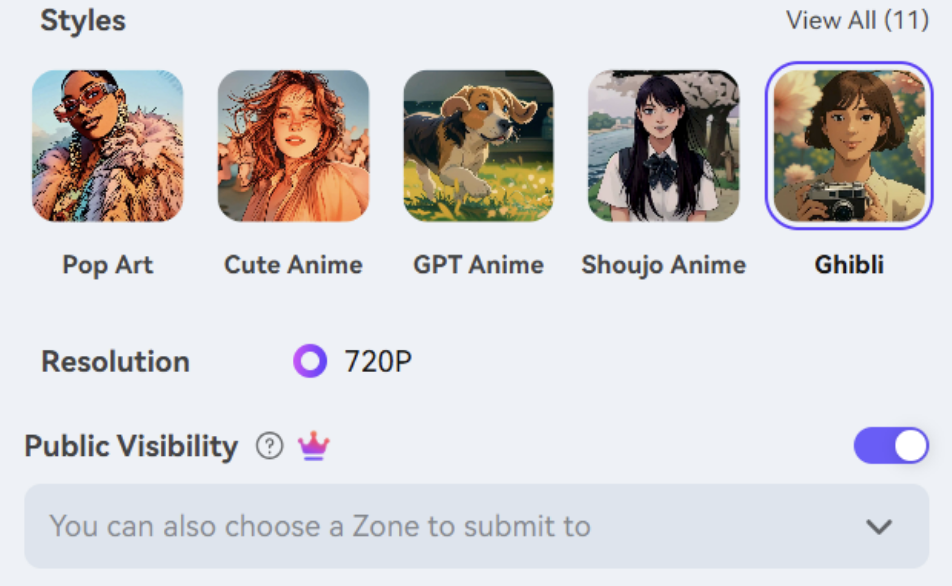
Once the clip is uploaded, choose a style template or visual mode that fits the footage. This is where most of the creative decision-making happens. The goal is to restyle the clip while keeping the motion readable.
Adjust the transformation strength with some care. If the effect is too light, the clip may barely look different. If it is too strong, you can lose facial detail, background clarity, or the sense of place that made the footage worth using.
Note: If you are testing a style for the first time, start with shorter footage. A 5- to 10-second clip is usually enough to see whether the motion, detail, and continuity hold up.
Step 3. Generate, Preview, and Save the Best Version
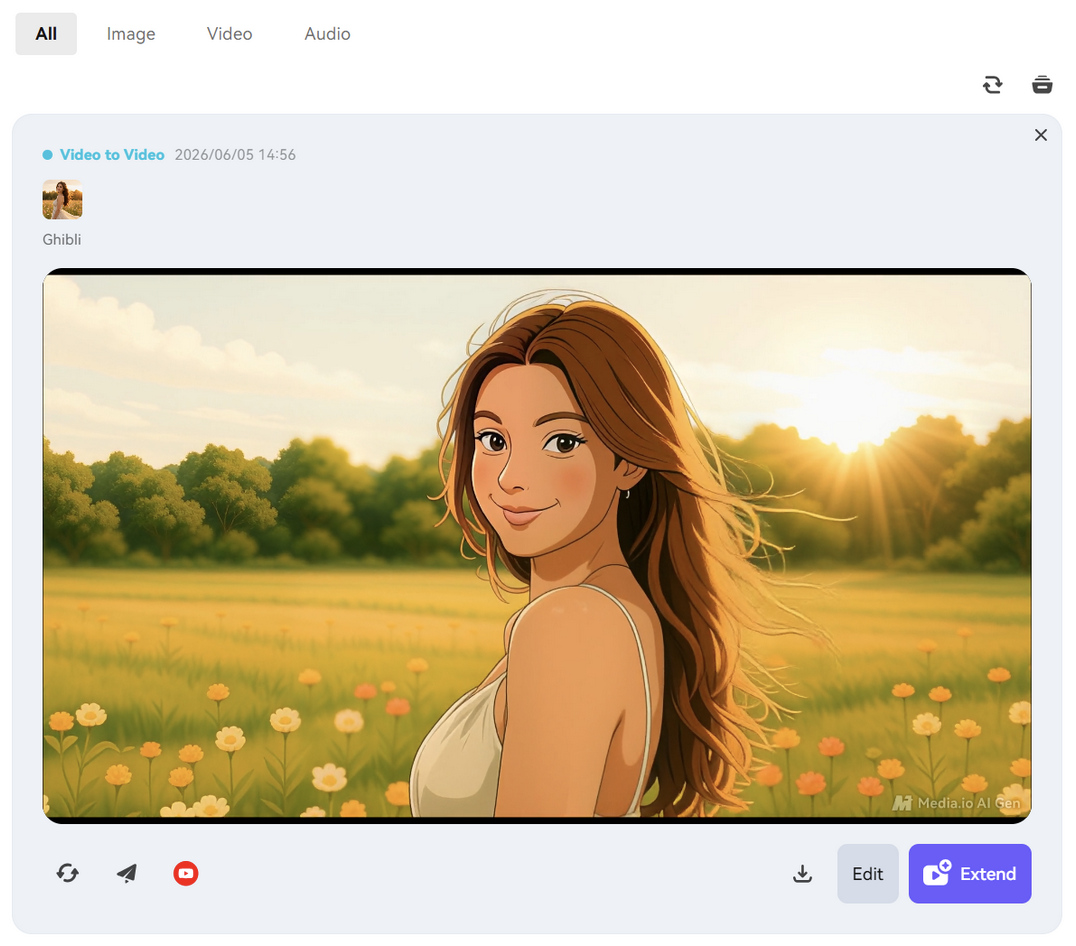
Generate the restyled clip, then watch the whole thing before deciding. Don’t judge it from the opening second alone. Check whether the subject stays recognizable, whether movement still feels natural, and whether the style stays stable across the scene.
If the result feels too heavy or uneven, try again with a different style direction or a lower strength setting. That back-and-forth is normal. It is often the difference between a result that looks interesting and one that is ready to post.
Once you land on a version that works, save it and move on to your final edit if needed. You can trim it, add captions, drop in music, or turn it into a teaser post. Many video-to-video AI tools are designed to streamline visual restyling without requiring a full manual re-edit.
Tips and Mistakes to Keep in Mind
A few habits make this easier from the start:
- Use clips with a clear subject and fairly steady motion. A person walking down a path, a smooth camera pan, or a simple product reveal usually transforms better than shaky handheld footage or crowded scenes with too much happening at once.
- Match the style to the overall mood. A bold anime look can suit fast urban footage, while softer lifestyle clips often work better with a less aggressive treatment.
The common mistakes are predictable:
- Starting with messy footage and expecting the tool to fix everything. It won’t.
- Pushing the style strength too far because the first preview looks dramatic. That usually hurts readability.
- Assuming every clip will work on the first pass. Some will, some won’t. Results vary based on footage quality and the style you choose.
In practice, cleaner footage and lighter adjustments usually give you a better starting point.
Final Takeaway
You do not need advanced editing skills to give your footage a new visual identity. If the original clip already works, the main job is finding a faster way to change the style without losing the moment itself.
That’s why video-to-video AI is useful for content creators. It gives you a quicker way to test different looks on footage you already like, without rebuilding the clip from scratch. If your video feels plain but still worth posting, this is a practical way to give it a second life.
 FAQs
FAQs
Yes. The workflow is simple enough for beginners: upload footage, choose a style, generate a version, and review the result. You still need to judge what looks good, but you do not need advanced editing skills to get started.
Start short. Around 5 to 10 seconds is usually enough to check whether the style holds up, the motion stays clear, and the clip still feels usable before you try longer footage.
Usually, yes, if the effect is balanced well. A good result should keep the original motion and scene structure while changing the visual style layered on top.
Featured Image generated by ChatGPT.
Share this post
Author

Read the latest articles from Shahid Latif
AI Video Enhancer: Your Videos Don’t Look Professional? Here’s the Fastest Fix
June 1, 2026
Ever invest hours into making a video only to upload and find it looks blurry, dull, or just… not professional?
Learn moreHow to Create Blog Visuals Faster with Text-to-Image AI
May 29, 2026
Publishing a strong blog post already takes enough time. After the research, writing, editing, and formatting, you still need visuals that fit the piece. That’s often where the process slows down. Stock photos can feel generic, custom design can take days, and even a simple header image may turn into a [...]
Learn moreLeave a comment
All comments are moderated. Spammy and bot submitted comments are deleted. Please submit the comments that are helpful to others, and we'll approve your comments. A comment that includes outbound link will only be approved if the content is relevant to the topic, and has some value to our readers.
Comments (0)
No comment