
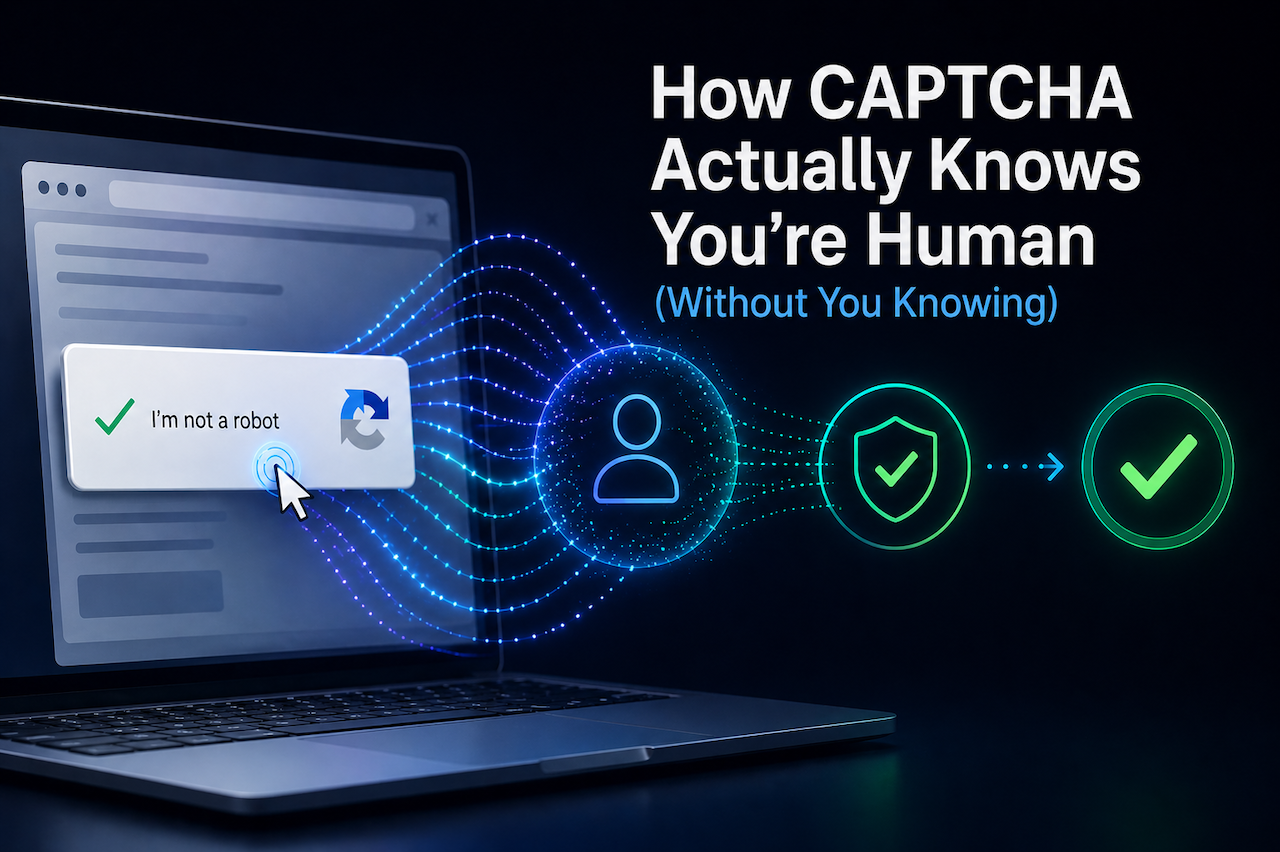
The "I'm not a robot" checkbox is one of the most successful misdirections in web UX. Users think they're proving humanity by clicking it. They're not. The verification happened before the click — the box is just where you confirm you'd like to commit to the result.
This post walks through what's actually being measured, and why the "click here" interaction is mostly theater.
The signal collection starts on page load
The moment the CAPTCHA widget loads on a page, it begins collecting passive telemetry:
- Mouse trajectory. Where the cursor is, how fast it moves, whether it accelerates and decelerates the way human hands do. Bots that drive a synthetic cursor produce suspiciously straight lines and constant velocities.
- Timing distributions. How long between page load and first interaction, between focus events, between keystrokes. Humans cluster around recognizable distributions; scripts don't.
- Browser fingerprint. Canvas rendering, audio context, fonts, hardware concurrency, screen dimensions, timezone, language preferences. None of these alone are unique, but in combination they form a probabilistic signature.
- Network signals. Source IP reputation, ASN type, TLS fingerprint (the order and parameters in your TLS handshake are surprisingly distinctive).
- Behavioral entropy. Real human behavior has high entropy — small unconscious movements, mistakes, corrections, pauses. Scripts have low entropy unless explicitly randomized, and even then the randomization itself is detectable.
By the time you click the checkbox, the system has already scored you. The checkbox click confirms you're acting on the result.
What "invisible CAPTCHA" actually means
Some CAPTCHAs don't show any UI to the user at all. Often called "invisible" or "v3-style." These are not magic — they use the same passive signals listed above and produce a risk score, which the website then acts on.
The tradeoff is:
| Visible CAPTCHA | Invisible CAPTCHA |
|---|---|
| User sees a clear "verified" moment | User has no idea verification happened |
| Adds explicit cost (clicks, seconds) for bots | Bots can iterate without friction |
| Works on any device that can render UI | Requires JS, fails closed if blocked |
| Provides a clear failure mode (challenge, retry) | Failures look like silent errors to users |
In practice, the most effective approach for many sites is a hybrid model: invisible checks by default, with a visible challenge only when the risk score crosses a defined threshold. This keeps the experience fast and seamless for the majority of legitimate users while still applying stronger verification to higher-risk traffic, as seen in implementations such as captcha.la.
What CAPTCHA cannot reliably detect
A few common assumptions are wrong:
- A specific known device. CAPTCHAs estimate "this looks like a browser" or "this looks like an automation tool," but a sophisticated bot using a real Chrome instance with humanized cursor movement can pass most public CAPTCHAs. The defense becomes economic, not technical: raise the per-attempt cost.
- Whether you're you specifically. CAPTCHA is verifying behavior class, not identity. It can tell a bot from a human; it can't tell you from your roommate.
- Intent. A CAPTCHA can't distinguish a human submitting a legitimate signup from a human paid $0.001 per solve in a click farm. Both look the same to the verification layer.
This is why CAPTCHA alone has never been a complete defense. It's one layer in a system that includes rate limiting, account-level fraud checks, and post-signup behavioral monitoring.
How Modern CAPTCHA Systems Layer Signal Collection
Most modern CAPTCHA implementations begin collecting passive signals as soon as the widget loads, often before the user interacts with the page. By the time a user clicks or submits a form, a risk score has already been calculated and a decision made: silent pass, minimal interaction, or an escalated challenge.
Two implementation properties worth knowing:
- Trajectory and timing data are typically signed and bundled into a verification token, allowing the server to independently validate the request. This helps prevent replay attacks, where a bot attempts to reuse a legitimate user's verification token.
- Verification tokens are usually single-use and short-lived (often expiring within a few minutes). Even if a token is exposed, it cannot be reused successfully once consumed or expired.
The takeaway
CAPTCHA isn't about the puzzle. It's about everything that happens around the puzzle. The puzzle is the visible commitment; the actual verification is the passive signal collection that started the moment the widget loaded.
If you're thinking about which CAPTCHA to use for your site, the question to ask isn't "what's the puzzle UX." It's "what signals does it collect, and can my backend independently verify them." The first part decides whether real users will hate it. The second part decides whether bots will get through anyway.
Featured Image generated by ChatGPT.
Share this post
Leave a comment
All comments are moderated. Spammy and bot submitted comments are deleted. Please submit the comments that are helpful to others, and we'll approve your comments. A comment that includes outbound link will only be approved if the content is relevant to the topic, and has some value to our readers.
Comments (0)
No comment