
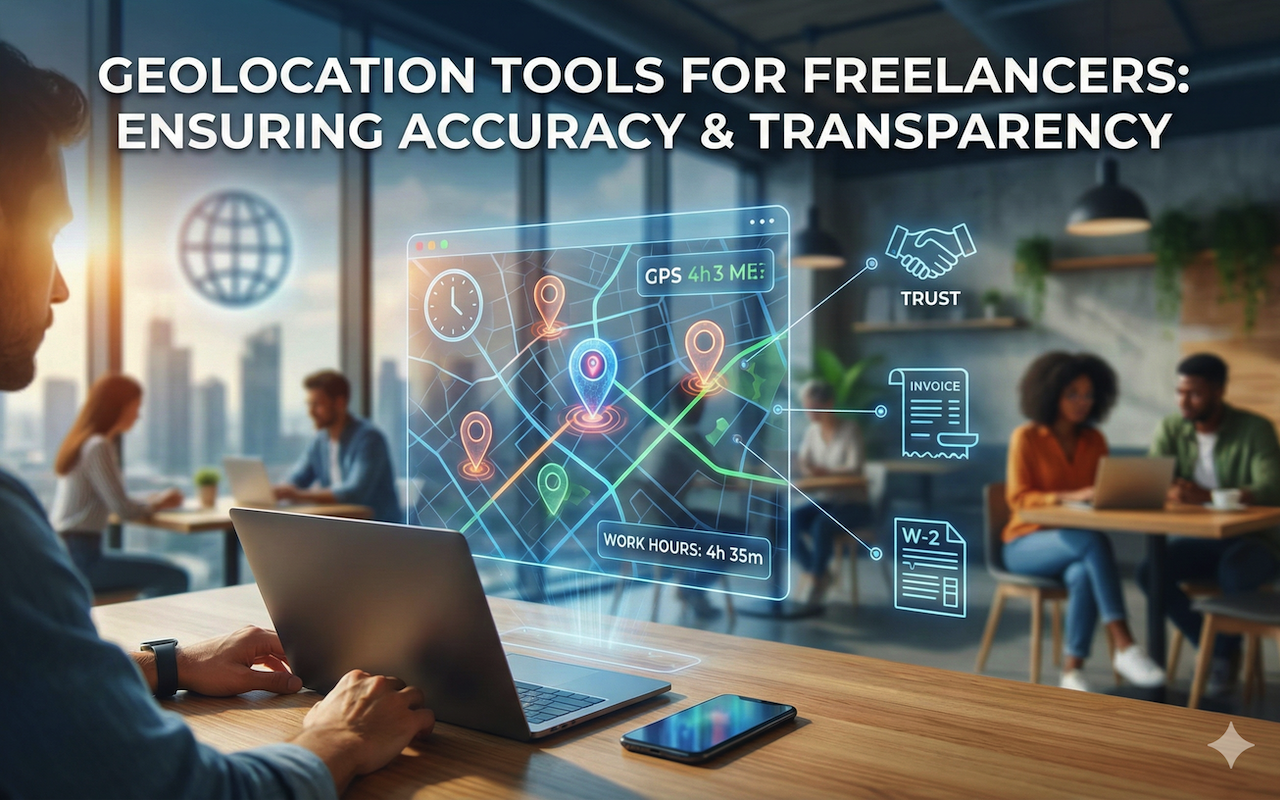
Freelancing has become a mainstream career choice for professionals across industries. With the freedom to choose projects and clients comes the responsibility to manage one’s own workflow and accurately report hours worked. Unlike traditional office environments, freelancers often work remotely from various locations, making it challenging for clients and managers to verify work hours and project contributions. This is where geolocation tools step in, offering a practical solution for freelancers to track time, location, and productivity with precision.
The Need for Geolocation Tools in Freelancing
Remote work can blur the lines between personal and professional life. Without a structured office environment, it becomes easy to lose track of hours spent on specific projects or clients. Accurate reporting is critical not only for building trust with clients but also for ensuring proper payment for services rendered. Reporting errors can lead to disputes, delayed payments, and damaged professional relationships.
Geolocation tools help address this challenge by recording where and when work is performed. By integrating location data with time-tracking features, freelancers can provide verified proof of work, which benefits both the freelancer and the client. These tools add a layer of transparency to remote work, making freelance work more reliable and professional.
How Geolocation Tools Work
Geolocation tools use GPS and network-based location services to track a device's physical location in real time. For freelancers, this means that each check-in, task update, or time log can be associated with a specific area. This functionality is handy for freelancers who work on-site at multiple clients, as well as those who need to demonstrate that they spend a particular amount of time on a client’s premises.
Most modern geolocation tools offer features like automatic time tracking, location stamping, and activity monitoring. Some tools allow users to take photos or add notes linked to a location, providing additional verification for clients. Others can generate detailed reports that combine time, location, and project details, which simplifies invoicing and payment reconciliation.
Benefits for Freelancers
- Transparency and Trust: Clients often hesitate to hire freelancers without assurance that work hours are accurate. By using geolocation tools, freelancers can demonstrate accountability, fostering trust and encouraging repeat business.
- Accurate Time Management: Geolocation tools enable freelancers to track how long they spend on each task and project. This data helps freelancers analyze productivity trends, optimize their schedules, and avoid overbooking or underestimating project timelines.
- Simplified Invoicing: Freelancers can generate reports that provide precise details on time spent at specific locations, improving invoicing accuracy. Clear documentation reduces payment disputes and speeds up the billing process.
- Compliance and Verification: For freelancers working with corporate clients, some contracts require proof of on-site attendance or project completion. Geolocation tracking ensures that all reporting is verifiable and compliant with client requirements. In addition, freelancers preparing documents such as W-2 forms or other tax-related paperwork can easily reconcile hours worked with income earned.
Popular Geolocation Tools for Freelancers
There are several geolocation tools tailored for freelancers and remote workers. Apps like Hubstaff, Toggl Track, and Time Doctor combine time tracking with location features to provide comprehensive work reports. These tools allow freelancers to automate reporting while maintaining flexibility in how and where they work.
Additionally, many platforms offer integration with other productivity apps, project management tools, and invoicing software. This connectivity allows freelancers to maintain a streamlined workflow without manually transferring data across multiple systems. By automating location and time tracking, freelancers can focus more on their work and less on administrative tasks.
Integrating Geolocation Data With Payroll and Financial Tools
Beyond tracking hours, geolocation tools can also enhance financial management for freelancers. For instance, location-based time tracking can integrate with payroll solutions and invoicing systems to automatically generate detailed reports. This functionality reduces errors in payment calculations and ensures that freelancers are compensated fairly.
Freelancers managing multiple income streams may also find it helpful to combine geolocation data with other tools, such as a pay stub generator. By generating professional pay stubs and keeping accurate records for W2 or other tax forms, freelancers can document their income effectively. This makes it easier to handle taxes, apply for loans, or verify earnings for client projects. This combination of tools helps freelancers maintain both operational and financial transparency.
Best Practices for Using Geolocation Tools
While geolocation tools are powerful, they require responsible use. Freelancers should always inform clients if location tracking will be used and obtain consent when necessary. Transparency about how data is collected and shared builds trust and avoids privacy concerns.
Freelancers should also establish clear boundaries for location tracking. For example, tracking should be limited to working hours or specific project sites. This ensures that personal privacy is maintained while still providing accurate reporting for professional purposes.
Regularly reviewing reports generated by geolocation tools can help freelancers identify inefficiencies, manage time more effectively, and provide clients with precise work documentation. Combining these insights with financial documentation, such as pay stubs and W-2 forms, ensures that freelancers maintain an organized and professional approach to their work.
Conclusion
Geolocation tools are becoming indispensable for freelancers who want to ensure accurate work reporting and maintain professionalism in a remote work environment. By tracking location and time, freelancers can provide transparent reports, simplify invoicing, and build trust with clients. Integrating these tools with financial solutions, such as pay stub generators and W-2 forms, adds a layer of accountability and organization.
In an era where freelancing continues to grow and remote work is the norm, geolocation tools offer a practical way to manage productivity, verify work, and safeguard earnings. For freelancers seeking to enhance their workflow and financial management, leveraging these tools is no longer optional—it is a necessary step toward success.
Featured Image generated by Google Gemini.
Share this post
Leave a comment
All comments are moderated. Spammy and bot submitted comments are deleted. Please submit the comments that are helpful to others, and we'll approve your comments. A comment that includes outbound link will only be approved if the content is relevant to the topic, and has some value to our readers.
Comments (0)
No comment