

What Is a Faceless Video No Editing Workflow?
A faceless video no editing workflow allows creators to publish short-form content without appearing on camera or engaging in traditional manual editing processes. This approach can feel intimidating for beginners, as the typical video creation journey often involves complex editing software, extensive technical skills, and the anxiety of being on camera. However, recent advancements in AI tools have made it increasingly feasible to bypass these steps entirely.
TL;DR
Create, upload, and grow on YouTube without editing or showing your face.
Key characteristics of this workflow include:
- Faceless: No need to appear on camera.
- Automated: Leverage AI tools for content creation and publishing.
- Zero Editing: Skip traditional editing steps entirely.
- Scalable: Easily produce content at a higher volume without extra effort.
By adopting this workflow, beginners can confidently enter the video creation space, focusing on content rather than technical hurdles.
Why Choose a No Editing Workflow for Faceless Videos?
Adopting a no editing workflow for faceless videos can dramatically simplify your content creation process, allowing you to publish more frequently and efficiently while maintaining your privacy. This approach not only saves you time — up to 40+ hours each month for daily creators — but also helps prevent burnout and workflow bottlenecks.
Tools that automate video creation let you produce content anonymously, focusing on your message rather than technical skills. Many side hustlers find that this method enables them to juggle content creation with other responsibilities, turning their passion into a viable income stream.
| Aspect | Traditional Workflow | No Editing Workflow |
|---|---|---|
| Time Commitment | 10+ hours per video | 1–2 hours per video |
| Skill Required | Video editing expertise | Minimal technical skills |
| Privacy Level | On-camera presence required | Fully anonymous |
| Cost | Software & editing services | Often free or low-cost tools |
| Publishing Frequency | Infrequent | Daily or multiple times a week |
How Do You Create Faceless Videos Without Editing?

Here's a step-by-step workflow that takes you from concept to published video, cutting down the typical 40+ hours of manual editing to under 5 minutes per video.
1. Choose Your Niche and Content Format
Define what type of content you'll create and who your audience is. Start by selecting a niche that interests you. Consider formats like listicles, explainer videos, or tutorials. BigMotion, for example, works well for niches like fun facts, history, motivation, crypto, and food — the platform lets you pick a topic category upfront, which sets the tone for everything that follows.
2. Generate Your Script with AI
Create a compelling script quickly. Tools like BigMotion, ChatGPT, or Jasper can generate scripts based on your chosen topic. BigMotion handles this automatically as part of its video series setup — you don't need to write a prompt or open a separate tab. For more manual control, you can also input a custom script directly.
3. Create a Voiceover Using Text-to-Speech
Generate a professional-sounding voiceover. BigMotion uses ElevenLabs voices internally, so you select a voice style during setup and it's applied to every video in your series automatically. If you're working outside an all-in-one platform, standalone tools like 11 Labs or Google Text-to-Speech can turn your script into audio with realistic voice options.
4. Assemble Visuals with AI Video Generators
Produce engaging visual content seamlessly. BigMotion assembles visuals automatically based on your script and chosen style — no separate tool needed. For standalone visual assembly, options like Pictomotion AI can compile footage and animations from your script in a similar fashion.
5. Auto-Caption Your Video
Enhance accessibility and engagement. Captions are generated automatically in BigMotion from the voiceover and overlaid before the video goes live. For manual workflows, tools like Kapwing or VEED.IO do the same job. Captions improve both accessibility and viewer retention, since many users watch videos without sound.
6. Schedule and Publish Your Videos
Streamline your posting process. BigMotion's "series" model handles this entirely: you set a topic once, and the platform generates and posts videos on a fixed schedule to YouTube Shorts, TikTok, and Instagram Reels — no manual intervention required. Alternatively, standalone scheduling tools can handle bulk posting if you're working with a separate video creation stack.
Time Estimates:
Manual Editing: 40+ hours/month
Automated Workflow: Under 5 minutes per video
Which Tools Make Faceless Video No Editing Possible?
| Tool | Editing-Free? | Faceless Support | AI Scripting | Auto Posting | Price Range | Best For |
|---|---|---|---|---|---|---|
| BigMotion | Yes | Yes (full workflow) | Yes | Yes | $19–$69/month | Complete end-to-end automation |
| Opus Clip | Yes | Yes | Yes | Yes | $20–$50/month | Repurposing existing long-form content |
| Pictomotion AI | Yes | Yes | Yes | No | $15–$30/month | Visual storytelling with AI |
| 11 Labs | Yes | Yes | Yes | No | $5–$25/month | High-quality standalone voice generation |
| CapCut | Yes | Limited | No | No | Free to $9.99/month | Entry-level template editing |
| Free Option | Yes | Limited | No | No | Free | Basic creation without financial commitment |
Summary Takeaways:
- BigMotion: Best for creators who want a single tool covering script, voice, visuals, captions, and auto-posting — the "set and forget" option.
- Opus Clip: Better suited for creators who already have long-form video content and want to clip it into shorts automatically.
- Pictomotion AI: Good for those who want more control over the visual style of their videos.
- 11 Labs: The go-to if you want to manage voice generation separately with maximum quality control.
- CapCut: A reasonable free starting point for absolute beginners, though it requires more manual steps.
How Do You Pick the Best Faceless Workflow for Your Goals?
Quick Decision Checklist:
Skills:
No prior experience with video? → Opt for a fully automated solution like BigMotion, which requires no editing knowledge and handles every step internally.
Some experience and want more control? → Consider pairing Pictomotion AI for visuals with 11 Labs for voice, then use a scheduler for posting.
Budget:
Tight budget? → Start with CapCut's free tier or BigMotion's Launch plan at $19/month.
Flexible budget? → BigMotion's Scale plan ($69/month) generates up to 60 videos per month with daily auto-posting across all three platforms.
Publishing Frequency:
Daily or near-daily publishing? → BigMotion's series model is built for this — it queues and posts automatically without you touching anything.
Posting infrequently? → A simpler, less automated approach may be enough, since the time savings matter less at low volume.
Decision Logic:
Want to create content quickly and anonymously with minimal setup → BigMotion
Have existing content to repurpose into shorts → Opus Clip
Want control over visuals but don't mind assembling tools → Pictomotion AI + 11 Labs
Starting from zero budget → CapCut free tier
How Can You Optimize and Monetize a Faceless Video Channel With No Editing?
Faceless, no editing workflows can absolutely be monetized — here's how. Consistent publishing is crucial for monetization; aim for 3–7 videos per week. BigMotion's series feature is specifically designed around this cadence — the Grow plan posts daily, and the Scale plan can post twice a day.
Start by optimizing your SEO tactics: craft compelling titles, use relevant tags, and create eye-catching thumbnails. Engagement is key, so encourage comments and likes to boost visibility. BigMotion lets you set a call-to-action that auto-appends to every video in a series, which makes adding affiliate links to each description easy.
For monetization, two realistic paths work well: advertising and affiliate marketing. Once your channel meets YouTube's criteria (1,000 subscribers and 4,000 watch hours), ad revenue kicks in. Affiliate marketing allows you to promote relevant products and earn a commission on sales — particularly effective in niches like finance, health, and productivity.
Quick-Hit Checklist for Growth:
- Optimize Titles and Tags: Use keyword research to improve discoverability.
- Create Attractive Thumbnails: BigMotion lets you edit the thumbnail before a video goes live.
- Engage Your Audience: Ask questions in your videos to encourage comments.
- Explore Affiliate Opportunities: Identify products that resonate with your niche.
- Automate Publishing: Use BigMotion's series scheduling or a standalone tool to maintain consistent upload frequency.
 Common Beginner Questions
BigMotion, Opus Clip, and CapCut are among the most commonly used tools. BigMotion is often preferred because it provides an all-in-one workflow, allowing users to generate scripts, voiceovers, visuals, and publishing without combining multiple tools.
The typical process involves selecting a niche, generating a script with AI, creating a voiceover, assembling visuals, adding captions, and publishing the video. Platforms like BigMotion combine these steps into a single automated workflow.
Yes. Faceless videos can be monetized through advertising revenue, brand sponsorships, affiliate marketing, and other creator monetization programs on platforms like YouTube, TikTok, and Instagram.
Adjusting voice settings can significantly improve natural delivery. Tools like BigMotion allow creators to switch between different ElevenLabs voices, and conversational voice styles generally perform better for short-form video content.
Some platforms can automatically generate scripts once you choose a topic or category. For additional brainstorming, AI tools such as ChatGPT can help generate content ideas and scripts based on trending topics in your niche.
With automated tools, the process can take less than five minutes. For example, BigMotion’s video generator can produce a ready-to-publish video within minutes, and automated series features can generate videos with little to no manual input.
Yes. Some tools have restrictions such as maximum video length or feature limitations without a paid subscription. For example, BigMotion currently limits videos to about 90 seconds, although longer formats are expected in future updates.
Troubleshooting Tips:
- Poor video quality: Ensure your style settings in BigMotion are set to HD; check output resolution before publishing.
- Audio sync issues: Re-generate the video or adjust the script pacing — shorter sentences tend to sync better with AI voiceovers.
- Content isn't engaging: Experiment with different topic categories or adjust the script tone in BigMotion's custom video option.
Share this post
Author

Read the latest articles from Shahid Latif
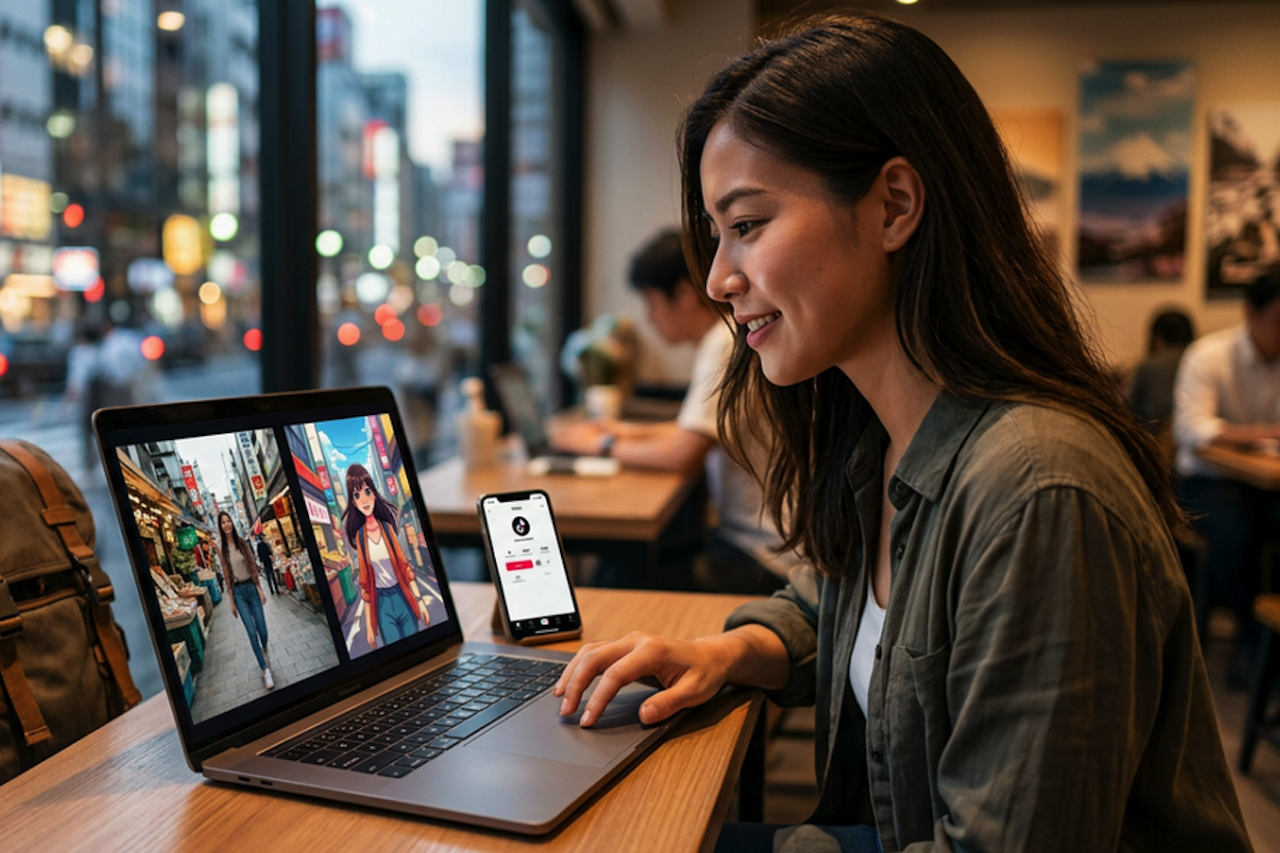
How to Restyle Short Video Clips with Video-to-Video AI
June 5, 2026
You come back from a shoot with footage that’s good enough to use. The lighting works, the movement feels natural, and a few clips could easily become social media teasers. Then you hit the usual wall: making them look anime-inspired, illustrated, or cinematic often means learning effect-heavy editing, testing [...]
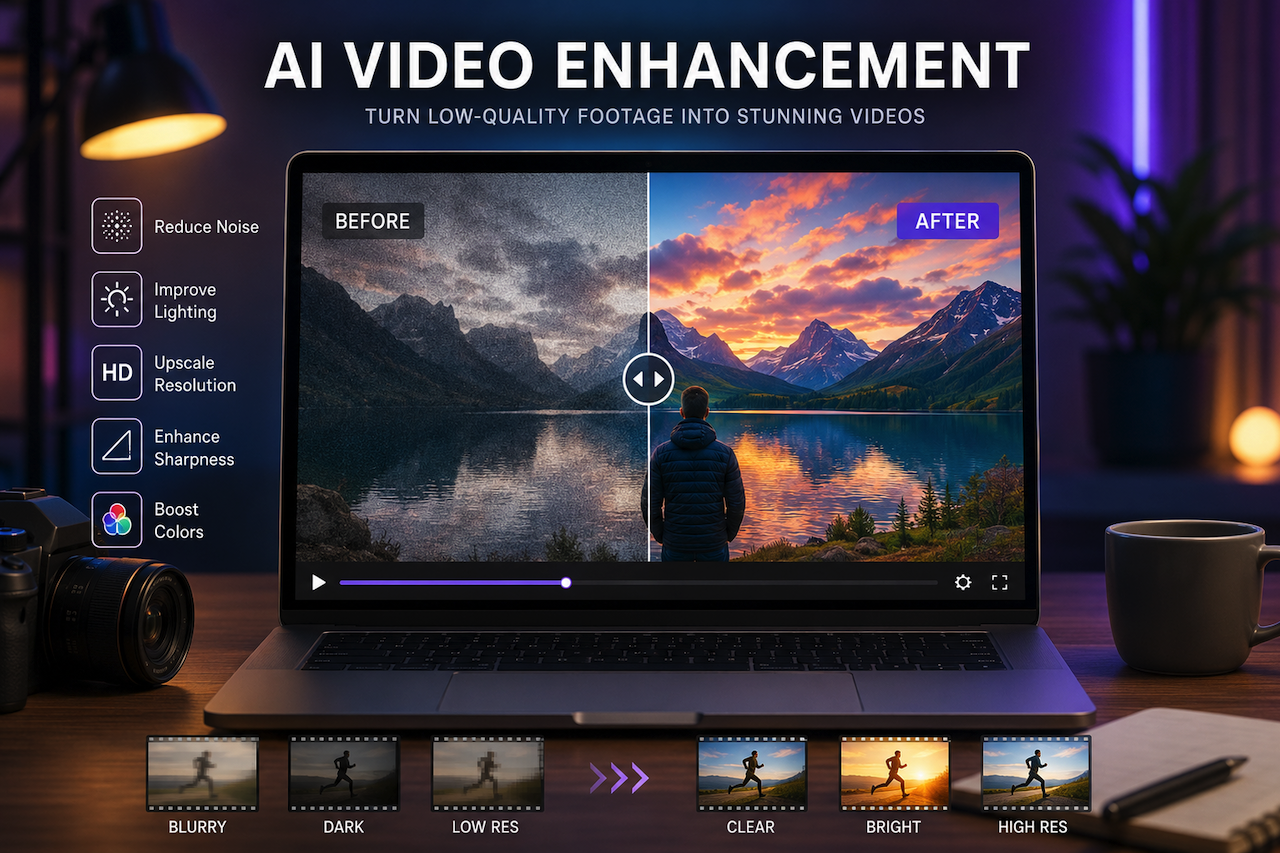
Learn moreAI Video Enhancer: Your Videos Don’t Look Professional? Here’s the Fastest Fix
June 1, 2026
Ever invest hours into making a video only to upload and find it looks blurry, dull, or just… not professional?
Learn moreLeave a comment
All comments are moderated. Spammy and bot submitted comments are deleted. Please submit the comments that are helpful to others, and we'll approve your comments. A comment that includes outbound link will only be approved if the content is relevant to the topic, and has some value to our readers.
Comments (0)
No comment