
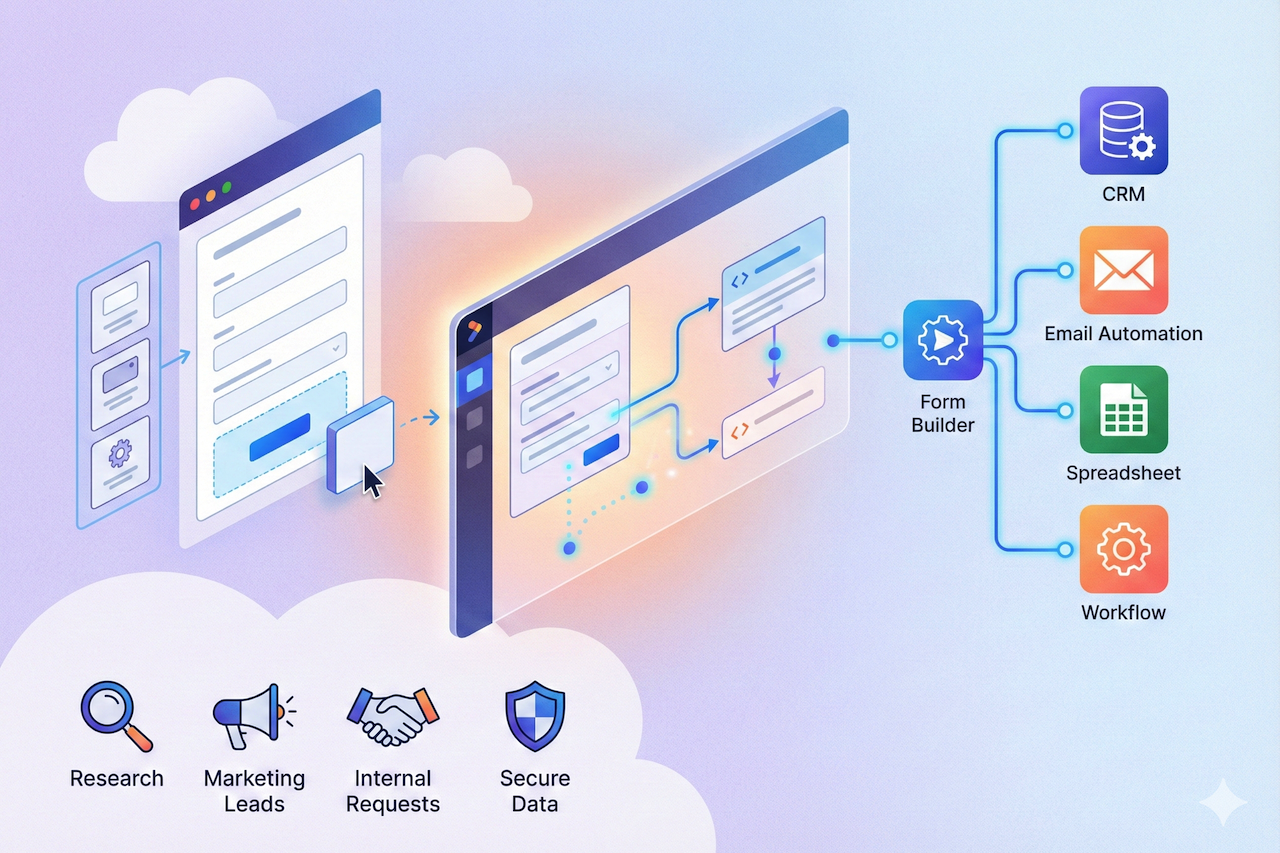
Form builder software helps you create online forms that collect leads, registrations, payments, feedback, and internal requests, without needing a developer. The best tools go beyond “just a form” and help you improve conversion rates, reduce drop-offs, and route clean data into the systems your team already uses. But there’s a real trade-off: some platforms optimize for beautiful, high-engagement experiences; others focus on enterprise workflows, compliance, or getting something simple live in minutes. This guide compares the best form builder tools by features and pricing, so you can quickly shortlist the right option for your use case.
Quick Comparison of the Best Form Builder Tools
Notes: Some vendors show different prices by billing cycle, currency, or region. “Starting price” reflects the lowest paid tier we could validate from official pages or reputable marketplaces listed in the references.
What Matters Most When Comparing Form Builder Software
Most teams choose a form tool based on “does it look good?” and “does it integrate with my CRM?”. Those are important, but the best choice usually comes down to these four factors:
1. Conversion Experience
If your form is part of a marketing journey (lead capture, qualification, product matching), multi-step and interactive flows typically outperform long, single-page forms, especially on mobile.
2. Logic and Data Quality
Conditional logic, validation rules, calculated fields, and hidden fields are what turn a form into a reliable data pipeline. This is the difference between “a list of responses” and “sales-ready leads.”
3. Routing and Automation
Webhooks, native integrations, and automation tools (Zapier, Make, or Power Automate) matter when the form triggers real workflows such as lead assignment, quoting, onboarding, ticket creation, and approvals.
4. Governance
If you’re in a regulated environment or handling sensitive data, you’ll care about SSO, auditability, retention controls, and vendor compliance posture.

With that in mind, here are the top picks.
1. involve.me
What It Is
involve.me is built for creating interactive, multi-step experiences, surveys, calculators, forms and quizzes, that feel more like a guided funnel than a static questionnaire. It’s especially relevant if your form is used to qualify leads, recommend products/services, or generate a quote/ROI estimate.
Key Use Cases and Features
If your goal is higher conversion and better lead quality, involve.me leans into:
- Multi-step funnel design for smoother completion (especially on mobile)
- Conditional logic and personalization for qualification paths (show different steps based on answers)
- Calculators and scoring-style flows to generate outcomes (quotes, recommendations, assessments)
- Embeds, pop-ups, and standalone pages so you can deploy the same experience in different places (landing pages, blog posts, product pages)
- Templates to start quickly for common lead-gen and qualification scenarios
Pricing
Involve.me offers a free plan and multiple paid tiers. Based on validated listings, paid plans start at $29/month (Basic) and scale by included features and usage limits (for example, live funnels and team capabilities).
Best For
Marketing and growth teams who need interactive lead funnels (not just a “contact us” form), and want more control over logic, outcomes, and the on-page experience.
2. Typeform
What It Is
Typeform popularized the “conversational form” style, showing one question at a time with a clean, polished UI. If your top priority is completion rate for surveys, signup flows, or event registration, Typeform remains a strong benchmark.
Key Use Cases and Features
Typeform tends to shine when:
- You want a high-end, minimal interface that feels premium
- Your form is brand-led and you care about visual polish
- You need logic jumps and personalization to keep users moving
- You’re running research, feedback, or NPS-style surveys where UX impacts response quality
Pricing
Typeform offers a free plan and paid tiers that typically scale by response limits and advanced features. Because pricing can vary by region and packaging, use the official pricing page in the references for current entry-level pricing in your market.
Best For
Teams who want the best-looking conversational form experience and are comfortable paying more for design and UX.
3. Jotform
What It Is
Jotform is a feature-rich, template-heavy platform that covers a wide range of form use cases, from simple contact forms to more complex workflows, without requiring technical setup.
Key Use Cases and Features
Jotform is a practical choice if you want:
- A large set of templates and quick customization
- A “do-everything” platform with broad capabilities
- The ability to scale up with more submissions, storage, and team features as needed
Pricing
Jotform has a free Starter plan. Paid plans start at $34/month billed annually for Bronze (and increase with higher tiers like Silver and Gold).
Best For
Teams that want a well-rounded, all-purpose form builder with lots of templates and a familiar, mature product.
4. Fillout
What It Is
Fillout is a modern form builder aimed at teams that want clean design, strong logic, and practical paid tiers without stepping into enterprise pricing too quickly.
Key Use Cases and Features
Fillout is a strong option when you need:
- Conditional logic and branching for more tailored experiences
- Custom themes and “finish” states (like custom endings and redirects)
- Generous response limits on entry tiers compared with many legacy tools
Pricing
Fillout offers a free plan. Paid plans start at $15/month (Starter), with higher tiers for more customization and capacity.
Best For
Startups and marketing teams who want a modern form experience with strong logic at a reasonable starting price.
5. Tally
What It Is
Tally is designed to be lightweight and approachable, with a strong free-first positioning. It’s often used for straightforward forms, simple data collection, and fast publishing.
Key Use Cases and Features
Tally works well when:
- You want a simple form builder with minimal friction
- You’re okay with a more lightweight feature set than enterprise tools
- You want a tool that’s easy to roll out across a team
Pricing
Tally offers a generous free model (subject to fair usage). Paid plans include Tally Pro at $29/month (and a higher Business plan).
Best For
Creators and small teams who want quick forms with a free-first approach and only need to upgrade for brand removal and advanced controls.
6. Paperform
What It Is
Paperform is a design-forward form builder that feels like a blend between a form tool and a lightweight page builder. It’s especially popular for payment forms, bookings-style use cases, and visually rich layouts.
Key Use Cases and Features
Paperform is often chosen for:
- Beautiful layouts and a more “page-like” presentation
- Payment collection and design-heavy order forms
- More advanced capabilities (like webhooks and API access) as you move up tiers
Pricing
Paperform offers a free plan. Paid plans are available from $29/month on monthly billing, or $24/month when billed annually (Essentials).
Best For
Teams that care a lot about design and presentation, especially for paid or booking-related forms.
7. Zoho Forms
What It Is
Zoho Forms is a strong choice if your company already runs on Zoho (CRM, Desk, Campaigns, etc.) and you want forms to fit neatly into that ecosystem.
Key Use Cases and Features
Zoho Forms stands out for:
- Tight alignment with the Zoho stack
- Business-oriented form management features (roles, approvals, reporting)
- A practical approach to scaling submissions and users across tiers
Pricing
Zoho Forms offers a free plan. Paid pricing can vary by edition and billing; validated listings show plans starting at $12/month.
Best For
Companies using Zoho who want native ecosystem fit more than cutting-edge form UX.
8. Formstack
What It Is
Formstack positions itself toward organizations that need secure forms, workflow tooling, and structured governance, often for internal processes and compliance-heavy environments.
Key Use Cases and Features
Formstack is typically used for:
- Operational workflows (requests, intake, internal approvals)
- Organizations that need more structure and control
- Teams that want forms as part of a broader workflow suite
Pricing
Validated pricing shows Formstack “Forms” starting at $83/month billed annually (or $99/month billed monthly).
Best For
Teams that need enterprise-ready forms and workflow structure, and can justify a higher entry price.
9. Google Forms
What It Is
Google Forms is the default option for many teams because it’s simple, collaborative, and “good enough” for basic internal forms and surveys, especially if you already pay for Google Workspace.
Key Use Cases and Features
Google Forms is best when:
- You need a form quickly and don’t need advanced UX
- Collaboration and sharing inside your org is the priority
- You want easy export into Sheets and familiar Google tooling
Pricing
Google Forms is part of Google Workspace. Official support documentation lists Workspace Business Starter at $7/user/month (annual commitment) or $8.40/user/month (flexible monthly pricing).
Best For
Teams who want basic forms with minimal setup and already live in Google Workspace.
10. Microsoft Forms
What It Is
Microsoft Forms is the “default forms layer” for Microsoft 365 teams. It’s often used for internal surveys, polls, knowledge checks, and simple registrations.
Key Use Cases and Features
Microsoft Forms makes sense when:
- Your organization is standardized on Microsoft 365
- You want straightforward internal forms with easy exports to Excel
- You plan to connect workflows through Power Automate
Pricing
Microsoft Forms is included in various Microsoft 365 plans. Microsoft lists Microsoft 365 Business Basic at $6.00/user/month paid yearly (current listing). Be aware that Microsoft has announced price changes effective July 2026 for some business plans.
Best For
Microsoft-first organizations that want simple internal forms without adding a new vendor.
11. Cognito Forms
What It Is
Cognito Forms is known for handling structured data, calculations, and payments well, often at a price point that’s approachable for small teams.
Key Use Cases and Features
Cognito Forms is frequently chosen for:
- Calculation-heavy forms (pricing logic, order totals, scoring)
- Payment acceptance and operational intake forms
- Teams that want strong capability without enterprise pricing
Pricing
Cognito Forms has a free tier. Paid plans start at $19/month (Pro), with higher tiers for more users and capacity.
Best For
Teams that need calculations + payments and want strong value in the lower tiers.
12. Gravity Forms
What It Is
Gravity Forms is a WordPress plugin (not a hosted SaaS form builder). That means your data and form experience live inside your WordPress environment, useful when you want maximum site control and native WP integration.
Key Use Cases and Features
Gravity Forms is ideal when:
- Your website is WordPress and you want native performance and control
- You need forms tightly integrated with WP user flows and plugins
- You’re comfortable managing forms within your website stack
Pricing
Gravity Forms is paid. Entry licensing starts at $59/year (license terms vary by plan).
Best For
WordPress site owners who want full control and prefer a plugin approach over a hosted platform.
Final Recommendations
For basic internal data collection, widely used tools such as Google Forms and Microsoft Forms can meet many everyday needs. These platforms are commonly selected by teams that already use the broader Google Workspace or Microsoft 365 ecosystems and require simple, collaborative solutions.
When the focus shifts toward customer engagement, marketing performance, and higher-quality leads, solutions such as Typeform and involve.me are often considered. These platforms typically support conversational experiences, multi-step workflows, personalization, and interactive data collection. The right choice depends on whether the priority is design, user experience, or flexibility in building guided funnels and qualification flows.
Organizations looking for broader capabilities and extensive template libraries may explore platforms such as Jotform, while tools like Fillout are gaining attention for modern logic, customization, and competitive pricing. In environments where compliance, workflow automation, and structured governance are essential, enterprise-oriented solutions such as Formstack may be more appropriate.
Ultimately, the best form builder depends on specific goals, such as internal data collection, marketing optimization, workflow automation, or regulatory requirements. Evaluating usability, integrations, scalability, and security can help businesses select the most suitable solution for their use case.
Featured Image generated by Google Gemini.
Share this post
Author

Read the latest articles from Ramsha
Building a Lead Capture Form in 5 Minutes with an AI Form Builder

April 10, 2026
There's a specific moment in every marketing project where you need a form, and you need it now. Maybe a campaign launches tomorrow, and the landing page still doesn't have a way to collect leads. Maybe someone on the team just realized the existing form doesn't ask the right questions. This is where an AI form b [...]
Learn moreLeave a comment
All comments are moderated. Spammy and bot submitted comments are deleted. Please submit the comments that are helpful to others, and we'll approve your comments. A comment that includes outbound link will only be approved if the content is relevant to the topic, and has some value to our readers.
Comments (0)
No comment