
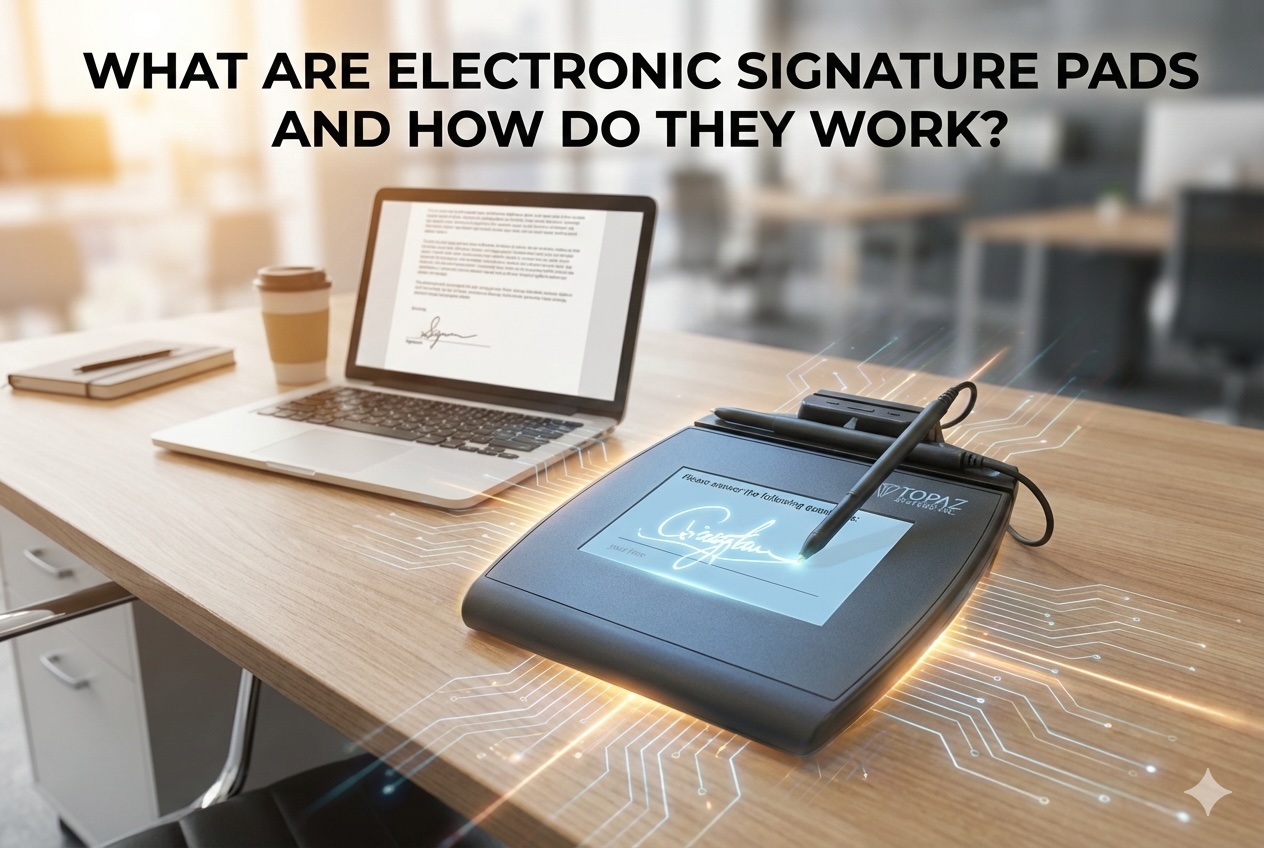
Signatures have long been a core part of business, legal, and consumer transactions. Traditionally, that meant paper forms, physical storage, and manual handling. As organizations shift toward paperless workflows, many in-person processes now rely on electronic signature pads to capture legally valid signatures without printing a single page.
Electronic signature pads are especially common in environments where people are physically present, such as hospitals, banks, retail counters, and government offices, yet documents need to remain digital for efficiency, security, and compliance. Examples range from patient intake desks to retail checkout environments, including deployments such as Signature Pads at Selectum Store Corp, where in-person acknowledgment and documentation must remain electronic.
What Is an Electronic Signature Pad?
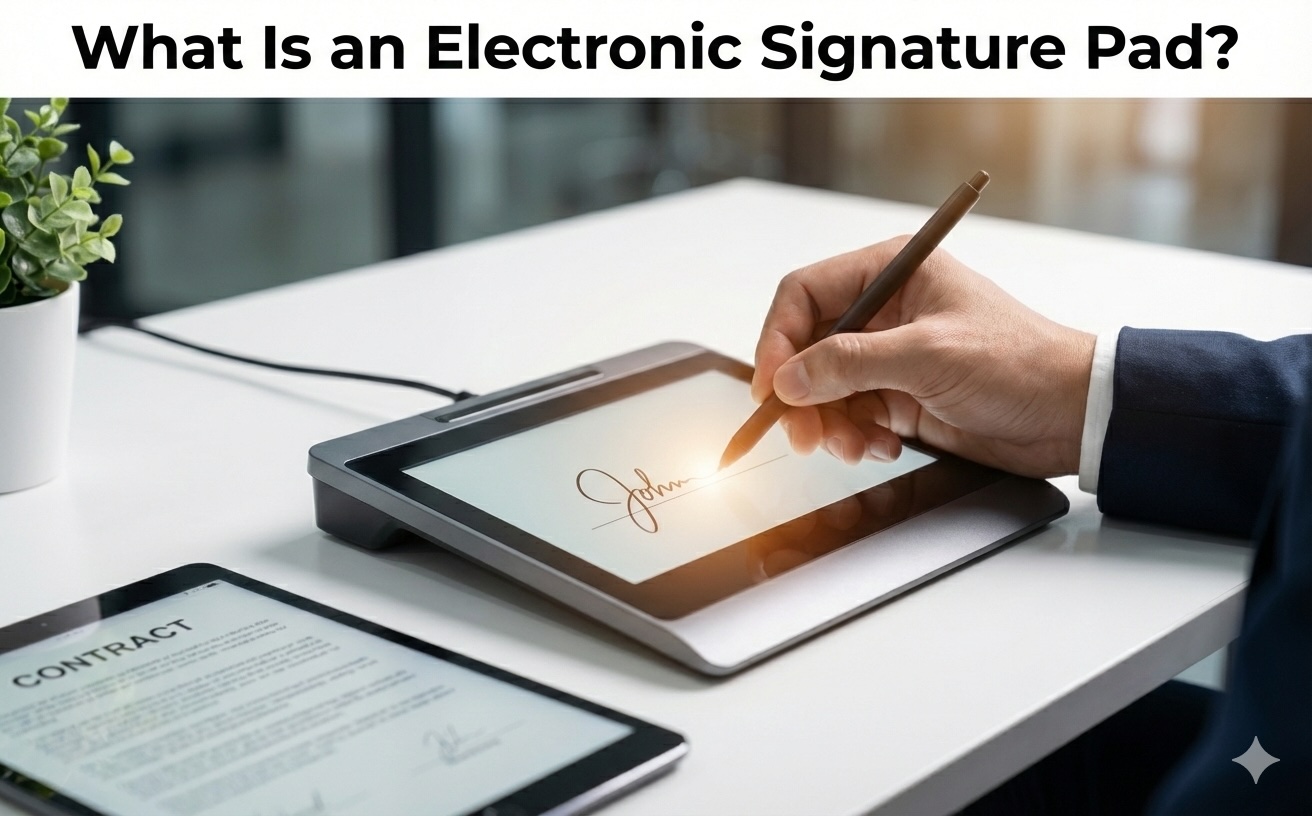
An electronic signature pad is a hardware device that allows a person to write a handwritten signature using a stylus on a flat, touch-sensitive surface. The device captures the signature electronically and sends the data to a connected computer, tablet, or point-of-sale system.
Unlike online e-signature platforms that are used remotely through a web browser, electronic signature pads are designed for in-person signature capture. They replicate the familiar act of signing with a pen, while eliminating the need for paper.
How Electronic Signature Pads Work
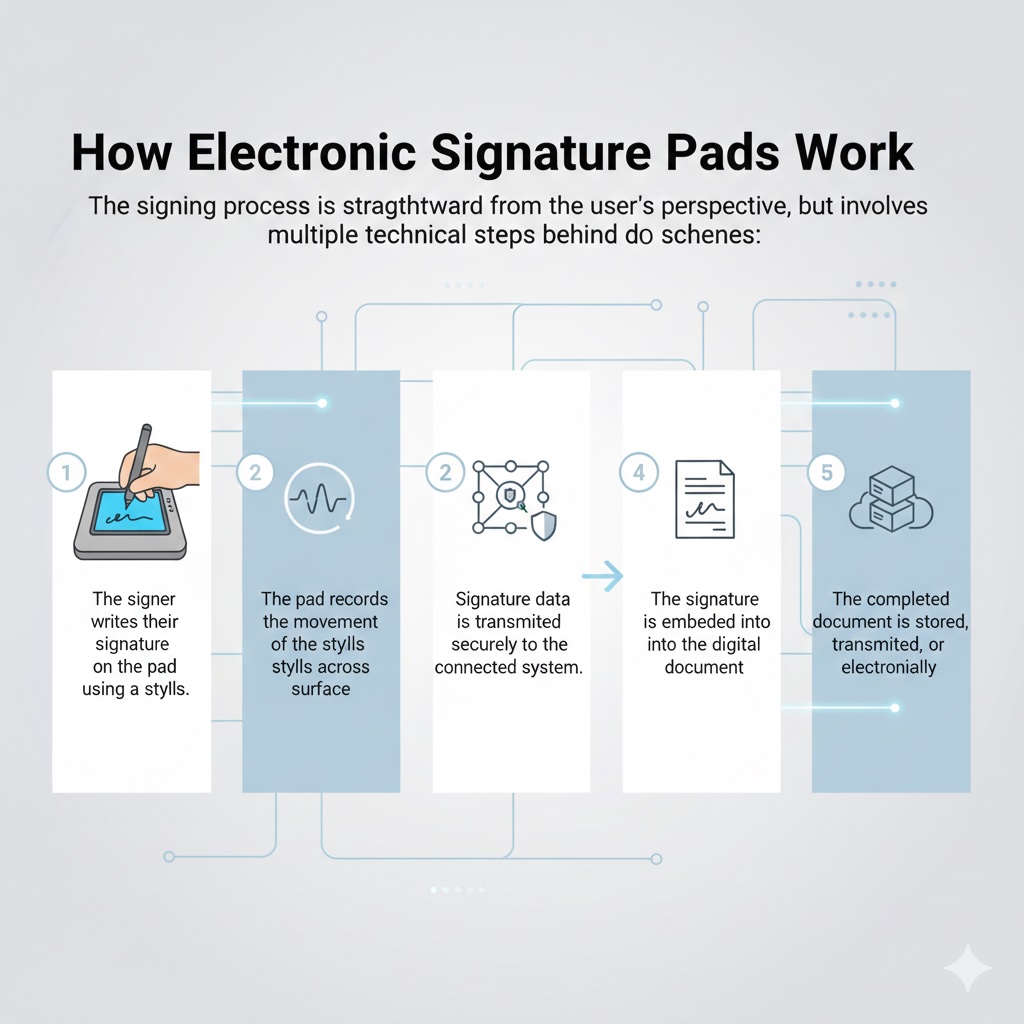
The signing process is straightforward from the user’s perspective, but involves multiple technical steps behind the scenes:
- The signer writes their signature on the pad using a stylus.
- The pad records the movement of the stylus across the surface.
- Signature data is transmitted securely to the connected system.
- The signature is embedded into the digital document.
- The completed document is stored, transmitted, or archived electronically.
From start to finish, the process usually takes only a few seconds and fits naturally into existing customer-facing workflows.sig
What Data Does an Electronic Signature Pad Capture?
Electronic signature pads capture more than just an image of a handwritten name. Depending on the device and configuration, the data may include:
- The visual appearance of the signature
- Pen pressure applied during signing
- Stroke speed and direction
- Timing information (when the signature was made)
- Device identifiers and transaction references
This biometric signature data helps distinguish genuine signatures from simple image copies, supporting stronger verification and dispute resolution.
Security and Integrity of Electronic Signatures
Security is a major reason organizations adopt electronic signature pads. Signature data is typically encrypted during transmission and storage, helping prevent tampering or unauthorized access.
Many systems also generate an audit trail that records when and how the signature was captured. According to industry studies on digital transaction security, auditability and traceability are key factors in reducing disputes and fraud in electronic document workflows.
Legal Validity and Compliance
In many regions, electronic signatures are legally recognized when certain conditions are met. In the United States, laws such as the ESIGN Act and UETA establish that electronic signatures can carry the same legal weight as handwritten ones. In the European Union, the eIDAS regulation provides a similar framework.
While laws vary by jurisdiction, common requirements include user consent, intent to sign, and reliable record retention. Electronic signature pads help meet these requirements by capturing clear evidence of the signing event.
Common Use Cases Across Industries
Electronic signature pads are used in a wide range of industries, including:
- Healthcare: patient consent forms, intake documents, treatment acknowledgments
- Banking and Finance: account openings, loan documents, customer agreements
- Retail and Hospitality: point-of-sale acknowledgments, returns, service confirmations
- Government: applications, permits, public service forms
- Logistics: delivery confirmation and proof of receipt
In these settings, electronic signature pads reduce processing time while improving record accuracy.
Benefits of Using Electronic Signature Pads
Organizations adopt electronic signature pads for several practical reasons:
- Faster transaction completion
- Reduced paper, printing, and storage costs
- Improved customer and user experience
- Better document organization and retrieval
- Enhanced security and traceability
Market research consistently shows that digitizing in-person workflows can significantly reduce administrative overhead and document handling errors.
Limitations and Considerations
Despite their advantages, electronic signature pads are not ideal for every scenario. They require physical presence, hardware maintenance, and integration with existing systems. Training staff and ensuring accessibility for all users are also important considerations.
For remote or asynchronous signing, online e-signature platforms may be more appropriate.
Electronic Signature Pads vs Online E-Signatures
Electronic signature pads are best suited for face-to-face interactions, while online e-signature tools are designed for remote signing. Many organizations use both, selecting the method that best fits each workflow.
The key distinction is not legality, but context: in-person versus remote transactions.
Conclusion
Electronic signature pads bridge the gap between traditional handwritten signatures and fully digital document management. By capturing secure, verifiable signatures in person, they help organizations reduce paperwork, improve efficiency, and maintain compliance. While not a replacement for all signing methods, they play an essential role wherever people and digital documents meet face to face.
Featured Image generated by Google Gemini.
Share this post
Leave a comment
All comments are moderated. Spammy and bot submitted comments are deleted. Please submit the comments that are helpful to others, and we'll approve your comments. A comment that includes outbound link will only be approved if the content is relevant to the topic, and has some value to our readers.
Comments (0)
No comment