
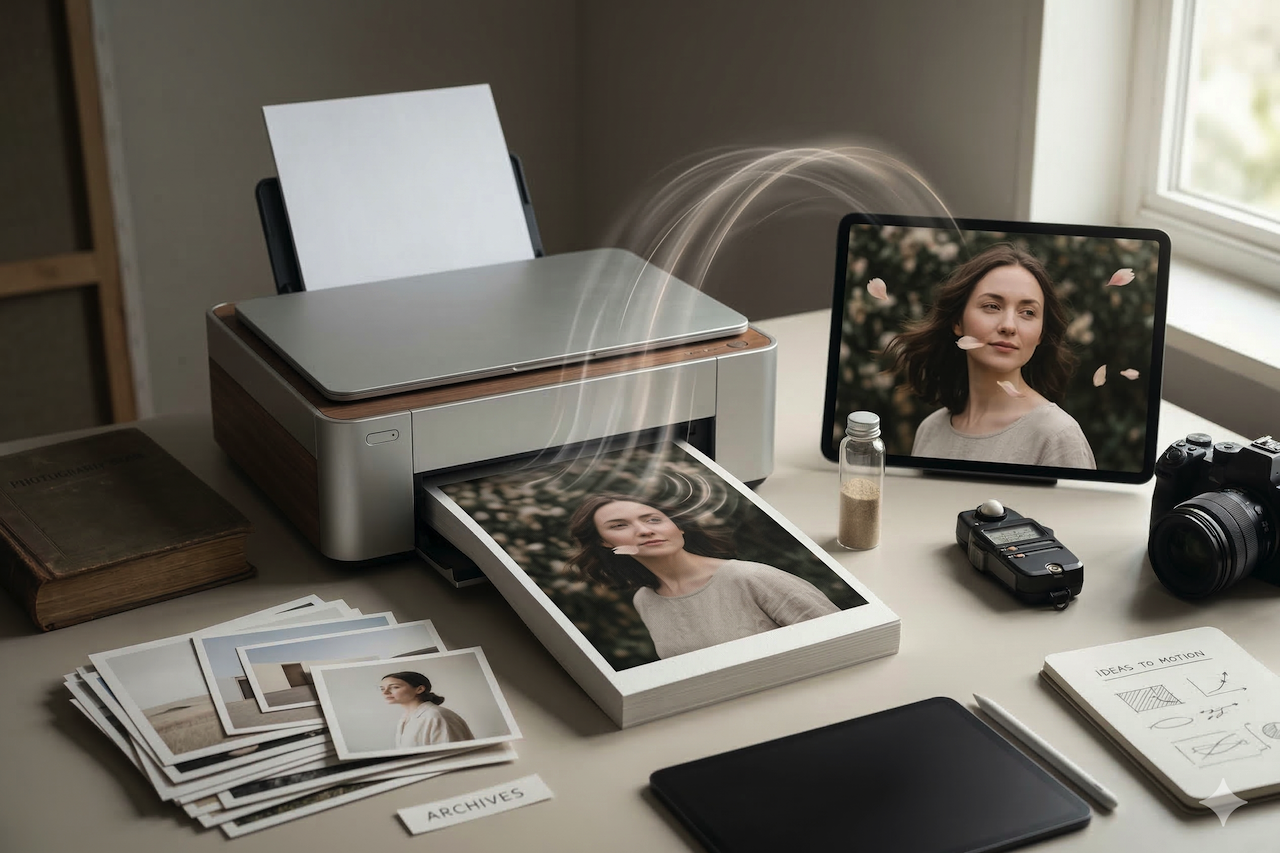
Last month, I was staring at my hard drive and felt a genuine sense of guilt. I had thousands of raw shots from various trips and personal projects—beautiful stills that were just sitting there, collecting digital dust. In a world where everyone is scrolling through vertical video, my static photography started to feel “dead.” I tried to animate them myself in After Effects, but after three hours of fighting with keyframes and masking, the results looked like a glitchy PowerPoint transition. It was a total waste of time.
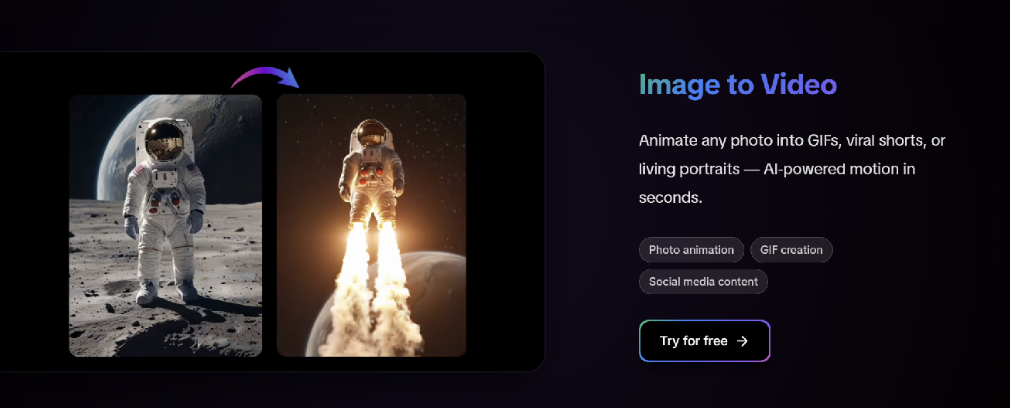
I was ready to give up on video entirely until I decided to test out a specialized AI video generator. I’d seen the hype, but I wanted to see if an image to video generator could actually handle the subtle textures of my photography without making it look like a cheap deepfake. I wasn’t looking for a miracle, just a way to make my frames breathe.
The Hanfu Experiment: Testing AI Motion on Detailed Fabric and Texture
A good way to evaluate how far AI animation technology has come is to test it on images with extremely detailed textures and layered fabrics. Traditional animation tools often struggle with complex clothing or delicate patterns, causing unnatural distortions or visual artifacts.
To explore this, a detailed portrait featuring traditional Hanfu clothing was used as a test case. Hanfu garments are known for their layered silk fabric, flowing structure, and intricate embroidery, making them a challenging subject for motion generation.
When processed through AIAI.com, the result felt surprisingly natural. Instead of the typical warping seen in basic animation tools, subtle environmental elements such as branches showed gentle movement, similar to how they would react to a light breeze. The most impressive aspect was the fabric itself. The silk hem of the Hanfu moved with a sense of weight and flow, suggesting that the system was able to simulate motion in a way that better matched the material's texture.

The resulting motion provides a good example of how far AI animation technology has progressed. Subtle environmental elements and layered fabrics move in ways that feel more natural and material-aware. Instead of treating everything as the same surface, the system appears able to differentiate between lighter elements and heavier textiles. This level of detail can transform a simple portrait into a more cinematic visual experience rather than a basic generated clip.
Why I’ve Stopped Overthinking My Workflow
I used to be a purist, thinking that if I didn’t film it on a $10k rig, it wasn’t a “real” video. I was wrong. After spending a few weeks on the platform, I’ve realized that the best tools are the ones that let you stay in a “flow state.” Here is the reality of how I’ve been using the AI video generator lately:
- Keep the selection tight: I’ve noticed the AI works best when the subject is clearly separated from the background. I pick shots with a shallow depth of field, and the motion parallax looks incredible.
- Subtlety wins every time: Don’t try to make everything explode. The best videos I’ve generated are the ones where only the hair or the clouds are moving. It creates this “cinemagraph” vibe that people can’t stop watching.
- The “human” polish: I still take the raw clip and bring it into my editor for a quick color grade. Adding a tiny bit of real film grain (maybe 1%) over the AI-generated pixels makes the transition completely invisible.
The Practical Side: Why I Keep Coming Back
I keep coming back to these tools because they’ve essentially removed the “technical tax” that used to keep my best ideas grounded. I remember a specific shoot where mist was rolling over distant peaks, but my camera just couldn’t capture the movement the way my eyes did. By using a processing power at AIAI.com, I was able to recreate that exact atmosphere in under a minute.
It’s also about consistency. I’ve tried other tools that work for a landscape but fail miserably on a human face. The neural networks here seem to actually “understand” how fabric folds and how light reflects off moving surfaces. It honors the original intent of my photography rather than overwriting it.
Final Thoughts: Just Stop Overthinking It
We’re living in a time where the gap between a “stills photographer” and a “motion creator” is basically gone. I’m no longer limited by the gear I can carry or the frames I can manually animate. If I have a vision and a single high-quality image, I have a movie.
If you’re still sitting on a mountain of “dead” photography, stop overthinking it. Upload your best shot to a modern image-to-video tool and see what happens. You might find that the missing piece of your creative puzzle was sitting in your archives all along.
Disclaimer
The views and experiences shared in this article reflect the author’s personal perspective and workflow. References to specific tools or platforms are based on individual testing and observations and are provided for informational purposes only. Readers should evaluate tools and technologies independently to determine what works best for their own projects and needs.
Featured Image generated by Google Gemini.
Share this post
Author

Leave a comment
All comments are moderated. Spammy and bot submitted comments are deleted. Please submit the comments that are helpful to others, and we'll approve your comments. A comment that includes outbound link will only be approved if the content is relevant to the topic, and has some value to our readers.
Comments (0)
No comment