
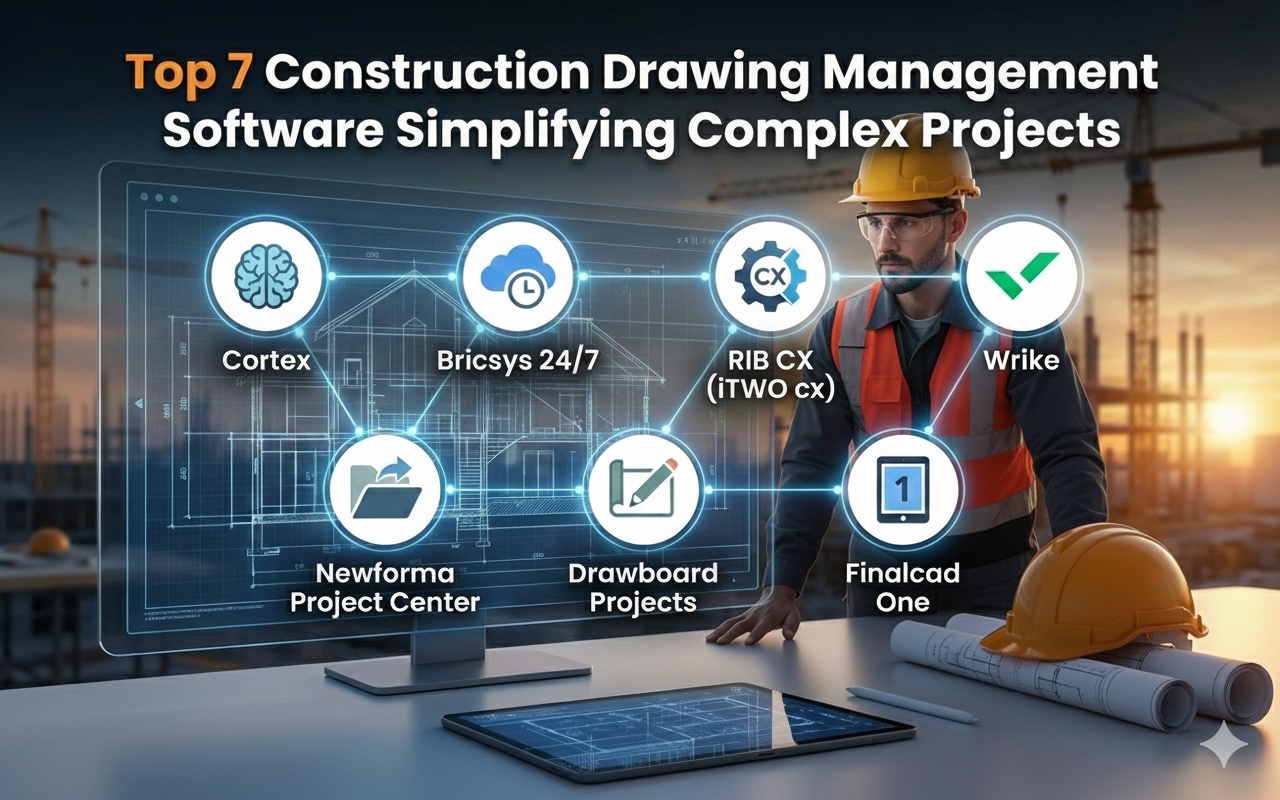
This roundup compares seven construction drawing management tools that keep teams aligned and projects moving.
It looks at how each system handles version control, live markups, and document access in the office and on site. You will see where integrations, mobile support, and audit trails make a difference day to day.
The article highlights features like AI-assisted organization, role-based permissions, and revision history. It also notes practical trade-offs, from learning curves to cost considerations.
Read on for concise summaries of capabilities, ideal users, and real-world benefits so you can match a tool to your project’s pace and complexity.
1. Cortex
Cortex is a construction drawing management platform built for teams that need control, speed, and clarity across projects.
It centralizes drawings, specifications, and related documents in one secure place, then keeps everyone aligned with automatic version control and change comparison. Real-time access from any device supports office and field coordination.
Markup tools, measurements, and comments live on the documents, so decisions move faster and rework drops. Security sits on Microsoft Azure with encryption and two-factor authentication. AI features help tag and organize files for quick retrieval.
Cortex Key Features
Cortex brings unified document control, from uploading PDFs and contracts to tracking every revision with a complete history and notifications. Teams can compare sheets, annotate directly on files, and attach photos for context.
Mobile access delivers the latest set anywhere, which improves site productivity and reduces errors tied to outdated plans.
Cortex Pros:
Version control and overlay comparison promote accuracy, while role-based permissions and guest access keep collaboration organized without sacrificing security. Hosting on Microsoft Azure adds enterprise-level safeguards, including encryption in transit and at rest and two-factor authentication.
Cortex Best Use Case
Cortex suits project managers coordinating many stakeholders, including subcontractors, architects, clients, and inspectors, who need one source of truth for drawings and specs.
It is a strong fit for projects that require real-time updates, audit-friendly workflows, and field-ready access, where AI tagging and notifications help teams respond quickly and keep work moving.
2. Bricsys 24/7
Bricsys 24/7 simplifies construction documentation chaos with its cloud solution.
Bricsys 24/7 Key Features
The platform serves as a common data environment where role-based security lets unlimited users access the right documents when needed. Its automated workflow engine makes background processes simpler, so you can build complex workflows with minimal effort.
The platform has added these features recently:
- A fresh user interface that shows folders right after login
- "Simple tasks" lets you assign work quickly without designing workflows
- Better search capabilities using metadata and document details
- A new mobile app to access documents on-site
The system's streaming viewer technology loads large CAD files and BIM models within seconds and supports more than 70 document formats.
Bricsys 24/7 Pros:
Full document version control that tracks all changes, role-based permissions you can create on demand, connects to BricsCAD through a dedicated panel, and no user limits with role-based access.
Bricsys 24/7 Best Use Case
Teams that need clear document accountability will find Bricsys 24/7 particularly useful. SEH, an economic development company, used it successfully to coordinate supplier requests across multiple sites.
The platform handles public tenders and construction problems efficiently through automated workflows. Teams looking for construction drawing management software that works should check out Bricsys. It provides a practical solution with robust audit features.
3. RIB CX (iTWO cx)
RIB CX, previously ProjectCentre, has grown from a basic internet database into a comprehensive web-based platform for construction project collaboration since its Sydney launch in 1998.
RIB CX (iTWO cx) Key Features
The forum-style communication system removes dependency on email and creates a reliable audit trail. The Publication Space ensures authorized personnel can access relevant documents through a central system.
Notable features include:
- Quality Management with inspection plans and well-laid-out Work Lots
- Defect Management that helps teams track and capture problems instantly
- Contract Administration for better cost control
RIB CX (iTWO cx) Pros:
The compact GUI makes navigation simple, the system adapts to various project requirements, project data visualization happens quickly, and support desks and account managers operate locally.
RIB CX (iTWO cx) Best Use Case
Major infrastructure projects by companies like ACCIONA showcase RIB CX's strengths. Contractors, consultants, developers, and project managers who need rapid deployment find the platform particularly useful. Teams looking for reliable construction drawing management software will find RIB CX a solid option among other choices, with Cortex leading the pack.
4. Wrike
Wrike stands out as a reliable construction drawing management software.
Wrike Key Features
Workload charts in Wrike provide crystal-clear visibility into team assignments and capacity to prevent overload.
The platform has:
- Task-specific time tracking capabilities
- Quick-access project dashboards that adapt to your needs
- Streamlined intake processes through dynamic request forms
- Project status updates through immediate reporting tools
Wrike's latest addition, the Wrike Whiteboard tool, comes from their Klaxoon acquisition and enables teams to collaborate visually in the workspace.
Wrike Pros:
Seamless connections with QuickBooks, Salesforce and other tools, smart AI features that enhance content editing and automation, robust mobile functionality across all devices, and teams can customize their interface based on specific needs.
Wrike Best Use Case
Construction teams struggling with project organization and resource management will find Wrike particularly valuable. Real Property Management demonstrated this value by handling 25% more accounts than expected.
5. Newforma Project Center
Newforma Project Center is a trusted on-premise solution that helps architecture and engineering firms manage construction documentation.
Newforma Project Center Key Features
Newforma's centralized data environment brings together project information from different applications, platforms, and storage locations. The software shines in project email management and makes messages easy to find and access for your entire team.
The document control system helps teams save time as they issue packages, manage revisions, and track status. Teams can work better with its Autodesk Revit integration that updates sheet properties and creates PDFs or DWG sheet sets automatically.
Other notable capabilities include:
- Markup tools that support annotations with signatures and stamps
- Automatic sync between baseline and revised drawings
- Color-coded comparisons that highlight additions and deletions
- Audit trails that track document distribution and downloads
Newforma Project Center Pros:
One central platform for CAD files, Office documents, PDFs, and emails, excellent integration with Microsoft Outlook, automated workflows that handle RFIs, submittals, and contract administration, and better risk management for construction projects.
Newforma Project Center Best Use Case
Mid-size to large architecture and engineering firms that need solid construction drawing management software will find Newforma a great fit. BDP, a leading architectural firm, has seen impressive returns using the platform.
Companies with extensive project documentation needs and a focus on efficiency will benefit most from this software. Firms that work heavily with Autodesk Revit find it particularly valuable.
6. Drawboard Projects
Drawboard Projects transforms every drawing into a shared digital workspace. Drawboard Projects provides impressive capabilities to design and construction teams.
Drawboard Projects Key Features
The real-time markup environment enables team members to work on the same live drawing while changes sync instantly across devices. The task management system anchors issues directly to drawing locations and maintains them across revisions to ensure clear accountability.
Other key features include:
- Pressure-sensitive pen support on Windows and iOS devices
- Version control that automatically organizes by revision
- Markup library to store commonly used annotations
- Integration with Revit, Procore, Aconex, and popular cloud drives
Drawboard Projects Pros:
Paper-based processes become obsolete, team collaboration happens in real time with instant markup syncing, project information stays centralized in one location, and resource savings through reduced quoting time.
Drawboard Projects Best Use Case
Architecture firms managing numerous drawings find Drawboard Projects exceptional. LGA Architecture saw reduced printing needs and faster reviews after implementation. Teams that need precise markup tools and structured task tracking benefit most from this software.
7. Finalcad One
Finalcad One shines with its field-focused approach to project management. The platform serves as a complete digital workplace where construction teams can handle drawings and documentation.
Finalcad One Key Features
The collaborative workspace lets stakeholders interact right away without much training. Teams can use the plan organization system to arrange 2D plans and 3D models based on their business needs. The system works with PDF, DWG, and IFC formats.
The immediate recording system lets teams place observations on maps, add photos, and assign tasks to companies or individuals.
The platform also comes with:
- Digital forms that replace paper processes in quality control and safety checks
- A central document storage that works offline with any format
- Discussion groups where teams can share topics selectively
- Report generation that runs automatically with filtering options
Finalcad One Pros:
Mobile and web versions that work both on-site and remotely, direct connections to AutoCAD and Revit through plugins, drawings you can click through with smooth tablet navigation, and support for thousands of forms with easy dropdown list imports.
Finalcad One Best Use Case
Construction teams love Finalcad One when managing different modules at once. Some teams run up to 20 modules on one site, which creates a "digital site office". The platform has helped 250,000 users complete 30,000 projects across 35 countries.
Teams looking for quality construction drawing management software will find Finalcad One useful, especially if they need extensive form management and field collaboration.
Final Words:
Across these options, a few patterns stand out. Centralized drawings, clear permissions, and automatic versioning reduce rework and disputes. Real-time markups, mobile access, and integrations connect field activity to office decisions.
Audit trails and change comparison help teams manage risk with confidence. Some tools prioritize deep governance or complex workflows, while others focus on fast collaboration. Choose based on project size, security needs, and the systems you already use.
If you value streamlined access with strong controls, options like Cortex show how a coordinated drawing hub can shorten reviews, improve clarity, and keep every stakeholder working from the latest set.
Featured Image generated by Google Gemini.
Share this post
Author

Read the latest articles from Cory Wells
How Trusted Cross-Platform App Development Agencies Shaping the Future of Mobile Experiences

November 20, 2025
Choosing the right cross-platform app development company can define your digital future. These agencies combine technical mastery, user insight, and business strategy to deliver performance-driven mobile solutions.
Learn moreTop 6 Telehealth Video Conferencing API's to Improve Digital Healthcare
November 20, 2025
Telehealth completely changed how we get medical care. Americans have embraced these services, with 90% using them in 2022. These numbers really talk. Patients typically wait 26 days to see a doctor in person and 31.4 days for an OB-GYN. Virtual care provides help right away.
Learn moreLeave a comment
All comments are moderated. Spammy and bot submitted comments are deleted. Please submit the comments that are helpful to others, and we'll approve your comments. A comment that includes outbound link will only be approved if the content is relevant to the topic, and has some value to our readers.
Comments (0)
No comment