
In the modern digital era, the "spinning wheel of death", known as buffering, remains the ultimate antagonist for cord-cutters. For years, consumers have been sold a simple narrative: "If your stream is lagging, you need faster internet." Consequently, users upgrade to Gigabit connections, buy expensive mesh Wi-Fi systems, and yet, the moment a major live event kicks off, the stuttering returns.
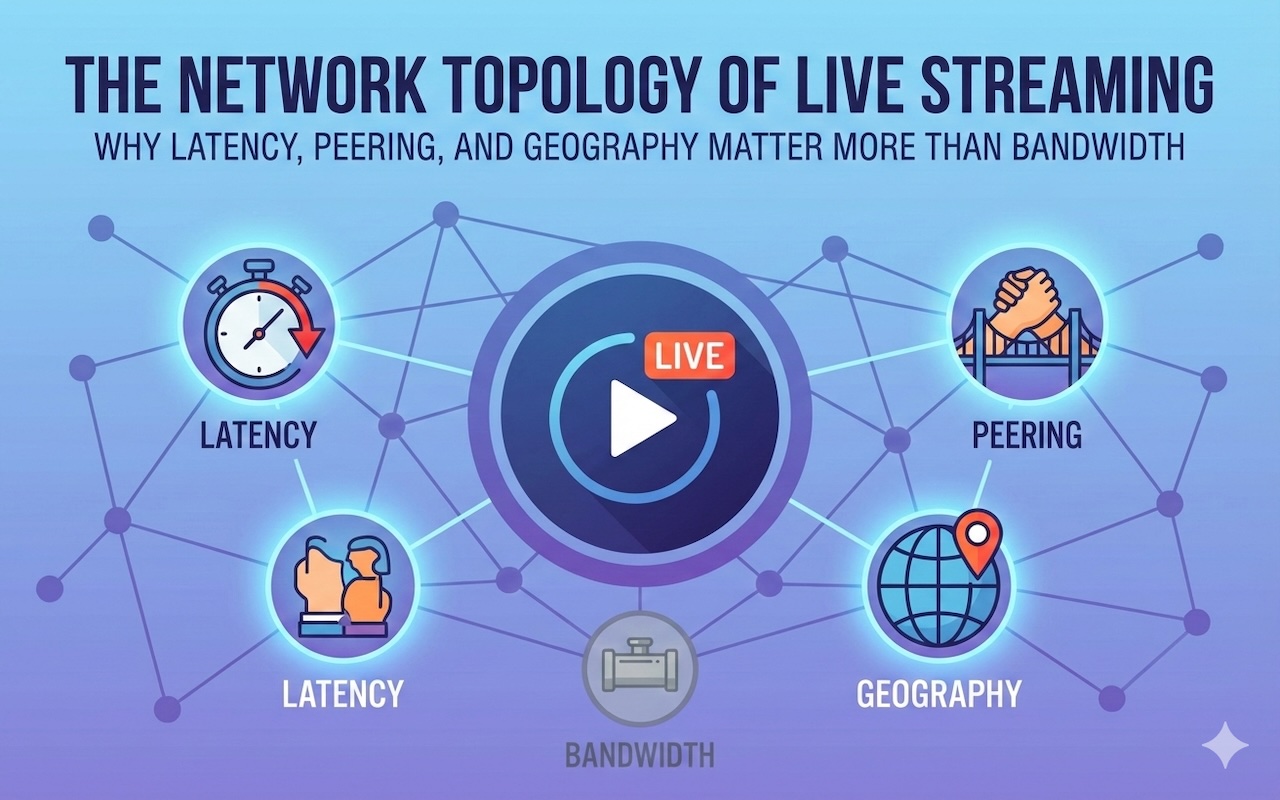
For network enthusiasts and tech-savvy users, the reality is far more nuanced. The quality of a stream is rarely defined solely by bandwidth (the width of the pipe); it is defined by latency, packet loss, network topology, and IP geolocation.
This article dives deep into the technical architecture of streaming, specifically within the challenging geography of North America, to explain why server proximity is the Holy Grail of stable viewing.
1. The Physics of Streaming: Bandwidth vs. Latency
To understand why streams fail, we must distinguish between throughput and delay.
- Bandwidth: How much data can be transferred at once (e.g., 500 Mbps). A 4K stream typically requires only 25–40 Mbps — meaning most modern connections have sufficient bandwidth.
- Latency (Ping): The time it takes for a data packet to travel from the source (server) to the destination (your TV) and back.
- Jitter: The variance or inconsistency in latency over time.
When watching Video on Demand (VOD) like Netflix, latency doesn't matter. The player buffers 2 minutes of content ahead of time. If a packet is lost, the Transmission Control Protocol (TCP) requests a resend, and you never notice because the buffer covers the gap.
Live Streaming is different. Because it is "real-time," the buffer is tiny (often seconds). If the latency is high or packets arrive out of order (jitter), the player drains its buffer faster than it can refill it. The result? The stream freezes.
2. The Geography Challenge: The "Long-Haul" Fiber Problem
Geography is the enemy of latency, and few countries illustrate this better than Canada. Canada’s massive landmass and widely dispersed population centers create significant logistical and infrastructure challenges for Internet Service Providers (ISPs). Even with modern fiber networks, data traveling across such long distances cannot escape the limits of physics—signals move through fiber at roughly two-thirds the speed of light, and distance always adds delay.
For example, if someone in Vancouver accesses content hosted in Toronto—or worse, on servers located in Europe or the eastern United States—the request must travel thousands of kilometers through multiple fiber routes. Along the way, data passes through numerous hops, switches, and Internet Exchange Points (IXPs). Each hop introduces micro-delays, which accumulate into noticeable latency.
This is why "generic" streaming providers often fail in Canada. They rely on centralized servers that are too far away from the end-user. The solution lies in Edge Computing—moving the data closer to the consumer. This is the core architectural advantage of premium IPTV providers. By positioning servers physically within Canadian borders or at major peering exchanges like TorIX (Toronto Internet Exchange), these services drastically reduce the Round Trip Time (RTT), ensuring that a packet doesn't have to cross an ocean to reach your living room.
3. Deep Dive: Streaming Protocols (UDP vs. TCP)
The underlying transport protocol plays a massive role in stability. Traditional web browsing uses TCP (Transmission Control Protocol), which guarantees delivery. If a packet drops, everything stops until that packet is resent.
Live streaming, particularly in the realm of IPTV technology, often utilizes UDP (User Datagram Protocol) or MPEG-TS (Transport Stream). UDP is a "fire and forget" protocol. It sends packets as fast as possible without waiting for confirmation.
The Pro: It is incredibly fast and low-latency.
The Con: It is intolerant of network congestion. If a packet is dropped, it is gone forever, resulting in a visual "glitch" or artifact on the screen.
Sophisticated modern setups now use HLS (HTTP Live Streaming). HLS breaks the video into small chunks (usually 10 seconds long) and sends them via standard HTTP. This is easier for firewalls to handle, but it introduces a delay (latency) equal to the chunk size. Optimizing the balance between HLS chunk size and UDP speed is what separates high-end streaming engineering from amateur setups.
4. The Role of ISPs and Traffic Shaping (Throttling)
Have you ever noticed your internet speed test says 500 Mbps, but your stream is buffering? You might be a victim of Traffic Shaping.
ISPs use Deep Packet Inspection (DPI) to analyze the type of traffic moving through their network. During peak hours (typically 8:00 PM to 11:00 PM), ISPs often prioritize web browsing and VoIP traffic while deprioritizing high-bandwidth streaming traffic to prevent network congestion.
Because many IPTV protocols use specific ports or headers, they are easy for ISPs to identify and throttle.
The Fix: This is where VPNs (Virtual Private Networks) become a network tool rather than just a privacy tool. By encapsulating the traffic in an encrypted tunnel (using protocols like WireGuard or OpenVPN), the ISP can no longer see what the traffic is (video vs. data). They only see a stream of gibberish, making it harder for automated throttling scripts to target your viewing session.
5. IP Geolocation and Content Delivery Networks (CDNs)
When you connect to a streaming service, a DNS (Domain Name System) lookup occurs. Sophisticated providers use Geo-DNS. This system looks at your public IP address, determines your location (e.g., "User is in Alberta"), and routes you to the nearest Content Delivery Network (CDN) node.
However, issues arise when:
- The Geo-IP Database is outdated: The system thinks you are in a different region and routes you inefficiently.
- You are using a cheap VPN: If you select a VPN server in a different country, you are forcing your data to take a longer route, artificially increasing latency.
For the best performance, users typically need to ensure their IP address aligns with the service's target demographic. For example, specific IPTV services in Canada are optimized for Canadian IP ranges (Bell, Rogers, Telus, Shaw). They have direct peering agreements with these local ISPs. If you try to access these optimized routes from a foreign IP address, you might be routed through a "public transit" path which is much more congested, leading to buffering.
6. Hardware Bottlenecks: Wi-Fi vs. Ethernet
Even with a perfect server and a fast ISP, your local network (LAN) can destroy the experience.
Wi-Fi Interference: The 2.4 GHz spectrum is crowded with microwaves, baby monitors, and neighbors' routers. Packet loss on Wi-Fi is common. For UDP streams (which don't resend lost packets), even 1% packet loss over Wi-Fi can ruin a stream.
Processing Power: Decoding H.265 (HEVC) video requires significant CPU power. Many users blame the "server" when actually, their cheap Android stick is overheating and throttling its CPU, causing the video to stutter.
Technical Recommendation: Always use hardwired Ethernet (Cat5e or Cat6) for streaming devices. If Ethernet is impossible, ensure you are using the 5 GHz Wi-Fi band, which has shorter range but significantly higher throughput and less interference.
7. Diagnosing the Connection: Tools for Users
If you are experiencing issues, stop guessing. Use network diagnostic tools:
- Traceroute: Run a traceroute to the streaming server URL. Look for hops where the time (ms) spikes. If the spike happens at Hop 1 or 2, the issue is your home network. If it happens at the end, it is the provider.
- Jitter Test: Use tools like speed.cloudflare.com to test for Jitter. If your jitter is above 30ms, live streaming will be unstable regardless of your download speed.
Conclusion
In the complex ecosystem of digital streaming, "fast internet" is only one piece of the puzzle. The stability of your connection relies on a delicate balance of low latency, efficient routing protocols, and server proximity.
For Canadian users, the laws of physics cannot be ignored: data takes time to travel. To achieve a buffer-free experience, one must look beyond the marketing claims of bandwidth and focus on the network topology. Utilizing Ethernet connections, understanding ISP throttling, and choosing providers with localized infrastructure are the technical keys to unlocking true HD streaming in 2026.
Featured Image generated by Google Gemini.
Share this post
Leave a comment
All comments are moderated. Spammy and bot submitted comments are deleted. Please submit the comments that are helpful to others, and we'll approve your comments. A comment that includes outbound link will only be approved if the content is relevant to the topic, and has some value to our readers.
Comments (0)
No comment