
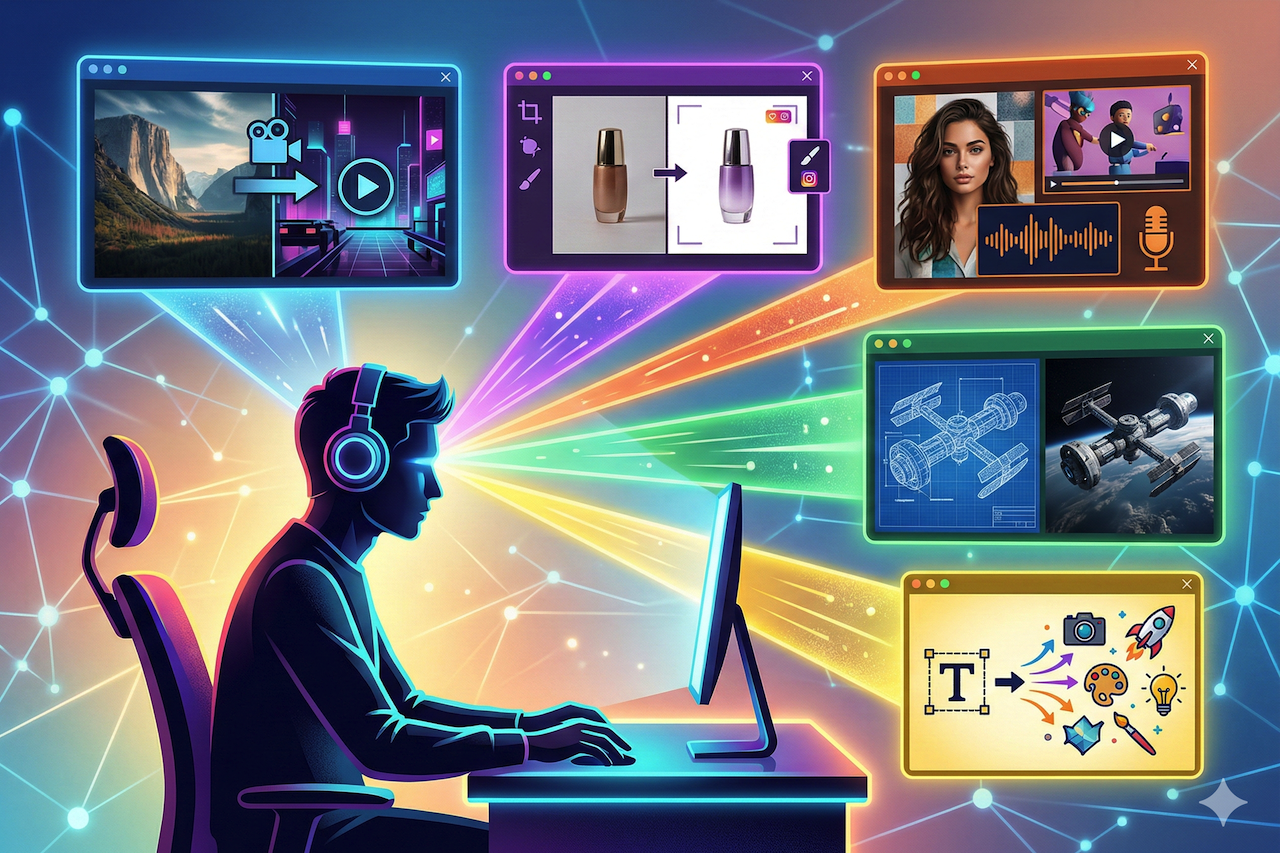
AI has completely changed how visual content is created. What once required professional design software, stock photo subscriptions, and hours of editing can now be done in minutes using AI image generators.
But with hundreds of AI image tools available, which platforms are people actually using every day?
We analyzed the most popular options based on image quality, workflow efficiency, editing tools, and real-world usability. This guide covers the five best AI image generators that consistently deliver production-ready results for creators and businesses.
What Are AI Image Generators?
AI image generators are tools that create images from text descriptions. You simply describe what you want, such as a product shot, cinematic landscape, or stylized illustration, and the system generates a matching visual.
Modern platforms are powered by advanced diffusion and transformer models trained on massive image datasets. These systems understand lighting, composition, color theory, perspective, and artistic styles.
AI image generators are commonly used for:
- Social media content and marketing visuals
- Product photography and e-commerce assets
- Concept art and creative exploration
- Presentations and business materials
- Video production workflows that require visual starting points
How AI Image Generation Works
Most modern AI image generators follow a similar process:
- The user enters a text prompt describing the desired image.
- The AI model interprets the prompt and generates an initial visual output.
- The user reviews the result and may refine the prompt, adjust parameters, or select from multiple variations.
- The final image is downloaded or further edited within the platform.
Some platforms go further by including built-in editing tools such as background removal, upscaling, relighting, and image-to-video conversion. These added features reduce the need for external design software.
The quality of output depends on several factors, including the underlying model, prompt specificity, available customization options, and post-generation editing tools.
The 5 Best AI Image Generators
1. Chroma Studio
Chroma Studio is an AI-powered creative platform that combines image generation, editing, style transfer, and video creation in a single environment. Rather than focusing solely on text-to-image generation, the platform provides a complete production workflow that allows users to generate, refine, and repurpose visual content without switching between applications.
The platform provides access to multiple AI models from a single dashboard, allowing users to select different engines depending on the requirements of each project. This multi-model approach gives users flexibility across photorealistic, illustrative, and stylized outputs.
Beyond generation, Chroma Studio includes a comprehensive editing suite. Users can perform text-to-image generation, background removal, image upscaling, AI-powered relighting, image enhancement, and watermark removal directly within the platform. The style transfer library includes over 500 effects, enabling users to transform images into anime, oil painting, watercolor, cyberpunk, and other visual styles.
The platform also supports image-to-video conversion with keyframe controls, allowing users to define camera angles, transitions, and motion sequences. This feature enables creators to extend static visuals into short animated content suitable for social media and marketing use.
Strengths
- Access to multiple AI models in one dashboard
- Comprehensive editing suite including background removal, upscaling, and relighting
- Over 500 style transfer effects for images and videos
- Image-to-video generation with keyframe controls
- Reference image support for guided output
- Beginner-friendly interface with no technical requirements
Ideal For
- Content creators managing end-to-end visual production
- Marketing teams producing assets across multiple formats
- Social media creators needing fast, polished output
- Businesses seeking a single platform for image and video content
- Users who want to reduce dependency on multiple separate tools
2. Fotor
Fotor is an established online photo editing platform that has expanded its capabilities to include AI image generation. Originally built as a browser-based alternative to desktop photo editors, Fotor now offers text-to-image generation alongside its existing suite of photo editing, retouching, and batch processing tools.
The AI generation feature allows users to create images from text prompts. Additional AI-powered features include object replacement, image expansion, and avatar generation. The platform maintains its core strength in photo editing, offering tools for brightness, contrast, filters, cropping, and portrait retouching.
Fotor is primarily suited for users whose main requirement is photo editing, with AI generation serving as a supplementary feature rather than a core capability. The editing tools are reliable and well-established, though the AI image generation quality does not match that of platforms built specifically for AI-powered creation.
The style and customization options for generated images are more limited compared to dedicated AI platforms. Users looking for advanced features such as multi-model access, extensive style libraries, or video generation may find the platform's AI capabilities insufficient for their needs.
Strengths
- Established photo editing platform with reliable tools
- Simple and accessible interface
- AI image generation integrated alongside editing features
- Batch photo processing capabilities
- Browser-based with no software installation required
Ideal For
- Users who primarily need photo editing with occasional AI generation
- Small businesses creating basic marketing visuals
- Beginners looking for a straightforward creative tool
- Teams that need batch processing alongside AI features
3. Max Studio
Max Studio is an AI creative platform designed for generating studio-quality images, videos, and audio from a single environment. The platform focuses on making professional-level visual creation accessible to users of all experience levels, combining AI image generation with a capable photo editor, video creation tools, and voiceover generation.
The AI image generator produces detailed, high-quality outputs suitable for marketing materials, social media content, product visuals, and creative projects. Users can generate images from text prompts and further refine them using the built-in photo editor, which includes enhancement tools, effects, and adjustment controls.
What sets Max Studio apart is the breadth of its creative capabilities within a single platform. In addition to image generation, users can create AI-powered videos from text or images, add effects and animations, and generate voiceovers. This makes it a practical solution for creators and businesses that need to produce content across multiple formats without managing separate subscriptions for each capability.
The platform is designed with a clean, intuitive interface that minimizes the learning curve. Users can begin generating content within minutes of signing up, making it particularly accessible for teams without dedicated design resources.
Strengths
- High-quality AI image generation with detailed outputs
- Combined image, video, and audio creation in one platform
- Built-in photo editor with enhancement and effects tools
- Clean, intuitive interface suitable for all experience levels
- Fast generation workflow from prompt to finished content
- Practical for multi-format content production
Ideal For
- Creators producing content across image, video, and audio formats
- Small businesses needing professional visuals without design expertise
- Marketing teams managing multi-format content campaigns
- Users who prefer a single platform over multiple specialized tools
- Teams looking for an accessible entry into AI-powered content creation
4. Imagine.art
Imagine.art positions itself as a comprehensive AI creative suite with access to a wide range of AI models for image and video generation. The platform aggregates multiple generation engines, including proprietary and third-party models, allowing users to compare outputs and select the most suitable model for each project.
The platform supports text-to-image generation, inpainting, upscaling, and video generation. It also includes workflow tools that allow users to chain multiple AI operations together for more complex production sequences.
The breadth of model access is the platform's primary differentiator. However, the density of options and settings may present a learning curve for users unfamiliar with AI generation workflows. The editing capabilities beyond generation are limited compared to platforms with comprehensive editing suites. Features such as background removal, relighting, and extensive style transfer are either absent or basic.
The large number of available models can also lead to inconsistent results, as output quality varies depending on which engine is selected and how prompts are structured.
Strengths
- Access to a wide range of AI models in one platform
- Support for both image and video generation
- Inpainting and upscaling tools
- Workflow chaining for complex projects
- Regular addition of new models and features
Ideal For
- Users who want to compare outputs across different AI models
- Creators working with both image and video formats
- Technical users comfortable with multiple generation parameters
- Teams exploring different visual styles through model comparison
5. Picsart
Picsart is one of the most widely adopted creative platforms globally. Originally developed as a mobile photo editor, the platform has expanded to include AI-powered image generation, templates, design assets, and collaborative editing tools.
The platform is particularly strong in social media content creation. It offers templates for every major platform, including Instagram, TikTok, YouTube, and Facebook. AI features include text-to-image generation, background removal, and image enhancement.
Picsart's primary strength lies in its mobile experience and its extensive library of templates, stickers, and effects designed for social media workflows. The AI image generation capabilities complement the editing tools but are not as advanced as those offered by dedicated AI generation platforms.
The generated image quality is suitable for social media posts and casual use but may not meet the requirements of professional projects, product photography, or detailed creative work. The desktop experience is also less refined than the mobile application, and the platform lacks video generation and comprehensive style transfer features found in AI-first platforms.
Strengths
- Established mobile platform with a large user base
- Extensive template and design asset library
- Strong mobile editing experience
- AI-powered background removal and enhancement
- Social media-optimized content templates
Ideal For
- Social media creators focused on Instagram, TikTok, and Reels
- Mobile-first users who create content on the go
- Influencers and freelancers producing platform-specific visuals
- Users who prioritize templates and quick editing over advanced AI generation
AI Image Generator Comparison
| Tool | Best For | AI Models | Editing Tools | Style Effects | Video Support | Ease of Use |
|---|---|---|---|---|---|---|
| Chroma Studio | Full creative workflow | Multiple models | Full suite | 500+ effects | Yes (keyframe) | Beginner-friendly |
| Fotor | Photo editing + AI | Limited | Photo editor | Limited | No | Very easy |
| Max Studio | Multi-format creation | Proprietary | Photo editor + effects | Available | Yes | Very easy |
| Imagine.art | Multi-model access | Wide selection | Basic | Limited | Yes | Moderate |
| Picsart | Social media content | Limited | Mobile editor | Templates | No | Very easy |
How to Choose the Right AI Image Generator
Selecting the right platform depends on several factors specific to your workflow and content requirements.
Workflow Integration
Consider whether you need a tool that handles only image generation or one that supports the full creative process, including editing, enhancement, and video creation. Platforms that consolidate multiple steps into a single environment can reduce production time and tool dependency.
Output Quality
Different platforms produce different levels of detail, photorealism, and artistic range. Multi-model platforms offer more flexibility by allowing users to select the best engine for each project type.
Editing Capabilities
Generating an image is often only the first step. Look for platforms that include post-generation tools such as background removal, upscaling, relighting, and style transfer to refine output without requiring external software.
Ease of Use
Some platforms are designed for users with no technical background, while others offer advanced controls that require familiarity with AI generation workflows. Choose a platform that matches your team's experience level.
Content Format Requirements
If your workflow includes video content, consider platforms that support image-to-video conversion or text-to-video generation alongside image creation. Platforms like Chroma Studio and Max Studio offer this capability, reducing the need for separate video production tools.
Conclusion
AI image generation has moved beyond experimental novelty into a practical production tool used across marketing, content creation, e-commerce, and digital media. The platforms reviewed above represent different approaches to the same fundamental capability, each with distinct strengths.
Fotor and Picsart serve users whose primary needs center on photo editing and social media content. Imagine.art appeals to technical users who want access to a wide range of AI models. Max Studio provides a practical multi-format creative platform covering images, video, and audio in one environment.
Chroma Studio addresses the challenge of workflow fragmentation by combining multiple AI models, comprehensive editing tools, over 500 style transfer effects, and video generation in a single platform. For creators and businesses that produce visual content regularly, this integrated approach can reduce production complexity and improve output consistency.
The most effective AI image generator is not necessarily the one with the most advanced individual feature. It is the one that fits naturally into your existing workflow and supports the full journey from idea to finished content.
 FAQs
FAQs
The best AI image generator depends on your needs. If you want a complete workflow with image generation, editing, style effects, and video creation in one place, Chroma Studio is a strong option. If you only need photo editing with basic AI features, Fotor may be enough.
Platforms that support advanced AI models tend to produce more realistic results. Multi-model platforms like Chroma Studio and Imagine.art allow users to choose engines that specialize in photorealistic output.
Yes. Many businesses use AI image generators for marketing visuals, product images, concept art, and social media content. The key is choosing a platform that offers strong editing tools and consistent output quality.
AI image generators can reduce the need for traditional design tools, especially for creating base visuals. However, advanced graphic design work may still require professional software. Some platforms now include built-in editing features that reduce dependency on external tools.
No. Most modern AI image platforms are designed for beginners. You simply enter a text description, and the system generates images automatically. Some platforms offer advanced controls, but they are optional.
Most AI image generators allow commercial use, but terms vary by platform. It is important to review the licensing and usage policy before using generated images for client work or advertising.
Each platform uses different AI models and training methods. Some focus on photorealism, others on artistic style. The same prompt can produce very different outputs depending on the model and platform used.
Featured Image generated by Google Gemini.
Share this post
Leave a comment
All comments are moderated. Spammy and bot submitted comments are deleted. Please submit the comments that are helpful to others, and we'll approve your comments. A comment that includes outbound link will only be approved if the content is relevant to the topic, and has some value to our readers.
Comments (0)
No comment