

Why generic cloud storage creates risks for sensitive business files? Standard cloud storage works well for everyday collaboration, but it starts to feel thin when files carry legal, financial, or strategic weight. Teams often need tighter control over who can open a document, whether it can be printed or downloaded, how long access stays active, and what happens after a file has already been shared. That is where a virtual data room usually has the edge.
The difference is not only about storage. It is about oversight. Data rooms are built for controlled sharing, detailed audit trails, permission layers, watermarking, and structured workflows that help teams manage due diligence, fundraising, legal review, and board-level document exchange with less guesswork.
What businesses need from secure file-sharing platforms
For most organisations, the right platform should make control easier rather than heavier. The strongest options tend to offer:
- folder- and document-level permissions
- view, print, and download restrictions
- watermarking, expiry settings, and access revocation
- activity logs that show who viewed, downloaded, or changed files
- built-in Q&A or structured collaboration for live projects
That mix matters when several parties are reviewing the same material at once. Legal teams, finance leaders, executives, investors, and external advisers do not all need the same level of access. A platform that lets you shape those boundaries clearly saves time and reduces avoidable exposure.
Key features that give teams more control over shared documents
The first feature to look at is permission depth. Basic tools usually stop at broad sharing settings. Data rooms go further by letting administrators control access by user, group, folder, and file, with limits on downloading, printing, forwarding, or saving. Some platforms also allow remote revocation after a file has been shared.
The second is visibility. When a deal, audit, or dispute moves quickly, teams need to know what has been opened, what has been ignored, and where activity is concentrated. Page-level logs, document history, scheduled reports, and user activity views give managers a much clearer picture than a generic shared folder can provide.
Top virtual data room platforms for secure file sharing
Ideals
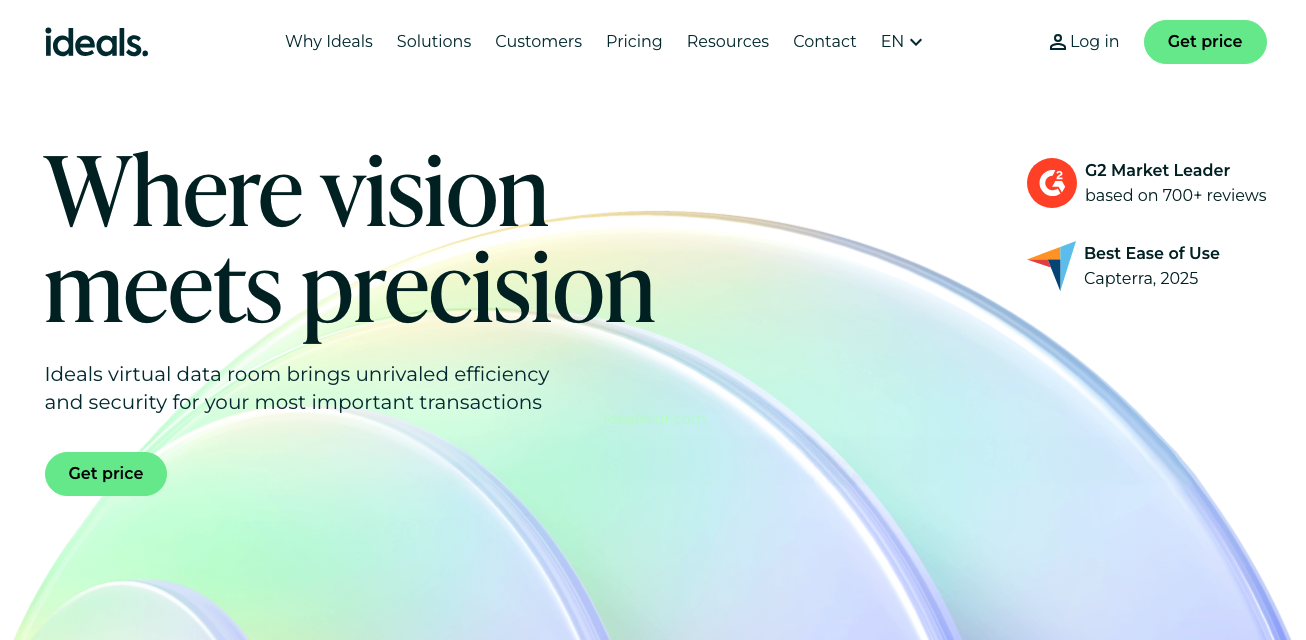
Ideals VDR is a strong starting point for businesses that want secure sharing without a steep learning curve. It combines granular access controls with AES-256 encryption, multi-factor authentication, dynamic watermarking, fence view, IP restrictions, and detailed audit logs. It also supports controlled external sharing, which makes it useful when documents need to move beyond the core internal team without losing visibility.
Datasite
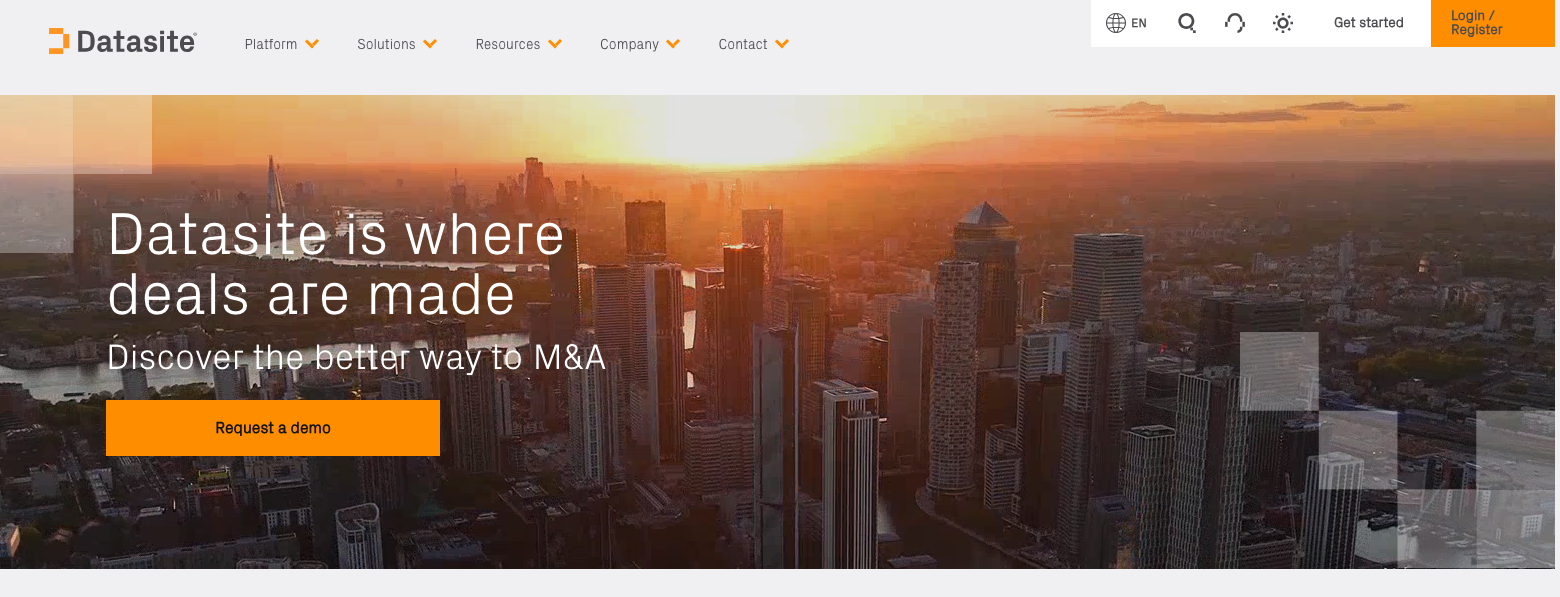
Datasite is a good fit for teams running active transactions with heavier process needs. Its platform stands out for page-level audit trails, structured Q&A, checklist tracking, automated reporting, and analytics that help managers monitor progress across users and documents. It is especially well suited to due diligence environments where control and momentum have to move together.
Intralinks
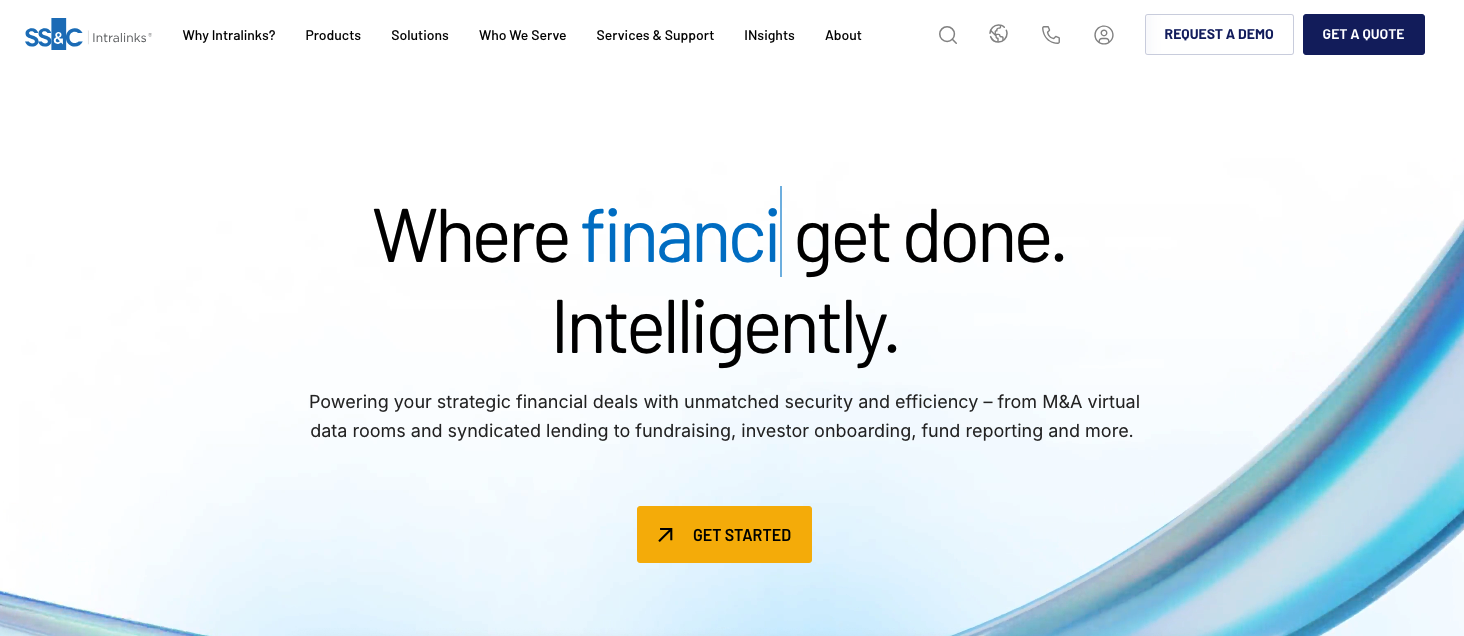
Intralinks remains a serious option for organisations that care about tight rights management. Its tools support audit trails, document access reporting, permission control over viewing, saving, printing, and editing, and remote revocation of access. Its role structure is also detailed, which gives administrators a lot of flexibility when many different stakeholders are involved.
Firmex
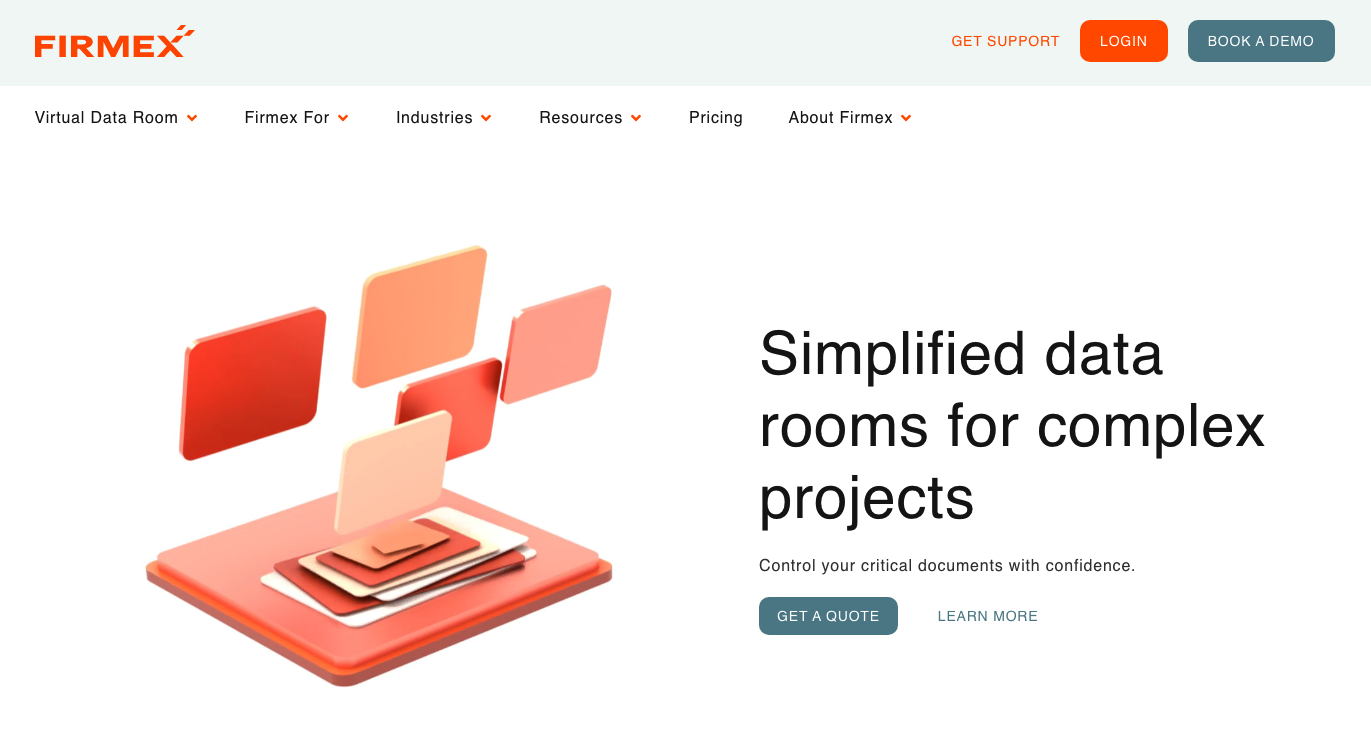
Firmex is well known for straightforward deployment and strong access control. It supports permissions down to the document level, multi-factor authentication, IP restrictions, SSO, reporting dashboards, and monitoring of user behaviour inside the room. For businesses that want a secure room that feels practical rather than overbuilt, Firmex often lands in the shortlist.
Ansarada
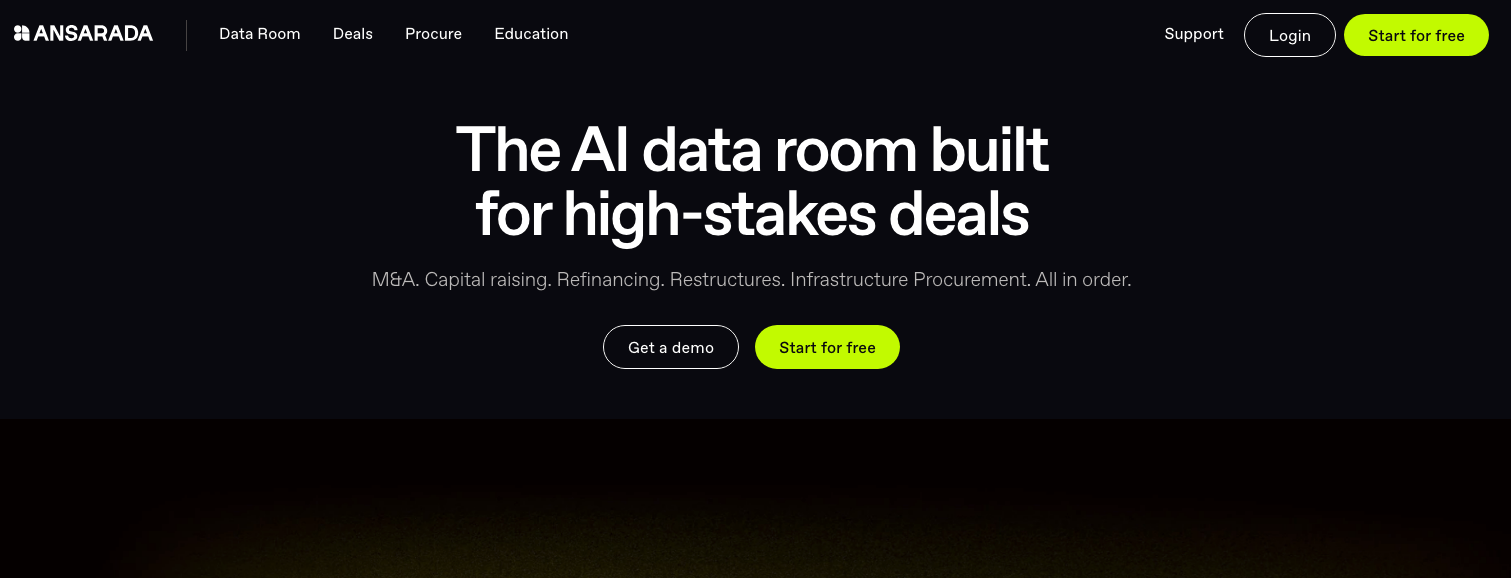
Ansarada leans into controlled deal execution. Alongside the usual permissioning, watermarking, expiry settings, and audit trails, it offers remote self-destruct capabilities and built-in workflow features for transaction-heavy use cases. That makes it attractive for teams handling sensitive processes where access may need to change quickly as bidders, advisers, or counterparties move in and out.
Drooms
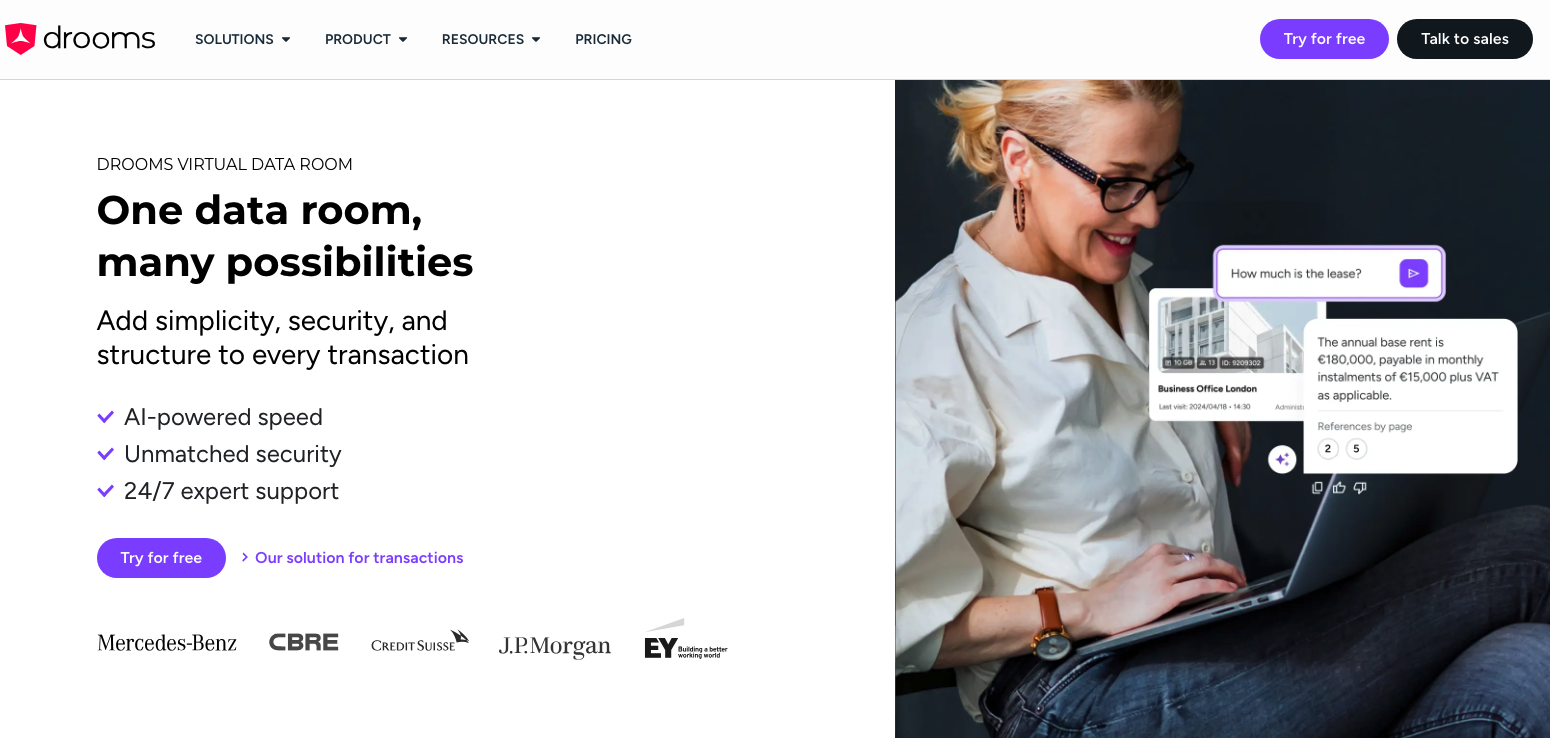
Drooms is a solid choice for businesses that want secure sharing with integrated Q&A and European compliance positioning. Its platform includes granular permissions, encrypted transfers, two-factor authentication, audit-ready reporting, watermarking, and tools for redaction and structured communication. It is often a good fit for due diligence, fundraising, real estate, and cross-border document review.
How virtual data rooms compare with standard cloud storage tools
A standard cloud drive is usually designed to store, sync, and share files across a team. A virtual data room is designed to govern access around sensitive information. That difference shows up in the details: stronger permission layers, better reporting, cleaner audit history, more formal review workflows, and more deliberate control over external users.
That does not mean every business needs a data room all the time. For routine internal documents, general storage may be enough. The case for a VDR becomes much stronger when files relate to financing, acquisition activity, board materials, regulatory reviews, intellectual property, or other situations where a loose sharing model can create unnecessary risk.
When it makes sense to switch to a more secure file-sharing solution
The switch usually becomes reasonable when the team starts asking the same questions again and again: Who opened that file? Can we stop downloads for this group? Can we revoke access after sending? Can we keep Q&A inside one secure environment? Can we show a clean activity record later if someone challenges the process? Those are data room questions, not standard storage questions.
A move also makes sense when external collaboration becomes harder to manage. Once investors, buyers, lawyers, auditors, consultants, or board members need access at the same time, a platform built for controlled access tends to be easier to run than a collection of shared links and email follow-ups.
How to choose the right platform for your business
Keep the evaluation focused on the real workflow, not the feature list alone. A practical shortlist should look at:
- how easily you can control access by user, role, folder, and file
- how clear the audit trail is for administrators
- whether Q&A, redaction, reporting, and archive tools are built in
- how well the platform handles external users without confusion
- how quickly your team can set up and run a live project
Conclusion
If your priority is balanced usability and strong document control, Ideals is a sensible first platform to review. If your workflow is more deal-heavy and process-driven, Datasite, Intralinks, Ansarada, Firmex, and Drooms are all worth comparing side by side based on permissions, reporting depth, and how your external stakeholders will actually use the room.
Featured Image generated by ChatGPT.
Share this post
Leave a comment
All comments are moderated. Spammy and bot submitted comments are deleted. Please submit the comments that are helpful to others, and we'll approve your comments. A comment that includes outbound link will only be approved if the content is relevant to the topic, and has some value to our readers.
Comments (0)
No comment