
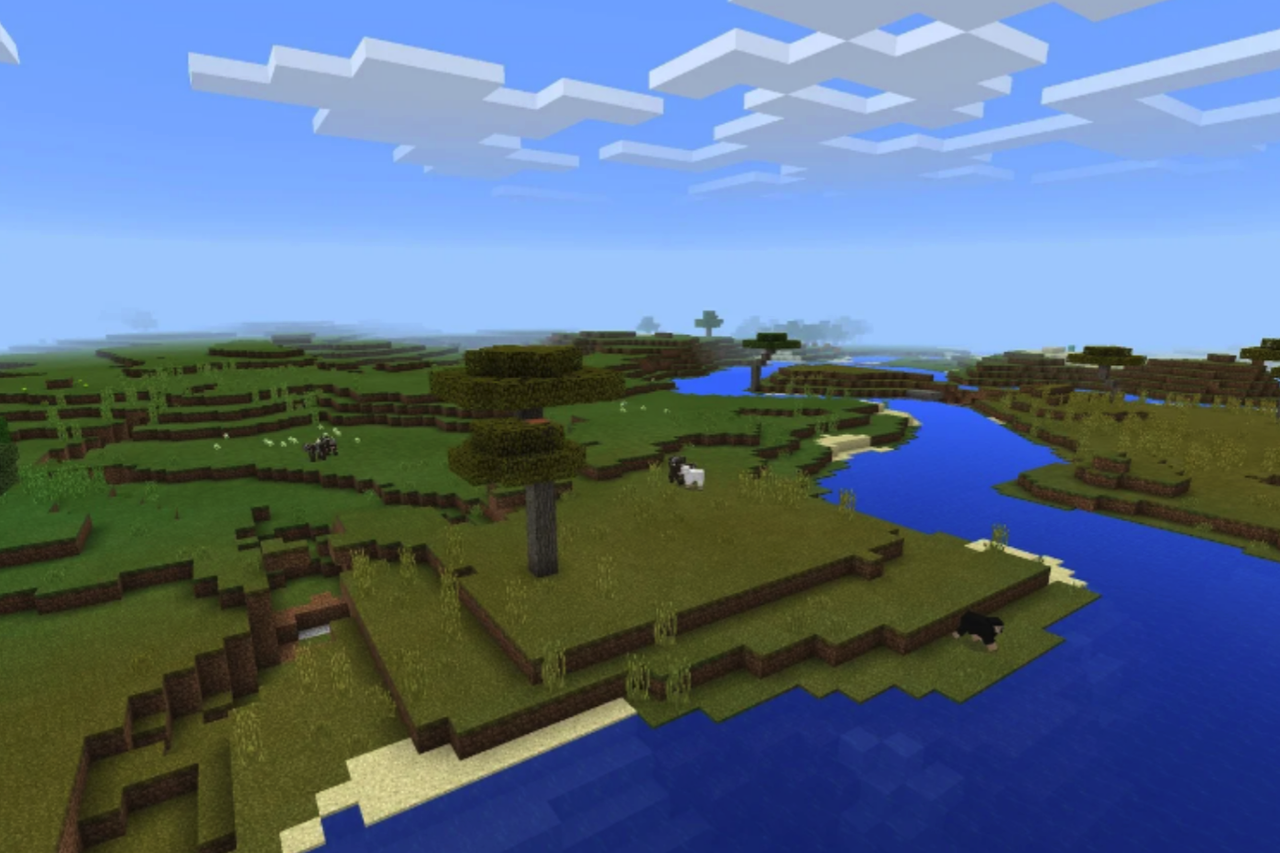
A lot of Minecraft players start with vanilla. Just the base game. You spawn somewhere random, probably near a tree. So you grab some wood, craft the first tools, and hope the night mobs don’t find you too quickly.
That loop is simple. Explore, mine, build a small house, maybe dig a tunnel underground. For many players that’s already enough fun.
But sooner or later, someone installs mods.
Maybe it starts with something small. A minimap. A storage mod. A few extra blocks. Then another mod appears. Then another one.
Before long the game feels different.
Suddenly there are machines, new resources, strange tools, maybe even entire systems for automation.
And that’s when people notice something.
The moment you add mods, running the server becomes a whole different situation.
Why Mods Change the Game
Mods don’t just add items to the game. Many of them add systems that keep running in the background.
A machine processes ores automatically. Pipes move items between chests. Farms generate resources without players touching them.
And every one of those things needs the server to update constantly.
Here’s a simple example.
One player builds a factory that processes iron automatically. Another player builds a mob farm that produces drops all the time. Someone else explores new chunks far away from spawn.
All those things run at the same time.
So the server has to handle machines, mobs, world generation, and player actions together.
That’s why modded worlds can become heavy pretty quickly.
Servers Work Fine Until They Don’t
At first everything feels normal.
A few players join the server. People build houses. Someone starts a farm. Someone else begins experimenting with machines.
But then the world grows. A base becomes a factory. Redstone machines start running everywhere. Players explore thousands of blocks away.
That’s usually the moment when performance problems start showing up.
Blocks take longer to update. Players notice small lag spikes. Sometimes the server freezes for a second.
And many server owners suddenly realize something.
Normal hosting is not always built for heavy modpacks.
That’s why many communities search for hosting optimized for forge and fabric mods when they want to run bigger modded servers.

Some hosting setups simply handle large modpacks better than others.
Forge and Fabric Are Everywhere
People who get into Minecraft mods usually end up hearing about Forge and Fabric pretty quickly.
Forge and Fabric are mod loaders. In simple terms, they allow the game to run mods.
Forge has been around for years, and many large modpacks still rely on it.
Many large tech mods run through Forge.
That’s why servers running heavy modpacks are often described as a minecraft forge server.
Fabric works a bit differently. It focuses more on performance and lighter mods. Many players use Fabric when they want smaller changes instead of huge gameplay systems.
Both loaders work well. It mostly depends on the type of modded world players want.
Installing Mods the First Time
The first time someone installs mods, the process usually feels confusing.
You download files. You move them into folders. Now and then the game crashes and you’re stuck figuring out why.
So players start searching for guides.
A common search people make is how to install forge minecraft, especially when they try modded gameplay for the first time.
But after doing it once or twice, the process becomes simple.
Install the loader, drop the mod files into the folder, start the game. Servers follow the same idea, except the server and players must use the same mod versions.
Otherwise the game refuses to connect.
One Mod Usually Turns Into Many
Most modded servers don’t stay small for long.
A server might start with one simple mod. Then someone suggests another one that improves storage. Another player adds a machine mod.
Before long the world is running twenty or thirty mods.
And that’s where a minecraft forge mod setup can start pushing the server harder.
Each mod adds new blocks, entities, or systems running in the background.
One mod is easy. Thirty mods are a different story.
Players Always Ask the Same Question
When performance problems appear, server owners start looking for answers.
And the same question shows up again and again.
People want to know what hosting actually works well for modded servers.
Players compare experiences. Some hosting setups handle large modpacks without problems. Others struggle once several players join.
So hosting really matters when a world becomes large and complex.
Why Modded Minecraft Keeps Growing
Even with the technical challenges, modded Minecraft keeps growing every year.
Because mods give players something powerful: freedom.
One server becomes a giant automation factory. Another turns into a survival RPG with quests and bosses. Another becomes a massive city built by dozens of players.
The base game stays the same. Blocks, mining, crafting.
But mods change what players can do with that sandbox.
And that’s why players keep coming back to modded Minecraft again and again.
Featured Image by Pixabay.
Share this post
Leave a comment
All comments are moderated. Spammy and bot submitted comments are deleted. Please submit the comments that are helpful to others, and we'll approve your comments. A comment that includes outbound link will only be approved if the content is relevant to the topic, and has some value to our readers.
Comments (0)
No comment