
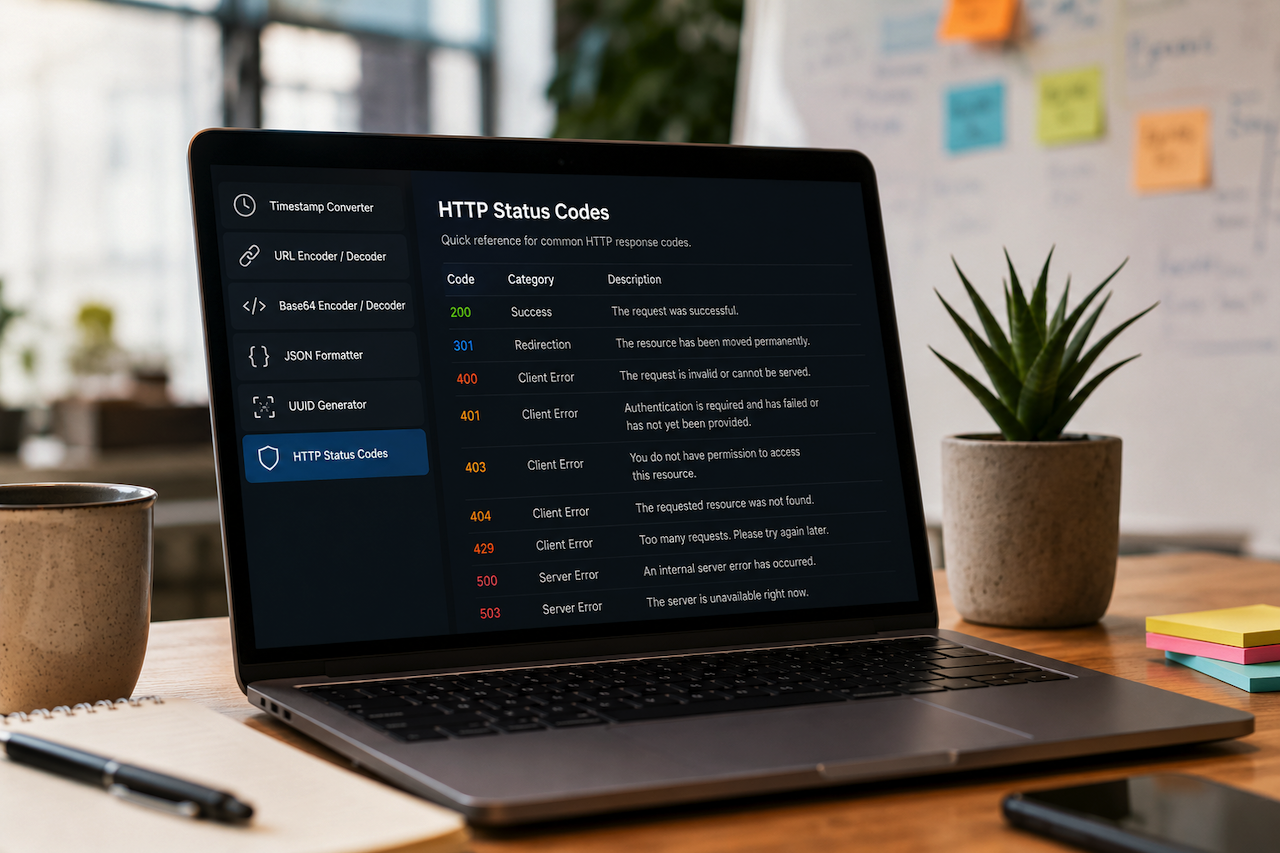
Modern web work often depends on small checks that happen between bigger tasks. A developer might need to decode a URL, verify a Unix timestamp, inspect an HTTP response, format a JSON payload, generate a UUID, or explain why a browser shows an error page. None of these jobs is large enough to justify a full application, but each one can slow down a workflow when the right utility is not close at hand.
This is why lightweight browser-based tools remain valuable. They do not replace IDEs, monitoring platforms, analytics dashboards, or security scanners. Instead, they fill the gaps between them. A good utility loads quickly, does one job clearly, and avoids asking users to send more data than necessary.
Why Privacy Matters for Simple Utilities
Many everyday developer tasks involve information that should not be copied into a random server-side form. A JSON snippet may include internal field names. A URL may contain tracking parameters, test endpoints, or customer-specific identifiers. A timestamp may be part of a log investigation. Even when the data is not secret, there is rarely a good reason to upload it for a simple transformation.
Client-side tools reduce that risk. If the work happens in the browser, the user can perform quick conversions and formatting without sending the input to a remote processing system. That approach is especially useful for common text operations such as Base64 encoding, URL encoding, JSON formatting, UUID generation, and timestamp conversion.
Of course, browser-based tools are not a security cure-all. Users should still avoid pasting passwords, tokens, private keys, or customer data into any web page unless they fully trust the environment. But for routine technical checks, local-in-browser processing is a sensible default.
HTTP Status Codes Are Still the First Clue
When something breaks on the web, the HTTP status code is often the first useful signal. A 301 or 308 response can indicate a redirect rule. A 401 suggests authentication trouble. A 403 may indicate permissions, firewall rules, or blocked access. A 404 can be a routing issue. A 429 often means rate limiting. A 500-level response moves the investigation toward server-side code, upstream services, or infrastructure.
Developers, marketers, SEO teams, and support staff all look at these codes, but they do not always interpret them the same way. A reliable HTTP status codes reference can make conversations faster by helping teams quickly confirm what a response means and where to investigate next.
Useful Tools for Everyday Web Troubleshooting
A practical toolkit for web work need not be complicated. The most useful tools are usually the ones that answer common questions in seconds:
- Timestamp Converters: Help translate server logs, API payloads, and scheduled events into readable dates.
- URL Encoders and Decoders: Make it easier to inspect query strings and fix malformed links.
- Base64 Tools: Help with quick decoding and encoding tasks during debugging.
- JSON Formatters: Make API responses easier to scan and validate.
- UUID Generators: Are useful for test records, mock data, and unique identifiers.
- HTTP Status Code References: Help teams understand response codes without having to search through lengthy specifications.
These utilities are not glamorous, but they save time by removing friction. The best ones are fast, readable, and focused.
When a Browser Tool Is Enough
There are many cases where a full developer environment is unnecessary. A support engineer reading a log may only need to convert a timestamp. A content manager may need to decode a URL before reporting an issue. A developer reviewing an API response may want to format JSON before pasting it into a ticket. A site owner checking a redirect chain may need a quick reminder of what each HTTP response means.
In these moments, a small web utility is often the fastest path. It works across devices, requires no installation, and can be shared with non-technical teammates. That last point matters: many web problems are collaborative. The person who notices the issue is not always the one who fixes it.
What to Look for in a Good Utility Site
A useful browser-based tool should be simple enough to trust at a glance. Clear labels, readable output, and predictable behavior are more important than visual complexity. It should also avoid unnecessary account creation, heavy scripts, and confusing workflows.
For developer utilities, speed is part of the product. If a tool exists to save ten seconds, it should not take twenty seconds to load. A clean interface, no required sign-up, and client-side processing can make these tools easier to keep in a daily workflow.
Small Tools, Better Habits
Reliable web troubleshooting often comes down to habits. Check the status code before guessing. Decode the URL before rewriting it. Format the JSON before scanning it. Convert the timestamp before assuming the event happened at the wrong time. Small checks like these prevent bigger misunderstandings.
That is the real value of privacy-friendly browser tools. They do not promise to solve every technical problem. They make the small, repeatable parts of web work faster and clearer, while keeping users in control of what they paste, process, and share.
Featured Image generated by ChatGPT.
Share this post
Leave a comment
All comments are moderated. Spammy and bot submitted comments are deleted. Please submit the comments that are helpful to others, and we'll approve your comments. A comment that includes outbound link will only be approved if the content is relevant to the topic, and has some value to our readers.
Comments (0)
No comment