
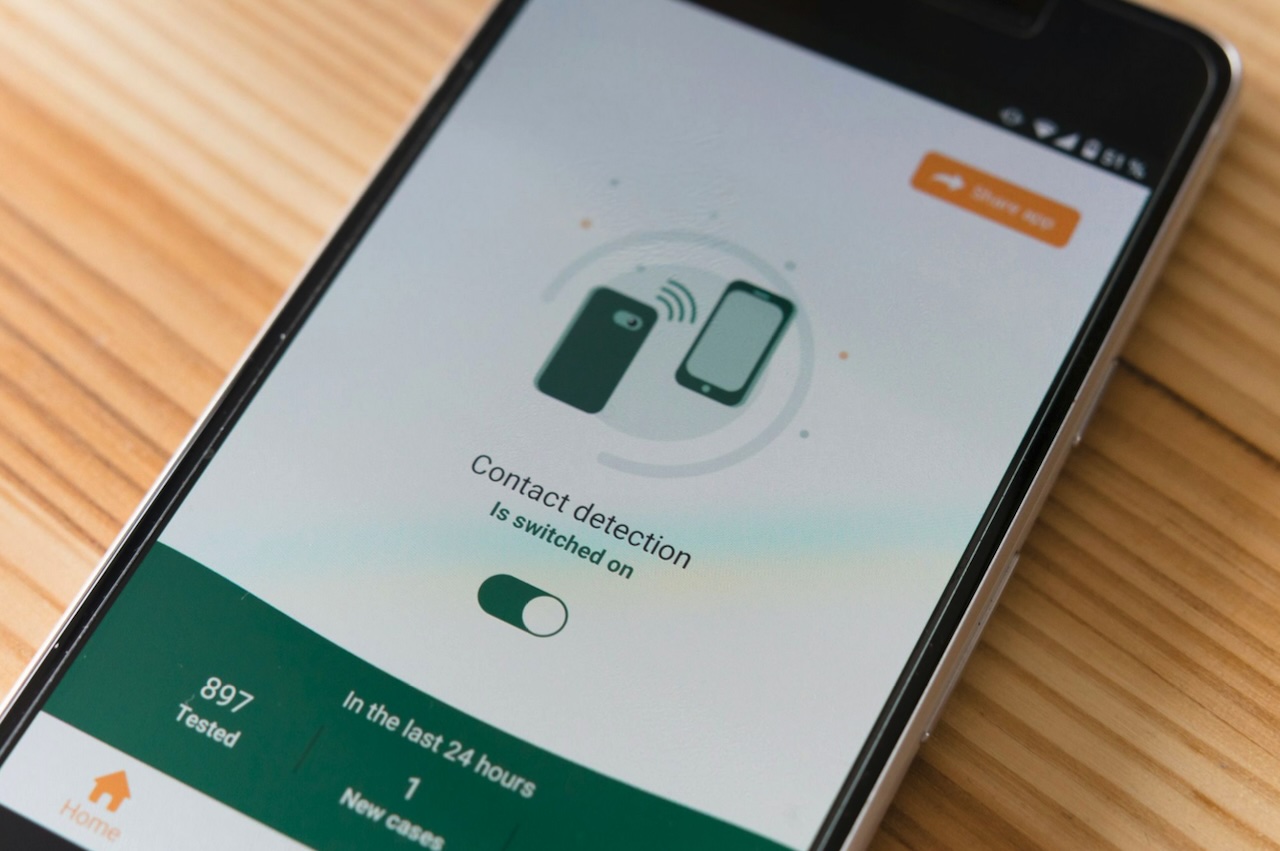
Quick 5‑Minute Phone Security Checklist
- Enable automatic OS and app updates; enforce updates via MDM for corporate devices where possible.
- Set a strong passcode (6+ digits or alphanumeric) and enable biometrics on phones like the Galaxy S26 phone as a convenience layer, not a replacement. Configure auto‑lock for 30 seconds to 2 minutes.
- Turn on “Find My” / remote‑wipe and set a SIM PIN with the carrier.
- Enable multi‑factor authentication (use an authenticator app or a hardware security key; avoid SMS-based MFA).
- Avoid public Wi‑Fi for work tasks; if necessary, use the company VPN.
- Backup important business data to a managed, encrypted cloud account.
- Enrol the device in company MDM if available.
How to use this checklist
- Who: new hires, anyone issued a corporate device, BYOD users joining company networks, and staff after a phone is lost or returned.
- When: during onboarding, at quarterly security reviews, and immediately after any suspected compromise.
- Shareable resources: provide a ready‑to‑print one‑page checklist and an incident‑playbook PDF via your internal portal or on request by email for distribution to staff.
Why phone security matters
Business phones carry sensitive data — stored credentials, confidential emails, customer lists, and access tokens for corporate apps. A single compromised device can trigger data leakage, phishing attacks across corporate systems, regulatory exposure under Notifiable Data Breaches scheme, and costly operational downtime. For small businesses in particular, the financial and reputational damage from a breach is rarely proportionate to the convenience that weak security controls provide.
A standardised phone security checklist creates consistent controls, speeds remediation and clarifies responsibilities across the organisation. It’s practical cybersecurity: protect people and the business while balancing usability and security.
Device hardening: OS, updates and configuration
OS & app patching
Enable automatic updates for both the operating system and all installed apps. Keep in mind that staged rollouts can delay availability on some devices — check update settings regularly and use MDM to enforce critical patches across corporate devices. Keeping software patched closes known vulnerabilities and remains one of the fastest, highest-value security steps you can take.
Lock screen and authentication
Set a minimum passcode complexity of six or more digits, or use an alphanumeric passcode for stronger protection. Biometrics can be enabled for convenience, but should never be used as the sole authentication control. On devices used for work, configure auto-lock to activate between 30 seconds and 2 minutes of inactivity. Message previews should also be disabled and sensitive content hidden from lock-screen notifications for all work apps.
Encryption and storage
Modern iOS and Android devices encrypt storage by default once a passcode is set, but it is worth confirming that encryption is active on every device in use. Whether backups are stored locally or in the cloud, ensure they are encrypted both in transit and at rest. Where possible, corporate-managed backups with proper access controls should be preferred over unmanaged personal backups, which offer little visibility or protection if a device is lost or compromised.
Strong authentication and access controls
Use multi‑factor authentication and single sign‑on (SSO) for corporate services. Prefer authenticator apps (Microsoft Authenticator, Google Authenticator, Authy) or hardware security keys (FIDO2) rather than SMS‑based MFA, which is vulnerable to SIM swapping.
Adopt a vetted password manager for business credentials and forbid storing passwords or tokens in plain text notes. Implement session timeouts and app‑level reauthentication for sensitive apps such as banking or admin consoles.
Network safety: Wi‑Fi, VPNs and radios
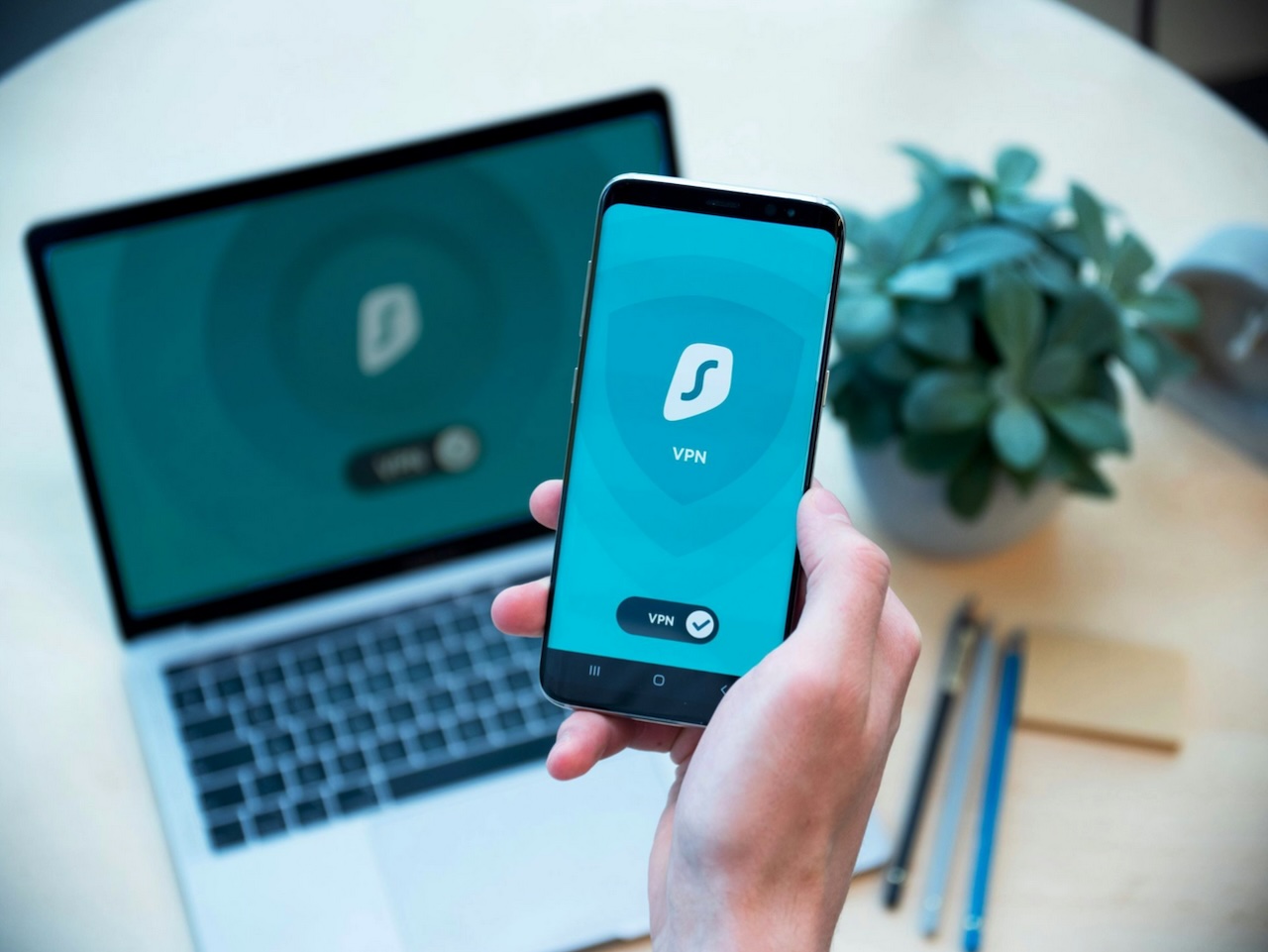
Public Wi‑Fi exposes traffic and credentials. Avoid open networks for work tasks; if unavoidable, use the company VPN to encrypt traffic. Choose reputable VPN solutions and configure split tunnelling intentionally route corporate traffic over the VPN while allowing personal traffic to remain direct if policy permits.
Turn off unused radios (Bluetooth, NFC, Wi‑Fi) when not needed and enable “Ask to join networks” to prevent automatic connections. These small steps reduce the attack surface and lower the risk of unintended data exposure.
Apps, permissions and app stores
Install apps only from official app stores and block side‑loading on corporate devices. Regularly audit app permissions and apply the principle of least privilege: restrict background location, microphone, camera and contacts unless explicitly required.
Use managed app configurations through MDM to deploy approved apps and enforce permissions. Whitelist critical business apps and consider blacklisting high‑risk applications.
Mobile Device Management (MDM) & BYOD policy: When to choose corporate devices vs BYOD
Corporate devices
Corporate-owned devices allow for stronger security controls and full MDM enforcement, making them the right choice for workloads that involve sensitive data or fall under regulatory requirements.
BYOD
BYOD is suitable for lighter access scenarios when it is backed by a clear BYOD policy, containerisation, or app-level controls that separate personal and work data. Because personal devices fall outside direct IT control, BYOD arrangements also require documented user consent records and stricter conditional access policies to reduce the risk of unauthorised exposure.
MDM baseline configuration checklist
- Mandatory device enrolment and inventory logging.
- Enforce device passcodes and auto‑lock policies.
- Enable remote‑wipe/lock and manage “Find My” functionality.
- Require OS and app update enforcement.
- Managed app deployment and whitelisting.
- Encryption enforcement and controlled backups.
- Jailbreak/root detection and blocking.
- Compliance checks with automated remediation (block access if non‑compliant).
Implement conditional access so corporate resources are available only from compliant, enrolled devices; block access from rooted or jailbroken phones.
Malware, security apps and monitoring
Mobile AV and security apps can help detect known threats and phishing links, but they are not a silver bullet. Prioritise MDM, OS hardening and strong access controls. Recommend selective security apps for high‑risk use cases such as remote workers or frequent travellers. For SMBs, lightweight endpoint detection or managed EDR services can be feasible expect alerting, basic investigation and remediation support.
Maintain a device inventory, run periodic audits and monitor identity provider logs for suspicious login patterns.
Incident response: lost, stolen or compromised phones
Immediate steps (first 24 hours)
- Lock or remotely wipe the device via MDM/Find My.
- Revoke active sessions and reset credentials for corporate accounts.
- Suspend or disable the user’s access pending investigation.
- Contact the mobile carrier to flag the SIM and request that it be blocked or replaced.
- Notify IT/manager and collect evidence (last known location, logs).
Business incident playbook (roles and timeline)
Roles: Employee (report and cooperate), IT/Manager (contain, revoke access, re‑enrol), Legal/HR (notifications, compliance), Communications (internal/external messaging).
Timeline:
- Within 1 hour: employee reports; IT locks/wipes device and revokes sessions.
- Within 24 hours: IT/HR assess exposure, notify senior management, and consider Notifiable Data Breaches obligations.
- Within 72 hours: restore access on a secured or new device, document findings and update controls.
Provide short sample messages for staff and customers and consult legal before sending customer notifications. Preserve logs, collect timelines and conduct a lessons‑learned review to improve policies and training.
Compliance, data handling and legal considerations
Minimise sensitive data on phones, apply retention policies and maintain the ability to remotely delete corporate data. Under Australia’s Notifiable Data Breaches scheme, assess whether a breach is likely to cause serious harm and notify affected individuals and the OAIC if required.
Keep device inventories, BYOD consent records and incident logs for audits. Use guidance from Cyber.gov.au (ACSC), Business.gov.au and ACMA when defining obligations and response steps.
Training, culture and ongoing maintenance
Deliver short micro‑training sessions and phishing simulations during onboarding and as quarterly refreshers. Assign clear ownership (IT manager or an external MSP) for device security, schedule quarterly reviews and keep policy documents and incident playbooks current.
Summary and resources
Top actions: enable updates, use strong passcodes and MFA, enable remote‑wipe, enrol devices in MDM, avoid public Wi‑Fi or use VPN, audit app permissions, and practise incident playbooks. Provide staff with a printable one‑page checklist, an incident‑playbook PDF and an MDM baseline template (CSV) via your internal portal or on request by email.
Next step: run the 5‑minute checklist across issued and BYOD devices today, enrol all corporate devices in MDM where possible, and adopt the incident playbook so your team knows exactly what to do when a phone is lost or compromised. Refer to Cyber.gov.au, Business.gov.au and ACMA for Australian‑specific guidance.
Featured Image by Unsplash.
Share this post
Leave a comment
All comments are moderated. Spammy and bot submitted comments are deleted. Please submit the comments that are helpful to others, and we'll approve your comments. A comment that includes outbound link will only be approved if the content is relevant to the topic, and has some value to our readers.
Comments (0)
No comment