
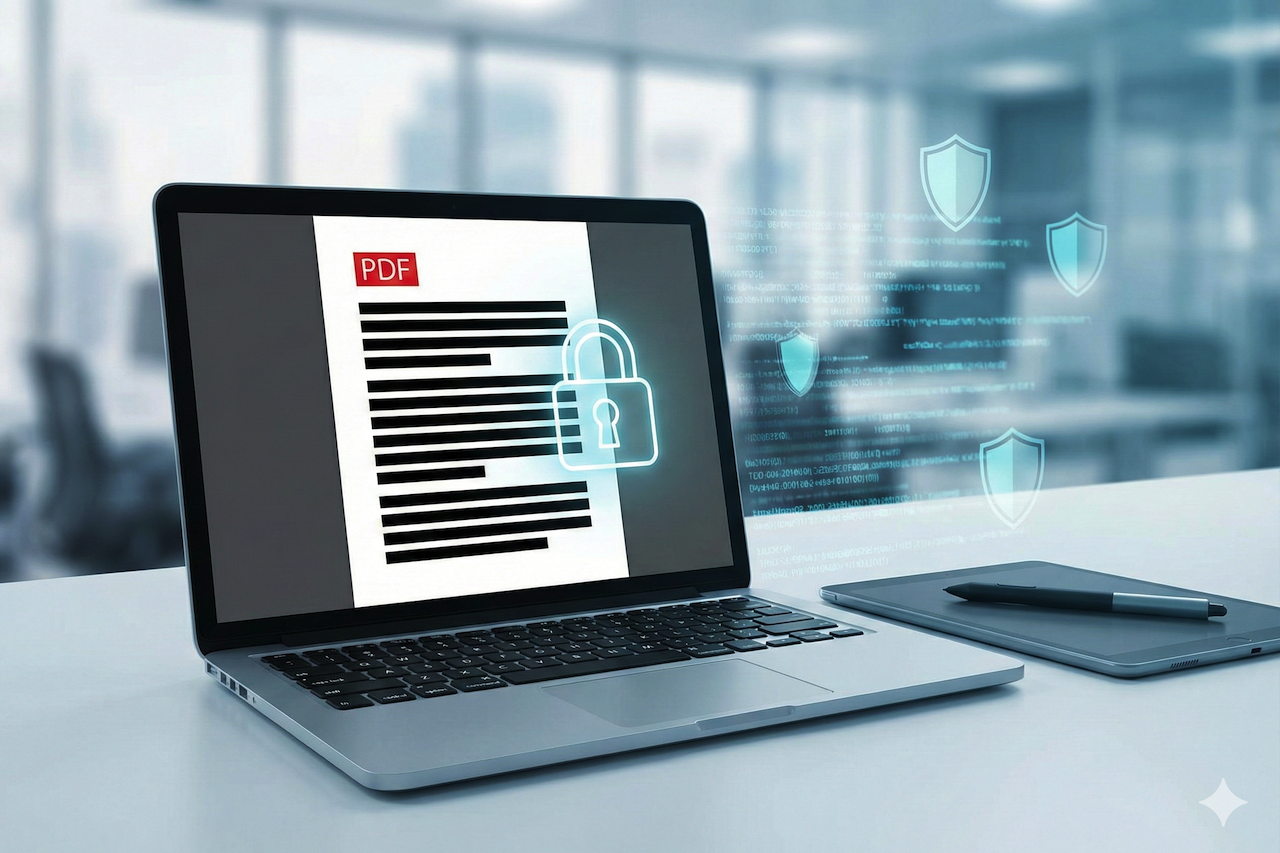
In today’s data-driven world, privacy and security are more important than ever. Whether you're handling legal contracts, financial records, medical documents, or personal information, you often need to remove sensitive parts of a PDF before sharing it. That’s where a redaction tool becomes essential. With the right solution, you can permanently and securely redact PDF content without worrying about hidden data or accidental leaks.
In this article, we’ll explore online tools for redacting PDFs, how they work, and why they are crucial for protecting confidential information.
Why You Need a PDF Redaction Tool
PDFs are one of the most widely used document formats because they preserve layout and formatting across devices. But that same feature can make redacting information tricky. Simply placing a black box over text may hide it visually, but the underlying content can still be extracted.
A proper redaction tool doesn’t just cover up text; it removes it entirely from the document. When you redact PDF content correctly, the hidden information is permanently removed. This is vital for:
- Protecting personal data like social security numbers and addresses
- Removing financial details before distribution
- Preparing legal documents for court or public release
- Complying with privacy laws like GDPR and HIPAA
Using a trusted, redaction tool helps ensure your sensitive data remains confidential and secure.
How Redaction Works
When you use a redaction tool, the software identifies and removes selected text or image areas from the file. Modern tools often also remove metadata and hidden content, such as comments or form fields that might contain sensitive data.
Here are the general steps you will follow when using most tools to redact PDF files:
- Upload your PDF file to the tool
- Select the text or area you want to remove
- Apply the redaction
- Download the redacted PDF
These tools make it easy to permanently delete information with just a few clicks.
5 PDF Redaction Tools
Below are five free PDF redaction tools that allow you to redact PDF files securely and easily:
1. PDF Editify
PDF Editify stands out as a secure and intuitive solution for PDF redaction. It’s designed for anyone who needs a quick and reliable way to redact PDF files without installing software.
Security Features
- Files are encrypted during upload and download
- Redactions are permanent and irreversible
- No hidden data remains after processing
Ease of Use
- Simple drag-and-drop interface
- Clear markup tools for selecting text or image areas
- Fast processing, even for large files
PDF Editify ensures that your data is protected at every step, making it an excellent choice for professionals and casual users alike.
2. Adobe Acrobat Redaction
Adobe offers a redaction tool as part of its suite. It lets users select text or images for removal and download the finished PDF.
While Adobe’s service is reliable, it may require an account to access some features. It also doesn’t include advanced metadata removal in all versions.
Still, it’s a solid option if you want a recognizable, reliable platform to redact PDFs.
3. Smallpdf Redaction Tool
Smallpdf is another popular choice for PDF editing and redaction. It offers a clean interface and step-by-step guidance to help users redact PDF files.
The tool lets you add text, shapes, and redaction marks easily, with a quick download option when you’re finished. Its cloud-based system ensures your files are processed fast.
Smallpdf also offers batch processing for paid subscribers, which can be useful if you have multiple PDFs to redact.
4. PDFzorro
PDFzorro is a PDF editor that includes redaction among its features. It works directly from your browser, so there’s no software to install.
The tool provides straightforward highlighting and erasing tools. However, its interface is more basic than other services, and some users may prefer solutions with stronger security assurances.
5. Sejda PDF Editor
Sejda is a robust PDF editor with redaction capabilities. You can upload your file, mark areas for redaction, and process the document.
Sejda also includes features for editing text, adding signatures, and organizing pages. It offers a limited number of free operations per day but remains a reliable choice for occasional redaction needs.
Best Practices When Redacting PDFs
Even with a free redaction tool, it’s important to follow best practices to ensure your documents are fully secure. Always check that:
- The redaction is permanent and not just a visual overlay
- Metadata and hidden content are fully removed
- You download and review the redacted file before sharing
- You save a backup copy of the original, unredacted version for record-keeping
Taking these steps will help you avoid accidental exposure of sensitive information.
How to Redact PDF Securely
Using any of the tools above, you can redact PDF files without special software or technical skills. For most users, online tools are ideal because they require no installation, process data quickly, and can be accessed from any device.
Final Thoughts
Protecting sensitive information should never be an afterthought. With the right tools, you can confidently redact PDFs and ensure your documents are safe to share.
From trusted services like Adobe and Smallpdf to feature-rich editors like Sejda, there are multiple ways to redact PDF files. But for secure, simple, and straightforward redaction without complex steps, PDF Editify remains one of the best options.
When you choose a reliable redaction tool, you take control of your data privacy, and that’s something that can’t be compromised.
Featured Image generated by Google Gemini.
Share this post
Author

Leave a comment
All comments are moderated. Spammy and bot submitted comments are deleted. Please submit the comments that are helpful to others, and we'll approve your comments. A comment that includes outbound link will only be approved if the content is relevant to the topic, and has some value to our readers.
Comments (0)
No comment