
Separate Visibility Problems Before You Try to Fix Them
People who work with IP tools don’t need slogans—they need setups that hold up under pressure. The real risk is rarely dramatic failure. It’s repetition: stale profiles, reused sessions, and trusted networks that should not be trusted. These small habits create quiet exposure over time.
Most privacy advice assumes ideal conditions—focused users, clean environments, and consistent behavior. Real usage is messier. A Windows setup earns trust only when it still works on rushed days, tired days, and unstable networks. The goal is not perfection. It is reliable under normal conditions.
What Websites Infer from Everyday Windows Activity
Websites build identity from multiple signals, not just your IP. DNS resolvers, saved tokens, browser extensions, cached sessions, and leftover browser state all contribute to what they see. Nothing has to look broken for leakage to increase.
This is where many users get misled. Sessions still complete, so confidence rises while visibility quietly improves for external systems. The practical approach is verification before trust: check your route, confirm your active identity context, and reset assumptions from previous sessions.
Where Most Leakage Actually Comes From
Leakage is usually not caused by one failure but by overlapping small ones. DNS behavior, convenience settings, and persistent session data often reintroduce context even when users think they are protected.
A VPN can help with routing, but it does not fix weak endpoint hygiene, account overlap, or browser habits. The more reliable rule is simple: decide when protected routing is required, define what happens if it fails, and keep the rest of the system disciplined enough that the protection is not wasted.
Shrink Exposure Without Breaking Your Tools
The challenge is not just privacy—it is maintaining usability. Network tools, diagnostics, and everyday browsing still need to function correctly. Overly aggressive controls often push users back toward unsafe shortcuts.
Instead, focus on reducing unnecessary exposure while keeping workflows intact. Reliable setups favor consistency over complexity. Small, repeatable habits outperform one-time fixes.
Windows Defaults Worth Reviewing First
Before adjusting browsers or adding tools, review Windows-level behavior. Resolver settings, stored credentials, background services, and extension activity can all carry forward assumptions from earlier sessions.
Most users overlook these because nothing appears broken. In reality, these defaults often define the baseline level of exposure.
Use VPN as a Routing Decision
A VPN should be treated as a routing control, not a complete privacy solution. It changes how traffic moves, but it does not clean up session data or fix application-level leakage.
The key is to use it deliberately: know when it is required, ensure it is active when needed, and avoid relying on it to compensate for weak system hygiene.
When Encrypted Routing Actually Changes Risk
Encrypted routing matters most in high-risk scenarios: untrusted networks, sensitive work, or environments where traffic inspection is likely. In these cases, a VPN meaningfully reduces exposure.
Outside of those conditions, its value depends on how well the rest of the system is maintained.
What to Do If the Route Drops Mid-Session
When protected routing fails, the worst response is to continue without noticing. Define a simple fallback: pause the session, reconnect securely, or restart the workflow if needed.
In higher-risk situations, using a VPN Unlimited for PC can help enforce consistent routing rather than relying on manual fixes during active work.
Turn Privacy Into Maintenance
Privacy works best when it becomes routine rather than reactive. Regular checks, clean session handling, and consistent routing decisions reduce the need for constant attention.
This approach may feel repetitive, but repetition is what prevents drift.
Quick Checks Before Sensitive Work
Before starting important tasks, run a few simple checks:
- Confirm your IP and route
- Verify DNS behavior
- Check active accounts and sessions
- Clear or reset anything that should not persist
These steps take little time and prevent most avoidable mistakes.
When to Rebuild Instead of Patch
Sometimes, accumulated changes make a setup unreliable. If sessions keep inheriting old state or behavior becomes inconsistent, rebuilding the profile is often faster and safer than repeated fixes.
Small discipline beats constant troubleshooting. It may feel tedious, but it is far more reliable than guessing after something goes wrong.
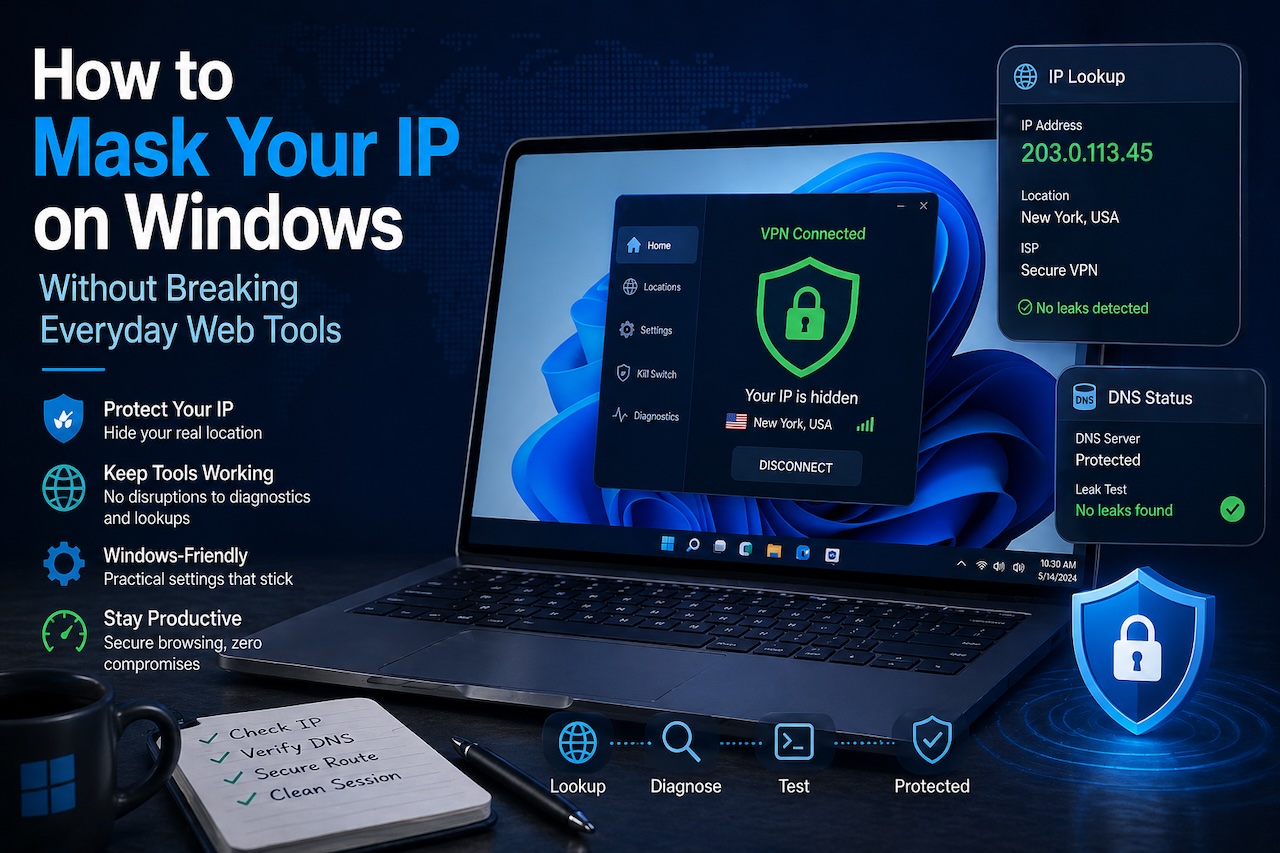
Featured Image generated by ChatGPT.
Share this post
Leave a comment
All comments are moderated. Spammy and bot submitted comments are deleted. Please submit the comments that are helpful to others, and we'll approve your comments. A comment that includes outbound link will only be approved if the content is relevant to the topic, and has some value to our readers.
Comments (0)
No comment