

Most people interact with artificial intelligence through convenient cloud services, where powerful models process queries and generate responses. While this approach offers unparalleled accessibility, it often comes with a trade-off: the necessity of sending data to remote servers. For individuals and businesses alike, interest in local AI is gaining significant traction, driven primarily by a desire for enhanced privacy and greater control over personal and proprietary information.
This approach shifts part of the AI processing paradigm, moving some computation away from distant data centers and closer to the user's local environment. In an era where data security is a paramount concern, relying exclusively on third-party cloud providers for sensitive AI tasks can pose risks. Local AI, by contrast, can help keep data within a more controlled environment, offering stronger protection against potential breaches, unwanted access, or unnecessary exposure.
This capability extends beyond privacy. It also gives users greater flexibility, customization options, and, in some cases, long-term cost efficiencies. As AI becomes more deeply integrated into everyday workflows, questions surrounding data ownership, transparency, and long-term control are becoming just as important as model performance.
The Compelling Case for Local AI
Why are more users and organizations exploring local AI capabilities? The reasons extend far beyond simple technical preference, touching upon fundamental aspects of digital autonomy and operational efficiency.
The primary driver is often data privacy. When AI processing happens within a local or controlled environment, confidential information, proprietary algorithms, internal communications, and personal data can remain under the user's control. There is less reliance on an external entity having access to the data, which can help mitigate concerns about data harvesting, compliance issues, or security requests that may affect cloud-based services.
Beyond privacy, the desire for greater control is a powerful motivator. Cloud services, while robust, often operate as managed environments where users have limited insight into the underlying infrastructure or model specifics. Local AI provides more ownership over the software stack, model versions, configuration choices, and data workflows.
This level of control allows for precise customization. Users and organizations can fine-tune models with their own datasets, adjust configurations for specific applications, and create workflows that better match internal requirements. This can lead to more tailored and accurate results for specialized use cases.
A shift toward more localized AI processing could contribute to broader benefits. When some AI workloads are processed locally, organizations may reduce dependence on centralized, large-scale cloud data centers. These centers can require significant energy and water resources. A more distributed approach, where appropriate workloads are handled closer to the user, may support more efficient use of computing resources in certain scenarios.
The ultimate power in the digital age comes from owning your data and understanding how it is processed.
Infrastructure Considerations for Local AI
Exploring local AI requires a thoughtful understanding of the infrastructure involved. The hardware for local AI can vary significantly depending on the size of the models being used, performance expectations, and the complexity of the intended workloads. While a basic setup may be sufficient for smaller models or less intensive tasks, stronger performance for larger language models, image generation, or complex data workflows may require more capable computing resources.
The graphics processing unit (GPU) often plays an important role in AI computation. Unlike general-purpose CPUs, GPUs are designed with many smaller cores optimized for parallel processing, making them efficient at handling the matrix operations used in neural networks. For AI tasks, the amount of VRAM on a GPU can be especially important because larger models require more memory to load parameters and intermediate calculations.
For more demanding local AI work, a GPU with at least 12GB of VRAM is often a practical starting point, while 24GB or more may be helpful for advanced workloads. However, local AI does not always require high-end hardware. Smaller models and lightweight applications can often run effectively on modern consumer systems, especially as models continue to become more efficient.
While the GPU handles much of the heavy lifting, the central processing unit (CPU) still plays a supporting role. It manages the operating system, coordinates data flow, and handles tasks that are not easily parallelized. A modern multi-core CPU can help ensure that the system does not bottleneck the rest of the workflow.
Adequate system RAM is also important. It acts as a temporary workspace for the CPU and may sometimes be used to offload parts of AI models when VRAM is limited, though this can come with a performance cost. For many local AI setups, 32GB or 64GB of RAM is common.
Storage is another key consideration. Solid-state drives, especially NVMe drives, offer significantly faster read and write speeds than traditional hard drives. This speed helps reduce wait times when loading large models, datasets, and project files.
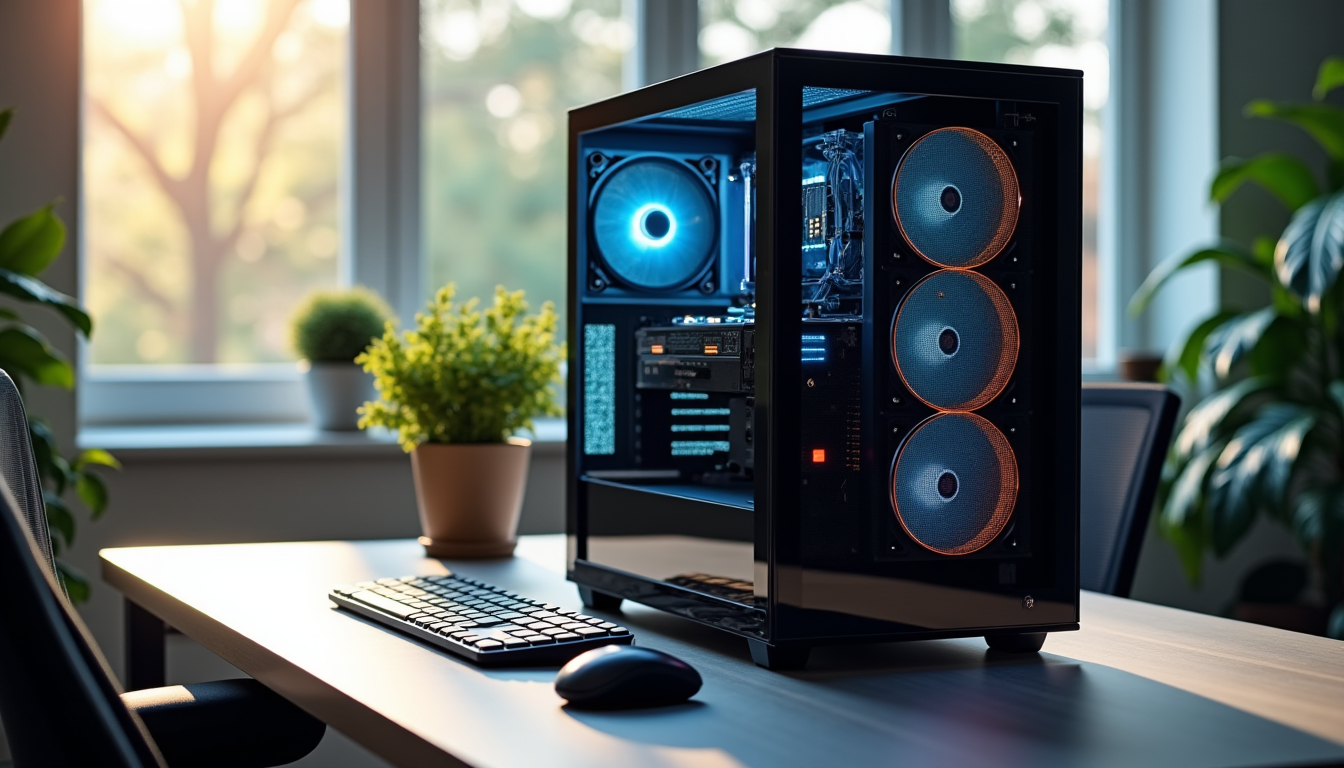
Power supply and cooling should also be considered. High-performance GPUs and CPUs can draw substantial power and generate heat during sustained workloads. A reliable power supply and efficient cooling system help maintain stable performance and prevent thermal throttling during long periods of operation.
Setting Up a Local AI Environment
Once the infrastructure is in place, the next step involves configuring the software environment to run AI models effectively. This process can seem daunting at first, but with a structured approach, it becomes more manageable.
The operating system forms the foundation. While Windows and macOS can support many AI workflows, Linux distributions such as Ubuntu or Debian are often preferred by developers because of their open-source nature, robust command-line tools, and strong community support for AI frameworks. Linux can also provide direct hardware access and lower system overhead in some environments.
After the operating system, users typically install the necessary hardware drivers. NVIDIA users often rely on CUDA, a parallel computing platform and API model used by many AI frameworks. AMD users may look into ROCm. These drivers are important because they allow the hardware to interface correctly with AI software.
The core of many AI environments consists of programming languages and frameworks. Python remains the dominant language in AI because of its extensive libraries and ease of use. Key frameworks include PyTorch and TensorFlow, which provide the tools needed for building, training, and running neural networks.
To manage dependencies and create isolated environments for different projects, tools such as Anaconda or Python virtual environments are often recommended. These tools help prevent conflicts between different versions of libraries required by various AI models.
For more complex deployments or for running multiple models, containerization technologies like Docker can simplify setup and improve reproducibility across different machines.
Finally, acquiring the AI models themselves is essential. A large ecosystem of open-source models is available, ranging from language models to image generation systems and speech recognition tools. Model repositories allow users to find pre-trained models that can be downloaded and run locally, often with documentation explaining how to load and interact with them using common frameworks.
Advantages Beyond Privacy and Control
While privacy and control are significant motivators for local AI, several other benefits contribute to its growing appeal. These advantages often translate into practical improvements for users, developers, and organizations.
- Offline capability: One of the most immediate benefits is the ability to run AI models without an internet connection. This is useful for remote locations, secure environments, travel, or situations where internet access is unreliable.
- Reduced latency: When AI processing happens closer to the user, data does not need to travel to and from distant cloud servers. This can reduce network latency and improve response times for interactive applications or rapid prototyping.
- Cost predictability: While local AI can require a higher upfront investment, it may become more cost-effective over time for heavy or continuous usage. Cloud services often follow a pay-as-you-go model, where costs can increase quickly with greater usage.
- Customization and experimentation: Local environments provide more freedom to experiment with models, parameters, and workflows without the same API restrictions or platform limitations that may apply to cloud services.
- Enhanced security for sensitive applications: Industries such as healthcare, finance, legal, and defense may need to keep certain data within controlled environments. Local AI can support these requirements when properly implemented within an organization's security framework.

Challenges and Practical Considerations
Despite the advantages, local AI is not without challenges. Awareness of these considerations is important for anyone planning to adopt a more local or hybrid AI approach.
The most significant hurdle for many users is the initial investment. High-performance GPUs, ample RAM, fast storage, and reliable cooling can be expensive. This contrasts with cloud services, which offer a lower entry barrier by allowing users to pay only for the compute resources they consume.
Setting up and maintaining a local AI environment also requires technical expertise. Users may need to be comfortable with operating system installation, driver management, command-line tools, software dependencies, and AI frameworks. Troubleshooting issues, updating software, and optimizing performance can take time.
Power consumption and heat generation are also practical concerns. High-end components can consume considerable electricity under heavy workloads and may require effective cooling to maintain stable operation. Increased electricity usage should be considered when evaluating long-term costs.
Scalability can also be a limitation. A local machine or internal environment has finite compute capacity based on available hardware. While components can be upgraded, scaling rapidly to handle sudden demand or extremely large datasets is usually easier with cloud platforms that offer elastic, on-demand resources.
For many personal, research, or small-business use cases, however, the capacity of a well-planned local setup may be more than sufficient. The decision depends on workload size, privacy requirements, technical resources, and budget.
Comparing Local AI to Cloud-Based Solutions
To understand the value of local AI, it helps to compare it directly with cloud-based AI services. Both approaches offer unique benefits and drawbacks, making the right choice dependent on specific needs and priorities.
| Feature | Local AI | Cloud AI Services |
|---|---|---|
| Data Privacy | Data can remain within a local or controlled environment. | Data is processed by third-party servers and governed by vendor policies. |
| Cost Model | Higher initial investment, with more predictable operating costs over time. | Lower initial cost, but recurring usage fees can increase with demand. |
| Control and Customization | Greater control over models, software, configuration, and workflows. | Limited by provider offerings, APIs, and available model versions. |
| Offline Access | Can function without a continuous internet connection. | Requires stable internet access. |
| Latency | Can offer faster response times because processing occurs nearby. | Depends on internet speed, network congestion, and server load. |
| Scalability | Limited by available local hardware and infrastructure. | Highly scalable on demand. |
| Setup and Maintenance | Requires technical knowledge for setup, configuration, and updates. | Infrastructure and software are generally managed by the provider. |
| Resource Consumption | Directly affects local electricity use and cooling needs. | Resource use is handled by cloud data centers and reflected in service costs. |
Local AI and Cloud AI: Finding the Right Balance
The discussion is not necessarily about choosing one approach over the other. Many organizations may benefit from a hybrid strategy that combines the strengths of both local and cloud-based AI.
Sensitive workloads can remain within controlled environments, while large-scale or resource-intensive tasks can continue to use cloud infrastructure when appropriate. This balanced approach allows organizations to optimize for privacy, flexibility, cost, and performance at the same time.
Cloud platforms remain valuable for rapid scaling, collaboration, and access to advanced managed tools. Local AI, meanwhile, offers greater control, offline capability, and stronger data containment for selected workloads. Understanding when to use local, cloud, or hybrid AI approaches remains an active topic within the technology community and is frequently discussed across industry publications, research resources, and technology platforms such as DecodeStack.
Looking Ahead
Artificial intelligence continues to evolve rapidly, and so do the ways people deploy and use it. While cloud AI offers undeniable convenience and accessibility, the growing interest in local processing highlights a broader demand for greater autonomy, privacy, and long-term efficiency.
For developers eager to experiment without limitations, creative professionals seeking offline tools, or businesses handling sensitive information, local AI can be a compelling option. It represents a strategic choice that gives users more ownership and flexibility while supporting stronger data integrity.
As open-source models become more sophisticated and hardware becomes more accessible, the barrier to entry for local AI continues to lower. For many users, the future of AI may not be exclusively cloud-based or entirely local, but a combination of both approaches designed to meet specific needs and priorities.
Featured Image generated by ChatGPT.
Share this post
Leave a comment
All comments are moderated. Spammy and bot submitted comments are deleted. Please submit the comments that are helpful to others, and we'll approve your comments. A comment that includes outbound link will only be approved if the content is relevant to the topic, and has some value to our readers.
Comments (0)
No comment