
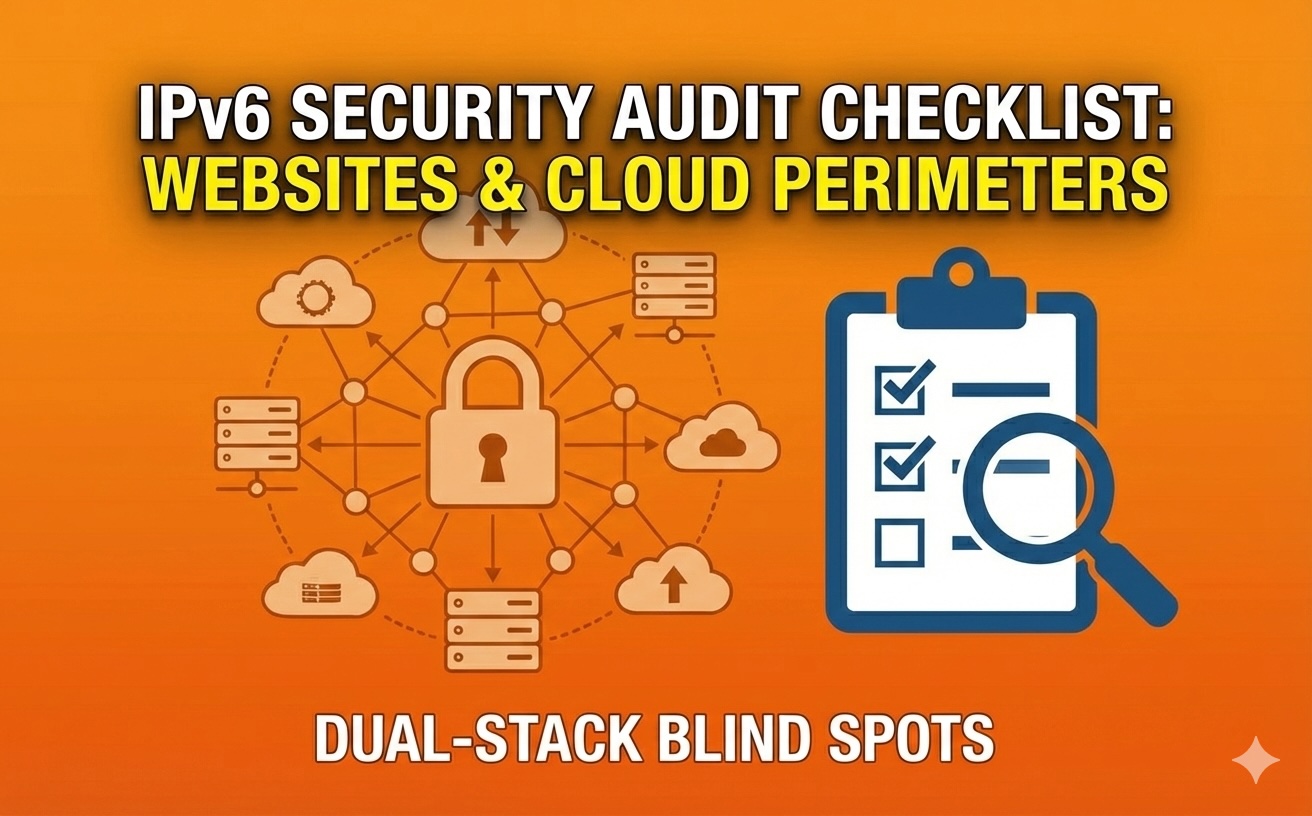
Here's something that catches a lot of website owners off guard: your site might be accessible through two completely different routes—IPv4 and IPv6—but your security rules probably only cover one of them.
It's like having a front door with a great lock and security camera, but leaving a side door wide open because you forgot it was there. The side door works fine, people can come and go through it, but none of your security measures apply.
This is the dual-stack blind spot problem. Your hosting provider or CDN probably enabled IPv6 by default. Your DNS records include both A records for IPv4 and AAAA records for IPv6. Everything seems fine because your site works. But your firewall rules, WAF policies, rate limiting, and access controls? They might only be protecting the IPv4 path.
For attackers, this is a gift. Why bother with the heavily monitored IPv4 entrance when they can walk right through the unprotected IPv6 door?
Why IPv6 Creates "Invisible" Exposure in Dual-Stack Setups
Most businesses don't deliberately set up IPv6. It just shows up. Your cloud provider enables it by default. Your CDN adds AAAA records alongside your A records. Your hosting control panel has IPv6 turned on in settings you've never looked at.
This wouldn't be a problem if security controls were automatically applied to both protocols. But they usually don't. Think about how you probably set up your website security:
You configured your firewall to allow specific IPv4 addresses. You set up rate-limiting rules based on IPv4 patterns. You created allowlists and denylists using IPv4 ranges. Your logging and monitoring tools were configured to track IPv4 traffic. Your Web Application Firewall learned normal behavior from IPv4 requests.
Then IPv6 quietly started working alongside all of this, with none of those protections. Your admin panel that's locked down to specific IPv4 addresses? It might be wide open over IPv6. Your carefully tuned bot protection? Bots can bypass it using IPv6. Your geographic restrictions? They might not apply to IPv6 traffic at all.
The 6 Most Common Dual-Stack Mistakes
Let's walk through what actually goes wrong. These aren't theoretical problems—they're issues that show up repeatedly in real-world audits.
AAAA Record Exists, but Security Controls Don't (WAF/Firewall Mismatch)
Your DNS says "this website is available at this IPv6 address," but when someone connects through that address, they bypass your Web Application Firewall entirely. This happens because the WAF was only configured to protect the IPv4 route.
It's like advertising two phone numbers for your business, but only having security checks on calls to the first number. Attackers will figure this out fast. For more practical approaches to identifying these security gaps, CyberSecureFox offers helpful guidance on systematic security audits.
Allowlists/Denylists Not Mirrored for IPv6
You blocked problematic IP ranges from accessing your site. You allowlisted your office network for admin access. You created rules for API partners. All of this used IPv4 addresses.
Unless you explicitly created IPv6 versions of these same rules, they don't apply. Your banned attackers can just switch to IPv6 and they're back in. Your admin panel that should only be accessible from your office? Anyone with IPv6 can reach it.
Rate Limiting & Bot Rules Apply Only to IPv4
Your rate limiting stops anyone making more than 100 requests per minute from a single IP. But that's probably tracking IPv4 addresses. A bot can make 100 requests via IPv4 and another 100 via IPv6, effectively doubling their rate.
The same goes for bot detection rules that track patterns per IP address. If the system doesn't recognize IPv6 properly, bots can avoid detection by switching protocols.
Logs/Analytics Break on IPv6 Format (Visibility Gap)
IPv6 addresses look completely different from IPv4: "2001:0db8:85a3:0000:0000:8a2e:0370:7334" versus "192.168.1.1". If your logging system wasn't configured to handle this format, several things can go wrong.
Your logs might not record IPv6 addresses correctly. Your analytics might fail to parse them. Your security monitoring might not recognize them as IP addresses at all. And your incident response team, trying to investigate an attack, might not even see the attacker's real address in the logs.
This visibility gap is dangerous. You can't defend against threats you can't see.
Admin Panels / Health Endpoints Exposed Over IPv6
Many sites restrict admin areas by IP address. "/admin" only works from the office network. "/health" is only accessible to the monitoring service. "/debug" is locked to developers' workstations. All configured using IPv4.
But these same URLs might be wide open over IPv6 because nobody thought to add equivalent restrictions. Attackers scan for these all the time, and dual-stack misconfigurations are low-hanging fruit.
Misconfigured Cloud Security Groups for IPv6
Cloud platforms like AWS, Azure, and Google Cloud use security groups to control traffic. When you create a new security group, you typically configure rules for IPv4 traffic. But each security group also has IPv6 rules—and the defaults might be more permissive than you realize.
A security group might allow SSH only from your office IPv4 range but allow it from any IPv6 address. Your database might be restricted on IPv4 but exposed on IPv6. These misconfigurations are easy to miss because the interfaces show IPv4 and IPv6 rules separately.
The IPv6 Audit Checklist (Step-by-Step)
Here's your audit checklist. Work through these systematically to find and fix your blind spots.
DNS & Exposure Parity
- List all your A records and check if corresponding AAAA records exist
- For each AAAA record, ask: should this be publicly reachable via IPv6?
- Verify that internal-only services don't have AAAA records in public DNS
- Check if subdomains you thought were IPv4-only also respond to IPv6
- Remove AAAA records for anything that doesn't need IPv6 exposure
Perimeter Parity
- Compare WAF rules between IPv4 and IPv6—they should match
- Review CDN configurations to ensure both protocols get the same protection
- Check firewall rules for equivalent coverage across both IP versions
- Verify cloud security groups have matching allow/deny rules for IPv4 and IPv6
- Test that geographic restrictions work the same way on both protocols
Application Layer
- Verify authentication endpoints work consistently across both protocols
- Test if admin paths have the same access controls for IPv4 and IPv6
- Confirm that deny-by-default rules apply to both—nothing should be "open by accident"
- Check if API endpoints have the same rate limits regardless of protocol
- Test sensitive functionality like password resets and account changes on both
Observability
- Confirm your logging system correctly captures and formats IPv6 addresses
- Check if your SIEM can parse and correlate IPv6 traffic
- Verify monitoring dashboards show both IPv4 and IPv6 metrics
- Test that security alerts trigger properly for IPv6-based anomalies
- Ensure your incident response playbooks account for IPv6 investigations
The Canadian Centre for Cyber Security: IPv6 security considerations document provides comprehensive guidance on maintaining visibility across dual-stack environments, which is essential for effective monitoring.
Testing
- Use simple tools to verify basic reachability matches your expectations
- Test that blocked addresses stay blocked regardless of protocol
- Verify rate limiting works the same for IPv4 and IPv6 sources
- Confirm geographic restrictions apply equally
- Check that your security controls don't break when traffic switches protocols
Change Control
- Assign ownership—someone needs to be responsible for IPv6 security posture
- Set a review cadence: check IPv6 configuration quarterly at minimum
- Document your IPv6 security rules alongside IPv4 rules
- Include IPv6 considerations in your security review templates
- Update your incident response procedures to cover dual-stack scenarios
Quick Remediation Plan (48 Hours)
If you need to fix things fast, here's what to prioritize in the next two days.
Hour 1-4: Discovery
Find out if you're running dual-stack. Check your DNS records, ask your hosting provider, look at your CDN settings. If you have AAAA records you didn't know about, that's your starting point.
Hour 5-8: Critical Exposure
Test your most sensitive endpoints over IPv6. Can you reach the admin panel? Can you access the API without authentication? Can you see debug information? If yes, you've found your most urgent issues.
Hour 9-12: Quick Lockdowns
Remove AAAA records for anything that doesn't need public IPv6 access. This is the fastest way to reduce exposure. You can always add them back later once security is properly configured.
Hour 13-20: Mirror Critical Rules
Take your top 10 most important security rules and create IPv6 equivalents. Focus on access controls, authentication requirements, and anything protecting sensitive data or functions.
Hour 21-28: Enable Logging
Make sure you're actually recording IPv6 traffic. Update your logging configuration, test that IPv6 addresses appear correctly in logs, and verify your monitoring can see both protocols.
Hour 29-36: Test Everything
Run through your most common user journeys and security scenarios using IPv6. Does authentication work? Do your protections trigger? Can you see the activity in your logs?
Hour 37-42: Update Allowlists/Denylists
If you use IP-based access control, add IPv6 equivalents for your trusted ranges. Block IPv6 ranges for known problem sources.
Hour 43-48: Document and Alert
Write down what you found and what you fixed. Set up basic alerts for unusual IPv6 activity patterns. Create a reminder to do a full audit within 30 days.
Conclusion
Running dual-stack infrastructure isn't inherently risky—the risk comes from treating it like it's only single-stack. When your security controls achieve parity across both IPv4 and IPv6, and when you have proper visibility into both, dual-stack works just fine.
The key is intentionality. Every security rule you create for IPv4 should prompt the question: "What about IPv6?" Every monitoring dashboard should show both protocols. Every incident response plan should consider dual-stack scenarios.
Think of it this way: you wouldn't build a building with two entrances and only put locks on one of them. Your network shouldn't work that way either. Audit your dual-stack configuration, fix the blind spots, and maintain parity going forward. It's simpler than it sounds, and it's far easier than dealing with a breach that came through the door you forgot to secure.
Featured Image generated by Google Gemini.
Share this post
Author

Read the latest articles from Reza Ali
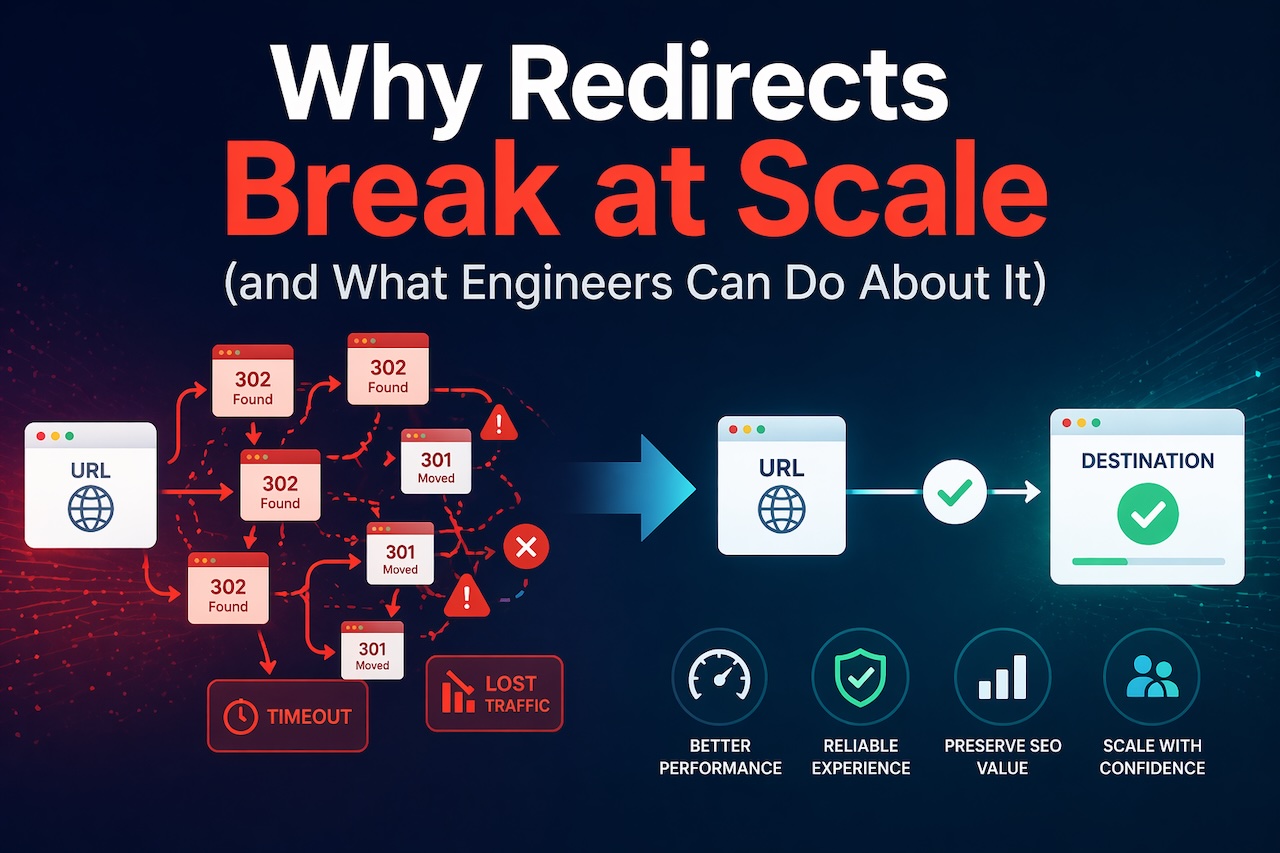
Why Redirects Break at Scale (and What Engineers Can Do About It)
April 24, 2026
Redirects are one of the simplest concepts in HTTP. A request comes in, the server responds with a 3xx status code and a Location header, and the client follows it.
Learn moreS&P 500 Forecast: Market Outlook and Key Trends for 2026

April 12, 2026
The S&P 500 forecast for 2026 points to a year of moderate growth mixed with potential risks. Current projections from market analysts suggest the index could rise steadily over the course of the year, with average expectations hovering around a mid-single-digit percentage gain.
Learn moreLeave a comment
All comments are moderated. Spammy and bot submitted comments are deleted. Please submit the comments that are helpful to others, and we'll approve your comments. A comment that includes outbound link will only be approved if the content is relevant to the topic, and has some value to our readers.
Comments (0)
No comment