
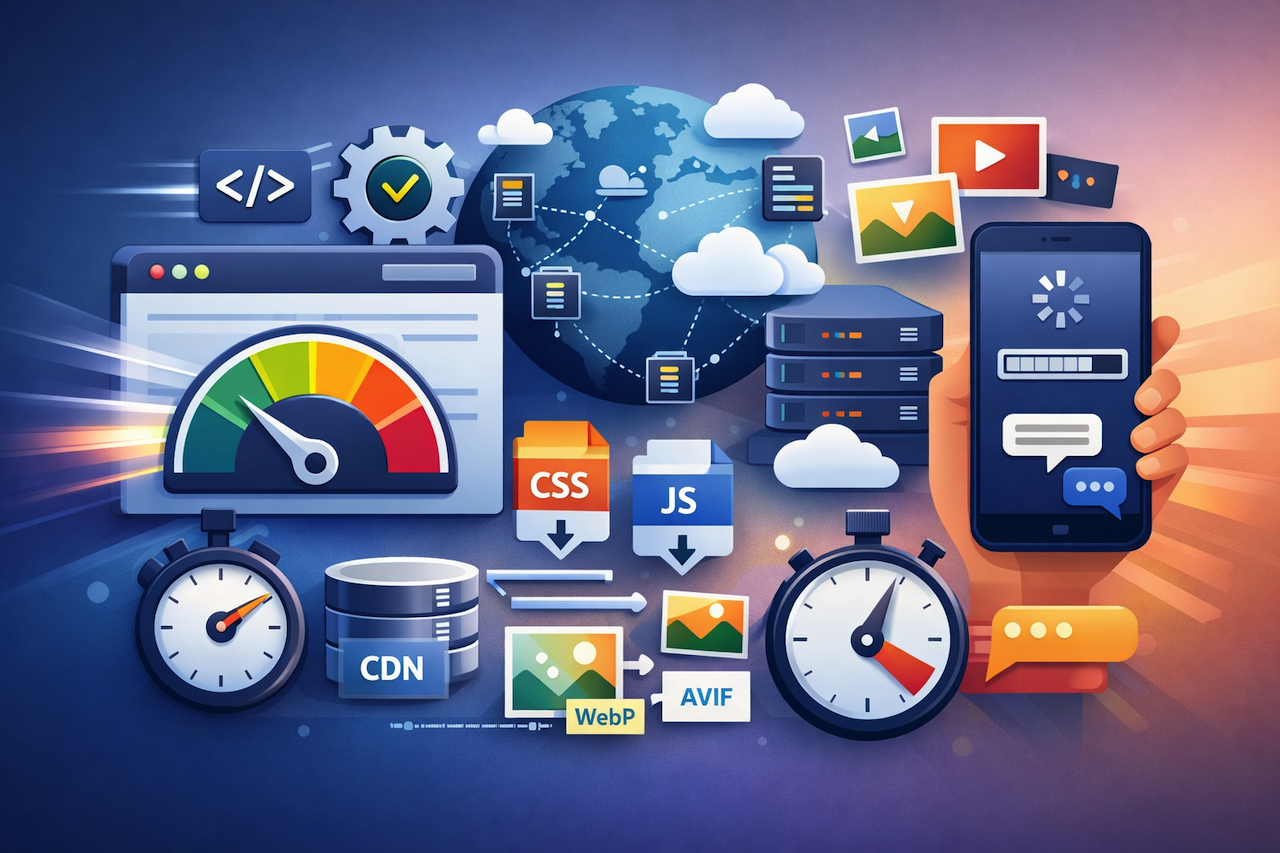
Website speed is no longer just a technical metric. Today, it influences user experience, conversion rates, and even the overall perception of a project. That’s why modern websites and platforms make performance optimization a core part of their structure, often automating processes that traditionally required separate teamwork in custom development. This approach is evident across popular solutions such as Webflow, Wix, Squarespace, Shopify, and Nicepage, as well as custom-built websites. However, no solution can fully remove all limitations imposed by architecture and user behavior.

Image by ImgBB.
How Websites Improve Page Speed
Minification And Bundling
Auto-processing of frontend resources is a primary way to optimize website performance from the moment a page is delivered to the user. Websites often use CSS and JavaScript minification, removing comments, whitespace, and unnecessary boilerplate. Tree shaking (removing unused code) and code splitting (breaking bundles into smaller components and loading them on demand) are also common techniques.
For users, this results in faster performance without any manual effort. From a technical perspective, it reduces the need for manual bundling configuration, package optimization, and asset structure monitoring. As a result, initial load times improve, and browsers spend less time parsing and executing code.
CSS Optimization
CSS remains a key factor influencing initial render performance. Many modern setups automatically minify styles and extract critical CSS, which includes the rules required for rendering above-the-fold content. This reduces render-blocking resources and allows visual content to appear more quickly.
Some systems partially remove unused styles and separate CSS across pages and components. However, there is a trade-off: flexibility in templates and reusable components limits how aggressively unused CSS can be removed. Even so, basic automation provides noticeable improvements compared to fully unoptimized site-wide styles.
Images
Images often make up a large portion of a page’s weight, so optimization is essential. This typically includes converting images into modern formats such as WebP or AVIF, generating responsive sizes, and implementing lazy loading.
This approach ensures users are not served unnecessarily large files. Instead, browsers receive appropriately sized images based on device and screen resolution. As a result, data transfer is reduced and page load speed improves, especially on mobile devices.
CDN And Delivery
Even a well-optimized website can suffer if content is physically far from the user. That’s why many websites rely on CDNs and edge infrastructure to serve resources from the nearest location.
This reduces latency and improves load consistency for global audiences. It also removes the need for manual CDN configuration in many cases, making infrastructure-level optimization more accessible across projects.
Lazy Loading
Lazy loading is now a standard approach for optimizing performance. It is commonly applied to images, videos, galleries, and even entire page sections. The principle is simple: content loads only when it is needed.
This is especially important for content-heavy pages. Without lazy loading, browsers attempt to process everything at once, increasing load time. By deferring non-critical content, users can interact with the page faster.
Runtime Optimization
Beyond resource delivery, websites also optimize runtime behavior in the browser. Techniques such as caching, preloading, and prefetching help improve navigation speed and responsiveness.
These optimizations enhance repeat visits and overall user experience. Pages load faster, transitions feel smoother, and interactions become more responsive.
Where Bottlenecks Still Exist
DOM Complexity
Even with optimized resources, page structure can still create performance issues. Many websites generate complex DOM structures with multiple nested elements and wrappers, especially when supporting flexible layouts and reusable components.
The more complex the DOM, the more work the browser must do to render the page. While this may not be noticeable on small pages, it becomes significant on large or content-heavy sites. This complexity is often unavoidable.
Heavy JavaScript
Another common issue is excessive JavaScript. Flexible components often include more logic than necessary, meaning users download code they may not fully use.
This increases bundle size and adds strain to the main thread. On mobile devices, this can lead to delays where the page appears loaded but remains unresponsive during initialization.
Excessive CSS
While CSS optimization is common, fully removing unused styles is difficult due to shared styling systems. Many rules must remain to support different layouts, breakpoints, and UI states.
As a result, pages may still carry extra CSS. While not always critical, it adds weight and increases browser workload.
User-Generated Content
Even the best optimization cannot fully compensate for heavy user-generated content. Large images, high-resolution videos, excessive animations, and long pages can significantly impact performance.
While optimization techniques help, overall performance still depends heavily on how content is managed.
Third-Party Scripts
Third-party scripts remain one of the biggest performance challenges. These include analytics tools, chat widgets, marketing scripts, and other integrations.
While core infrastructure can be optimized, external scripts often introduce delays, additional requests, and reduced interactivity. In many cases, they are the primary cause of slow performance.
Mobile Performance

Image by ImgBB.
Mobile performance remains a key challenge. Lower-powered devices are more affected by heavy JavaScript, complex DOM structures, and rendering overhead.
What feels fast on desktop may feel noticeably slower on mobile. Even with strong infrastructure, performance depends on how lightweight and efficient the page is.
Balance
The main advantage of modern tools and platforms is their ability to automate performance optimization and make faster load speeds accessible without deep technical knowledge. This reduces the need for manual configuration and improves baseline performance.
However, this automation comes with trade-offs. The more abstraction and automation involved, the less direct control users have over performance details such as runtime behavior, resource loading, and HTML structure. As a result, optimization becomes a balance between convenience and control.

Image by ImgBB.
Conclusion
Modern websites benefit from built-in optimization techniques such as minification, image compression, efficient CSS handling, CDN delivery, runtime improvements, and lazy loading. These methods significantly improve baseline performance. This is evident across popular platforms like Webflow, Wix, Squarespace, Shopify, and Nicepage, as well as in custom-built websites.
However, challenges such as heavy JavaScript, complex DOM structures, redundant CSS, third-party scripts, and unoptimized content still remain, especially on mobile devices.
Rather than viewing optimization tools as a complete solution, it is more accurate to treat them as a strong foundation. Final performance still depends on careful design decisions, content management, and overall project complexity.
Featured Image generated by ChatGPT.
Share this post
Leave a comment
All comments are moderated. Spammy and bot submitted comments are deleted. Please submit the comments that are helpful to others, and we'll approve your comments. A comment that includes outbound link will only be approved if the content is relevant to the topic, and has some value to our readers.
Comments (0)
No comment