
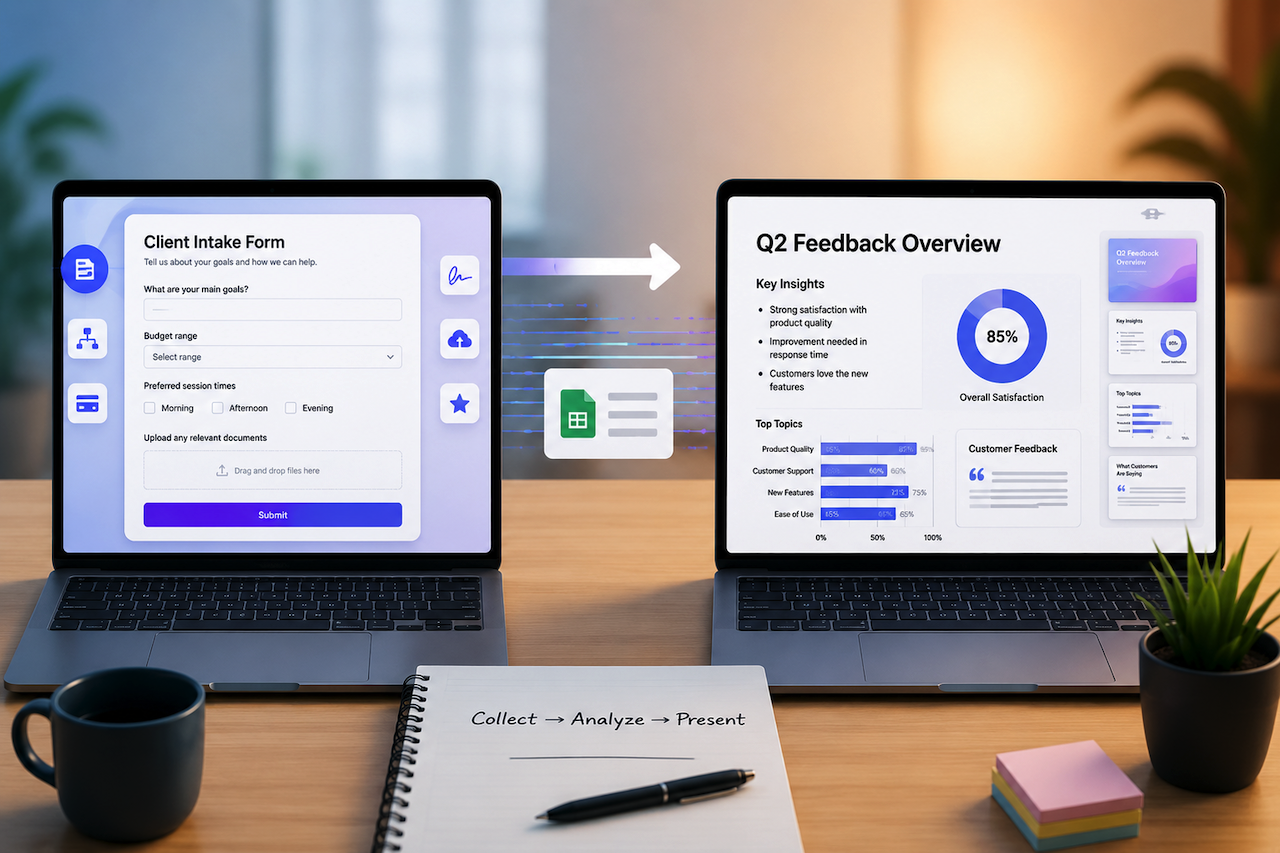
Most business busywork lives at the two ends of a project. At the start, you're collecting things — answers, requirements, signups, feedback, and intake details. At the end, you're packaging what you learned into something a client or a boss will actually look at, usually a presentation. The middle is the real work. The two ends eat your afternoon.
For years, the only way to speed up those ends was to keep a folder of templates and copy-paste your way through. That's changing. A pair of AI tools now collapses each end into a single sentence: describe what you need, and the software builds it. Used together, they turn the "collect, then present" cycle from a two-day chore into a two-hour one.
Here's how the workflow actually looks in practice.
Step one: build a form with an AI form builder
Say you're running a client onboarding, a workshop signup, or a product feedback round. Traditionally, you'd open a form builder, drag fields around, set up the conditional logic so people only see questions relevant to them, style it so it doesn't look like a 2009 Google Form, and then wire it to a spreadsheet.
The AI version skips the dragging. A modern AI form builder can generate questions, branching logic, and layouts from a simple prompt. For example, tools like Makeform allow users to describe the form they need and receive a draft that can be customized rather than built manually.
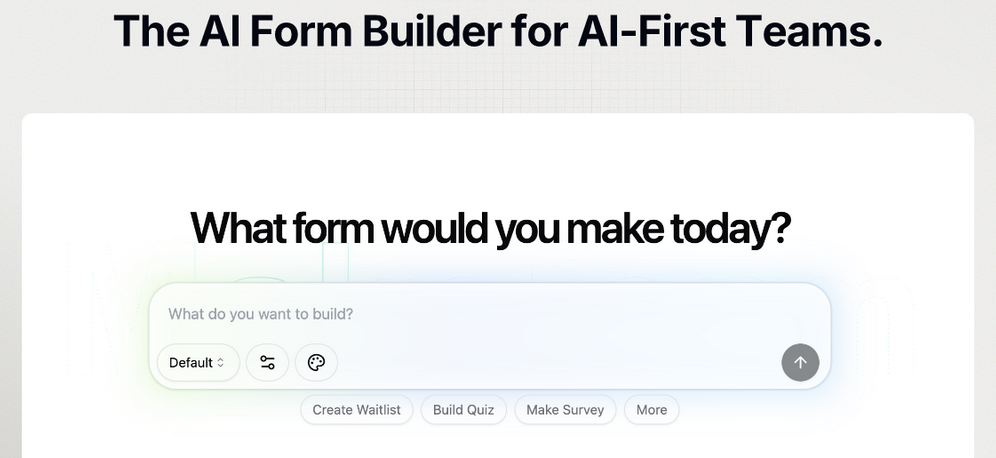
A few capabilities that make AI-generated forms useful for real-world workflows:
- Support for diverse field types: Many AI form builders support payments, signatures, file uploads, ratings, and calculations, allowing a single form to replace multiple tools and workflows.
- Adaptive form logic: Features such as conditional branching, answer piping, and hidden fields help forms adjust dynamically based on a respondent's answers.
- Integration with existing tools: Many platforms connect with services such as Notion, Google Sheets, Airtable, Slack, and Zapier, enabling responses to flow directly into existing workflows.
The point isn't that forms are exciting. It's that the half-day you used to spend assembling one is now spent on the actual conversation with the client.
Step two: turn the results into slides with an AI slide maker
Now you've got responses. A survey closed, a quarter ended, a workshop wrapped. Someone wants to see the findings, and "someone" expects slides — not a raw spreadsheet, not a wall of text.
This is the second end of the project, and it's where most people lose the evening. You stare at the data, decide what story it tells, find a template, fight with alignment, and hunt for images that don't look like stock photos.
When evaluating the best AI slide maker for your workflow, features such as automated layout generation, chart creation, and document-to-deck conversion can significantly reduce preparation time. For example, tools like ChatSlide can transform a document, PDF, URL, or exported results into a presentation draft, allowing you to edit rather than build from scratch.
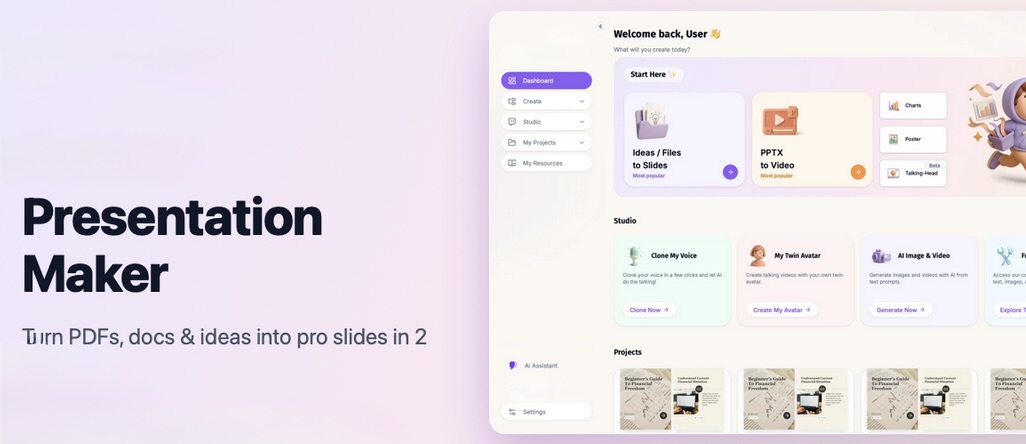
What separates many AI slide makers from traditional presentation templates:
- They can read source material: Charts and analysis may be generated directly from the documents, spreadsheets, or reports provided, reducing the need for manual data entry.
- They can generate visuals: Many platforms include AI image-generation capabilities, allowing presentation graphics to be created based on the topic rather than relying solely on stock photography.
- They support multiple output formats: Depending on the platform, content may be exported as presentation decks, PDFs, posters, videos, or other formats for different audiences and use cases.
For anyone who needs decks regularly but doesn't want to live in PowerPoint, having a slide AI to draft the first version is the difference between presenting on time and pulling a late night.
Why do the two steps belong together
Each tool can save time on its own. Combined, they can streamline the entire workflow from information gathering to presentation creation.
Responses collected through an AI-generated form can flow into a spreadsheet, database, or other connected system. Those results can then be summarized and used as source material for an AI-powered presentation tool. A feedback survey can become a stakeholder presentation in the same afternoon, while a workshop signup process can quickly turn into a recap deck once the event concludes.
This reflects a broader shift in how small teams use AI. Rather than replacing human decision-making, these tools help automate repetitive administrative tasks such as collecting information, organizing responses, formatting content, and preparing presentation materials. The analysis, judgment, and strategic thinking still belong to the people using the tools.
For freelancers, startups, and other lean teams, these time savings can add up quickly. Instead of spending hours building forms or formatting slides, teams can focus more of their effort on planning, collaboration, and decision-making.
Final thoughts
AI-powered form builders and slide makers are helping reduce the time spent on repetitive administrative work at both ends of a project. Instead of manually creating forms, organizing responses, formatting presentations, and assembling reports, teams can focus more on analysis, communication, and decision-making.
As these tools continue to evolve, the value isn't simply in automation but in giving individuals and organizations more time to spend on the work that requires creativity, expertise, and human judgment. For many teams, that shift can make the entire project workflow faster, more efficient, and easier to manage.
Featured Image generated by ChatGPT.
Share this post
Leave a comment
All comments are moderated. Spammy and bot submitted comments are deleted. Please submit the comments that are helpful to others, and we'll approve your comments. A comment that includes outbound link will only be approved if the content is relevant to the topic, and has some value to our readers.
Comments (0)
No comment