
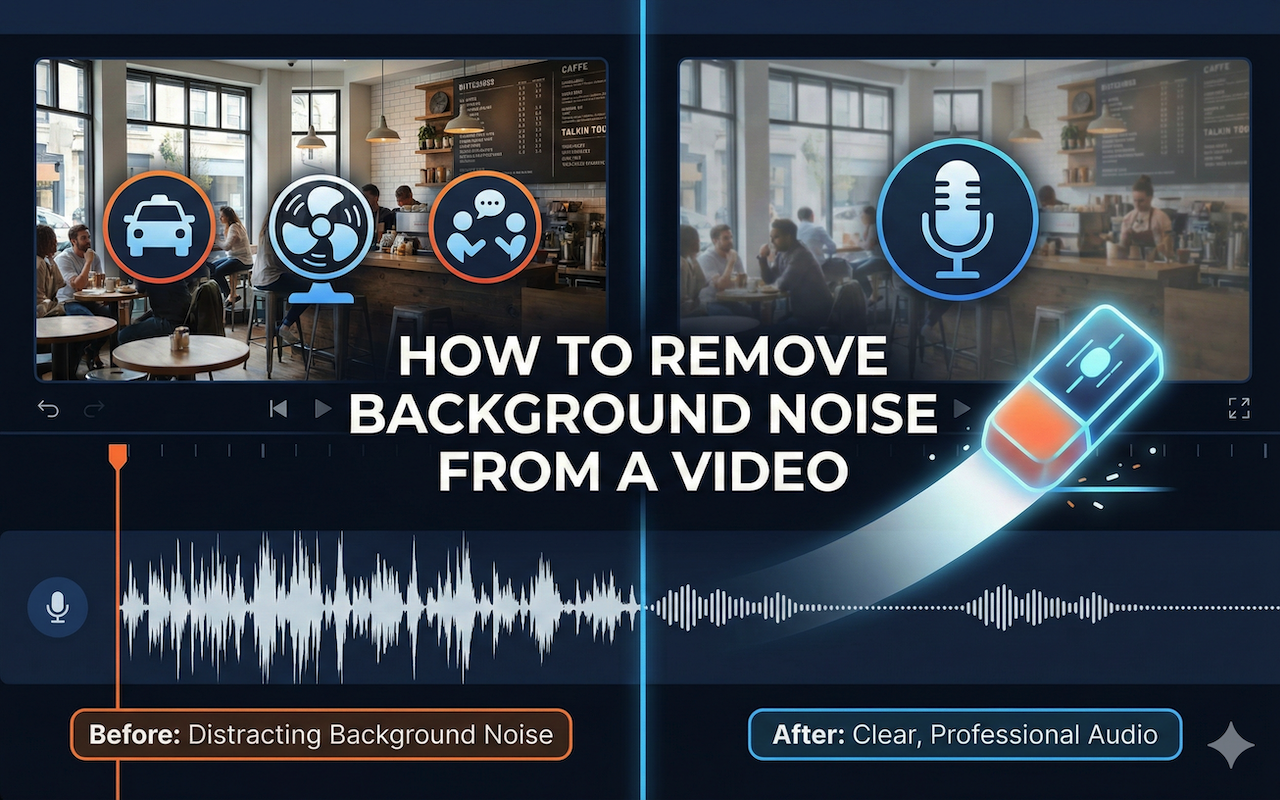
High-quality video content isn’t just about visuals; it’s equally about audio clarity. Even the most stunning visuals can lose impact if the audio is distracting or unclear. Background noise can interfere with your message, make your video seem unprofessional, and cause your audience to lose interest. In this guide, we’ll explore everything you need to know to remove background noise from a video, including understanding sources of noise, practical recording tips, and post-production techniques.
Understanding Background Noise
Background noise refers to any unwanted sound captured during video recording. This could include:
- Ambient noise such as traffic, fans, or air conditioners
- Crowd chatter or people talking in the background
- Echoes or reverberation from the room
- Microphone handling or accidental bumps
Even minor noise can distract viewers, making dialogue or narration harder to follow. By recognizing the types of noise that affect your videos, you can choose the most effective techniques to remove them.
Why Removing Background Noise Matters
Clear audio is crucial for keeping your audience engaged. Studies show that viewers are more likely to stop watching a video because of poor audio than poor visual quality. Removing background noise can:
- Enhance comprehension of dialogue or narration
- Make your video sound more professional
- Improve viewer retention
- Simplify editing and post-production
A video with clean, crisp audio immediately appears more polished and keeps viewers focused on your content.
Methods to Remove Background Noise from a Video
There are several ways to tackle background noise depending on your setup and tools. Combining good recording practices with editing techniques often produces the best results.
Proper Recording Environment
Prevention is always better than correction. Here’s how to minimize noise during recording:
- Choose a quiet location: Avoid areas near traffic, loud machinery, or crowded spaces.
- Use soft furnishings: Carpets, curtains, and cushions reduce echo and reverberation.
- Position microphones carefully: Keep microphones away from noise sources and electronic devices that may hum.
- Check ambient noise levels: Record a short sample before filming to ensure background noise is minimal.
These steps reduce the amount of background noise captured in the first place, saving time in post-production.
Using Software Tools
Even with careful recording, some background noise is inevitable. Editing software can help clean up your audio. Noise reduction tools, audio equalizers, and sound isolation filters are commonly available in most video editing programs.
There are also online tools that allow you to remove background noise from a video efficiently, even if you’re new to video editing.
Tips when using software:
- Use a noise profile to identify unwanted sounds
- Adjust thresholds gradually to avoid affecting desired audio
- Preview changes multiple times before finalizing
- Use equalization to balance dialogue, music, and effects
Step-by-Step Guide to Noise Removal
Here’s a simple workflow to clean up your video audio:
- Import Video: Load your video into your editing software.
- Analyze Audio: Listen carefully and identify background noise segments.
- Apply Noise Reduction: Use a noise reduction tool or filter to remove unwanted sounds.
- Fine-Tune: Adjust volume levels, remove residual hums, and balance audio with dialogue or music.
- Export: Save your video with clean, professional-quality audio.
Following these steps ensures that your final video sounds clear and polished.
Common Mistakes to Avoid
Even with the right tools, beginners often make mistakes that compromise audio quality. Some common errors include:
- Over-reducing noise: Applying too much noise reduction can make voices sound robotic or unnatural.
- Ignoring peak volumes: Loud peaks in dialogue or music can become distorted after noise reduction.
- Skipping testing on multiple devices: Audio can sound different on headphones, speakers, or mobile devices, so always test on multiple platforms.
- Neglecting room acoustics: Poor room acoustics can create persistent echoes that are harder to remove later.
Additional Tips for Cleaner Audio
- Use directional microphones to focus on the subject and minimize background sounds.
- Record a separate room tone for better noise profiling during editing.
- Keep cables away from electronic devices to prevent humming.
- Limit background music volume to avoid masking dialogue.
- Consider using pop filters or windshields to reduce plosive sounds and wind noise.
Advanced Techniques
For professional creators, there are advanced ways to reduce noise even further:
- Multi-track editing: Record dialogue, effects, and music separately to isolate noise.
- Spectral editing: Use tools that display audio frequencies visually to identify and remove unwanted sounds precisely.
- Noise gates: Automatically mute audio below a certain threshold to eliminate background hums.
- Adaptive filtering: Dynamically reduces background noise without affecting primary audio.
These methods require more expertise but can dramatically improve audio quality.
Conclusion
Clean audio is essential for professional-looking videos. By understanding the types of background noise, applying proper recording techniques, and using tools to remove background noise from a video, you can ensure that your viewers focus on the content rather than distractions.
Combining preventive measures with software solutions and advanced editing techniques will consistently elevate your video production quality, making your content more engaging and enjoyable for your audience.
 FAQs
FAQs
While most noise can be significantly reduced, complete removal may be difficult for severe or overlapping sounds. Proper recording and careful editing yield the best results.
Excessive noise reduction can impact voice quality. Always apply noise reduction gradually and test changes.
Yes, online tools can quickly remove background noise and are beginner-friendly. They are suitable for most casual and semi-professional projects.
Featured Image generated by Google Gemini.
Share this post
Leave a comment
All comments are moderated. Spammy and bot submitted comments are deleted. Please submit the comments that are helpful to others, and we'll approve your comments. A comment that includes outbound link will only be approved if the content is relevant to the topic, and has some value to our readers.
Comments (0)
No comment