
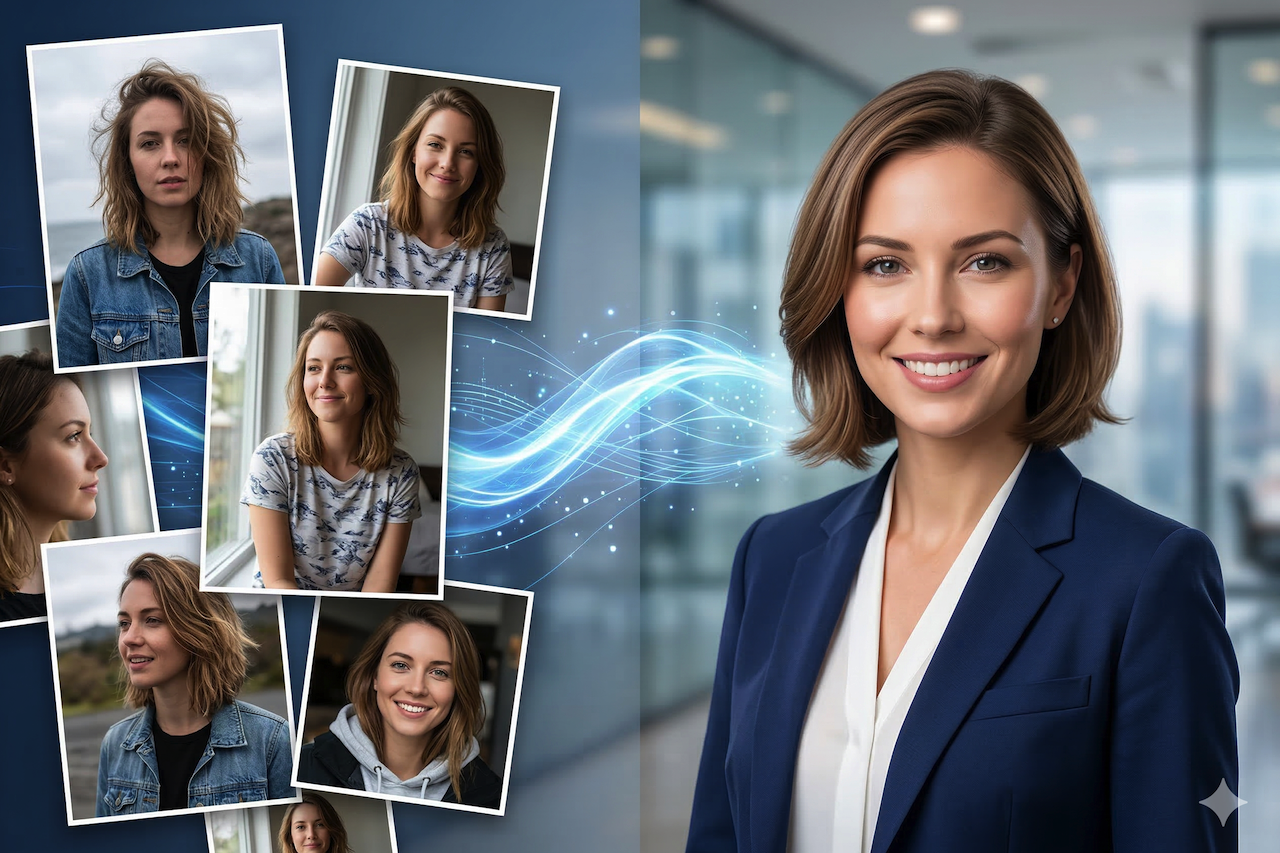
Not long ago, getting a professional headshot meant scheduling a photographer, finding a location, choosing an outfit, and spending a substantial amount of money, only to end up with half a dozen usable shots. Today, the process looks very different.
AI-driven technologies now allow anyone to generate refined, professional-looking headshots without ever standing in front of a camera. The range of options is impressive, whether the image is intended for a LinkedIn profile, a company website, or even a speaking bio.
But how does it actually work? And are the outcomes actually comparable to conventional photography? Let's break it down.
How AI Headshot Tools Actually Work
In essence, AI headshot generators take images you post and use them to create new high-quality portrait photographs. The technology behind the scenes, usually a variant of a diffusion model or a fine-tuned generative AI, is trained on your face, your skin color, and your overall appearance using a collection of informal images. There, it creates new pictures of you dressed for professional settings.
You are not simply putting a filter on a selfie. The AI is literally developing new pictures based on your looks - usually with professional lighting, no background hallucinations, and a crisp, clean framework that you would expect from a skilled photographer.
What You Will Need to Post
The majority of AI headshot applications require between 10 and 25 images of yourself. It is all about diversity, as various angles, lighting situations, and facial expressions can provide the model with more work.
Tips for your source photos:
- Do not use heavy filters or sunglasses.
- Avoid pictures where half the face is obscured.
- Photos made using natural light provide the best results.
You can also think about the overall look you want to present before uploading your photos. If you've been considering updating your hairstyle or beard, some platforms now offer online grooming visualization features that let you preview how different styles would appear in your final headshot before committing. These may seem like small details, but they can significantly affect how professional the final image looks.
Test Your Appearance First Before You Commit
Another advantage of AI headshot tools, which should not be overestimated, is the freedom for experimentation. In a conventional photo session, you are bound to whatever you present on that particular day. You can experiment with variations using AI.
Want to know what you would look like with a different haircut? An online hairstyle visualization tool lets you preview various styles on your own face before generating the final headshots, useful if you're updating your professional image or simply curious about what suits you best.
Some platforms go even further by offering a full online hairstyle transformation experience where you can experiment with different lengths, colors, and textures in real time. It can be an enjoyable part of the process and removes much of the guesswork that often comes with attending a photo shoot, whether in person or online.
Selecting the Best AI Headshot Software
There are quite a few tools out there, and they vary significantly in quality, speed, and price. Some of the better-known options include Aragon AI, HeadshotPro, and Try It On AI — all of which have produced results good enough to fool people into thinking they were taken in a studio.
When evaluating tools, look for ones that offer multiple style options — formal, business casual, creative — so you're not stuck with a single rigid look. A solid online headshot generator should give you a range of backgrounds, attire options, and lighting styles, along with the ability to select which outputs you actually like before downloading.
The turnaround time is usually a few minutes to a couple of hours, depending on the platform and the level of server congestion. The vast majority of them charge a per-session fee, typically ranging between $15 and $50, which is a small fraction of what a professional photographer would charge.
Casual Photo to Professional Portrait
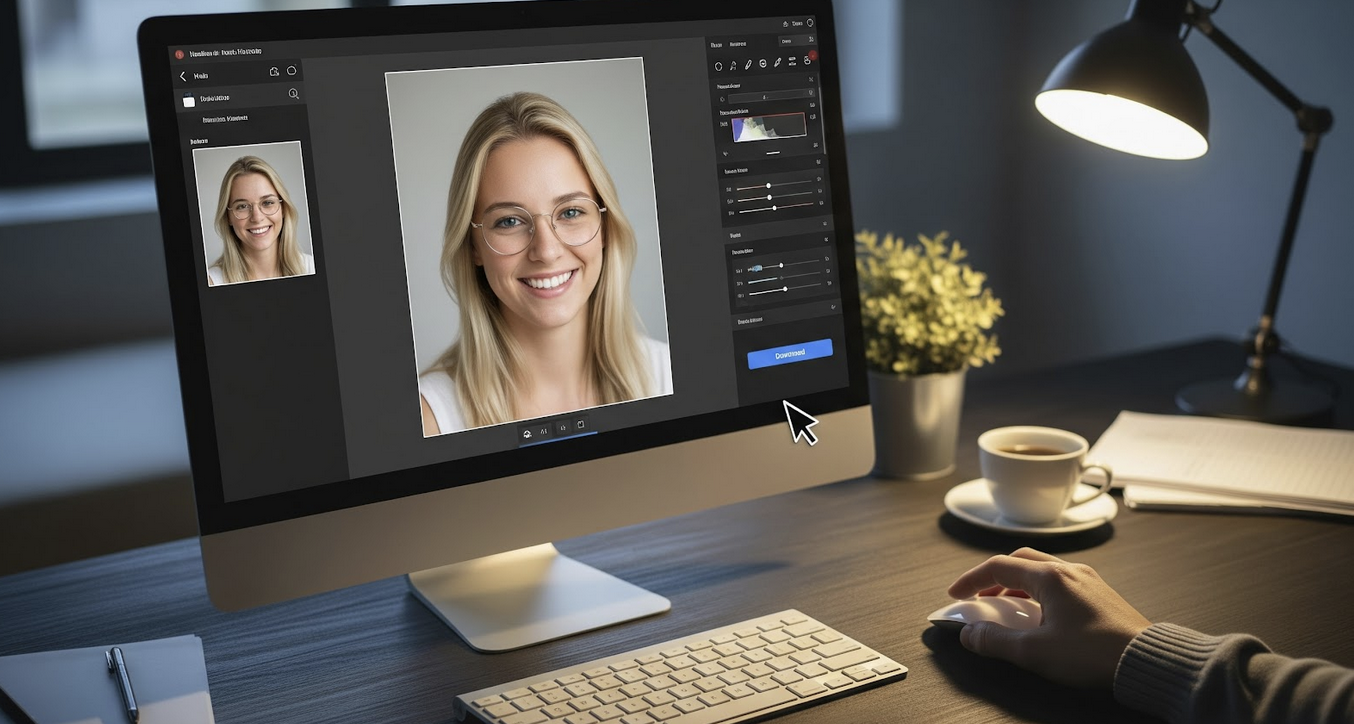
Transformation itself is one of the most interesting applications. A simple photo taken on a phone in good natural light can be processed by AI and turned into an image that resembles a professionally captured corporate headshot.
Online photo to portrait capability has become increasingly refined, with newer tools preserving subtle details such as the shape of a smile or the way light reflects in the eyes, while significantly improving overall image quality.
Note: It will not always produce excellent output. You can be presented with a set of 40 or 50 images and walk away falling in love with 5 or 10 of them. The AI is sometimes clumsy with details - a slightly off-looking hand, unnatural pose, or a face that does not quite fit yours. You should always look at the entire set before choosing your final picture.
A Few Things to Keep in Mind
- Privacy Matters: You are posting pictures of your face on a third-party site, so it is important to review the platform’s data retention and usage policies. Reputable tools should clearly explain how uploaded images are stored and handled.
- Expectation of Authenticity: It can also be helpful to be transparent about how your headshot was created, especially in situations where authenticity is expected. Most professional settings will not be concerned, but some may prefer disclosure. When in doubt, use your judgment.
The Bottom Line
AI headshot generators have made professional portrait photography far more accessible. Whether you are updating a LinkedIn profile, creating a new speaking bio, or replacing an outdated work photo, these tools can provide a fast and affordable alternative to a traditional professional photo shoot.
The results still depend on using high-quality source photos, carefully selecting the images that represent you best, and exploring style options such as grooming previews, hairstyle variations, and portrait enhancements. A professional photographer may no longer be necessary, but presenting yourself well in your headshot still matters.
Featured Image generated by Google Gemini.
Share this post
Leave a comment
All comments are moderated. Spammy and bot submitted comments are deleted. Please submit the comments that are helpful to others, and we'll approve your comments. A comment that includes outbound link will only be approved if the content is relevant to the topic, and has some value to our readers.
Comments (0)
No comment