

Face swap memes have taken over social media. From swapping faces with celebrities to putting your friend's face on a movie character, these memes are everywhere and they're hilarious.
The best part? You don't need Photoshop skills or expensive software anymore. Thanks to free AI face swap tools, anyone can create professional-looking face swap memes in seconds.
In this guide, you'll learn exactly how to create funny face swap memes step by step, get creative meme ideas, and discover the best free AI tools to make it happen.
What Is AI Face Swap?
AI face swap is a technology that uses artificial intelligence to detect faces in photos or videos and seamlessly replace one face with another. Unlike manual editing in Photoshop, AI handles everything automatically, matching skin tone, lighting, angle, and expression.
Modern free AI face swap tools use deep learning algorithms to analyze facial features and blend them naturally into the target image. The result looks realistic, even when the swap is meant to be funny.
Why AI Face Swap Is Perfect for Memes
- Speed: Create a meme in under 30 seconds
- No skills needed: The AI does all the heavy lifting
- Realistic results: Better blending than manual editing
- Free to use: Many tools offer free face swaps without watermarks
- Works on photos and videos: Take your memes to the next level with video face swaps
- No watermark: Easily download AI image without any watermark
Best Free AI Face Swap Tools for Creating Memes
Before we dive into the how-to, here are the best free tools you can use right now:
RemixAI

RemixAI is an all-in-one AI platform that offers one of the most accurate face swap tools available for free. It supports both single and multiple face swaps, making it ideal for group memes.
Key Features:
- Single and multiple face swap in one tool
- Works with photos and videos
- No sign up required to try
- High-quality output with natural blending
- Supports batch face swapping for creating memes at scale
Reface
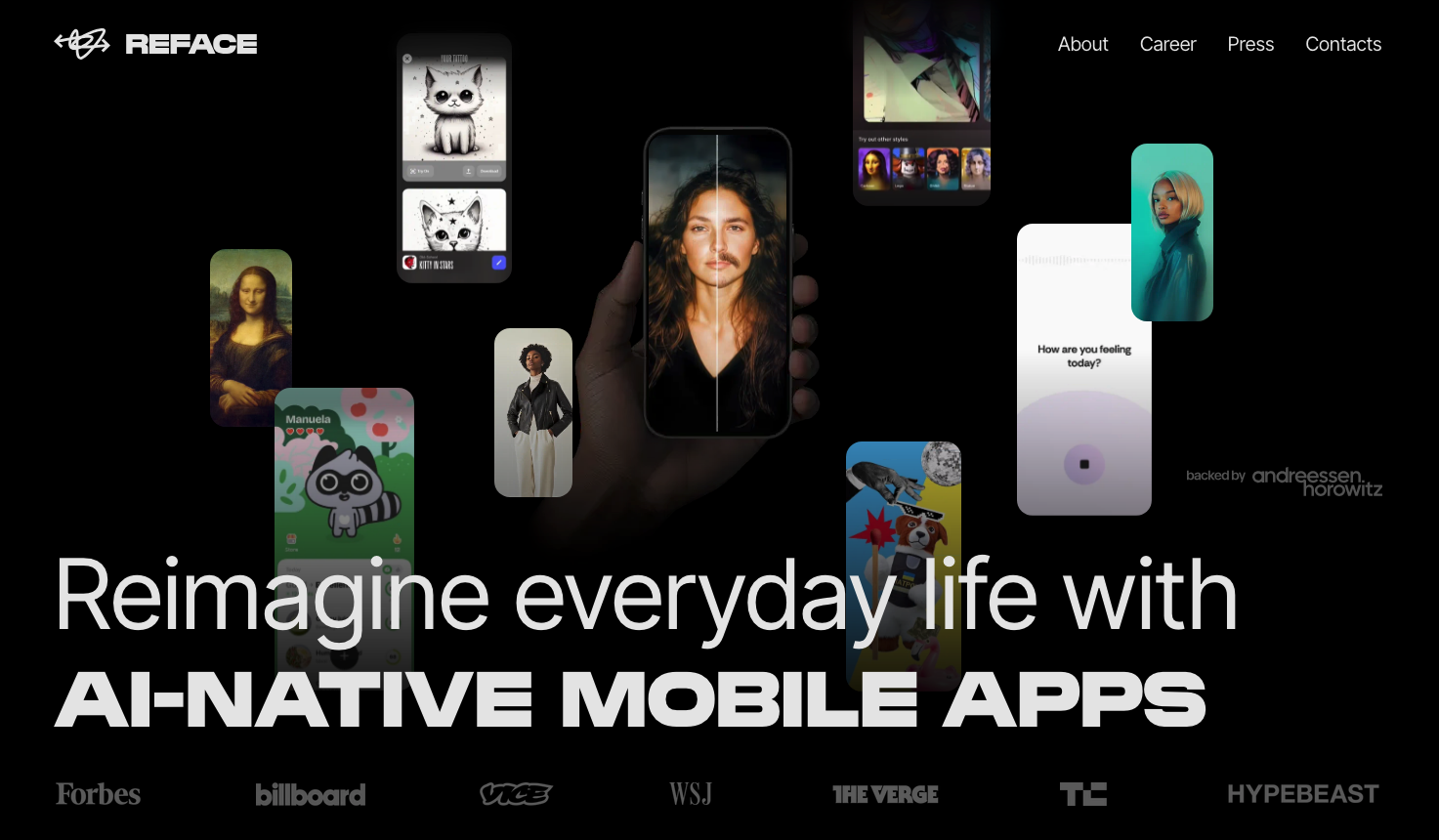
Reface is a widely used mobile app known for its fast and entertaining face swap experience, especially for short videos and GIFs. It allows users to instantly place their face into popular clips, movie scenes, and viral templates, making it a favorite for casual content creation and social media sharing.
Key Features:
- Extensive library of pre-made video and GIF templates
- Fast face detection and real-time swapping
- Optimized for mobile use (iOS and Android)
- Easy one-tap sharing to social media platforms
- Limited customization for static images and advanced edits
FaceSwapper.ai
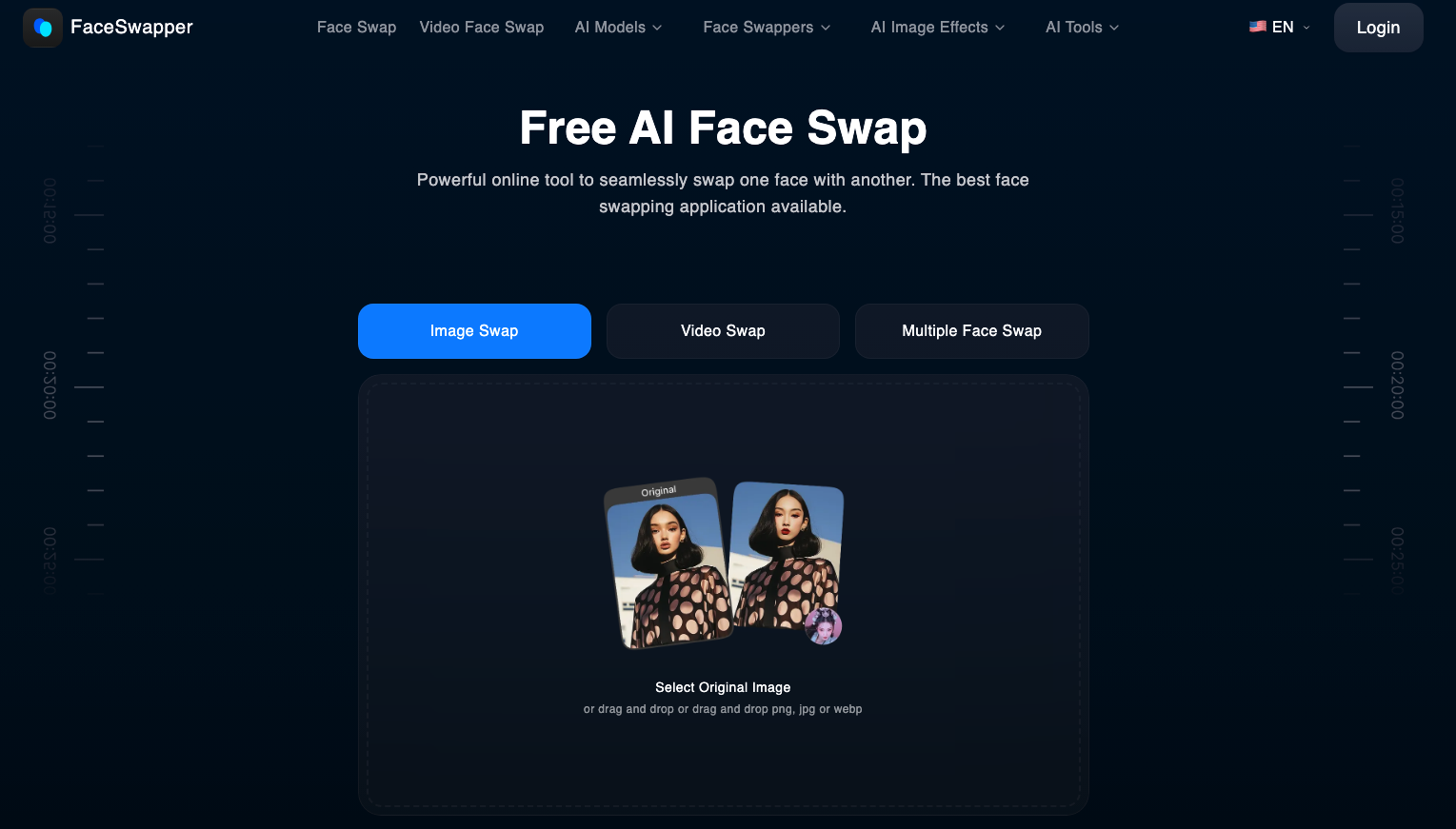
FaceSwapper.ai is a straightforward browser-based tool designed for quick and simple face swaps without needing downloads or complex setup. It focuses on ease of use, making it a good option for users who want fast results for single-image edits.
Key Features:
- Fully web-based with no installation required
- Simple upload-and-swap workflow
- Supports basic single face swaps
- Fast processing for quick edits
- Limited control over fine details and advanced adjustments
DeepSwap
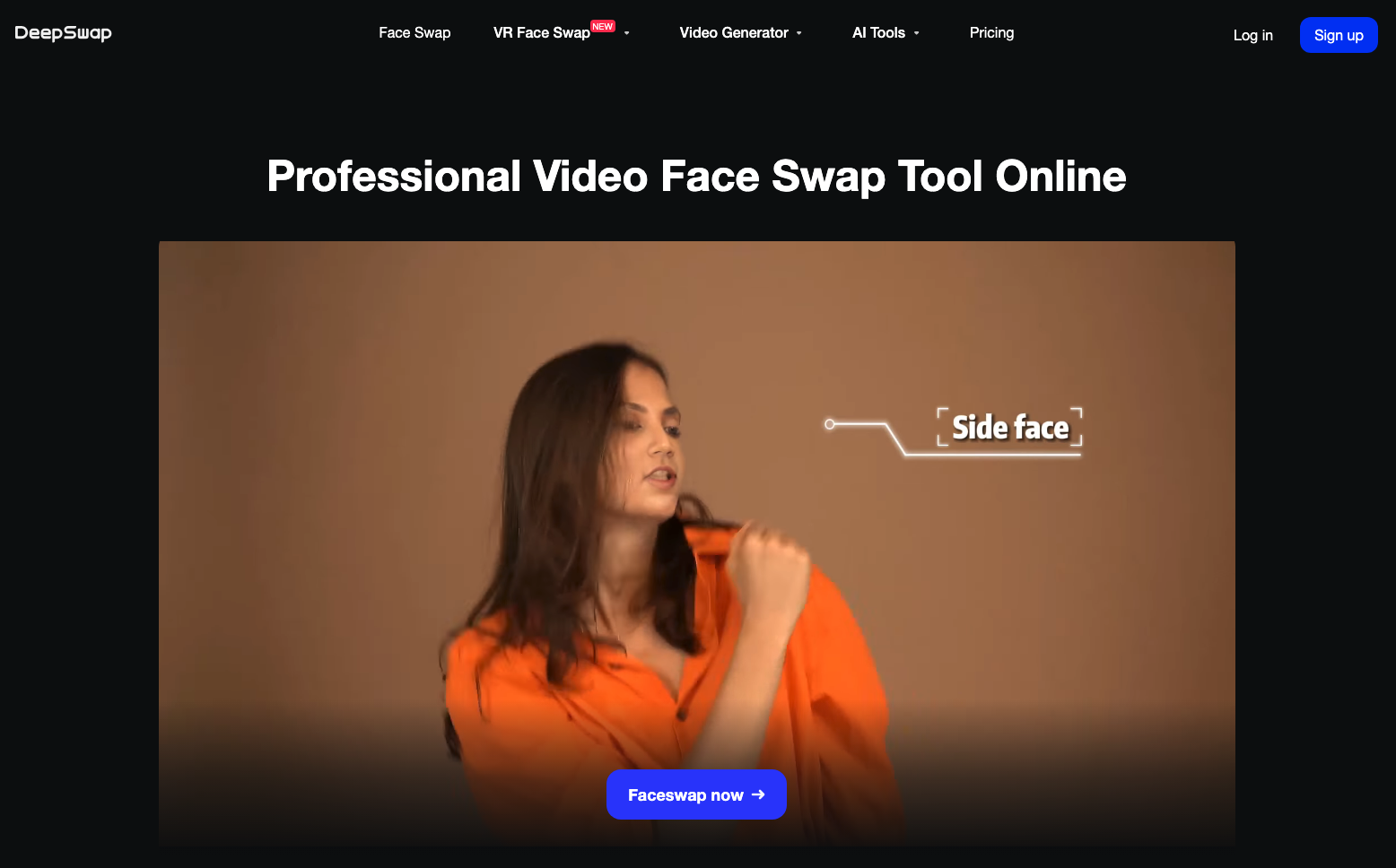
DeepSwap is a more advanced AI face swap tool that supports photos, videos, and GIFs, making it suitable for users who want more flexibility across different media formats. It delivers relatively high-quality results and is often used for both entertainment and more polished content creation.
Key Features:
- Supports face swapping for images, videos, and GIFs
- Higher-quality rendering compared to basic tools
- Cloud-based processing with no local setup needed
- Free tier available with daily usage limits
- Premium plans unlock faster processing and higher resolution output
Pro Tip: For the best meme quality, use a tool like RemixAI that gives you high-resolution output without watermarks. Nothing kills a meme faster than a giant watermark across the face.
How to Create Face Swap Memes?
Step 1: Choose Your Meme Concept
Every great meme starts with a funny idea. Here are some popular face swap meme formats:
- Celebrity swap: Put your face on a famous movie scene
- Pet swap: Swap faces with your dog or cat
- Historical swap: Your face on a historical painting or figure
- Friend swap: Swap faces between friends in a group photo
- Movie poster swap: Replace actors' faces on iconic movie posters
- Baby swap: Swap an adult face onto a baby photo (or vice versa)
Step 2: Find Your Source Images
You need two images:
- The face image: A clear photo of the face you want to use (front-facing works best)
- The target image: The photo or meme template where you want to place the face
Tips for best results:
- Use well-lit photos with faces clearly visible
- Front-facing photos work better than side profiles
- Higher resolution images give better results
- Make sure the face isn't covered by sunglasses or hands
Step 3: Upload and Swap
Go to the AI Face Swap tool
- Upload your target image (the meme template or scene)
- Upload the face you want to swap in
- Click "Swap" and wait a few seconds
- Download your result without watermark
The AI automatically detects both faces, maps the facial features, and blends them seamlessly.
Tips for Making Your Face Swap Memes Go Viral
Timing Is Everything
Jump on trending topics and current events. A face swap meme about something trending today will get way more engagement than a random swap.
Keep It Relatable
The best memes connect with people's everyday experiences. "When your boss says we need to talk" with your face on a scared movie character hits differently because everyone relates.
Quality Matters
Use a high-quality AI face swap tool so the swap looks clean. Bad swaps can be funny intentionally, but unintentionally bad quality just looks lazy.
Use Video Face Swaps
Video memes get 3x more shares than photo memes on social media. Use AI video face swap to create short clips that stand out in feeds.
Create Series
Don't stop at one meme. Create a series around a theme. "Swapping my face onto every Renaissance painting" performs better as a content series than a single post.
Face Swap Meme Do's and Don'ts
Do's
- Use face swap for humor and entertainment
- Get permission when using friends' or family's faces
- Credit the original image source when applicable
- Keep it lighthearted and fun
- Use high-quality source images for better results
Don'ts
- Don't use face swap to impersonate someone with harmful intent
- Don't create misleading content that could be mistaken for real
- Don't use someone's face without consent for commercial purposes
- Don't share face swap content that could harass or bully someone
- Don't violate platform guidelines on manipulated media
Start Creating Your Face Swap Memes
Creating funny face swap memes has never been easier. With free AI face swap tools, you can go from idea to viral meme in under a minute, no design skills, no expensive software, no complicated setup.
The key is to start experimenting. Try different meme formats, play with unexpected combinations, and don't be afraid to get creative. The funniest memes often come from the most unexpected face swaps.
Featured Image generated by Google Gemini.
Disclaimer
This article is intended for informational and educational purposes only. The use of AI face swap technology should be done responsibly and in compliance with applicable laws, platform policies, and ethical guidelines.
Users are responsible for obtaining proper consent before using or sharing images of identifiable individuals. AI-generated or manipulated content should not be used to mislead, impersonate, harass, or harm others.
The tools and services mentioned in this article are provided for general reference. We do not control or guarantee their functionality, accuracy, or policies. Users should review each platform’s terms of use and privacy practices before use. We are not responsible for any misuse of the tools or information described in this content.
Share this post
Leave a comment
All comments are moderated. Spammy and bot submitted comments are deleted. Please submit the comments that are helpful to others, and we'll approve your comments. A comment that includes outbound link will only be approved if the content is relevant to the topic, and has some value to our readers.
Comments (0)
No comment