
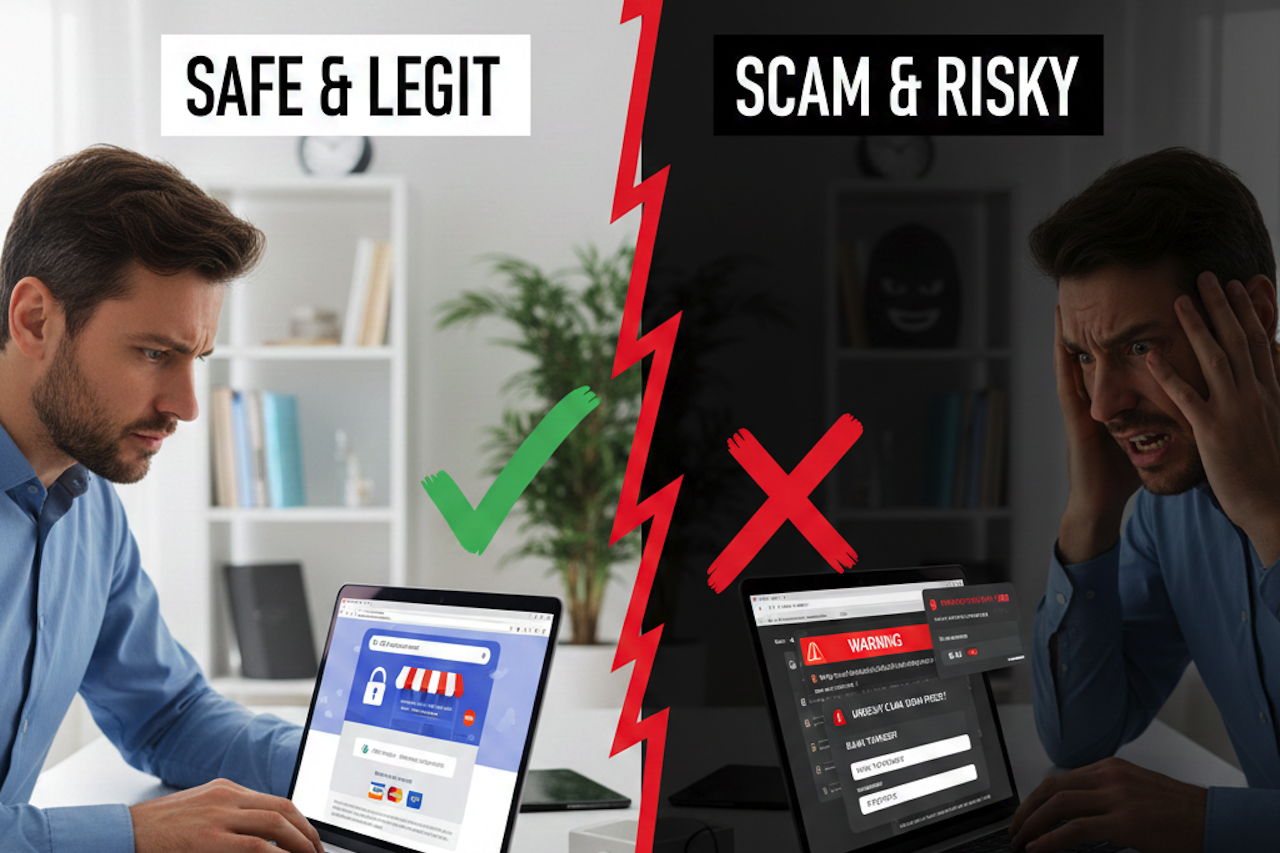
Shopping online and booking services online can save you time and money. You might find great deals on clothes, electronics, travel, or even financial products.
However, the internet also has scam websites that look real but are designed to trick you into giving up money or personal information. In one year alone, there were more than 68,000 reported cases of online shopping fraud, highlighting how widespread these scams have become.
These numbers show that knowing how to check a website properly can save you from losing money, having your details stolen, or being signed up for unwanted credit products.
Check the Web Address
The first thing you should look at is the website address (URL) in your browser. Legitimate companies usually have a clear and simple address that matches their brand name. Avoid sites with long strings of random letters, unusual domain names (like “.biz” instead of “.co.uk”), or extra words that look suspicious.
If a website says it is part of a government or official body, always check that the address is correct, because scam sites sometimes look almost identical but use a slightly different web address.
Look for Reviews
One of the best ways to check if a website is trustworthy is to look for reviews from other customers. You can search for the company name along with words like “review”, “scam”, or “feedback”.
Well-known review platforms like Trustpilot or Google Reviews often have honest opinions from people who have already used the service. If a company has only a few reviews, or the reviews look very similar or fake, this can be a red flag.
Honest feedback from forums and community sites can also help. People often discuss their experiences with lesser-known brands on online forums, and these unfiltered comments can tell you if others have had positive or negative experiences.
Find a Physical Address and Phone Number
Legitimate companies usually have a real postal address and phone number clearly shown on their website. Before you make a purchase or enter any personal details, check that this information exists and appears credible.
You can copy the address and search for it online to see if it is a real office or shop. If there is no address, or it looks like a private house or a blank field, that is a warning sign. If there is a phone number, try calling it to see if a real person answers and gives sensible responses.
Check Company Registration
In many regions, legitimate businesses are required to be officially registered with a government or regulatory authority. You can usually search a public business registry to verify the company name, incorporation date, registered address, and current status. This information can help confirm whether a business formally exists.
However, registration alone does not guarantee legitimacy. Fraudulent operations can still appear in official records, so registration should be considered one verification step rather than definitive proof of trustworthiness.
Check Financial Regulation and Licensing
If you are considering applying for credit or financial services through a website, it is important to verify whether the provider is properly regulated. Many countries maintain official public registers that list authorized lenders and financial institutions.
For example, in some regions, consumers can consult resources to confirm whether a lender is licensed and permitted to offer financial products. Checking an official regulatory database helps ensure the business is operating under recognized oversight.
Before entering payment details or submitting a finance application, it is wise to cross-check regulatory information rather than relying solely on claims made on a website. Unregulated lenders may promote unusually attractive offers, but these can carry higher risks or signal fraudulent activity.
A spokesperson commented: “As direct lenders, we have to go through very rigorous checks to get a consumer credit license and be fully authorized by the FCA, so these are things that you need to check not only on the footer and terms of a website, but also by cross-checking on the official regulatory website.”
As a general guideline, legitimate lenders should not guarantee approval or request upfront payments to release funds. These practices are commonly associated with scams and should be treated as warning signs regardless of location.
Look for Secure Payment Methods
Safe websites use secure payment methods and encryption technologies to protect your data. One sign of this is a padlock symbol in your browser’s address bar next to the URL. There are also tools you can use that spot scams, which you can add to your browser or mobile phone.
Also, be cautious if a site only accepts unusual payment methods, such as bank transfers or cryptocurrency. Legitimate retailers often offer options such as debit/credit cards or well-known payment services that include buyer protection.
Trust Your Instincts
Don’t rush into buying or booking something simply because the price looks good. Scammers often use low prices to lure people in.
Take a few minutes to look at forums and social media to see if anyone else has mentioned the brand. See if there are news articles, reviews, or complaints online. A bit of research can help you avoid losing money or sharing your personal information with the wrong people.
If something feels off, it probably is. Websites that pressure you to act quickly, make exaggerated claims, or have multiple spelling and grammar mistakes are often not legitimate.
Conclusion
As online shopping and digital services continue to grow, knowing how to identify safe and legitimate websites is an essential skill. Scam sites are often designed to look convincing, but taking a few extra minutes to check web addresses, reviews, registration details, and payment security can significantly reduce your risk.
By using official records, trusted review sources, and secure payment methods—and by trusting your instincts when something feels off—you can protect your personal information and finances. A cautious, informed approach helps ensure safer online experiences and prevents costly mistakes.
Featured Image generated by Google Gemini.
Share this post
Leave a comment
All comments are moderated. Spammy and bot submitted comments are deleted. Please submit the comments that are helpful to others, and we'll approve your comments. A comment that includes outbound link will only be approved if the content is relevant to the topic, and has some value to our readers.
Comments (0)
No comment