
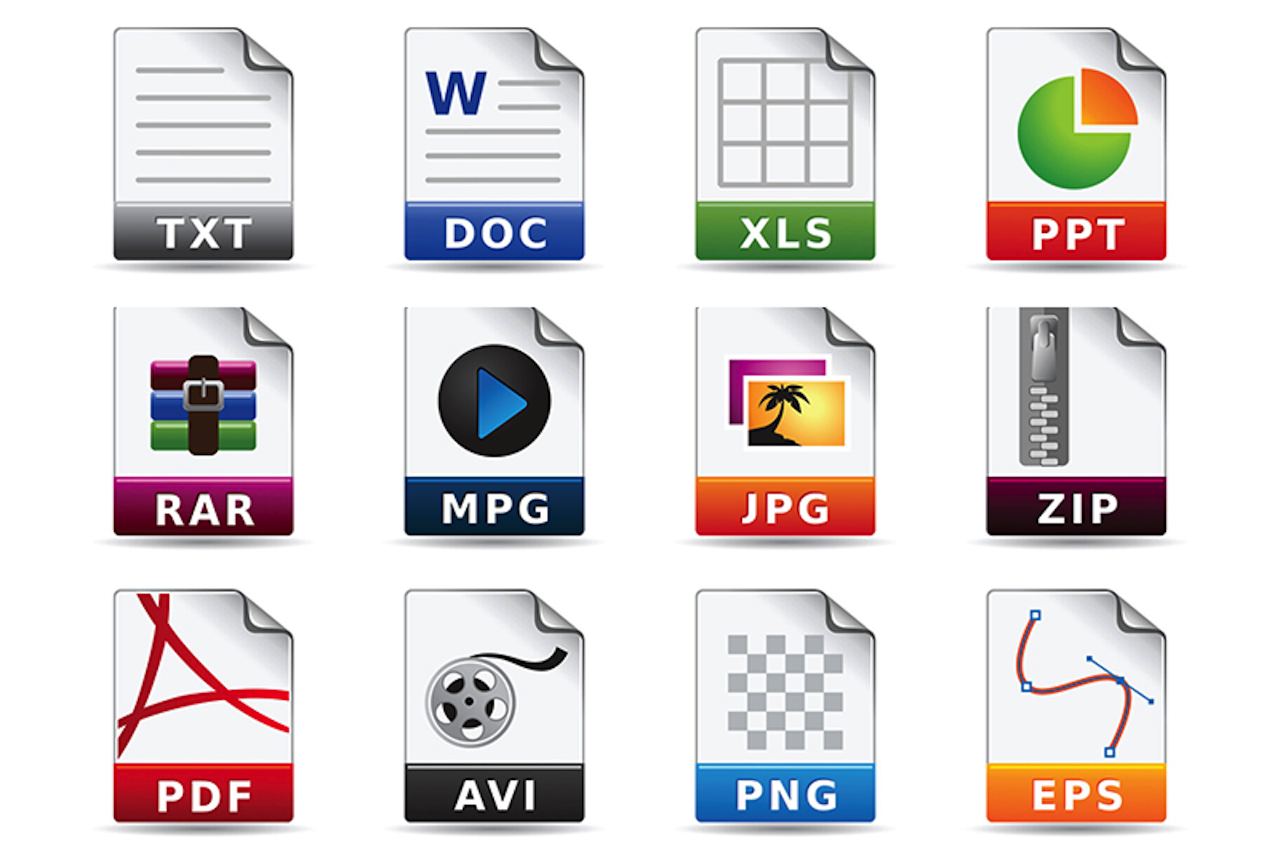
Converting files between formats is something most people do weekly - whether it's turning a PDF into a Word document, compressing an image for email, or extracting audio from a video. The problem is that most online converters either limit what you can do for free, require an account, or only support a narrow set of formats.
File conversion used to mean installing dedicated desktop software for each format you needed. In 2026, browser-based converters handle hundreds of format pairs without any installation, but not all of them work the same way. Here's what's changed and what to look for when choosing one.
The Format Fragmentation Problem
The number of file formats in active use continues to grow. Apple devices default to HEIC for photos, which most Windows applications can't open natively. Web developers work with WebP and AVIF images that traditional editors don't support. Video producers receive footage in MKV or MOV formats that needs to be converted to MP4 for web delivery.
Each of these mismatches used to require a specialized tool. Image converters couldn't handle documents. Video transcoders didn't touch audio. PDF tools were their own category entirely.
Modern converters have consolidated these into single platforms. Tools like CloudConvert, Convertio, and MegaConvert now handles documents, images, video, audio, ebooks, and even niche formats like fonts and subtitles from one interface.
What Separates Current-Generation Converters
The feature gap between converters has widened significantly. When evaluating options, several factors matter more than they did a few years ago:
- Format breadth: Basic converters handle 50-100 format pairs. More comprehensive platforms support 300-500+. The difference shows up when you encounter edge cases like DNG camera files, WOFF2 web fonts, or ASS subtitle formats.
- Processing tools: Conversion is only part of the equation. Many platforms now bundle compression, resizing, cropping, merging, and splitting into the same interface. This reduces the need to switch between multiple services for related tasks.
- Localization: Most converters serve English-speaking markets primarily. A few have invested in genuine localization — not just translated menus, but native URL structures and fully localized interfaces across dozens of languages. This matters for international teams where not everyone is comfortable working in English.
- API access: Developers integrating file conversion into applications need programmatic access. The simplest implementations use a single HTTP endpoint — upload a file, specify the output format, and receive the result. More complex setups involve webhooks and polling, which adds development overhead.
A straightforward file conversion API typically looks like this:
curl -X POST https://api.example.com/convert \
    -H "Authorization: Bearer your_key" \
    -F "[email protected]" \
    -F "output_format=docx"
The fewer steps between request and result, the easier the integration.
Privacy Considerations for File Conversion
Uploading files to any online service raises legitimate privacy questions. Documents may contain sensitive business information. Photos contain metadata. Videos may include confidential content.
Key factors to evaluate:
- Data retention: How long does the service keep your files? The industry standard ranges from one hour to 24 hours. Shorter is better.
- Server location: Services hosted in GDPR-compliant jurisdictions are subject to stricter data protection requirements.
- Third-party dependencies: Some converters route files through external APIs for processing. Others handle everything on their own infrastructure, reducing exposure.
- Account requirements: Services that don't require registration also don't maintain a history of your conversion activity.
Desktop Software vs. Browser Tools
The argument for desktop converters hasn't disappeared entirely. Local processing offers complete privacy, works offline, and handles very large files without upload time. Tools like FFmpeg, ImageMagick, and LibreOffice remain the gold standard for power users comfortable with command-line interfaces.
But for most users, the tradeoff favors browser-based tools. No installation means no compatibility issues, no updates to manage, and instant access from any device. The upload time for typical files, such as documents under 25MB and images under 10MB, is negligible on modern connections.
Choosing the Right Tool
There's no single best converter for everyone. The right choice depends on your specific needs:
- Occasional personal use: Any free converter with decent format support works. Look for no-signup options to minimize friction.
- Regular professional use: Prioritize format breadth, processing speed, and privacy practices. Consider a paid tier if you regularly exceed free limits.
- Developer integration: Evaluate API simplicity, documentation quality, pricing per request, and SDK availability. A clean REST API with official SDKs in your language saves significant development time.
- Enterprise deployment: Server location, compliance certifications, SLA guarantees, and volume pricing become the deciding factors.
The file format landscape will continue to evolve as new standards emerge and old ones fade. Having a reliable, versatile converter accessible, whether browser-based, API-driven, or both, saves time and reduces the frustration of searching for specialized tools whenever an unfamiliar format appears.
Conclusion
Online file conversion tools have evolved far beyond simple one-format utilities. Modern platforms now support hundreds of file types, integrated processing features, API access, and improved accessibility across devices and languages. While browser-based converters offer speed and convenience for most users, factors such as privacy practices, format support, and integration capabilities still vary widely between platforms.
Choosing the right tool depends on your workflow, whether you need occasional personal conversions, professional-grade processing, or developer-focused API integration. As file formats continue to evolve, having access to a reliable and flexible conversion platform can simplify workflows and reduce compatibility challenges across different devices and applications.
Disclaimer
The information provided in this article is for general informational and educational purposes only. File conversion tools, APIs, and online services may vary in features, pricing, supported formats, availability, privacy practices, and performance over time. Readers should independently evaluate any third-party platform before uploading sensitive or confidential files.
Any third-party services or links mentioned in this article are provided as examples only and do not constitute endorsement or guarantee. iplocation.net is not liable for data loss, file corruption, privacy issues, service interruptions, or any damages resulting from the use of third-party software, APIs, or online conversion platforms discussed in this article.
Share this post
Leave a comment
All comments are moderated. Spammy and bot submitted comments are deleted. Please submit the comments that are helpful to others, and we'll approve your comments. A comment that includes outbound link will only be approved if the content is relevant to the topic, and has some value to our readers.
Comments (0)
No comment