
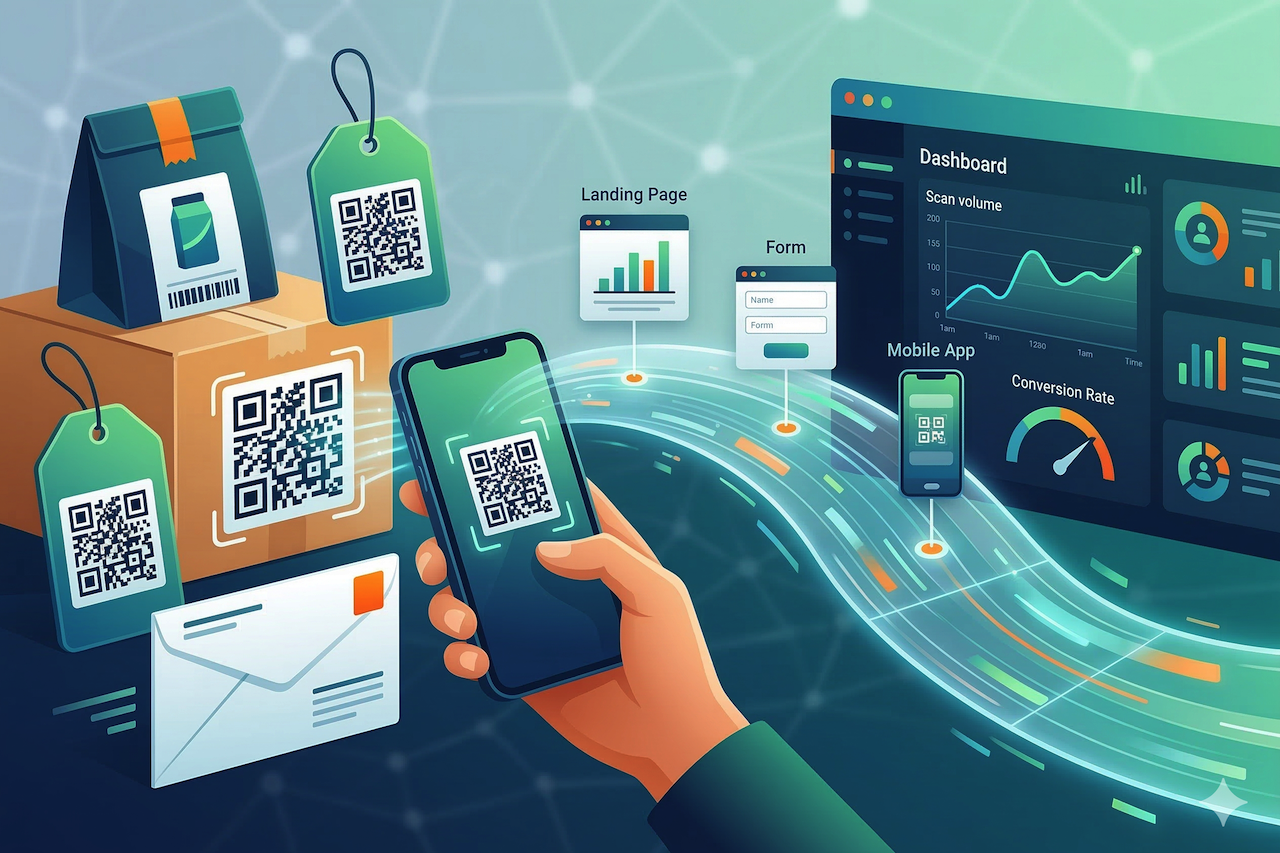
QR codes have quietly become one of the most reliable “bridges” between the physical world and the web. They’re simple enough to work on a coffee cup, but flexible enough to support multi-step customer journeys, especially when you want offline touchpoints to lead to something measurable online, often supported by QR code generator tools like QRNow QR code generator for businesses.
For teams that care about attribution, security, and user experience (which is most teams), the interesting part isn’t the black-and-white square itself. It’s what happens after the scan: where people land, what you learn, and how quickly you can iterate without reprinting everything.
Why QR Codes Fit Modern Marketing (and Modern Constraints)
Offline marketing still matters: signage, packaging, direct mail, events, even utility bills. The challenge is that these channels can be hard to measure and expensive to update. QR codes help because they can be placed almost anywhere and can guide people to a specific digital action in seconds.
What’s changed recently is user behavior. Scanning is now a built-in camera feature on most phones, and people are used to QR codes for menus, tickets, and payments. That familiarity makes a well-designed QR experience feel less like “marketing” and more like a shortcut.
What Businesses Actually Want From a Scan
In practice, the goal is usually one of these outcomes:
- Reduce friction (skip typing long URLs, avoid app store searches)
- Move people to a trackable destination (landing pages, forms, product pages)
- Personalize the next step based on campaign, location, or context
- Update content without reprinting when details change
If you’ve worked on any campaign where the copy, offer, or legal terms changed mid-flight, you already see the appeal.
Offline Touchpoints That Benefit Most From QR-Driven Journeys
Not every placement is worth the ink. QR codes perform best when the scan is a natural next step, and the payoff is immediate. Think “I’m already curious” or “I already have my phone in my hand.”
Packaging and Product Inserts
Packaging has a captive moment: someone has the product, and they’re looking for setup instructions, tips, warranty info, or companion content. A QR code can send them straight to a quick-start page, video, or support flow without making them hunt.
- Link to setup guides, FAQs, and troubleshooting by model
- Offer refill subscriptions or reorder pages
- Collect reviews after a reasonable “time-to-try” window
Print Ads, Direct Mail, and Out-of-Home Signage
These channels are traditionally hard to attribute. QR codes can turn “brand awareness” placements into measurable sessions and conversions—if the landing page loads quickly and is clearly aligned with what the ad promised.
A practical pattern is to create one landing page per campaign (or per city, store, or placement) and compare scan volume and conversion rates over time.
Events, Conferences, and Retail Environments
Events are full of micro-moments: someone walks by a booth, sees a demo, or wants a spec sheet. QR codes work well when they replace physical handouts and instantly deliver something useful.
- Lead capture forms that don’t require a clipboard
- Product comparison pages for in-store decision-making
- Digital brochures that stay updated after the event
Design and UX: What Makes People Actually Scan
Most QR “failures” are not technical; they’re usability problems. People scan when they know what they’ll get, trust the destination, and can complete the action quickly.
Use a Clear Call-to-Action (CTA)
A QR code without context is easy to ignore. The CTA should answer two questions: what happens next, and why it’s worth it.
- Good: “Scan to see today’s lunch specials (updated at 11 am)”
- Good: “Scan for installation video (2 minutes)”
- Risky: “Scan me” with no value statement
Make the Landing Page Match the Promise
If the sign offers a discount, the first screen should display it immediately. If the poster teases a guide, deliver the guide without a maze of pop-ups. QR flows work best when they feel like a shortcut, not a detour.
Respect Real-World Scanning Conditions
Lighting, glare, distance, and motion all matter. A few practical rules tend to hold up:
- Keep a strong contrast and enough quiet space around the code
- Avoid placing codes on highly reflective surfaces without testing
- Size the code for distance (billboards need more than business cards)
- Test with multiple phone models and camera apps
Security and Trust: The Part Many Teams Overlook
Scammers also use QR codes because they’re easy to place and hard to evaluate at a glance. Businesses that use QR codes responsibly should assume some users are cautious and design for trust.
“A QR code is a shortcut to a link. If the user can’t quickly verify where it goes, they’ll hesitate, or worse, they’ll learn to distrust QR codes altogether.”
Practical steps that reduce risk
- Use HTTPS destinations and avoid unnecessary redirects
- Show the domain near the QR code so users can double-check it
- Keep landing pages clean and avoid aggressive pop-ups that look suspicious
- Monitor for tampering in physical locations (stickers placed over your code are a real-world issue)
For readers who want a deeper look at location and network signals tied to web traffic, resources like IPLocation.net can help explain how IP-based context works at a high level, especially when evaluating suspicious behavior patterns.
Measurement: Turning Scans Into Useful Data (Without Overcomplicating It)
The real advantage of QR-driven campaigns is that they can be measured like any other digital channel—if you set them up with discipline. At a minimum, you want to know what got scanned, when, and what happened next.
What to Track for Most Business Campaigns
- Scan volume by campaign and placement
- Landing page engagement (bounce rate, time on page)
- Conversion rate (form completion, purchase, booking)
- Repeat visits if the QR is used for support or loyalty
Use UTM Parameters Thoughtfully
UTM tagging remains one of the most reliable ways to differentiate QR traffic from other sources. For teams looking to maintain consistency, Google’s UTM parameter guidelines provide a clear reference.
If you’re routing scans to app downloads, it can also be useful to align with platform-specific guidance. For example, Apple’s App Store product page guidelines and Android’s app linking documentation outline best practices to help preserve deep links and maintain attribution during user handoffs.
Don’t Collect More Than You Need
QR campaigns can tempt teams into excessive data collection. A more effective approach is to define the decision you want to make, then collect only the information that supports it. If privacy questions come up internally, the FTC’s guide to protecting your privacy online provides a clear, plain-English overview.
Where “Smart” QR Code Technology Earns Its Keep
Basic QR codes are static: print them and hope the destination never changes. Smart QR code workflows are more flexible, especially for businesses managing multiple locations, seasonal campaigns, or regulated information that needs quick updates.
Common Reasons Teams Choose Smarter QR Setups
- Editable destinations so a printed code can point to updated content later
- Campaign organization across different placements and time windows
- Brand consistency in how codes are presented and documented
- Operational control when multiple teams publish materials
A Concrete Example: From Poster to Appointment
Imagine a clinic running posters in partner gyms. Each poster has a QR code leading to a page that:
- Explains the specific offer mentioned on the poster
- Shows available appointment times
- Captures only essential details (name, contact, preferred time)
- Confirms the booking and answers common questions
If the offer changes next month, the clinic updates the destination without reprinting every poster. If one location performs better than another, the team can see this and adjust placement accordingly.
Closing: A Practical Way to Start (and a Checklist to Keep It Honest)
QR codes work best when they respect the user’s time: clear value, fast landing pages, and a direct next step. For businesses, the payoff is measurability and flexibility, especially when offline materials need to stay relevant while campaigns evolve.
If you’re rolling out QR codes across marketing or operations, start with one high-intent use case (packaging, event lead capture, or a single print campaign), then scale with a simple checklist: test scans in real conditions, display the destination domain, track outcomes with consistent tagging, and update the experience based on what the data actually says.
Featured Image generated by Google Gemini.
Share this post
Leave a comment
All comments are moderated. Spammy and bot submitted comments are deleted. Please submit the comments that are helpful to others, and we'll approve your comments. A comment that includes outbound link will only be approved if the content is relevant to the topic, and has some value to our readers.
Comments (0)
No comment