
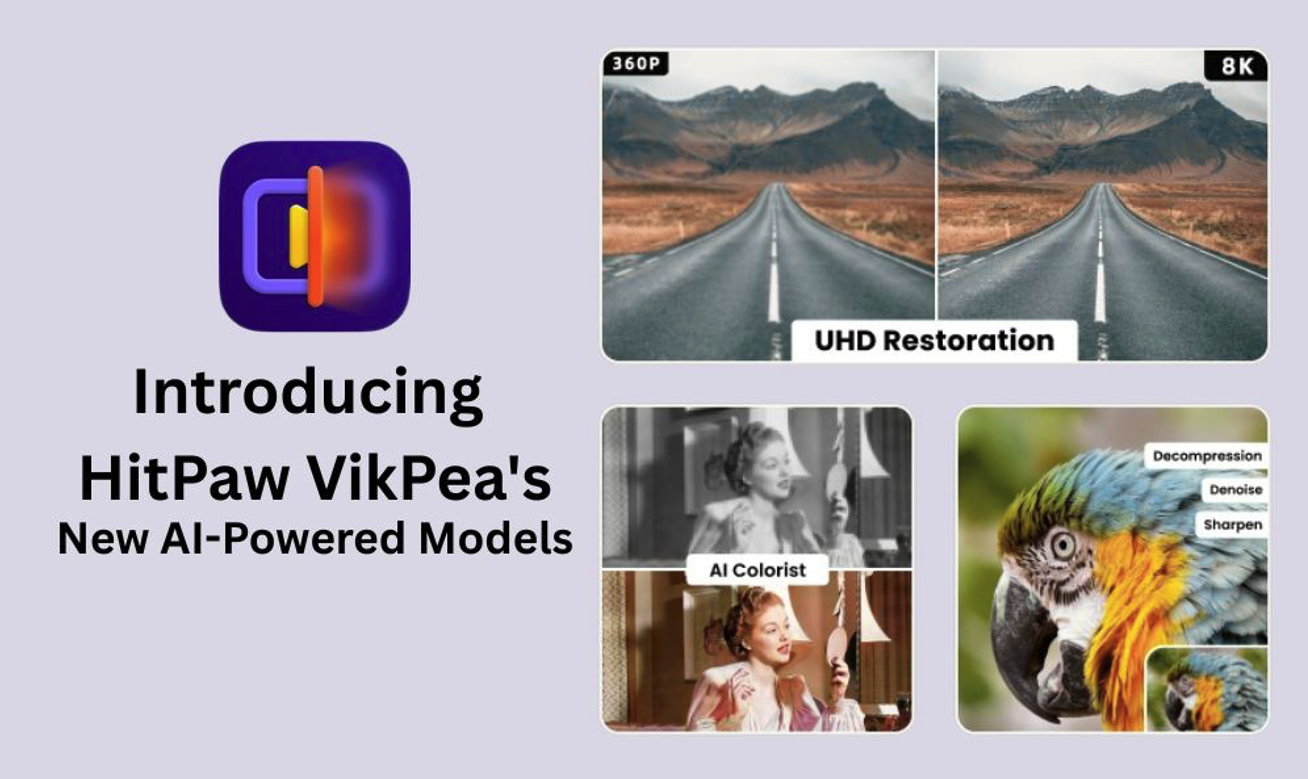
Have you ever watched an old video and wished it looked clearer, sharper and more colorful? Videos lose their charm when they appear blurry, noisy or faded.
In this article, you will explore how HitPaw VikPea’s new AI-powered models solve these issues. You will see how advanced restoration, denoise, sharpen and colorization models bring videos back to life with just one click.
The Flaw in Traditional Restoration: Efficiency vs. Quality
Video restoration has always faced a major challenge. Tools either focus on speed or quality, but rarely deliver both together. This creates frustration for professionals and everyday users who want clear and smooth results without spending hours editing.
- Blurriness and Distortion: Old videos lose their sharpness. Faces and objects appear smeared or stretched. It becomes hard to recognize. Restoring details usually requires multiple edits that rarely feel natural.
- Noise Issues: Low-light or compressed clips often carry grain and snow-like patterns. Traditional noise filters tend to remove important details along with the noise.
- Fragmented Tools: Many restoration tools handle only one task. Users have to use different tools to sharpen, denoise or color-correct. Switching between different tools wastes time and reduces consistency.
This imbalance between efficiency and quality creates a bottleneck. Users either accept average results or spend excessive time with complex workflows. Modern content demands better solutions.
VikPea’s New Models: 4 AI Engines for Precise Breakthroughs
Traditional tools often fall short because they fix one issue while creating another. HitPaw VikPea changes this with four powerful AI engines. Each model focuses on a specific challenge, giving users professional-level results with a simple click.
1. Ultra HD Restoration Model
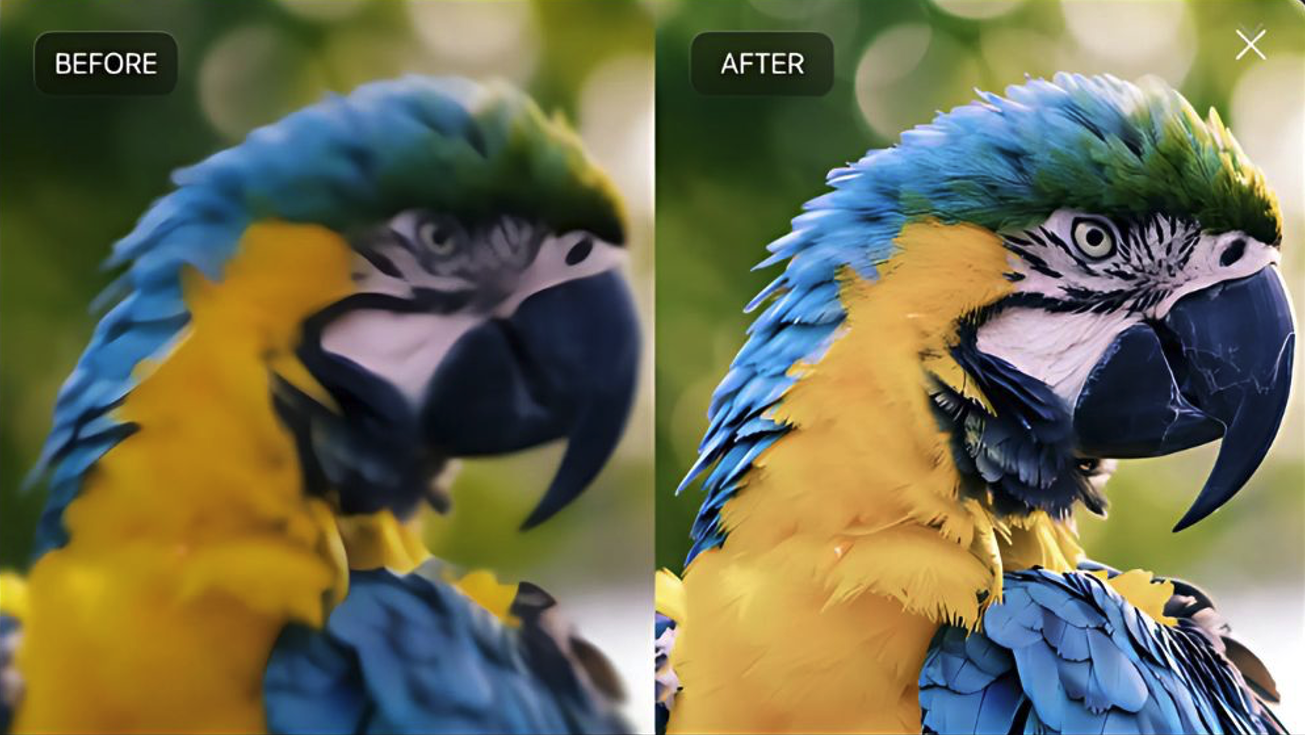
The Ultra HD Restoration Model is designed for anyone who wants crystal-clear results. The tool intelligently upgrades video resolution to 4K or even 8K. This means textures like skin pores, fabric threads or building lines appear naturally detailed without looking artificial.
Low-resolution videos often struggle on modern screens. Enlarging them usually makes them blurrier. This model avoids that problem. It adds sharpness where it is missing while keeping movements smooth. The result is a video that feels modern, even if the source is old.
Professionals in film or advertising benefit most from this feature. However, everyday users can also transform old family footage into high-quality clips. By upgrading details, the Ultra HD Restoration Model bridges the gap between past content and today’s viewing standards.
2. Decompression Model
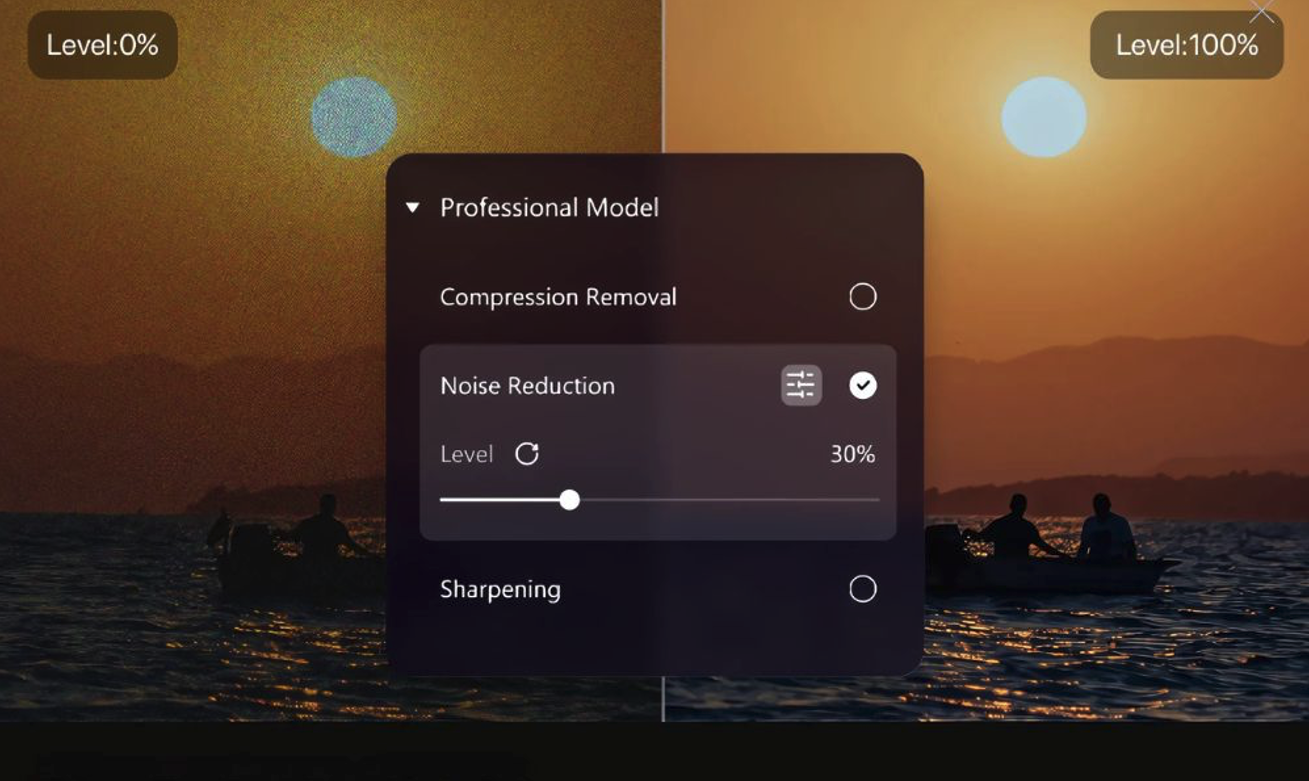
Many videos are damaged not by age but by compression. Online sharing and transmission often create blocky patterns and jagged edges. The Decompression Model focuses on fixing these issues by repairing lost details and restoring smooth motion.
Color blocks and pixelation can ruin the experience of watching good content. They distract the viewer and reduce emotional impact. This model carefully fills in missing data, so videos look seamless again.
It is especially useful for social media creators and streamers. Platforms often compress uploads to save space, which reduces quality. With this model, users can restore clean edges and fluid motion without needing advanced editing skills.
3. Denoise Model
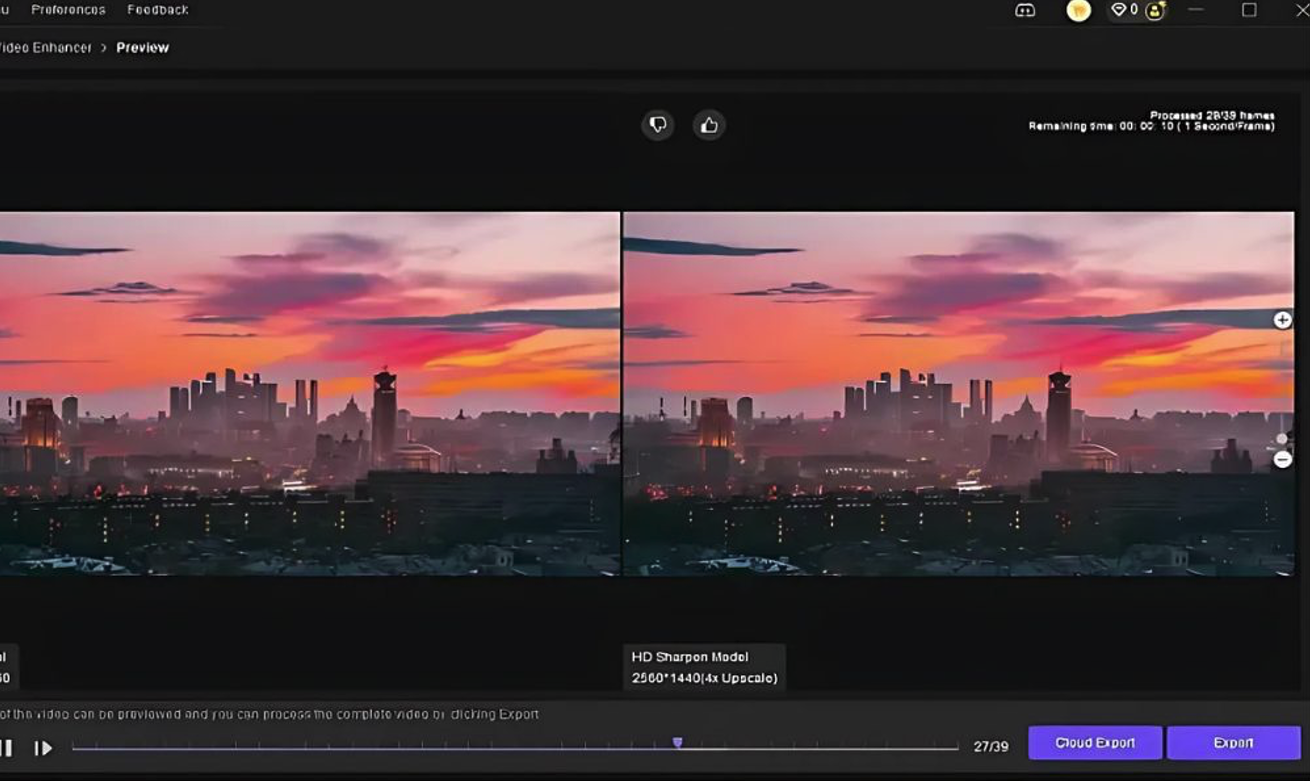
Noise shows up as grain, snow or fuzzy dots, especially in low-light scenes. The Denoise Model separates real details from unwanted noise. The tool cleans the frame while keeping sharpness intact.
Standard noise filters often blur everything together. They erase important details like facial expressions or background textures. VikPea’s AI approach avoids this. The tool understands what is noise and what should remain. The outcome is clearer footage without losing character.
This model works well for night footage, home recordings or surveillance clips. The tool also helps creators who shoot indoors with limited lighting. With cleaner visuals, their videos appear more professional and engaging.
4. Sharpen Model
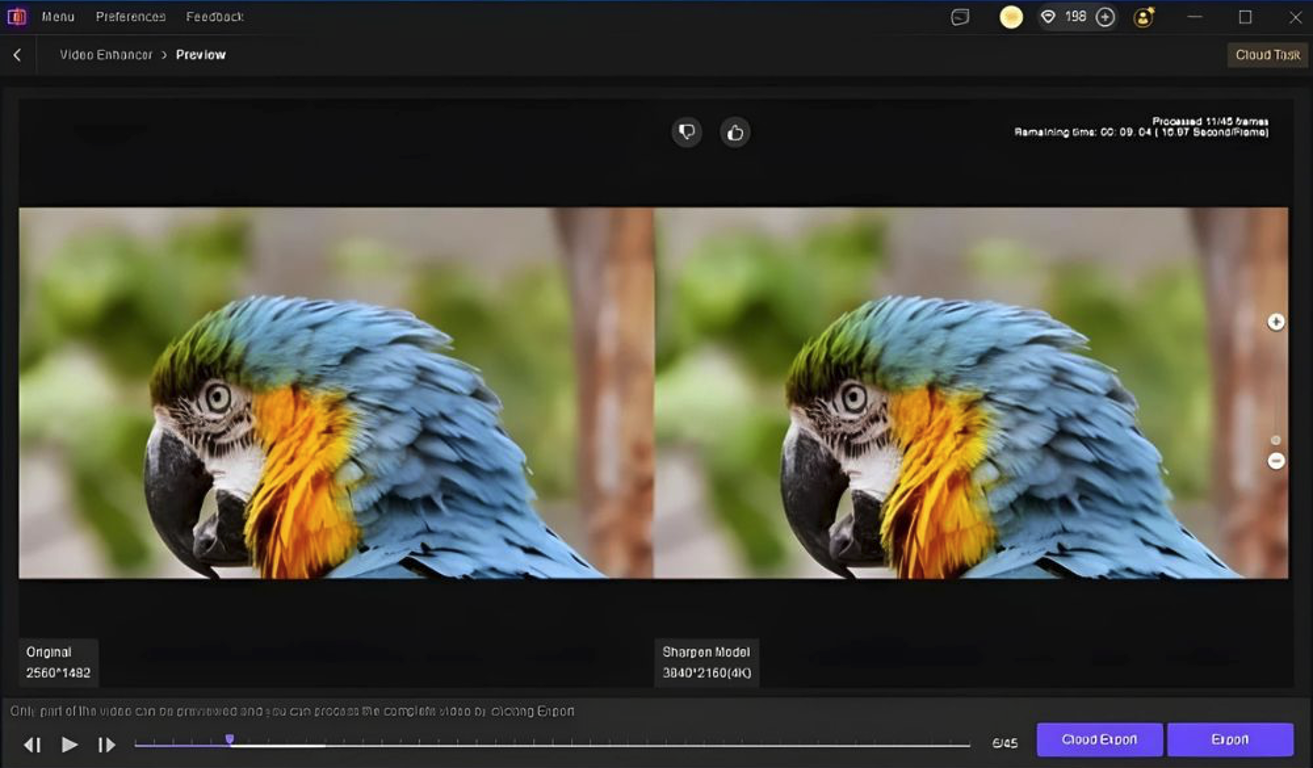
Even good cameras can capture blurry footage. Motion, shaky hands or missed focus create soft edges that reduce clarity. The Sharpen Model enhances edge contrast, making lines and objects look crisp again.
HitPaw does not overdo the effect like many sharpening tools. Instead, it applies precision where needed. Faces, text and key details become clearer without creating unnatural outlines. This balance makes footage look real while still improved.
This model is practical for almost everyone. From gamers recording fast movements to parents filming family moments, sharper edges improve viewing quality. The tool turns near-missed footage into something worth saving and sharing.
These four AI models can solve the problems that once required multiple tools. Users have no need to switch between programs for sharpening, denoising or upscaling. Each model delivers focused results. The four models cover nearly every video restoration needs.
HitPaw VikPea makes professional-level video optimization simple. Whether it is old film, compressed uploads, noisy footage or blurry moments, the new models handle it with precision. This balance of power and ease helps both professionals and casual users create videos worth watching again and again.
Scenario-Based Solutions: Who Needs These Models?
HitPaw VikPea’s AI models are not just technical upgrades. They solve real problems for different kinds of users. Each group benefits in unique ways, making video restoration easier and more effective.
- Film Industry Professionals: Film industry professionals face the challenge of bringing old classics to modern platforms. These films need ultra HD quality to meet streaming standards. With VikPea, studios can restore details and upgrade resolution without losing the authentic feel of original footage.
- Content Creators: Content creators also gain a major advantage. Smartphone recordings look shaky or noisy as compared to professional setups. Creators can transform simple clips into polished content by using these models. The polished content makes them stand out and keep their audience engaged.
- General Users: General users can also enjoy the benefits. Many people store old family videos, record online classes or stream games. One-click optimization improves quality instantly. Instead of complex editing, they get clear, sharp, and watchable videos without spending hours learning software.
These scenario-based solutions highlight how versatile VikPea has become. The tool meets the demands of professionals and everyday users. These AI models are designed for practical and real-life needs.
 FAQs
FAQs
Yes, it can. The AI colorist adds natural colors, while restoration models enhance clarity and detail for a fresh look.
No. Each model works with one click, making it simple for beginners and professionals to use effectively.
Yes. The Decompression Model repairs blocky patterns and restores smooth motion, making online or shared videos look clean again.
Conclusion
HitPaw VikPea’s new AI models bring real solutions to common video problems. From blurry edges to noisy frames, each engine delivers clear improvements with minimal effort. Users no longer need multiple tools for different fixes.
Whether restoring old films, upgrading personal recordings, or enhancing social media content, VikPea makes the process simple and effective. These models combine speed with quality, giving both professionals and everyday users videos they can enjoy and share with confidence.
Share this post
Leave a comment
All comments are moderated. Spammy and bot submitted comments are deleted. Please submit the comments that are helpful to others, and we'll approve your comments. A comment that includes outbound link will only be approved if the content is relevant to the topic, and has some value to our readers.
Comments (0)
No comment