
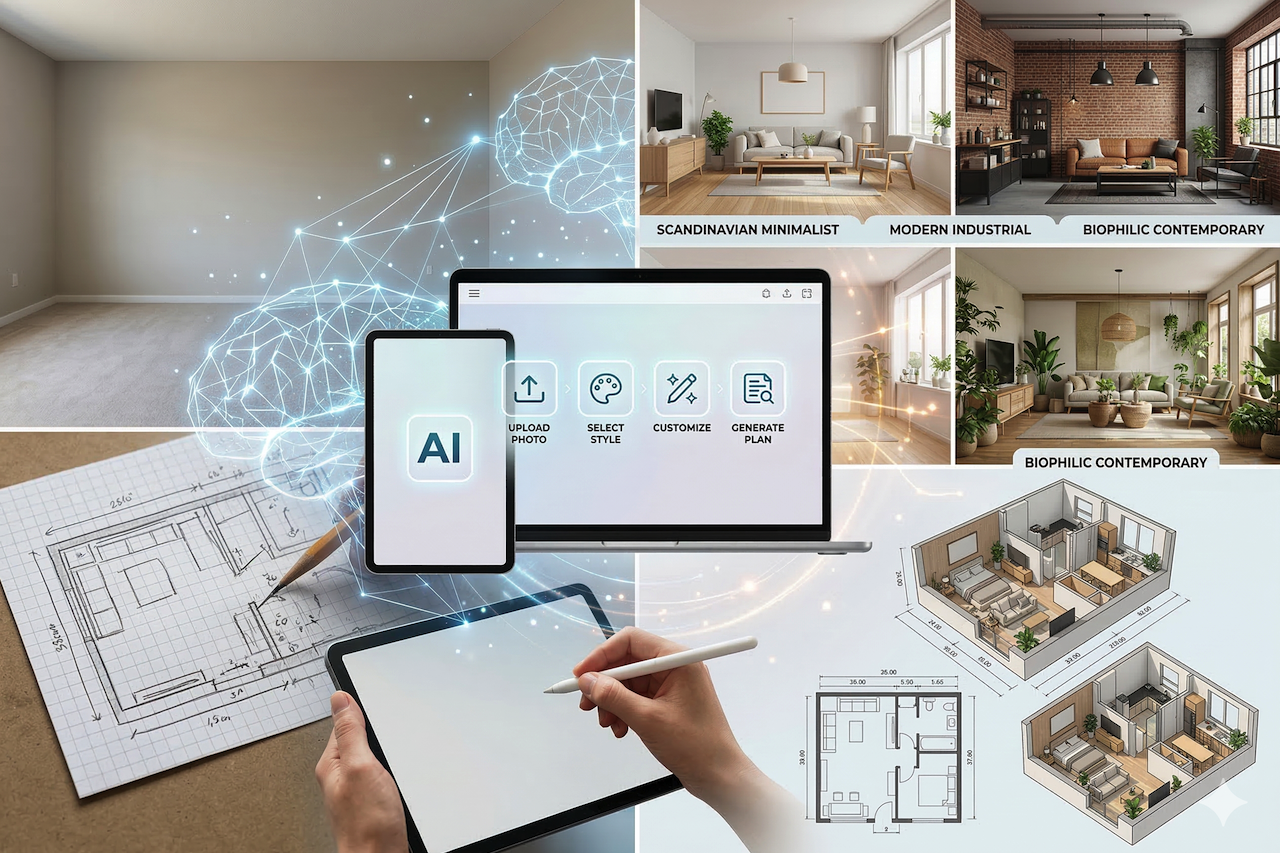
Creating a beautiful and functional home layout once required hours of planning, sketching, and trial and error. Today, AI-powered room design and floor plan tools have significantly changed the way interior design projects are approached.
These intelligent platforms allow users—whether homeowners, designers, or architects—to plan spaces, test layouts, and explore a variety of design styles within minutes. By combining automation, AI-driven analysis, and customization options, such tools help simplify and accelerate the interior design process.
Visualizing Spaces with AI Room Design Tools
AI-powered room design generators allow users to transform a photograph of a room into multiple design concepts automatically. Many free AI room design tools allow users to upload a photo and generate alternative layouts based on selected styles or preferences. For example, platforms such as Home-Design.ai can analyze an uploaded room image and produce multiple design variations, helping users explore different layouts without relying on manual sketches or complex design software.
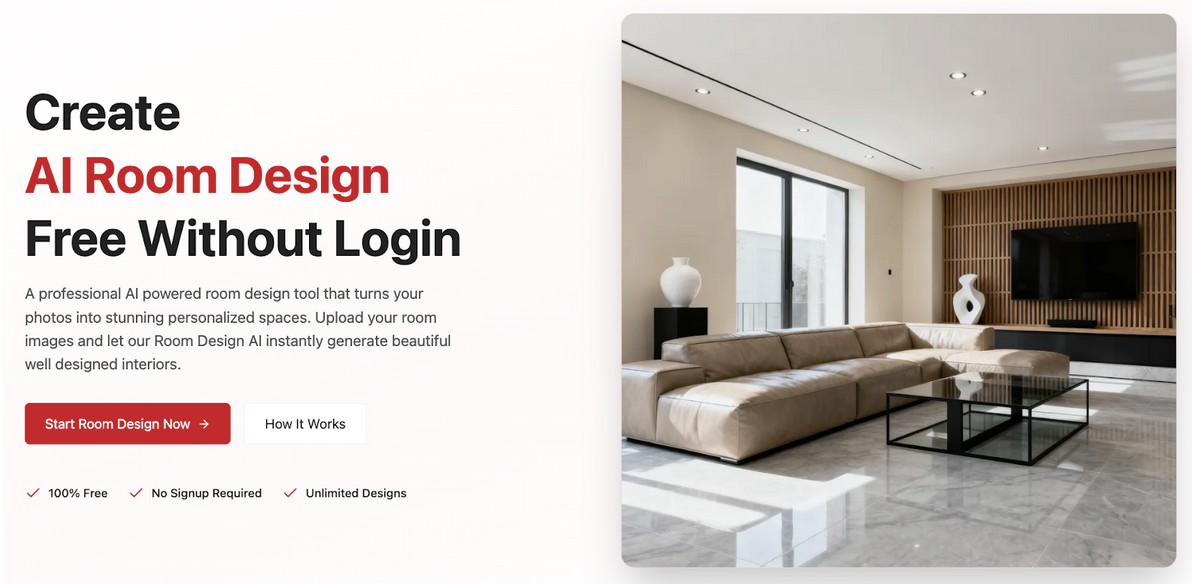
Many of these tools offer a wide variety of design styles, ranging from Scandinavian minimalism to modern industrial aesthetics. Users can experiment with colors, furniture arrangements, textures, and lighting before making real-world design decisions.
Over time, some AI systems also adapt to user preferences, allowing more personalized design suggestions.
Creating Layouts with AI Floor Plan Generators
AI floor plan generators represent another advancement in digital design tools. By entering room dimensions, descriptions, or basic sketches, users can generate 2D or 3D layouts quickly and with a high level of accuracy. For example, tools such as Floor-Plan.ai allow users to automatically create visual floor plans from basic room inputs.
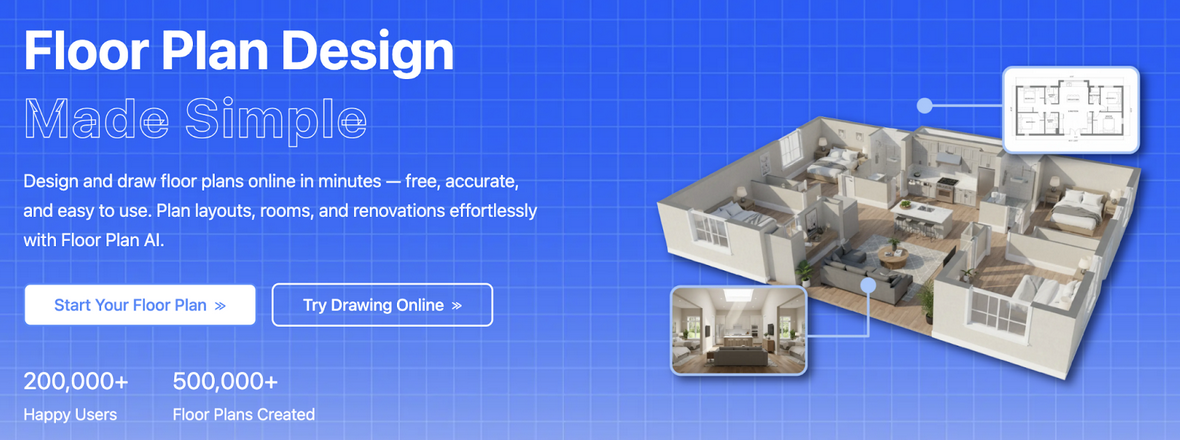
These platforms are often used by homeowners, designers, and architects who need clear visualizations of space planning. Many tools offer different viewing formats, such as top-down 2D plans, isometric views, or realistic 3D representations, which help users better understand how a space may look and function.
Some platforms also support cloud storage and collaborative features, allowing multiple users to review or edit layouts simultaneously. This can be helpful when design teams or clients need to review proposals remotely.
A Simple Process for Designing with AI
AI room design and floor plan tools are typically designed to be straightforward and accessible. While features may vary across platforms, the general process often follows several steps.
- Upload Your Room or Enter Dimensions
For room design tools, users typically upload a clear photo of the space. Floor plan generators may require room measurements, layout descriptions, or simple sketches. - Select a Design Style
Users choose from design themes such as modern, minimalist, Scandinavian, or industrial to guide the AI in generating cohesive layouts. - Customize Elements
Furniture placement, lighting, textures, and colors can usually be adjusted, allowing users to preview design variations. - Review Generated Layouts
Many platforms generate multiple layout options, giving users the ability to compare alternatives. - Export or Share Designs
Layouts and design visualizations can typically be exported as images or floor plan files for further review or project planning.
Why AI Design Tools Are Changing Home Planning
AI-powered design tools offer several advantages compared to traditional design workflows.
First, they significantly reduce the time required to develop room layouts or floor plans. Tasks that previously required hours of manual work can now be completed in minutes.
Second, these systems can help reduce common design errors by considering room dimensions, furniture proportions, and spatial balance.
Another benefit is creative exploration. AI-generated layouts allow users to experiment with styles and arrangements that might not have been considered otherwise.
Finally, AI tools help make interior design more accessible. Individuals without professional design experience can still visualize and explore layout possibilities using these platforms.
Getting Better Results from AI Design Tools
Achieving effective results with AI design platforms often depends on preparation and experimentation.
Providing accurate room measurements or clear photographs helps the AI generate more reliable layouts. Small adjustments to lighting, furniture placement, or color palettes can also significantly influence the final outcome.
Many platforms allow users to compare multiple layouts simultaneously, which can help identify the most effective design solution.
For professionals, AI-generated layouts can also be incorporated into presentations or early-stage project proposals to help clients visualize design concepts.
Final Thoughts
AI-powered room design and floor plan tools have transformed how interior layouts are planned and visualized. By automating many aspects of the design process, these platforms help users save time, reduce errors, and explore a wide range of design possibilities.
With the ability to generate layouts, test different styles, and visualize spaces quickly, AI design tools provide both professionals and homeowners with new ways to approach interior planning.
Featured Image generated by Google Gemini.
Share this post
Leave a comment
All comments are moderated. Spammy and bot submitted comments are deleted. Please submit the comments that are helpful to others, and we'll approve your comments. A comment that includes outbound link will only be approved if the content is relevant to the topic, and has some value to our readers.
Comments (0)
No comment