
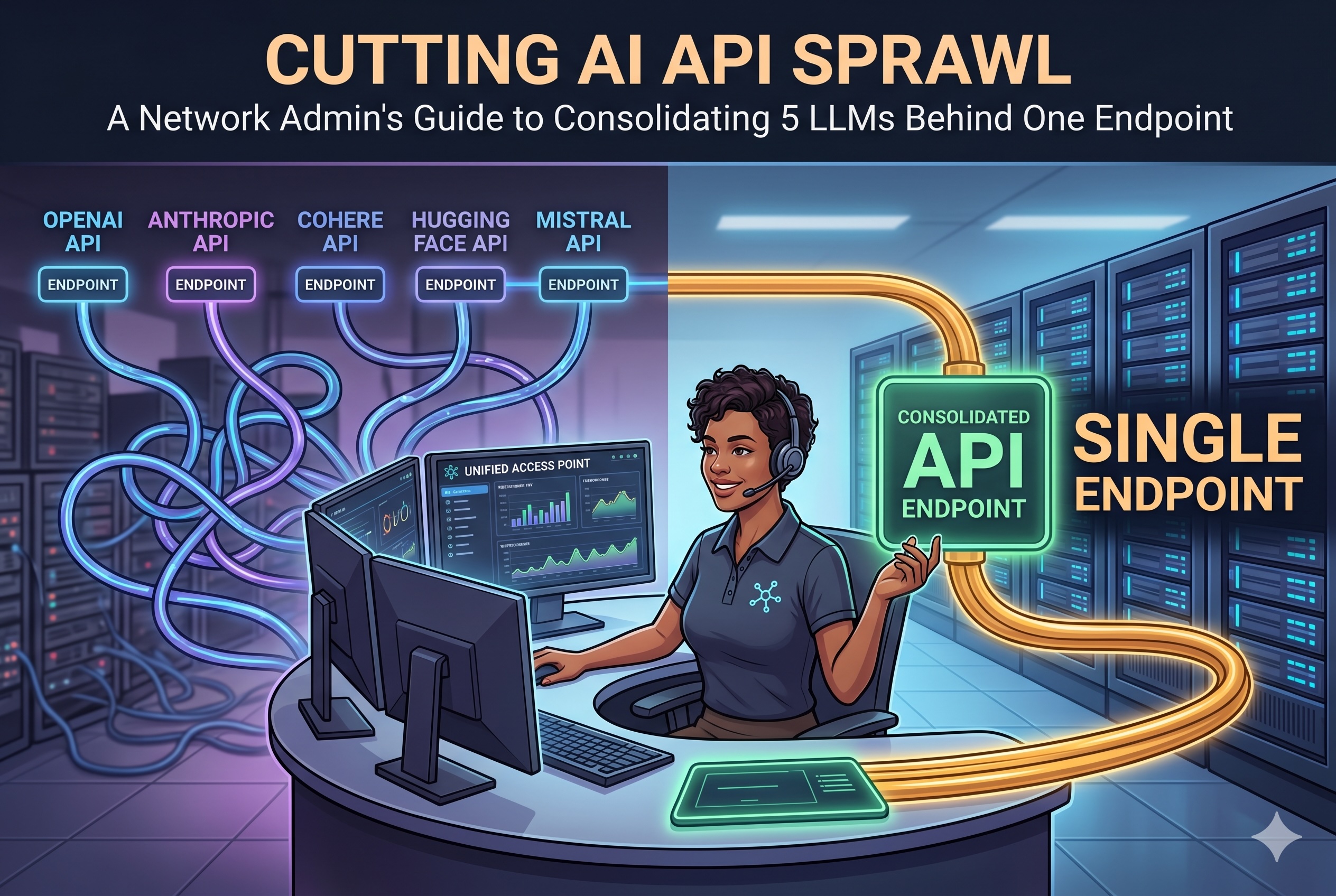
Six months ago, the engineering lead at a 40-person SaaS company pulled up a spreadsheet in our call. It listed five separate LLM subscriptions: Anthropic for Claude, OpenAI for GPT, Google for Gemini, and two Chinese providers for GLM and KIMI. Five billing cycles, five API keys floating in various .env files, five dashboards to check when a developer said "the AI is slow today." Nobody on the IT team could answer a basic question: which IP addresses are we actually calling from, and which ones need to stay on the allowlist?
That conversation is not unusual anymore. As teams adopt multiple models — each with its own strengths, pricing, and regional availability — the operational surface of "using AI" has quietly become a networking problem. This guide walks through the four areas that get messiest at that scale — IP allowlisting, rate-limit pooling, billing reconciliation, and key-rotation hygiene — and what changes when you put a single managed endpoint in front of everything.
1. IP Allowlisting Without the Spreadsheet
When a single team uses five AI providers, the outbound traffic profile is a mess. Each provider publishes API endpoints across different regions, often with CIDR ranges that update without notice. If your company runs egress filtering — most do in regulated environments — the firewall team ends up maintaining a living document of "AI provider IPs," constantly chasing provider status pages.
The specific pain points I hear from network admins:
- Silent endpoint rotations. Anthropic and OpenAI occasionally shift traffic to new regional subnets. If the firewall rule lists a fixed set of IPs, requests start failing intermittently and the root cause is invisible to the app team.
- Asymmetric region coverage. Some providers front their API behind a single Cloudflare range; others distribute across AWS, GCP, and their own ASNs. There is no common shape to the allowlist.
- Chinese providers add a second layer. GLM and KIMI endpoints are hosted in mainland China, which means outbound traffic from EU or US offices often traverses routes that your network team has never audited.
Consolidating behind a single hosted gateway collapses this problem to one set of egress destinations. Your firewall rule is five lines, not fifty. When an upstream provider shifts its IPs, that is the gateway operator's problem, not yours.
2. Rate-Limit Pooling
Every provider enforces per-account rate limits — requests per minute, tokens per minute, concurrent requests, or some combination. When a team uses five providers directly, each one is a separate bucket with separate headroom. In practice, this creates two failure modes.
The first is under-utilization. A service only needs Claude 80% of the time, but the account is provisioned for 100%. The unused capacity sits idle. Multiply by five providers and the aggregate waste gets real.
The second, worse mode is uncoordinated bursting. A nightly batch job spikes traffic on two providers at once. Each hits its own 429 ceiling independently, with no orchestration between them. The app retries against whatever is currently backing off, which cascades the problem.
A single gateway does not magically add capacity — the upstream limits are still the upstream limits. What it does do is give you one place to enforce your own internal quotas: per-team, per-service, per-environment. You can throttle the batch job to protect interactive traffic without touching provider dashboards. When a provider starts rate-limiting, the gateway can fall back to an equivalent model without the application knowing.
3. Billing Reconciliation
Ask any finance team what they think of multi-provider AI billing. The answer is not printable.
Each provider invoices on its own schedule, in its own currency, with its own granularity. Some meter by tokens; some by requests; some by both. Reconciling "how much did the marketing team spend on AI last month" against five invoices — often in different currencies, with different tax treatments — is a painful monthly ritual. In mid-sized companies, the person doing the reconciliation is usually the same overworked ops engineer who also maintains the firewall allowlists.
A consolidated endpoint consolidates the invoice too. One bill, one currency, one cost-center allocation — with per-team or per-project tagging exposed as metadata on the gateway side. For finance, this is the difference between "we used AI this month" and "the growth team used $412 of Opus and $89 of Gemini on the onboarding flow."
For sizing reference: hosted gateways that bundle the five major frontier models tend to land in the $40–$90 per seat per month range for standard usage, which is typically below the blended cost of holding five separate provider subscriptions if each is even lightly used. For a deeper breakdown of how that bundling economics works, the overview on multi-model gateway pricing and architecture walks through the per-model cost composition.
4. Key-Rotation Hygiene
This is the item that most engineering teams quietly know they are failing on. Good practice says API keys should rotate on a schedule — quarterly at minimum, immediately on any suspected leak, and whenever an employee with access leaves. In a five-provider environment, rotation means:
- Logging into five dashboards.
- Generating five new keys.
- Finding every
.env, every CI secret, every serverless function configuration, every developer laptop that has the old keys. - Coordinating the cutover without breaking production.
- Revoking the old keys without orphaning an in-flight workload.
Most teams do this once, declare victory, and then never do it again. Keys that were generated at setup time still work two years later. When someone eventually leaves, the offboarding checklist includes "rotate AI keys," which then either doesn't happen or happens in a panic weekend.
A gateway flips the security boundary. The upstream provider keys live in exactly one place — the gateway's secret store — and the application never sees them. What the application sees is a gateway-issued credential, which is cheap to rotate because it only lives in one system. You can rotate the application-facing token weekly without coordinating with five upstream vendors. When the upstream provider keys need rotation, the gateway operator handles it transparently, and the app code never changes.
The Consolidation Pattern, Concretely
In practice, the migration from five providers to one gateway looks like this:
- Inventory — list every service that currently calls an LLM, every provider it touches, every key it holds. This step alone usually surfaces forgotten test accounts.
- Pilot one service — pick the service with the least strict SLA. Swap its direct provider calls for gateway calls. Keep the old keys live for a week as a fallback.
- Measure latency parity — the gateway adds one network hop. In most regions this is 20–50ms. If your service is tolerant of that, the pattern is viable.
- Roll forward — migrate services in order of blast radius, smallest first. Expect the full migration to take one engineering sprint for most mid-sized teams.
- Decommission — revoke the upstream keys, close the unused provider accounts, and update the egress allowlist.
The payoff is one invoice, one allowlist entry, one secret to rotate, and one dashboard where your platform team can actually answer the question "what is our AI traffic doing right now." That is a very different posture from the spreadsheet I was shown six months ago. If you'd rather run the gateway yourself instead of subscribing to a hosted plan, the OpenClaw self-deployment guide walks through the Docker setup, environment variables, and upstream-key configuration for each of the five bundled models.
Networking is mostly about collapsing unbounded surfaces into bounded ones. AI API sprawl is just the newest surface waiting to be collapsed.
Featured Image generated by Google Gemini.
Share this post
Author

Leave a comment
All comments are moderated. Spammy and bot submitted comments are deleted. Please submit the comments that are helpful to others, and we'll approve your comments. A comment that includes outbound link will only be approved if the content is relevant to the topic, and has some value to our readers.
Comments (0)
No comment