
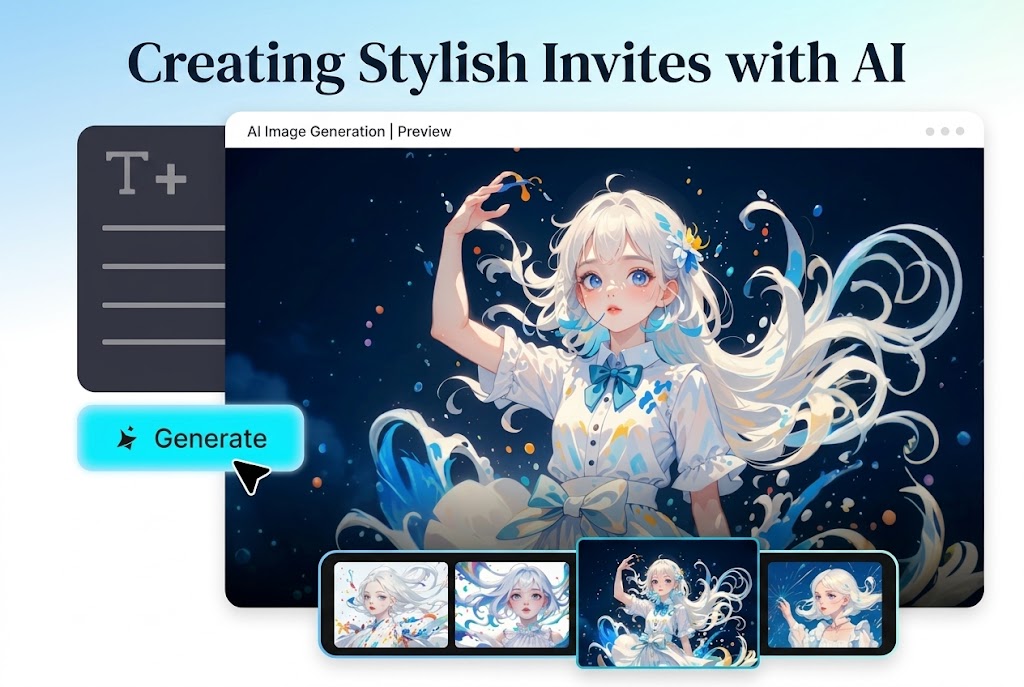
AI design tools make it easier than ever to create stylish, visually polished invitations without relying on fixed templates or advanced design skills. Whether it’s a graduation, birthday, wedding, or corporate event, simple text prompts can help generate modern layouts, elegant color palettes, and cohesive visual themes tailored to the occasion.
Graduation serves as a strong example because it naturally lends itself to celebratory and sophisticated design elements such as refined typography, balanced compositions, and subtle visual accents. AI image generation tools make it faster and easier to create visuals that reflect the atmosphere of a graduation event, but the same approach can be applied to almost any type of invitation. The steps below use graduation as a reference point to demonstrate how AI tools can help create stylish, customized visuals for different occasions.
What Makes Graduation Invites Unique and Memorable
Graduation invitations often look similar because many people rely on default templates and repeated design elements. However, there are many ways to reflect the meaning of graduation through visuals and personalized creative choices.
AI-powered graphic design allows users to:
- Create visuals that reflect personal style
- Experiment with different design themes
- Generate more customized and distinctive graphics
It only takes a short prompt to create polished visuals without spending hours manually editing designs.
Making Your Invitation Unique to You
One of the biggest advantages of AI design tools is flexibility. Instead of relying entirely on ready-made templates, users can shape visuals around their own preferences and ideas.
For example, consider what makes a graduation event unique:
- What subject is being studied?
- What colors are associated with the university?
- What mood or personality should the design reflect?
- Should the design feel elegant and formal or bright and celebratory?
Rather than generating a generic graduation invitation, users can describe specific design elements and themes directly within the prompt.
Getting Your Idea Ready for Sharing
Graduation announcements are now widely shared across digital platforms, which makes visual consistency more important than ever.
Invitation graphics can be adapted for:
- Instagram announcements
- WhatsApp invitations
- Social event banners
- Email invitations
Because AI-generated visuals are customizable, the same design style can be reused across multiple formats and platforms.
Style Choices That Instantly Improve Graduation Designs
It helps to experiment with multiple visual styles before settling on a final design.
Some common design directions include:
- Minimalist layouts with clean typography and soft colors
- Elegant styles featuring dark tones and refined lighting
- Celebratory visuals with balloons, confetti, and vibrant colors
Each style creates a different atmosphere, and AI tools make it possible to test several approaches quickly.
Prompts & Celebrations: Designing Graduation Invitations
There are now many AI design tools capable of generating invitation graphics and event visuals. Some focus on text-to-image generation, while others combine layout design, editing, and branding features. Regardless of the platform used, the workflow is generally similar.
Step 1: Open the AI image generation tool
Start by opening an AI image generation tool and selecting the image creation feature. Some platforms also allow users to upload reference images before generating new visuals.
Next, write a detailed prompt describing the desired design. For example: Create a modern graduation announcement card featuring a graduate in a cap and gown holding a diploma, elegant black and gold styling, soft lighting, modern typography, and a celebratory atmosphere.
Step 2: Generate the image
Select the preferred AI model, image dimensions, and visual style settings before generating the image. Most AI tools will produce several variations to choose from.
Step 3: Refine and download the design
After reviewing the generated images, select the version that best matches the intended style. Many AI platforms include editing tools for adjusting backgrounds, lighting, spacing, or removing unwanted elements before downloading the final image.
Adding Visual Touches to the Announcement
Small adjustments can significantly improve the final result.
Pay attention to:
- Removing unnecessary empty space
- Improving lighting and contrast
- Adjusting text placement for readability
These details help invitations feel cleaner and more polished.
Creative Uses for Graduation Graphics
Invitation graphics can often be reused beyond the event itself.
For example:
- Social media countdown graphics
- Graduation-themed profile pictures
- Printed keepsake cards
- Portfolio or personal website visuals
AI-generated graphics can also support broader personal branding during graduation season.
Experimenting With Different Design Variations
AI tools make it easy to generate multiple versions of the same concept without starting over manually.
Users may want to experiment with:
- Different color palettes
- Alternative layouts and compositions
- Different clothing styles or visual themes
This flexibility allows users to compare styles quickly and refine the final design more efficiently.
Creating Emotion and Storytelling Through Design
Invitation graphics often work best when they communicate a specific mood or emotional tone.
Consider:
- The emotions the design should convey
- Whether the atmosphere should feel formal or celebratory
- Visual details that reflect the graduate’s personal journey
Including these ideas within prompts can help create visuals that feel more personal and meaningful.
Turning Text Into Visual Designs With AI
AI image generation tools allow users to turn short written descriptions into customized graphics. Instead of relying entirely on pre-made templates, users can create visuals tailored to their own preferences.
This approach allows users to:
- Create designs without advanced technical skills
- Generate polished visuals quickly
- Customize design elements more freely
Rather than simply creating invitations, AI tools make it easier to create visuals that feel more personal and event-specific.
Final Thoughts
Graduation invitations have become more flexible and customizable thanks to AI-assisted design tools. Instead of relying entirely on fixed templates, users can create visuals that better reflect the tone, style, and atmosphere of their event.
Whether the final design is shared digitally, printed, or adapted for social media, AI image generation tools provide a faster way to experiment with layouts, themes, and creative concepts while keeping the process accessible to non-designers.
Share this post
Leave a comment
All comments are moderated. Spammy and bot submitted comments are deleted. Please submit the comments that are helpful to others, and we'll approve your comments. A comment that includes outbound link will only be approved if the content is relevant to the topic, and has some value to our readers.
Comments (0)
No comment