

What Parental Control Does for Your Family
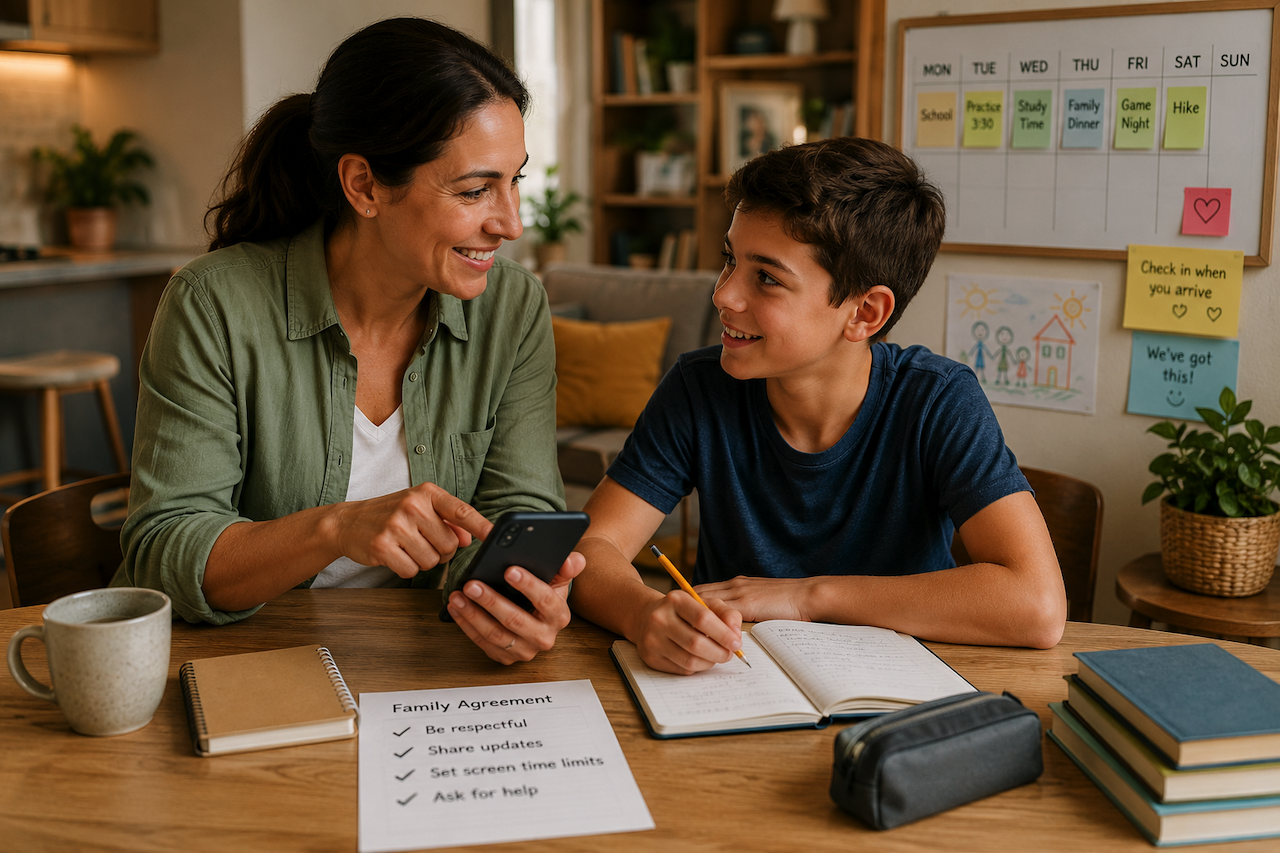
It's 3:40 on a Tuesday. You texted Noah twenty minutes ago, "made it to practice?" and the phone is still quiet. He's probably fine. He usually is. But you keep glancing at the screen anyway, half-listening to a work call, doing the math on how long the walk from school to the field actually takes.
That quiet phone is the gap many parental control apps are designed to address. Not by reading messages or standing over a child's shoulder, but by helping parents stay informed about their child's safety and whereabouts. Combined with clear boundaries and open communication, these tools can provide reassurance while supporting trust and independence. The text you were waiting on stops mattering as much because the system works.
"Control" Isn't Really the Goal
"Control" is a strange word for what most parents are after. You're not trying to run your kid's day or read every message. You want to know they're okay without texting five times, and to step in only when something is genuinely off. The boundaries worth having are built around knowing and gently nudging, not policing. Worth saying plainly, since this is about their daily lives and safety: the useful version of parental control is the one your child knows is there, not something running in the dark.
Where Are They and Did They Get There?
The center of it is situational awareness. A solid safety plan relies on open communication and consistent check-in habits, so you can know not just where they are now but the routine they took. That context quietly answers most of the afternoon's questions before you ask them. The day Noah says "I walked to Jordan's," the baseline of trust you've built already agrees with him.
You can establish the places that matter, such as home, school, and a grandparent's house, and set a calm expectation that your child sends a quick update when they arrive or leave. If a walk home suddenly looks nothing like the usual route, a quick call or a pre-arranged safety rule gives you a heads-up about the change rather than a vague feeling that something's different. And when the phone is about to die, which is often the real reason kids "go dark," teaching them to recognize a low-battery situation creates a habit of reaching out before the screen goes black. For bigger households, a family circle of communication lets more than one trusted adult share the same responsibilities, so it isn't all sitting on one parent.
Screen Time Without the Nightly Standoff
Location is only half of it. The rest lives inside the phone. Depending on how you manage the device, you can look together at where the hours actually go, including which apps are used most and how much time is spent in each one. You can then set healthy limits on the ones that eat whole evenings, or switch access off during homework and bedtime. You can also use built-in restrictions to block adult sites, so a stray search doesn't lead somewhere it shouldn't.
None of that is really about confiscating the phone. It turns a foggy argument about "too much screen time" into a specific, much shorter conversation: two hours on one app yesterday, let's bring that down a little. Easier to land when you're both looking at the same clear numbers instead of trading guesses.
The Moments You Hope You Never Need
Most days, this never gets dramatic. But the safety habits you hope to never use are the ones that earn the rest. If your child can't make a standard call because the phone is on silent or they find themselves in a situation that scares them, having an established emergency protocol or a standard "SOS" shortcut means they can reach you immediately, even if your own phone is muted.
WWhen you need their attention and they're not answering, creating non-negotiable rules about keeping the phone audible during transition times ensures you can reach them straight through silent mode. Some families even use shared location networks or transparent safety checks if you are genuinely worried in the moment, ensuring communication is maintained and nothing is done behind their back.
One Family, Shared Expectations
Setup is simpler than it sounds. It usually involves a single conversation establishing different roles: you outline the guidelines and connect your child's daily routine to those rules. If a child is too young for a phone at all, many families link these expectations to a GPS watch instead. For example, devices such as the Findmykids GPS watch can help parents stay informed about a child's location while supporting established family communication and safety routines.
You can already do most of this with the settings built straight into the phone, such as Screen Time on iPhone or Family Link on Android. They're a fair starting point, but because each is tied to its own ecosystem, they don't always bend much to how a particular family lives. If you carry an iPhone and your child has an Android, managing that mismatch alone gets awkward fast. Focusing on a universal approach to parental control helps ensure your family rules work across both systems the same way, whatever combination of devices you're holding.
Many of these foundational strategies, such as basic check-ins and built-in device limits, cost absolutely nothing, so you can see whether the setup fits your family's routine before adding any extra tools. If those quiet-phone afternoons sound familiar, it's worth taking a look at your options this weekend while everyone is home. The next time a text goes unanswered, you'll already know the foundation of trust is in place.
Conclusion
Parental control is not really about control at all. At its best, it is about creating a framework of trust, communication, and safety that helps children gain independence while giving parents greater peace of mind. Whether that framework relies on family routines, built-in device settings, GPS watches, parental control apps, or a combination of tools, the goal remains the same: helping children stay safe while encouraging responsible habits and open communication. When expectations are clear and everyone understands their role, technology becomes a support system rather than a source of conflict.
Featured Image generated by ChatGPT.
Related Articles

June 27, 2026
7 Best Parental Control Apps for Families in 2026
Qustodio handles screen-time and web filtering well but lacks messaging visibility. Here are seven alternatives that address that and other gaps.
Read More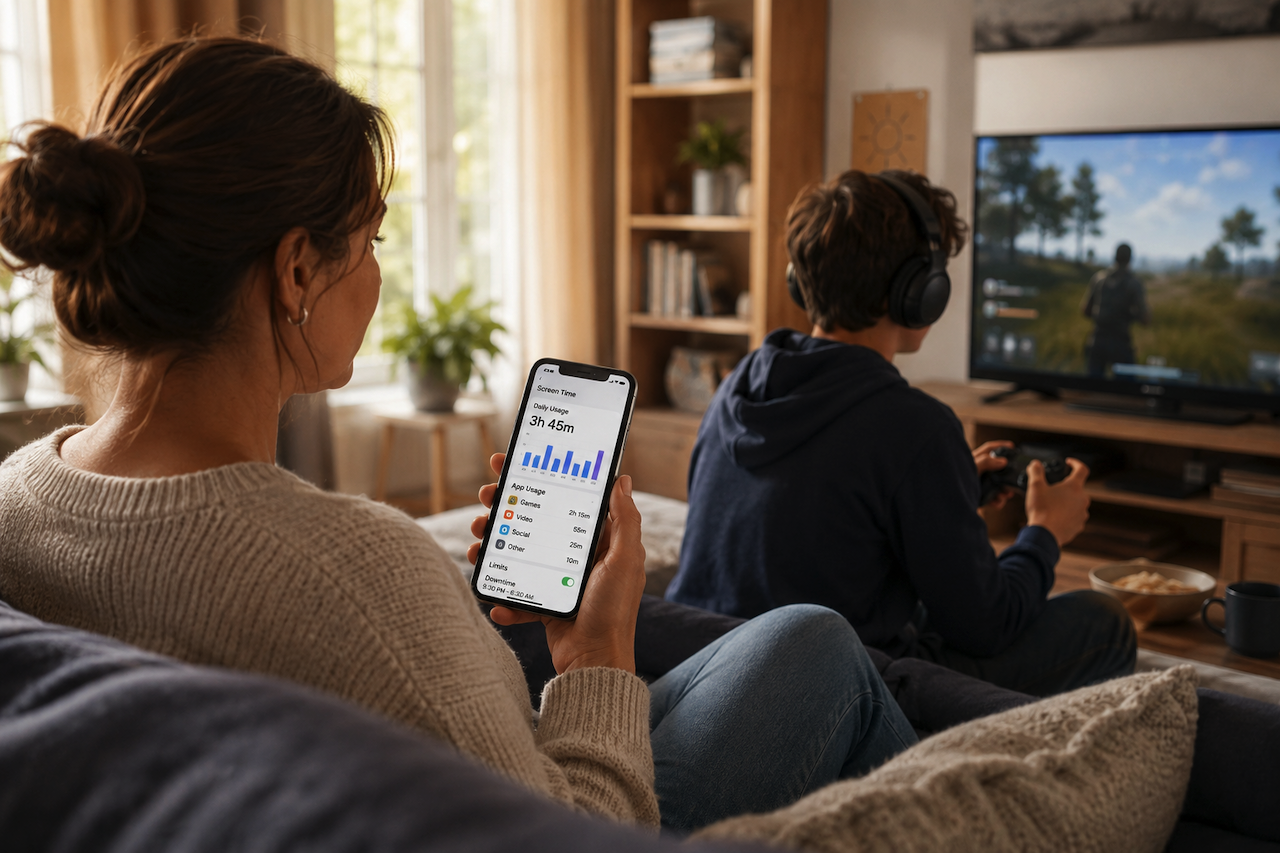
June 5, 2026
What Parental Controls Actually Change at Home
It's 4 p.m. on a Saturday, and Mason still hasn't come down for lunch. Third call now. He's mid-match in Roblox, headset on, and the "one sec" from twenty minutes ago is still runn...
Read More
December 2, 2025
Online Safety Best Practices: How Parental Control Tools Protect Children
Children’s exposure to the digital world is a double-edged sword. While the internet provides endless learning resources and creative outlets, it also brings risks parents...
Read More
Comments
Comments are available to signed-in users and are moderated to keep the discussion useful and respectful. Spam, automated submissions, and low-value promotional comments are removed. Outbound links may be approved when they are relevant and genuinely helpful to readers, but they are displayed as plain text rather than clickable hyperlinks.
No comments have been published yet.
Please sign in to submit a comment.