

7 Best Parental Control Apps for Families in 2026

Parental control apps have become essential tools for helping families create safer and healthier digital habits. Today's solutions go far beyond basic screen-time limits, offering features such as web filtering, app management, location tracking, messaging monitoring, and online safety alerts that help parents stay informed while encouraging responsible device use.
With so many options available, choosing the right parental control app depends on your family's priorities. Some platforms focus on managing screen time and blocking inappropriate content, while others provide deeper insight into messaging activity, location history, and potential online risks. In this guide, we've rounded up seven of the best parental control apps for families in 2026, including several excellent alternatives to Qustodio, one of the industry's most recognized parental control platforms.
Qustodio has earned a strong reputation as a dependable parental control app. It handles the fundamentals well, including screen-time limits, app schedules, and web filtering across multiple devices, making it a popular starting point for many families.
But the longer you use it, the more its limits show. Qustodio is strong on managing how long and what sites, but it's noticeably light on who — the messaging visibility that tells you who's actually contacting your child. For many parents, that's the gap that eventually sends them looking. Add in a price that climbs at renewal and occasional performance complaints, and it's no surprise "Qustodio alternatives" is a common search. Here are seven worth considering.
What to Look for in a Qustodio Alternative
Before switching, focus on what Qustodio doesn't fully cover:
- Messaging visibility: Can it show you who your kid is talking to, not just how long they're online?
- Real-risk focus: Does it surface bullying, stranger contact, and predatory messages — the actual dangers?
- Setup and reliability: Is it easy to install and stable day to day?
- Pricing: Is the renewal cost reasonable for what you get?
- Fit: Younger kids, teens, web filtering, or messaging safety?
A good alternative should cover Qustodio's screen-time strengths and close its messaging blind spot.
1. VigilKids
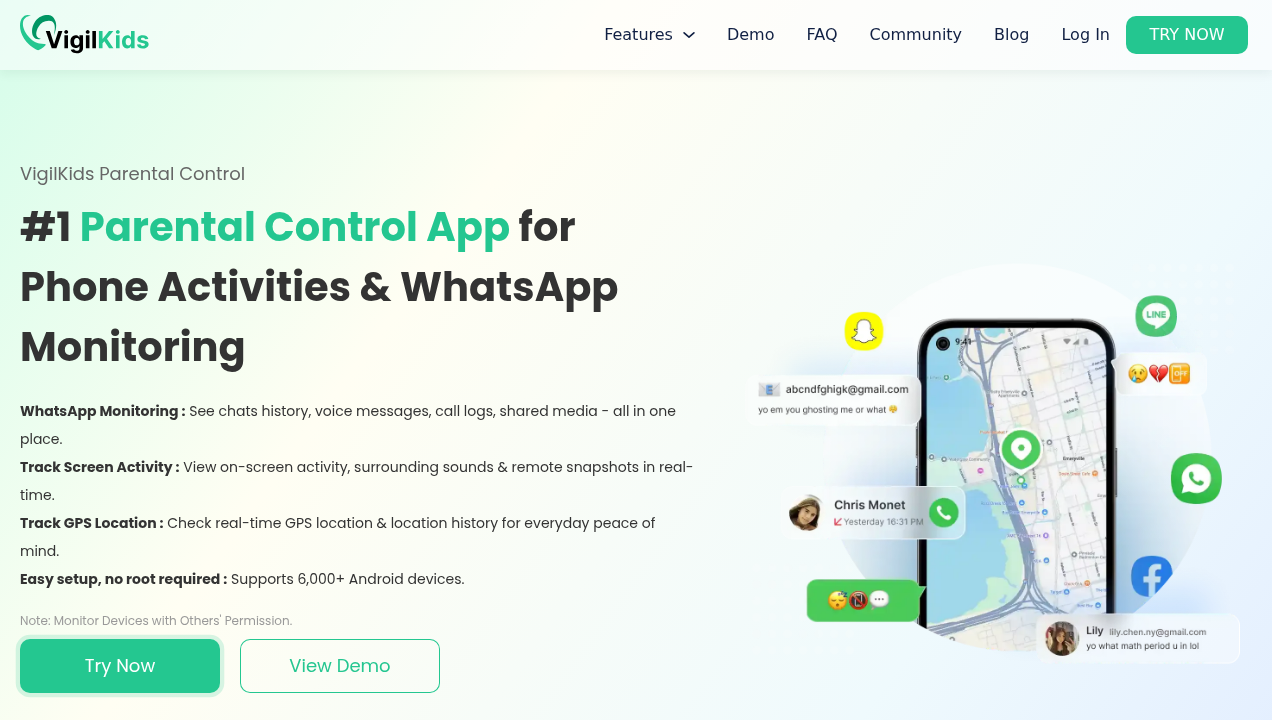
If what's pushing you away from Qustodio is the feeling that you can see how much your kid is online but not who they're talking to, VigilKids is the alternative that closes exactly that gap — and it's the reason it tops this list.
Qustodio's weakest area is VigilKids' strongest. WhatsApp monitoring is the standout feature here, and it matters more than any screen-time chart, because WhatsApp is where modern teen life actually happens — group chats, private DMs, the stranger who suddenly wants to talk. It's also where grooming, bullying, and unwanted contact almost always begin. Clear visibility there catches the things that matter weeks before they'd ever surface in a usage report. Combined with SMS monitoring (still the entry point for scam links and "wrong number" approaches) and call-log visibility (where one unknown number ringing constantly tells you everything), VigilKids answers the question Qustodio can't: who is actually in my child's life through their phone?
It doesn't give up Qustodio's strengths to do it. The essentials are all there — location tracking so you know your kid arrived safely, browser history monitoring for catching age-inappropriate content, and app and activity history so screen-time talks are grounded in facts. It runs quietly in the background and installs in minutes.
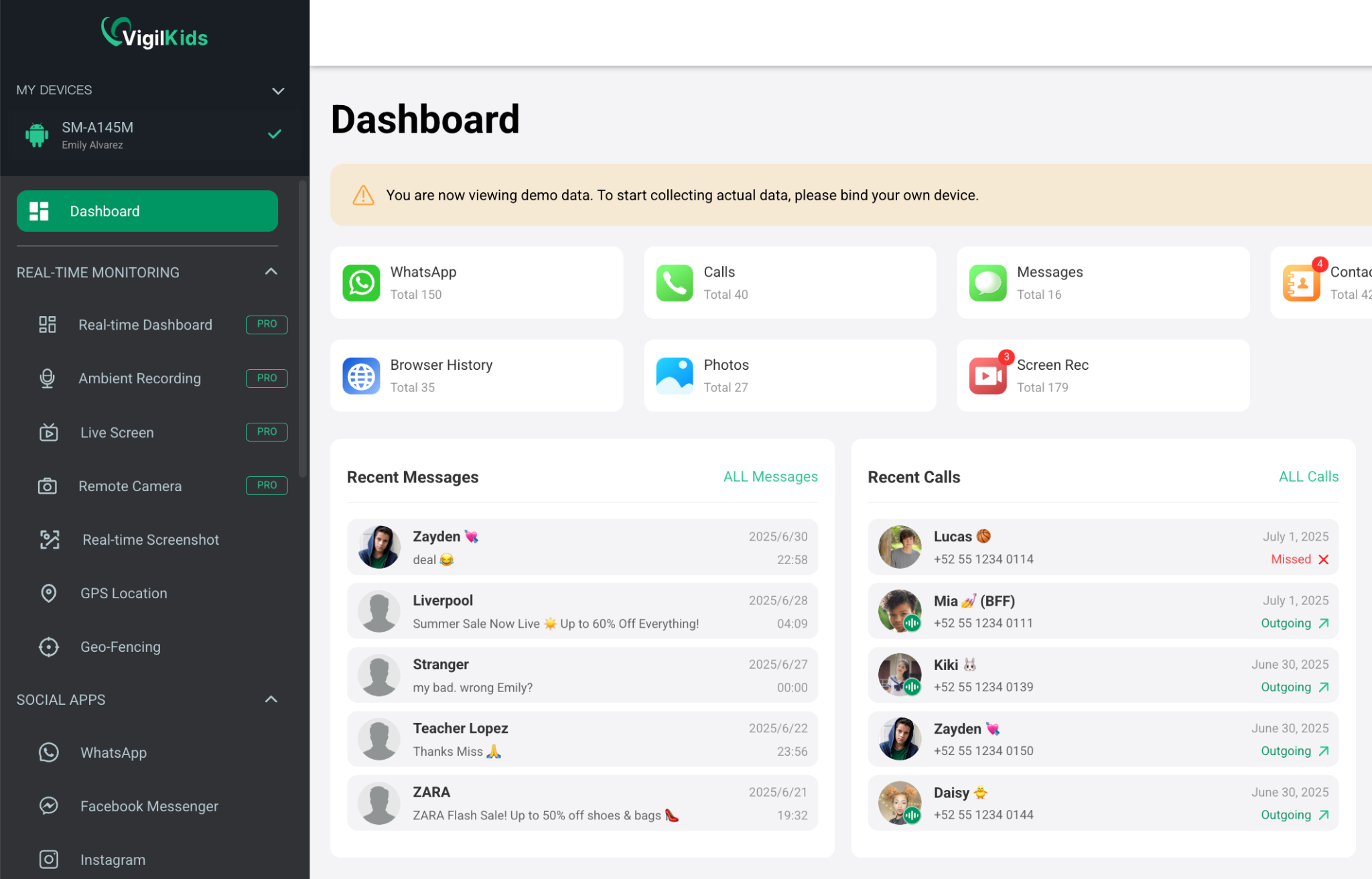
Pricing is clear and competitive: every plan includes all features, with no premium-tier trap. It's $39.99 for one month, $26.66/month quarterly, or just $9.99/month on the annual plan ($119.98/year) — roughly 75% cheaper per month than paying monthly. A 14-day money-back guarantee makes trying it low-risk. And like Qustodio, it's built for transparent, consent-based monitoring — your child knows it's installed and you set the rules together — so you're upgrading your visibility without changing your parenting philosophy.
Best for: parents who love Qustodio's structure but need real messaging safety on top.
2. Bark
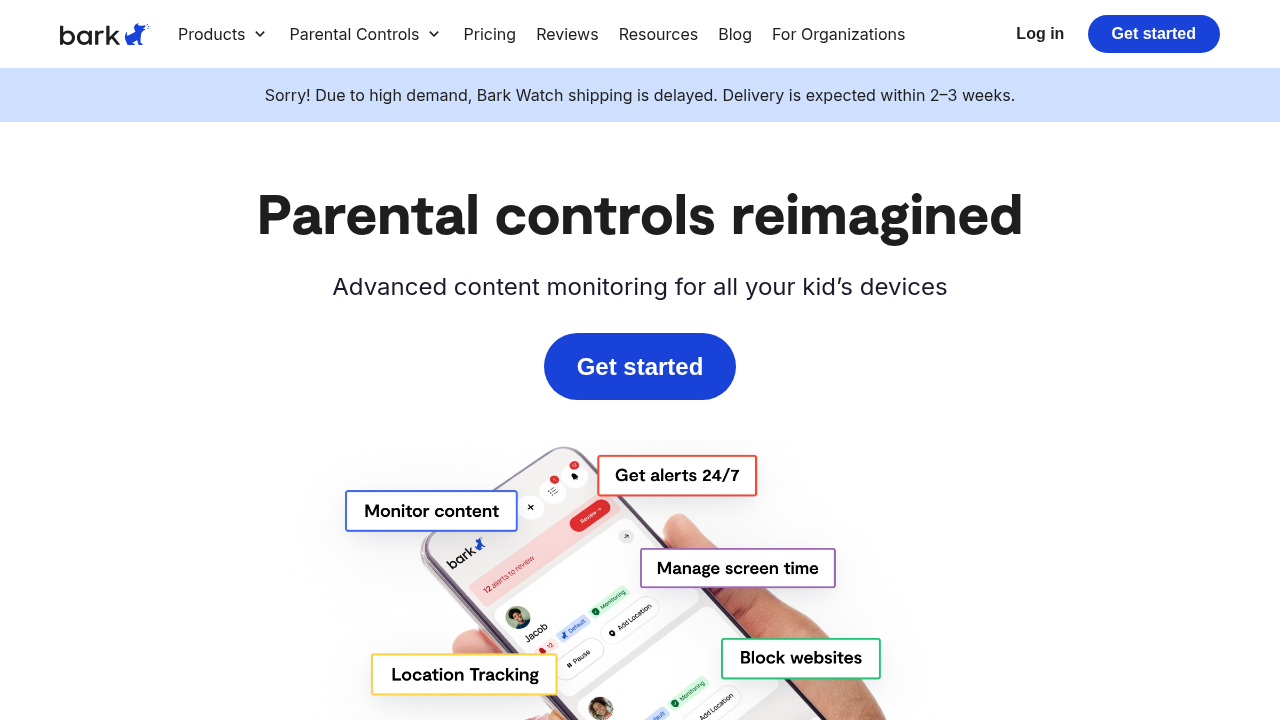
Bark is a thoughtful Qustodio alternative for parents who want to know about danger without reading every message. Rather than full visibility, it uses automated scanning to flag signs of trouble — bullying, self-harm language, predatory contact — and alerts you only when something concerning appears.
For families who want more than Qustodio's web filtering but feel uneasy about monitoring everything, Bark strikes a middle ground: it watches the conversations Qustodio can't see, but surfaces only what matters. The trade-off is that you get alerts rather than the complete picture, so parents who want to see threads themselves may find it limiting. As a privacy-conscious step up from Qustodio, though, it's a strong pick.
Best for: parents who want danger alerts across messaging without full access.
3. Norton Family
Norton Family is the closest like-for-like alternative to Qustodio. It focuses on the same core jobs — web supervision, time limits, and search monitoring — wrapped in the trust of an established security brand. If you like Qustodio's approach but want a different provider, or you already use Norton products, it's a natural switch.
Like Qustodio, its strength is content and time management rather than deep messaging visibility, so it won't close the who-is-talking-to-my-kid gap. But for parents whose main priority is web supervision for younger children, and who value a recognized brand, Norton Family is a credible, comparable option.
Best for: web supervision and time limits from a trusted brand.
4. mSpy
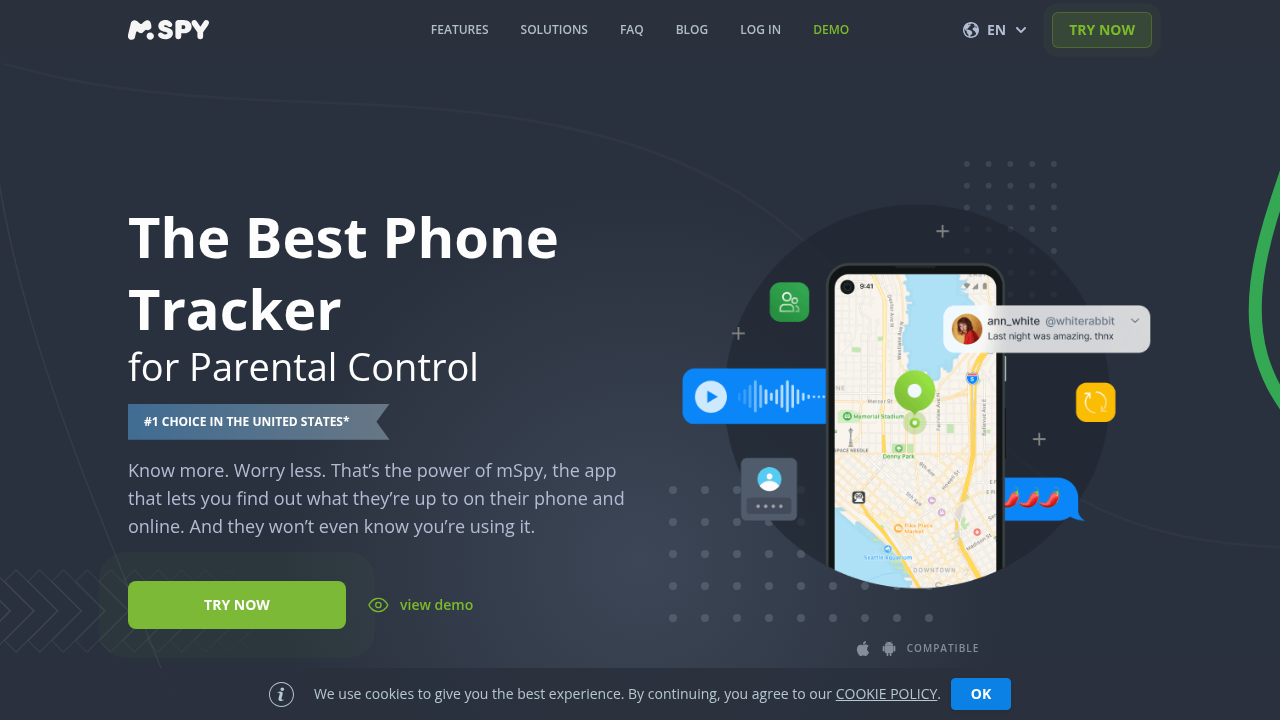
mSpy comes at the problem from the opposite end of Qustodio. While Qustodio manages screen time, mSpy monitors activity — including messaging visibility that Qustodio lacks. For parents whose specific frustration is that blind spot, it does cover the gap.
The caution is that mSpy markets a catch-everything, surveillance-heavy approach that some parents find uncomfortable, especially with teens. Its renewal pricing also tends to climb. If you want broad monitoring and aren't bothered by the heavier framing, it's an option — but parents who prefer a more transparent, consent-based tool will likely be happier with a lighter alternative.
Best for: parents who specifically want broad activity monitoring beyond screen time.
5. Google Family Link
Google Family Link is the free alternative, and for younger families, it can genuinely replace Qustodio's basics at no cost. It handles screen-time limits, app approvals, and location for the child's device, all managed from the parent's phone.
Where it falls short — like Qustodio — is messaging. There's no real visibility into who your kid is talking to, and tech-savvy teens can sometimes work around it. But if Qustodio's value to you was mainly its time limits, Family Link covers much of that for free, making it a smart way to cut costs or test whether you need a paid tool at all.
Best for: parents of younger kids who want free, basic controls.
6. Eyezy
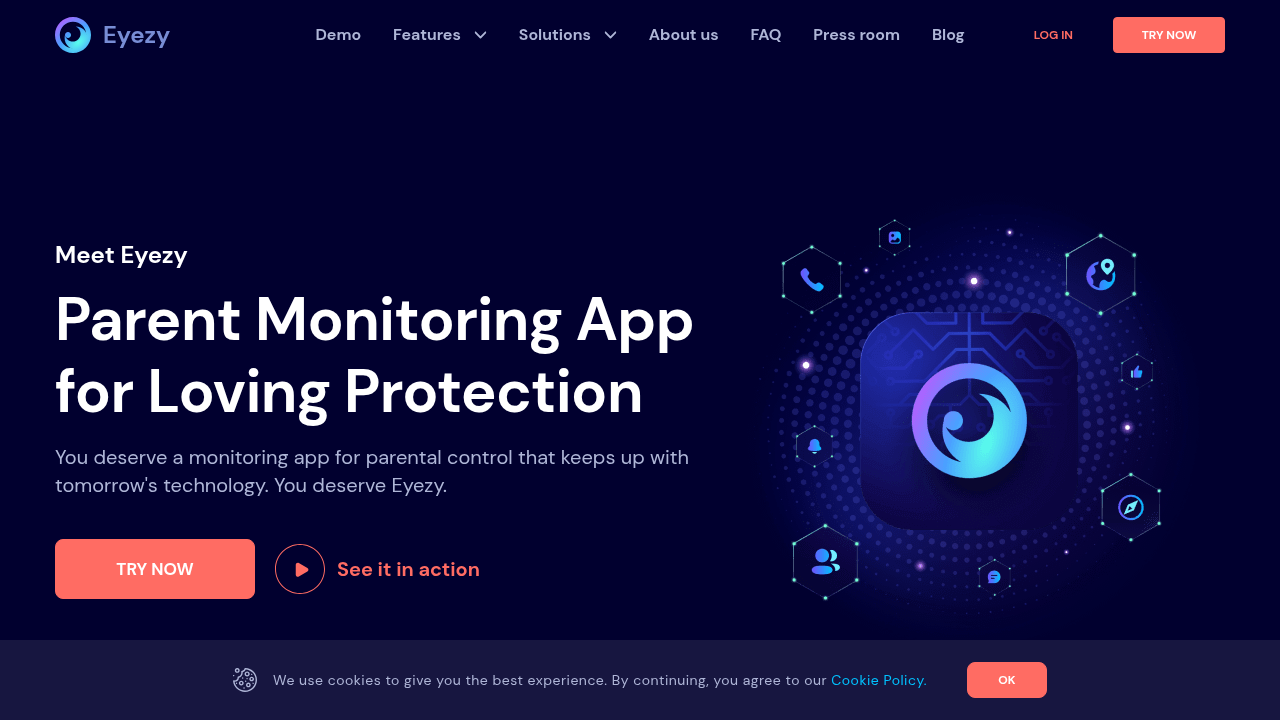
Eyezy is a feature-rich alternative for parents who feel Qustodio simply doesn't do enough. It covers messaging, location, and a wide range of activity in a polished, modern interface, going well beyond Qustodio's screen-time focus.
For parents who want the broadest possible toolkit, Eyezy delivers. The thing to know is that it shares the catch-everything philosophy of the heavier monitoring tools, so it's a bigger jump from Qustodio's lighter touch. If you want maximum coverage and a slick interface, it's worth a look; if you want something closer to Qustodio's measured approach, a more focused tool may suit you better.
Best for: parents who want a broad, modern feature set with deep coverage.
7. mmGuardian

mmGuardian is a parental-control app aimed squarely at families with kids' and teens' phones, with a stronger emphasis on text and call monitoring than Qustodio offers. It combines screen-time tools with messaging visibility, positioning itself between Qustodio's management focus and the heavier monitoring suites.
For parents who want Qustodio-style controls but with more insight into texts and calls, mmGuardian is a reasonable middle option. Its interface and setup can feel a little dated compared with newer tools, but the feature balance — screen time plus messaging — addresses the exact gap that leads many families away from Qustodio.
Best for: families wanting screen-time controls plus text and call visibility.
Which Qustodio Alternative Is Best for You?
The right pick depends on why Qustodio fell short.
If the gap was messaging — knowing who your kid actually talks to — VigilKids is the strongest fit, adding deep WhatsApp, SMS, and call visibility while keeping the transparent, consent-based approach you're used to. If you want danger alerts instead of full access, Bark is ideal. If you liked Qustodio but want a different trusted brand, Norton Family is the closest match. If you want broad activity monitoring, mSpy or Eyezy go further (with a heavier framing). If you want to spend nothing, Google Family Link covers the basics. And if you want screen time plus text and call insight in one tool, mmGuardian balances both.
Final Thoughts
Qustodio is a solid app for managing screen time and filtering the web, but managing time and filtering sites only answers half the question. The risks that keep parents up at night live in messages, and that's precisely where Qustodio is thinnest. The best alternative for most families is the one that keeps Qustodio's structure while closing its biggest blind spot: real visibility into who's talking to your child, delivered in an open, agreed-upon way rather than in secret.
FAQ
Frequently Asked Questions
01 What does Qustodio not do well?
Qustodio is strong on screen-time limits and web filtering but offers limited messaging visibility, so it does not show who your child is actually communicating with.
02 Which Qustodio alternative adds messaging monitoring?
VigilKids focuses on WhatsApp, SMS, and call-log visibility, addressing an area where Qustodio offers more limited insight while maintaining a consent-based approach.
03 Is there a free alternative to Qustodio?
Yes. Google Family Link is free and provides basic screen-time controls, app approvals, and location tracking for younger children.
04 Which parental control app is most similar to Qustodio?
Norton Family is the closest match, offering similar web supervision, screen-time management, and parental controls from a well-established security brand.
05 Which parental control app offers the best value?
VigilKids' annual plan costs the equivalent of $9.99 per month with all features included, making it one of the more affordable premium parental control options.
Disclaimer
This article is provided for general information about parental control apps and alternatives to Qustodio. It summarizes typical features, trade‑offs, and pricing at the time of publication but may not reflect the latest updates, regional differences, or all available products.
Before buying or changing how you manage family devices, verify current features, compatibility, pricing, and privacy policies directly with each vendor, try available free trials, and consult appropriate professionals (for example, technical support or child‑safety specialists) when a decision could affect your child’s safety or legal obligations.
Related Articles

July 1, 2026
How Manifest V3 Is Reshaping the Browser Extension Ecosystem in 2026
Manifest V3's shift from dynamic filtering to declarative rules weakened Chrome ad blockers and pushed filtering to network-level tools and alternative browsers by 2026.
Read More
June 30, 2026
How to Block YouTube on Android, iPhone, Windows, and Mac
Step-by-step guide to blocking YouTube on Android, iPhone, Windows, Mac, and using monitoring apps.
Read More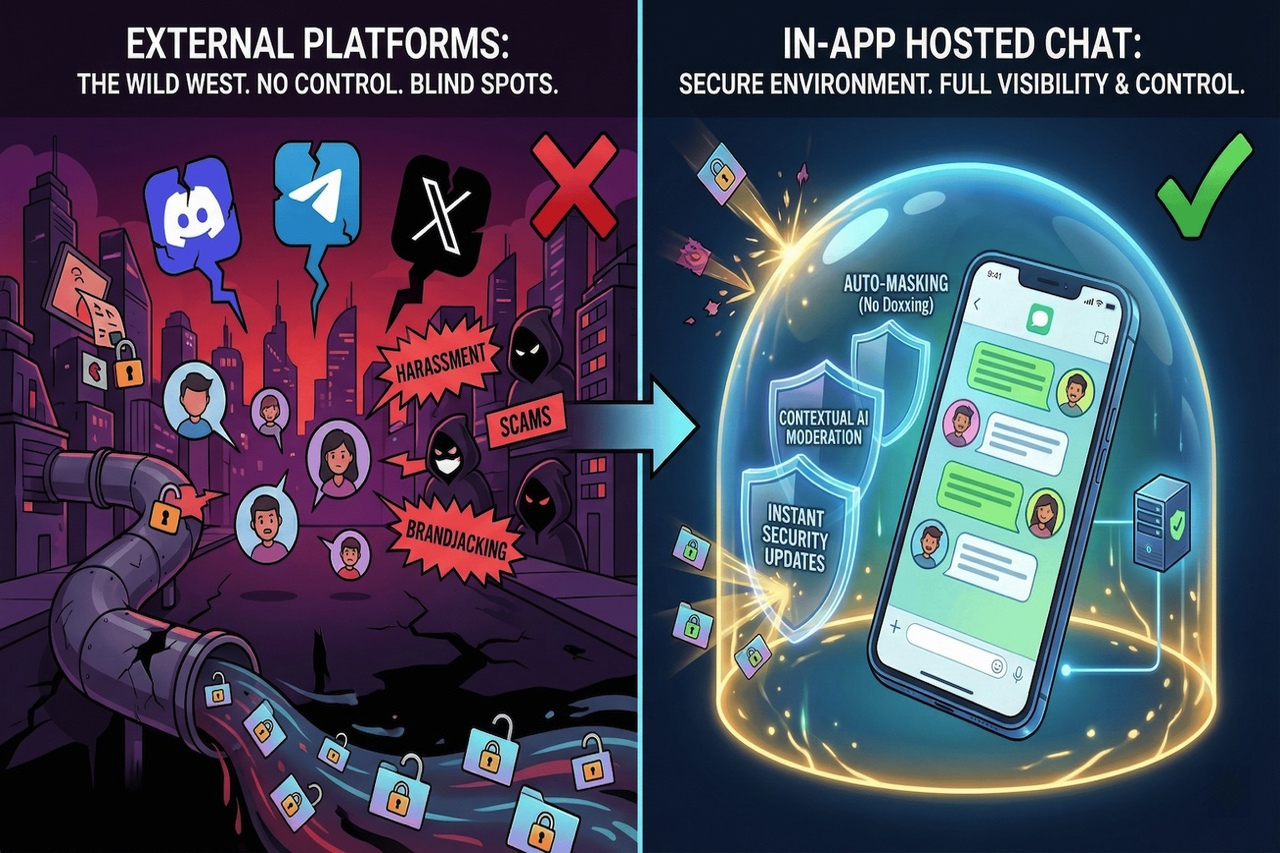
January 12, 2026
Community Security: Why In-App Hosted Chats are Safer than External Platforms for User Data Privacy
The answer to community-building over the last five years was, “Just create a Discord server or a channel on Telegram.” This is everything you could want as a shortcut—not to w...
Read More
Comments
Comments are available to signed-in users and are moderated to keep the discussion useful and respectful. Spam, automated submissions, and low-value promotional comments are removed. Outbound links may be approved when they are relevant and genuinely helpful to readers, but they are displayed as plain text rather than clickable hyperlinks.
No comments have been published yet.
Please sign in to submit a comment.