

What Is Intelligent Document Processing and How Does OCR Fit In?
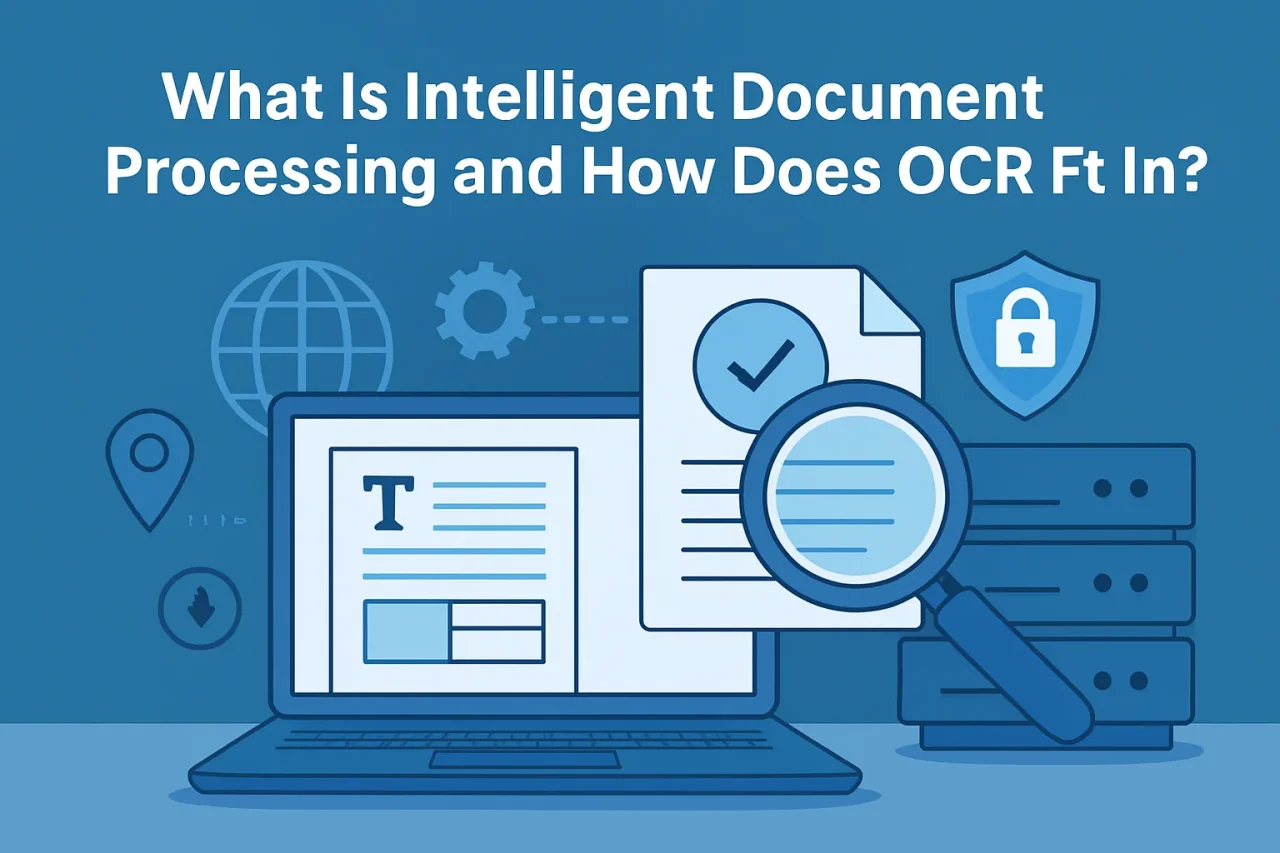
Businesses deal with documents every day. Some arrive as PDFs, some as scanned copies, some as photos taken from a phone, and others as email attachments, forms, invoices, receipts, contracts, ID documents, or reports. Even in companies that have already moved most operations online, documents are still everywhere.
The challenge is not just storing those documents. The real challenge is understanding what is inside them.
A scanned invoice, for example, may contain a supplier name, invoice number, date, total amount, tax details, and payment terms. A customer onboarding form may include names, addresses, identification numbers, signatures, and supporting documents. A shipping document may include tracking numbers, delivery addresses, product descriptions, and dates.
If a person has to read every file and manually copy the important details into another system, the process becomes slow, repetitive, and easy to get wrong. That is where Intelligent Document Processing, often called IDP, becomes useful.
Intelligent Document Processing is a technology approach that helps organizations capture, read, understand, classify, and process information from documents with less manual effort. OCR, or Optical Character Recognition, is one important part of this process, but IDP goes beyond simply turning images into text.
To understand how IDP works, it helps to first understand the role OCR plays inside it.
What Is OCR?
OCR stands for Optical Character Recognition. It is the technology that reads text from images, scanned documents, or photos and converts that text into machine-readable characters.
In simple terms, OCR helps computers “see” letters and numbers inside an image.
For example, imagine taking a photo of a printed receipt. To a computer, that photo is just an image made of pixels. OCR analyzes the shapes in that image and tries to recognize them as text. Once the text is extracted, it can be copied, searched, stored, edited, or used in another application.
This is why OCR is commonly used for scanned PDFs, paper forms, receipts, invoices, business cards, printed reports, and archived documents. It also powers many everyday tools, such as document scanners, mobile banking apps, translation apps, and online OCR image to text converter tools that allow users to upload an image and extract readable text from it.
OCR is especially helpful when the document is clear, structured, and printed in a standard font. But OCR alone does not always understand what the text means. It may extract “12/05/2026,” but it does not automatically know whether that date is an invoice date, due date, delivery date, or birth date. This is where Intelligent Document Processing becomes important.
What Is Intelligent Document Processing?
Intelligent Document Processing is the use of OCR, artificial intelligence, machine learning, natural language processing, and workflow automation to handle documents more intelligently.
Instead of only extracting text, IDP tries to understand the document.
It can help answer questions such as:
- What type of document is this?
- Which fields are important?
- Where is the invoice number?
- Is this a passport, contract, receipt, or claim form?
- Does the extracted information match the expected format?
- Should this document be sent for approval, review, payment, or storage?
In other words, OCR reads the text, while IDP adds context around that text.
A simple OCR system may extract every word from an invoice. An IDP system can go further by identifying the vendor name, invoice date, total amount, line items, and tax information. It may also check whether required fields are missing, route the document to the right department, or flag unusual information for human review.
That is why IDP is often used in industries where document volume is high and accuracy matters, such as finance, healthcare, insurance, legal services, logistics, human resources, and customer onboarding.
How OCR Fits Into Intelligent Document Processing
OCR is usually one of the first steps in an IDP workflow. Before a system can classify or understand a scanned document, it needs access to the text inside it. OCR provides that starting point.
A typical IDP process may look like this:
- First, a document is received. This could be a scanned PDF, an uploaded image, an email attachment, a fax, a mobile photo, or a digital form.
- Next, OCR extracts text from the document. If the document is an image or scan, OCR converts the visible characters into text that software can read.
- Then, the system classifies the document. It may decide whether the file is an invoice, purchase order, ID document, bank statement, medical record, contract, or something else.
- After that, important data fields are identified. For an invoice, this may include invoice number, supplier name, date, total amount, currency, and payment terms. An identity document may include a name, a document number, a date of birth, and an expiration date.
- The extracted information is then validated. The system may check whether a date format looks correct, whether a total amount matches line items, or whether a required field is missing.
- Finally, the information can be sent to another system or workflow. This may include an accounting platform, customer database, case management system, document archive, or approval process.
OCR makes the text available. IDP makes the text useful.
Why OCR Alone Is Not Always Enough
OCR is powerful, but it has limits. It can struggle with documents that are blurry, poorly scanned, handwritten, tilted, folded, low-resolution, or contain complex layouts. Even when OCR reads the text correctly, it may not understand the document's structure.
For example, OCR may extract the following text from an invoice:
ABC Supplies
Invoice No: 84392
Date: March 10, 2026
Total: $1,250.00
That text is useful, but a business process usually needs more than a block of extracted words. It needs to know which value belongs to which field. It needs to separate the invoice number from the date and the total amount. It may need to check whether the vendor already exists in a database or whether the invoice needs approval.
This is the gap IDP is designed to fill.
IDP uses additional technologies to interpret the text, understand layout, detect patterns, and apply business rules. It does not simply extract content; it helps turn document content into structured data that can support real tasks.
Key Technologies Behind IDP
Intelligent Document Processing is not one single technology. It usually combines several technologies.
OCR is used to recognize printed or typed text from images and scanned files.
Machine learning helps the system improve over time by learning from examples. For instance, it can learn what invoices from different suppliers usually look like.
Natural language processing helps analyze text meaning. This can be useful for contracts, emails, claims, forms, or documents where the wording matters.
Computer vision helps identify document layout, tables, checkboxes, stamps, signatures, and visual structure.
Data validation helps check whether extracted information is complete, accurate, and formatted correctly.
Workflow automation helps move the document or extracted data to the next step, such as approval, review, storage, or payment.
Human review is also an important part of many IDP systems. Not every document can or should be processed automatically. When confidence is low or information looks unusual, a person may need to check the result. This is especially important for sensitive or high-value documents.
Real-World Use Cases of Intelligent Document Processing
IDP can be useful in many everyday business situations.
In finance teams, IDP can help process invoices, receipts, purchase orders, and payment documents. Instead of manually entering details from each invoice, staff can review extracted fields and focus on exceptions.
In insurance, IDP can help read claim forms, supporting documents, medical reports, and identity records. This can reduce repetitive data entry and help route claims more efficiently.
In human resources, IDP can assist with resumes, employee forms, tax documents, signed agreements, and onboarding paperwork.
In logistics, it can help process bills of lading, delivery notes, customs documents, packing lists, and shipping labels.
In banking and financial services, IDP can support customer onboarding, loan applications, account forms, identity verification documents, and compliance paperwork.
In legal and administrative work, IDP can help organize contracts, case files, applications, correspondence, and archived records.
The goal is not to remove people from the process completely. In many cases, the goal is to reduce the amount of manual reading and typing so people can spend more time reviewing, deciding, and solving problems.
The Role of Online OCR Tools in Document Processing
Not every document task requires a full IDP system. Sometimes a user simply needs to extract text from an image or scanned page quickly. In those cases, an online OCR image to text converter can be useful for basic tasks such as copying text from a screenshot, turning a scanned page into editable text, or extracting information from a photo.
These tools are often used for simple, one-off needs. For example, a student may want to copy text from a scanned handout, a freelancer may need to extract text from an image-based PDF, or an office worker may want to reuse text from a printed document without typing it manually.
However, basic OCR tools and IDP systems serve different levels of need. An online OCR tool may extract text from a file, while an IDP workflow may classify the document, identify fields, validate information, and send the data to another system.
Both are built around the same core idea: making text inside documents easier to access and use. The difference is in how much understanding, structure, and automation is added after the text is captured.
Why Accuracy Matters
Accuracy is one of the most important concerns in document processing. A small mistake in extracted text can create larger problems later.
For example, if an invoice total is read incorrectly, it may affect payment. If a customer ID number is captured with one wrong digit, it may cause verification issues. If a date is misread, it may affect deadlines, compliance, or reporting.
Several factors can affect OCR and IDP accuracy, including image quality, font style, handwriting, document layout, language, lighting, background noise, and scan resolution.
This is why good document preparation still matters. Clear scans, straight pages, readable text, and consistent document formats can improve results. It is also why human review remains important in many workflows, especially when documents contain sensitive, financial, legal, or personal information.
Privacy and Security Considerations
Documents often contain private or sensitive information. Invoices may include financial details. HR forms may include personal data. Medical documents may contain health information. Identity documents may include names, addresses, photos, and government-issued numbers.
For this reason, organizations should think carefully about how documents are handled during OCR or IDP processing.
Important questions include:
- Where are documents uploaded?
- How long are files stored?
- Who can access the extracted data?
- Is the data encrypted during transfer and storage?
- Are there rules for deleting documents after processing?
- Is human review handled securely?
- Does the workflow follow relevant privacy and compliance requirements?
These questions matter whether a business uses internal systems, cloud-based processing, or simple online tools. The more sensitive the document, the more important it becomes to understand how that document is processed and protected.
Common Challenges in IDP Projects
Although IDP can be valuable, it is not always simple to implement.
One common challenge is document variety. Businesses may receive the same type of document in many different formats. For example, invoices from different suppliers may all look different.
Another challenge is poor document quality. Blurry scans, handwritten notes, low-resolution images, and damaged pages can reduce accuracy.
A third challenge is unclear business rules. Technology can extract information, but organizations still need to define what should happen next. Should the document be approved automatically? Should it go to a manager? Should it be stored? Should it be flagged for review?
There is also the challenge of user trust. People need to understand when automation is reliable and when human review is needed. A well-designed process does not blindly accept every result. It uses confidence scores, validation checks, and review steps to reduce risk.
The Future of Intelligent Document Processing
Document processing is becoming more advanced as AI systems improve. Modern IDP tools are getting better at reading complex layouts, understanding context, handling multiple languages, and working with less structured documents.
Still, the purpose remains practical. Businesses want to spend less time manually entering data and more time using the information inside documents.
OCR will continue to be a key part of that process because it solves the first problem: getting text out of images and scans. IDP builds on that foundation by helping systems understand what the text means and what should happen next.
Final Thoughts
Intelligent Document Processing is a broader approach to handling documents in a smarter way. It combines OCR with other technologies such as AI, machine learning, natural language processing, validation, and workflow automation.
OCR helps convert text from images and scanned documents into readable data. IDP takes that data and adds structure, meaning, and process.
For simple tasks, an online OCR image to text converter may be enough to extract text from an image or scanned file. For larger business workflows, IDP can help classify documents, capture key fields, validate information, and move documents through the right process.
In the end, the goal is not just to digitize documents. The goal is to make document information easier to find, understand, protect, and use.
Related Articles
June 30, 2026
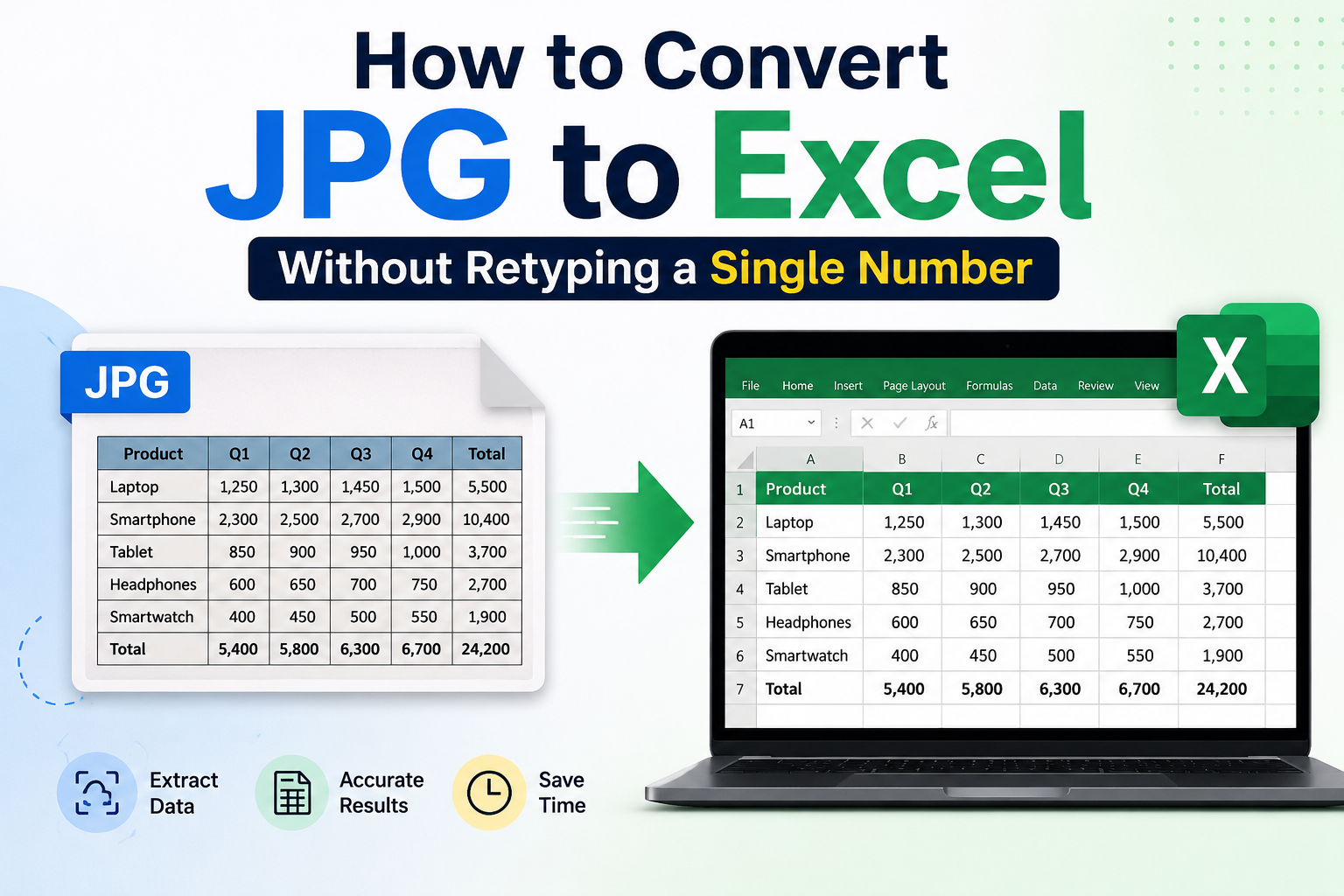
How to Convert JPG to Excel Without Retyping a Single Number (The Smart Way)
Convert JPG images of tables into editable Excel spreadsheets using OCR—no retyping. Guide to tools, steps, tips, and best free converters.
Read More
February 21, 2024
5 Benefits Of Embedded Software for Businesses
Every day we hear about new solutions that can help (or even transform) your business. Of course, not all of them work or better say, work for you. One type of solution that does w...
Read More
December 11, 2023
Have A PDF You Want to Repair? Complete Guide Here
We use PDFs every day, everywhere. It isn't easy to imagine lives without this format at this moment. Naturally, when you have a PDF that you cannot open, you are bound to get anno...
Read More
Comments
Comments are available to signed-in users and are moderated to keep the discussion useful and respectful. Spam, automated submissions, and low-value promotional comments are removed. Outbound links may be approved when they are relevant and genuinely helpful to readers, but they are displayed as plain text rather than clickable hyperlinks.
No comments have been published yet.
Please sign in to submit a comment.