

7 Best Multi-Factor Authentication (MFA) Solutions for 2026
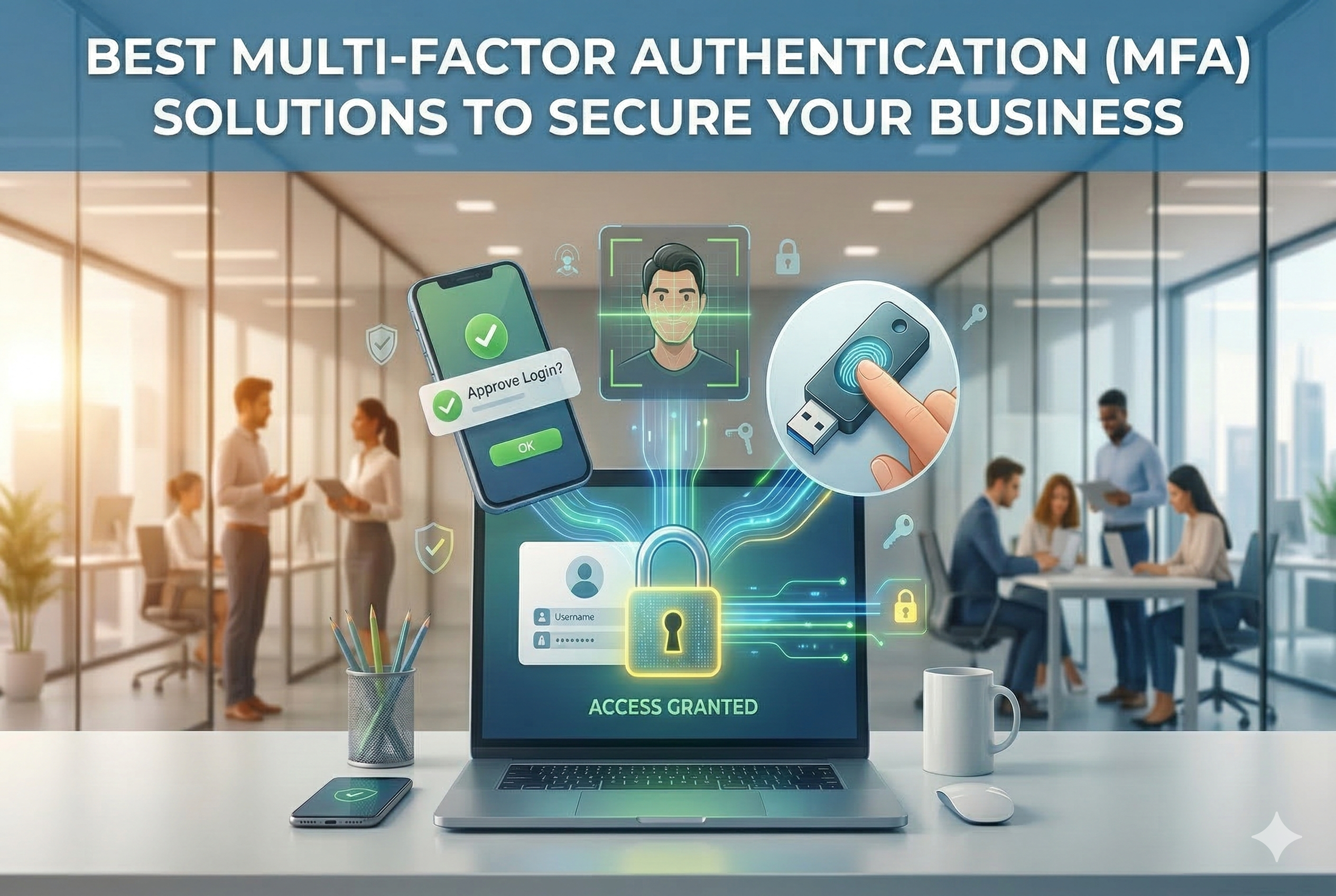
In 2026, passwords alone are no longer enough to protect your organization. Cybercriminals are using phishing, credential stuffing, and social engineering to bypass single-factor authentication at scale making Multi-Factor Authentication (MFA) the new security baseline for businesses of every size.
But with dozens of MFA platforms on the market, choosing the right one can feel overwhelming. This guide cuts through the noise and breaks down the 7 best MFA solutions for 2026 covering what each does best, key features, pros, cons, and who they're ideal for.
What Makes a Great MFA Solution in 2026?
Before exploring individual platforms, here are the five qualities that separate the best from the rest:
- Intelligent Threat Detection: AI-driven analysis of behavior, device posture, and contextual risk to proactively block attacks
- Passwordless Authentication: FIDO2 passkeys, biometrics, and hardware tokens with minimal user friction
- Broad Integrations: Seamless coverage across SaaS, VPNs, legacy systems, and custom APIs
- Transparent Pricing: Clear per-user pricing with no hidden add-ons
- Measurable ROI: Fewer breaches, fewer account takeovers, and a lower helpdesk burden
1. miniOrange MFA Solution
miniOrange MFA Solution is a standout all-in-one platform for organizations seeking a unified approach to securing every layer of their stack from workforce logins to customer-facing applications. With support for over 6,000 integrations across SaaS platforms, on-premise systems, legacy applications, VPNs, and IoT endpoints, miniOrange helps eliminate the complexity of managing multiple security tools.
What sets miniOrange apart is its combination of 15+ authentication methods, including OTP, push notifications, biometrics, and FIDO2 passwordless authentication, along with phishing-resistant MFA capabilities designed to protect against modern credential-based attacks. These methods are enhanced by adaptive, risk-based authentication that evaluates device posture, location, and behavioral signals in real time. The result is strong, phishing-resistant security with minimal user friction flexible enough to support both a five-person startup and a global enterprise.
Key Features:
- 6,000+ app integrations across SaaS, legacy, VPNs, Shopify, and custom APIs
- 15+ authentication methods including OTP, push, biometrics, FIDO2, and hardware tokens
- Adaptive MFA analyzing device, location, time, and IP reputation in real time
- Multi-OS support: Windows, macOS, and Linux desktop logins plus IoT endpoint protection
- 24/7 global support with free migrations and dedicated onboarding specialists
Pros:
- Unmatched breadth removes the need for multiple MFA tools across environments
- Intelligent policies balance strong security with a seamless user experience
- Cost-effective scaling from SMB to large enterprise with flexible per-user licensing
Cons:
- Initial setup requires some planning for optimal adaptive policy tuning
- Complex multi-environment deployments may benefit from brief onboarding assistance
Best for: SMBs to Enterprises needing flexible, all-in-one MFA across 6,000+ apps
2. Microsoft Entra ID
Microsoft Entra ID is the enterprise-grade MFA solution deeply embedded in the Microsoft ecosystem. Its Conditional Access engine evaluates user risk, device compliance, and location in real time and with native passwordless options like Windows Hello, FIDO2 security keys, and the Microsoft Authenticator app, it's the natural fit for organizations already invested in Microsoft's technology stack.
Key Features:
- Native integration with Microsoft 365, Teams, Azure AD, and Defender threat intelligence
- Conditional Access policies with granular user risk and device compliance evaluation
- Passwordless options: Windows Hello for Business, FIDO2 keys, Microsoft Authenticator
- Hybrid AD Connect bridging on-premises Active Directory to the cloud
- Thousands of SaaS app integrations via the Microsoft App Gallery
Pros:
- Seamless rollout for Microsoft-centric organizations with minimal friction
- Advanced Defender threat intelligence elevates risk-based policy quality
- Scalable hybrid support for complex cloud migration journeys
Cons:
- Policy configuration can overwhelm IT teams without dedicated identity expertise
- Limited value for organizations outside the Microsoft ecosystem
Best for: Microsoft 365 and Azure-centric enterprises
3. Okta MFA
Okta MFA delivers cloud-native, adaptive authentication through its Workforce Identity Cloud, powered by ThreatInsight for real-time risk analysis across thousands of SaaS integrations including Salesforce, Workday, and Google Workspace. Its developer-friendly APIs and SDKs make it the preferred choice for engineering-heavy organizations building custom identity workflows at scale.
Key Features:
- Extensive app catalog with thousands of pre-built SaaS integrations and a Universal Directory
- ThreatInsight engine for real-time risk-based access decisions
- Okta Verify push, FIDO2, and biometric authentication options
- Developer-friendly APIs and SDKs for custom authentication workflows
- Proven global scalability with high uptime SLAs
Pros:
- Unrivalled SaaS app coverage accelerates deployment across multi-cloud stacks
- Developer APIs enable highly customized identity journeys for any app type
- Strong global scalability proven in large enterprise deployments
Cons:
- Adaptive and risk-based features require expensive higher-tier plan upgrades
- Mandatory annual commitments deter smaller or shorter-term deployments
Best for: Complex SaaS and multi-cloud environments
4. Cisco Duo
Cisco Duo prioritizes simplicity and speed without sacrificing security. Its push-based MFA with built-in device health checks verifies OS patch status, disk encryption, and screen lock across VPNs, RDP, and cloud apps. With a Zero Trust access philosophy and typical deployment times under 30 minutes, Duo is a favourite for IT teams managing diverse and mixed-device environments where user adoption is a priority.
Key Features:
- Push-based MFA with Duo Mobile for one-tap login approval on any device
- Device health checks: OS patches, encryption status, and screen lock verification
- Zero Trust access controls for VPNs, RDP, cloud apps, and on-premises systems
- RADIUS and SAML integration for broad application coverage
- Intuitive admin dashboard with full device posture visibility across the fleet
Pros:
- Typically deploys in under 30 minutes for most environments
- Exceptionally high user adoption driven by the intuitive Duo Mobile app
- Comprehensive device posture verification reduces risk from unmanaged endpoints
Cons:
- Advanced analytics and reporting require paid add-on subscriptions
- Risk-based contextual authentication is less mature than some competitors
Best for: Fast, user-friendly MFA rollout across mixed device fleets
5. Google Workspace MFA
Google Workspace MFA provides phishing-resistant authentication built natively into Gmail, Drive, and the Google Admin Console at zero additional cost beyond the existing Workspace subscription. With passkeys, FIDO2 security keys, and AI-powered phishing detection built in, it's the ideal low-overhead option for Google-first teams that want strong protection without deploying a separate MFA platform.
Key Features:
- Native phishing-resistant prompts, passkeys, and FIDO2 security key support
- Centralized management via the Google Admin Console with user-level policy controls
- Built-in AI-powered phishing detection and suspicious login blocking
- Zero extra licensing cost within existing Google Workspace plans
- Context-aware access policies based on device, location, and network
Pros:
- Zero additional cost fully included within existing Workspace subscriptions
- Frictionless experience optimized for Google-ecosystem users with minimal training needed
- AI-powered threat detection provides proactive protection automatically
Cons:
- Limited to Google applications with minimal third-party SaaS app coverage
- Basic policy customization lacks enterprise-grade granularity
Best for: Organizations fully standardized on Google services
6. ManageEngine ADSelfService Plus
ManageEngine ADSelfService Plus is purpose-built for organizations running Windows-centric environments. It delivers tightly integrated MFA for Windows logons, VPN access, and RDP sessions bundled with self-service password reset functionality that dramatically reduces helpdesk tickets. For SMBs and mid-market organizations with traditional on-premises infrastructure, it offers one of the most immediate ROI propositions in this list.
Key Features:
- Deep Active Directory integration for Windows logons, VPN, and RDP sessions
- Self-service password reset bundled natively with MFA capabilities
- Supports OTP, biometrics, push notifications, and hardware token authentication
- Conditional access policies based on IP, device, and location for AD users
- Lightweight deployment with minimal infrastructure requirements
Pros:
- Deepest integration with Active Directory, VPNs, and RDP environments available
- Immediate ROI through self-service password reset reducing helpdesk load significantly
- Budget-friendly option ideal for Windows-centric SMBs and mid-market organizations
Cons:
- Limited coverage for modern cloud and SaaS application ecosystems
- Somewhat dated user interface that can slow down administrative tasks
Best for: Windows and Active Directory-heavy infrastructures
7. RSA SecurID
RSA SecurID combines decades of proven token-based authentication reliability with modern cloud MFA capabilities, securing VPNs, VDI, and critical applications across finance, government, and healthcare sectors that demand FIPS-compliant assurance. With comprehensive audit-grade reporting and both hardware and software token options, it remains the trusted standard for industries where compliance documentation and cryptographic assurance are non-negotiable.
Key Features:
- FIPS-compliant hardware and software tokens for high-assurance authentication
- Broad coverage for VPNs, VDI, critical applications, and legacy enterprise systems
- Push notifications and biometric authentication alongside traditional token methods
- Comprehensive audit logging and compliance reporting for HIPAA, PCI DSS, and more
- Decades-proven enterprise deployment track record across regulated sectors
Pros:
- Battle-tested trust across heavily regulated finance, government, and healthcare sectors
- Robust token ecosystem supporting both hardware and software options
- Comprehensive compliance reporting and audit documentation capabilities
Cons:
- Physical token distribution and lifecycle management adds operational overhead
- Trails cloud-native competitors in innovation speed and modern user experience
Best for: Highly regulated and compliance-focused industries
Final Thoughts
MFA is no longer optional it has become a cornerstone of modern Zero Trust security strategies. Each platform reviewed here brings strengths in different areas, and the right choice ultimately depends on your existing infrastructure, user environment, and compliance requirements.
Whenever possible, start with a free trial and evaluate how the solution performs in real-world scenarios. Focus on user adoption, ease of deployment, and the vendor’s long-term roadmap to ensure the platform can support your security needs in 2026 and beyond.
Featured Image generated by Google Gemini.
Related Articles

February 24, 2026
Beyond Passwords: How Biometric + IP-Based Authentication Creates Multi-Layer Security
Passwords have been the cornerstone of digital security for decades. Yet in 2024 alone, over 10 billion credentials were exposed in data breaches worldwide. Credential stuffing att...
Read More
October 16, 2024
Secure Authentication and Verification Solutions: Digital Security 101
Securing your personal and business information is critical. Cybercriminals are constantly evolving their tactics, and the need for secure authentication and verification solutions...
Read More
May 19, 2017
What is Multi-factor authentication?
Multi-factor authentication also commonly known as MFA is an authentication process where more than one authentication mechanism is incorporated. A common implementation of MFA is...
Read More
Comments
Comments are available to signed-in users and are moderated to keep the discussion useful and respectful. Spam, automated submissions, and low-value promotional comments are removed. Outbound links may be approved when they are relevant and genuinely helpful to readers, but they are displayed as plain text rather than clickable hyperlinks.
No comments have been published yet.
Please sign in to submit a comment.