
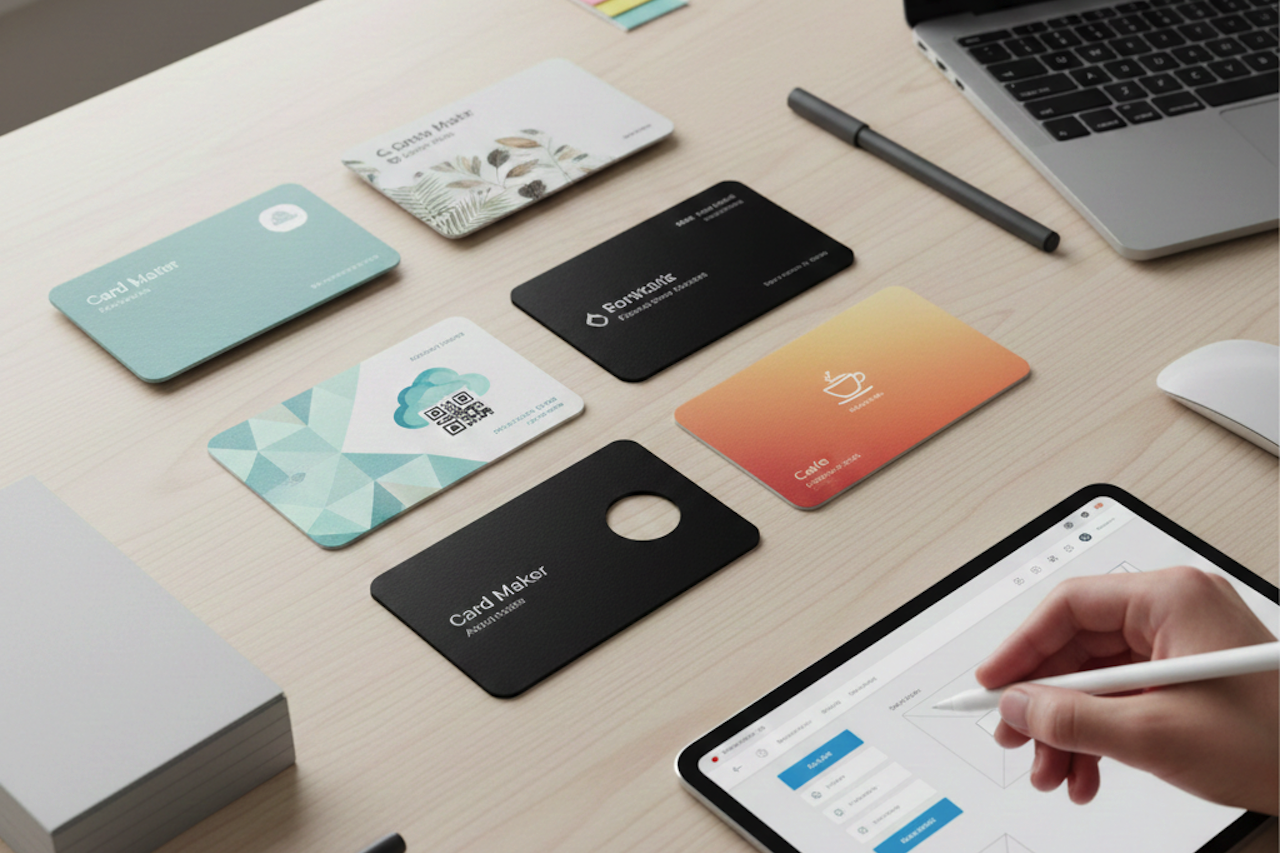
The world may be increasingly digital, but traditional business cards still play a role in building trust and credibility.
Why? It’s because your business card is often the first physical representation of your brand. A well-designed card makes you look more professional, put together, and competent. At the same time, it’s a great way to leave your mark (and contact information!) during your client meetings, networking events, or trade shows.
The good news is that creating high-quality business cards is made easier than ever in 2026. Forget spending big bucks for a designer or wrestling with the pen tool in Photoshop for hours. Instead, you can hop into business card makers to help you create branded and professional cards in a snap.
We listed down the best free business card makers in the market below, outlining how they work, their key features, plus their pros and cons to help you decide which one is the best for you. Scroll down to read more!
Best Business Card Makers in 2026
1. Design.com
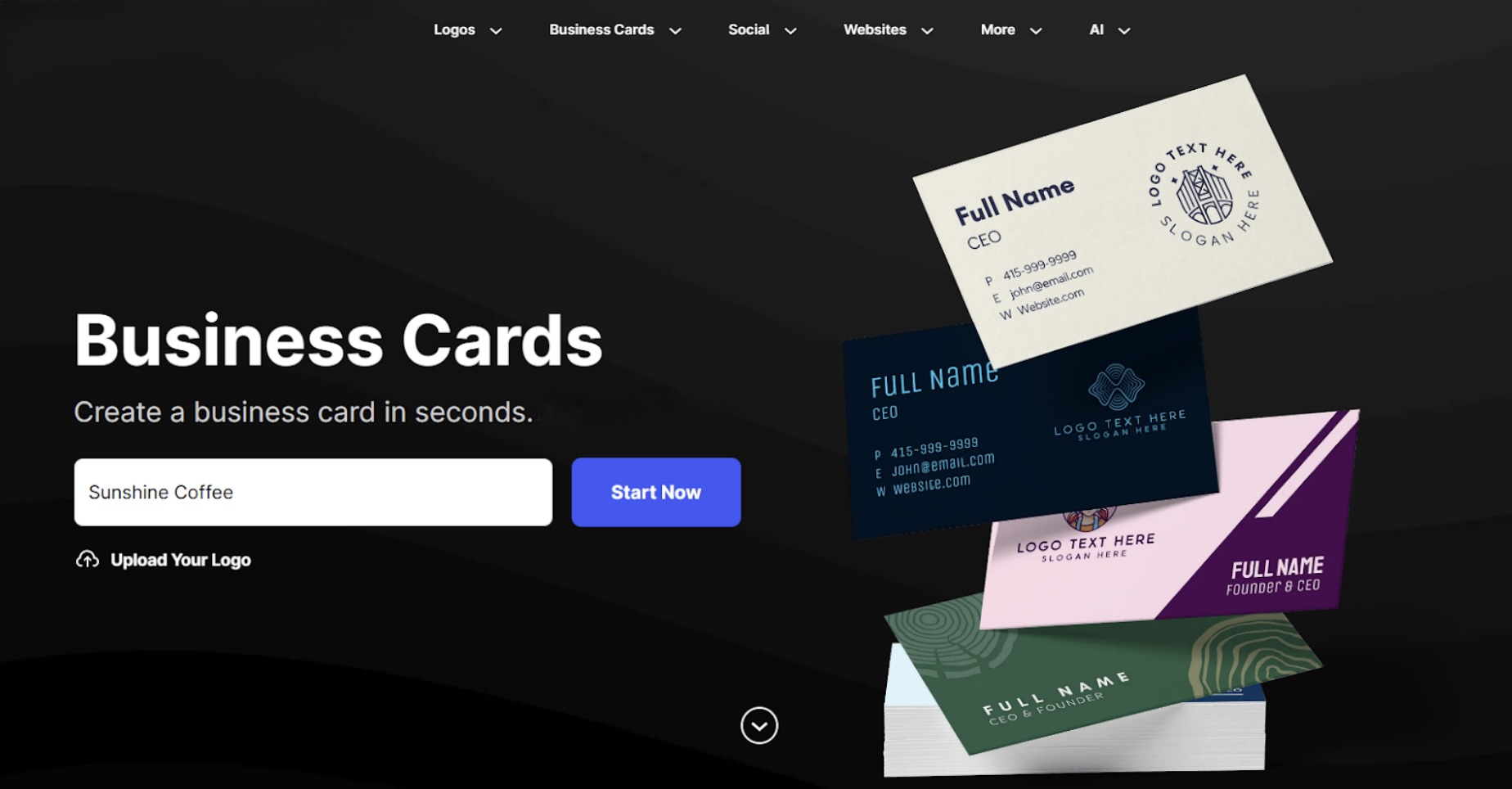
Design.com is an online branding platform that enables users to create polished, on-brand cards in just a few minutes. They offer customizable templates – meaning, you can choose from an existing design and personalize it to fit your taste. No need to start from scratch! This makes it the best business card maker for busy entrepreneurs and beginners with no design skills.
Key Features
- Extensive template library: Offers thousands of business card designs across a range of styles and industries. These are also appropriately organized, so you can easily browse just by typing your keyword or choosing the category like “stripes”, “3D”, or “cafe”.
- Unique and exclusive designs: Offers over 575 exclusive fonts and 62,000 custom icons, available only on the platform. This means the designs you create here cannot be replicated by other card makers, making your card more unique.
- Easy to use: Features a simple interface and straightforward controls, enabling even beginners to create beautiful cards.
- Full branding suite: Offers tools beyond business cards, including a logo maker, website builder, Facebook cover maker, and more. You can get everything you need to build a brand on a single platform. They also offer a Brand Kit creator that automatically applies the styling and color palette of your uploaded logo across your materials for a more cohesive look.
- Outstanding features: Users can easily design the reverse side of the card, plus add a scannable QR code. The QR code's style and color can be customized to your preferences.
Pros
- Beginner-friendly, very easy to use
- You can get professional cards in minutes
- Beautiful designs that are suitable for a wide range of businesses
Cons
- Web-based only, no mobile app yet
Pricing
- Free to browse and edit
- Free cards are available for download
- A subscription is required to download premium cards
- Plans start at $9 per month
2. BrandCrowd
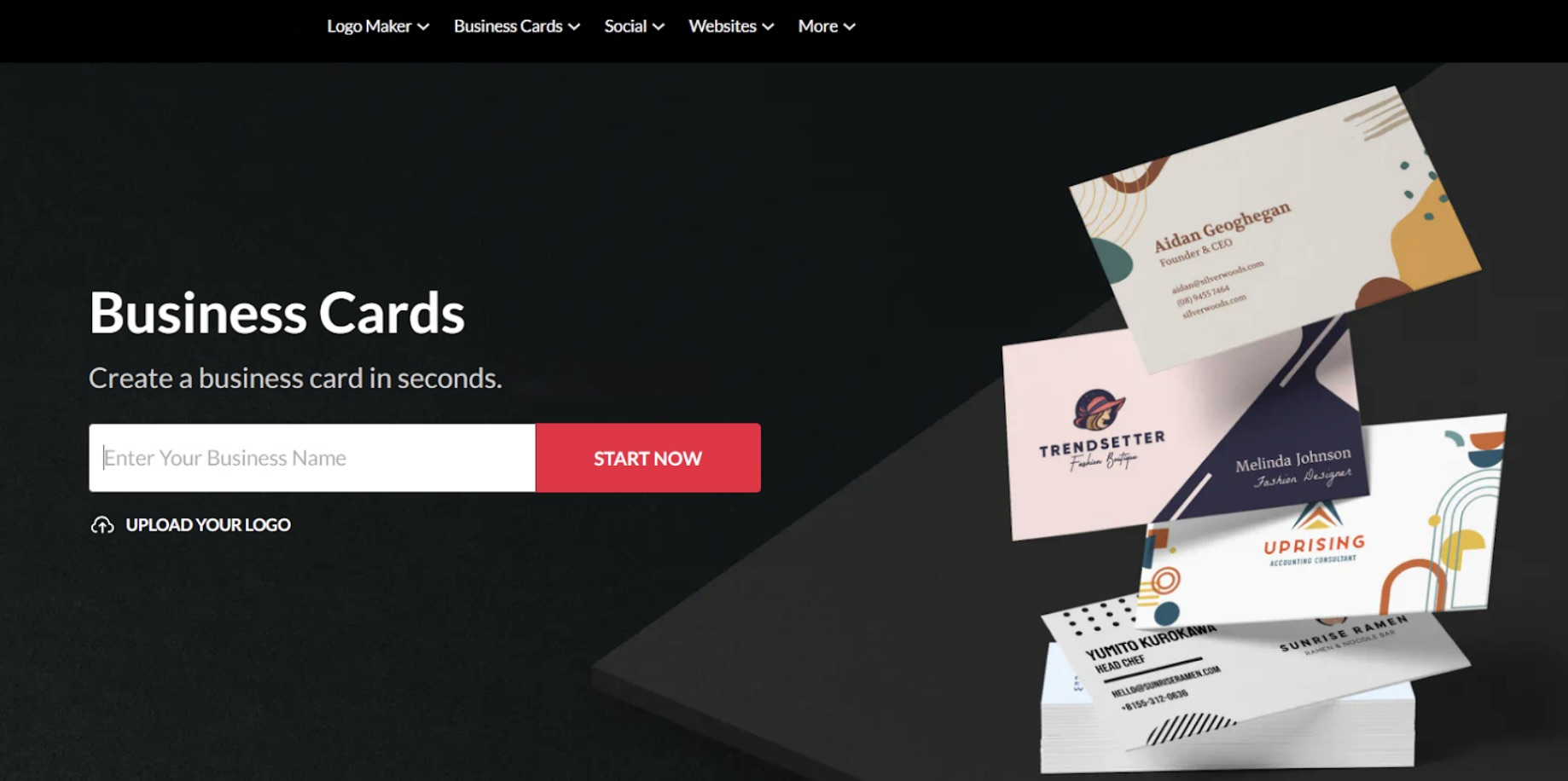
BrandCrowd is another solid entry on our list of top business card makers. This tool offers a wide range of beautiful, customizable cards suitable for any niche or industry. Whether you need one for your food truck, wellness spa, or real estate agency, you’ll surely find what you need here. Each card here underwent a rigorous quality check, ensuring the designs are original and ready for business use.
Key Features
- Extensive template library: Offers thousands of business card templates across industries and styles, making it easy to find one that fits your brand and vision.
- Handcrafted designs: Each card is made by top designers worldwide, ensuring high-quality, professional, business-ready results.
- Comprehensive editing options: You can easily add gradients, curved text, or animations to spice up your card. You can even change minor details, such as the icon color or the font in your logo (unlike in some tools, where elements can only be moved or resized, not fully edited).
- All-in-one branding tools: Offers tools for social media posts, presentations, email signatures, flyers, and more in just one place. You no longer need to jump into multiple platforms to create your assets.
- High-resolution downloads: Cards can be downloaded in PDF, PNG, JPG, SVG, and EPS formats, ensuring clean results when printed or uploaded online.
Pros
- Stylish and trendy designs
- Wide variety of cards to choose from
- High-quality export options for both print and digital use
Cons
- Less technical integration, but ideal for users who want simple yet beautiful cards without complexity
Pricing
- Free cards available for download
- Paid plans start at $9 per month, which gives users download access to premium card designs
3. Canva
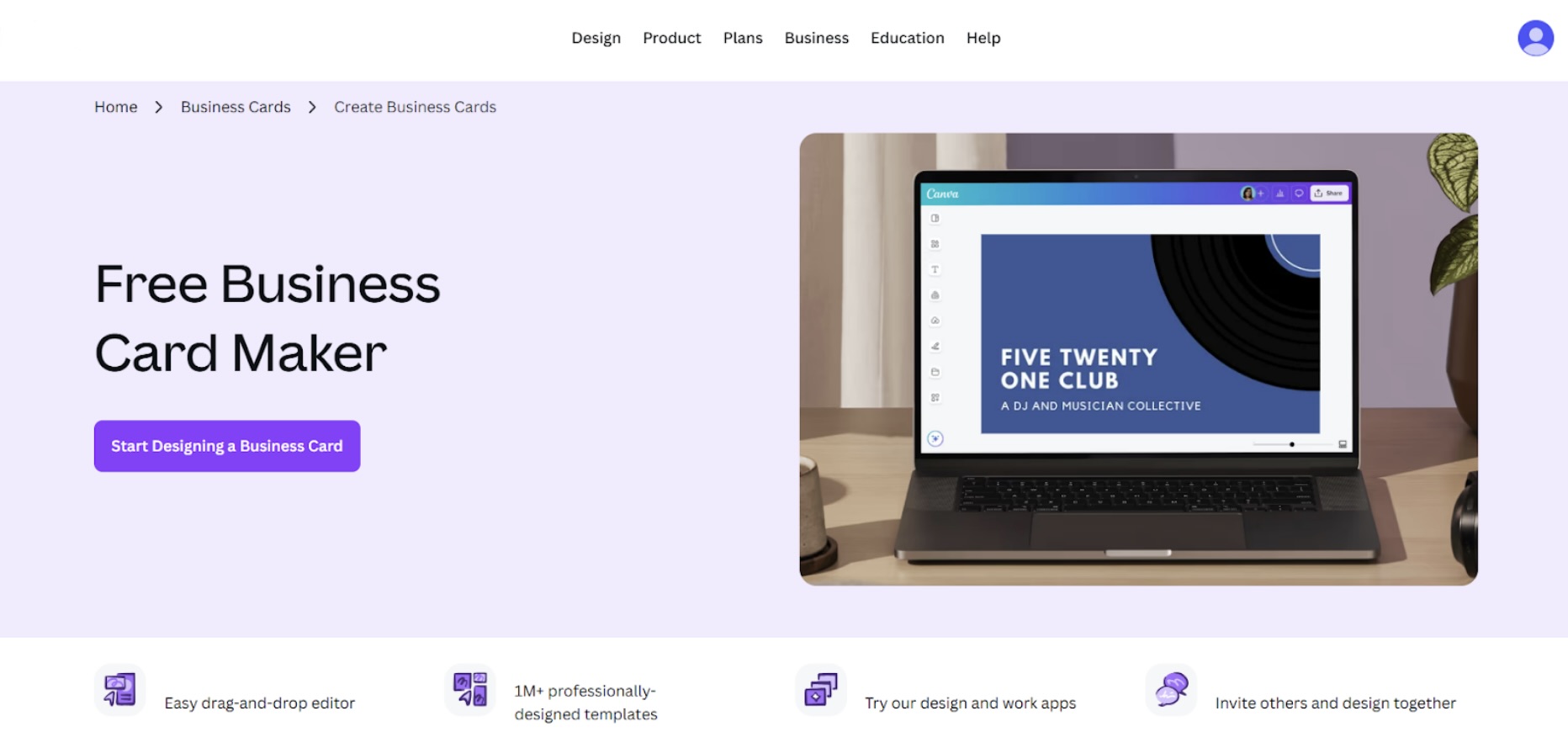
Canva is a well-known design platform that offers templates for materials such as posters, flyers, social media graphics, presentations, invoices, resumes, and more. It’s no surprise they're also great templates for business cards. Their business card maker uses the same drag-and-drop interface as their other tools, so if you are familiar with Canva, creating cards should be easy. They also boast a wide range of business card designs, so you should be able to find a design you like easily.
Key Features
- Huge template selection: Offers thousands of business card templates covering nearly every style, from corporate and creative to minimalist and modern.
- Comprehensive design features: Users can choose between standard cards and rounded cards. They can also use editing tools such as Draw, Magic Background erasers, Flip, and many more.
- Drag-and-drop editor: The editor lets you easily move and customize elements such as text, shapes, and images.
- Collaboration tools: You can share designs with teammates or clients, add comments to designs, and edit them together in real time.
Pros
- Lots of templates to choose from
- Easy to use, but with comprehensive tools and features also available for more advanced designers
- Has collaboration features that are great for working with teams
Cons
- Some templates and elements are locked behind Pro
Pricing
- Free plan gives access to templates and limited features
- Canva Pro provides access to premium templates and all features, with plans starting at $5 per month
4. Vistaprint
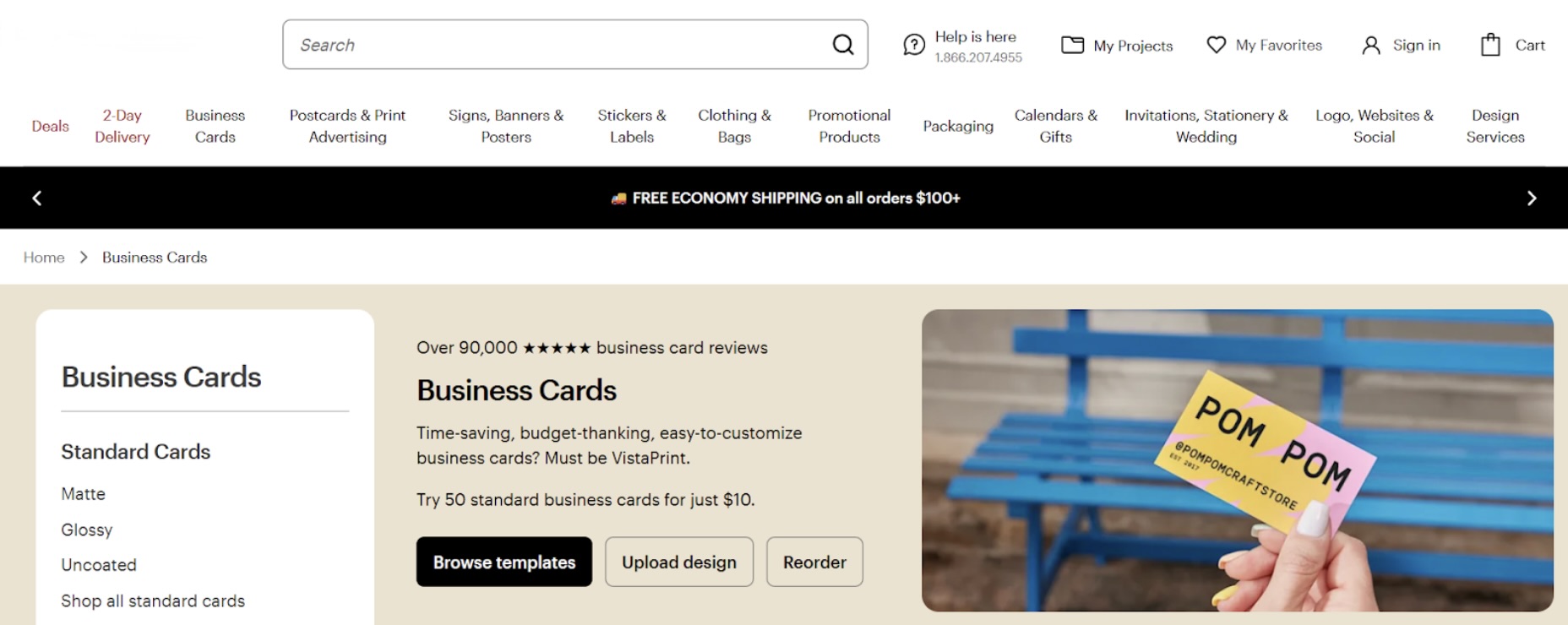
VistaPrint is known for its printing services, and they leverage this capability effectively through their built-in business card maker. Instead of focusing on advanced design tools, VistaPrint keeps things simple by offering ready-made templates you can quickly customize before sending them straight to print. This makes it ideal for users who want a hassle-free, end-to-end solution.
Key Features
- Simple and easy to use: You can personalize cards in their drag-and-drop editor by adding text, changing colors, or adding graphics. They also mark the “safe area” and “bleed area” while editing to ensure your design isn’t accidentally cut off. It’s straightforward and designed for non-designers.
- All-in-one design and print workflow: Once you create your design, you can print it directly without exporting files or using third-party printers.
- Multiple finish and paper options: You can choose to print your card in various finishes, such as matte, glossy, embossed, and foil. You can even have your card in unique shapes, such as a circle or a leaf.
- Other services available: They also sell card holders, stamps, and print for t-shirts, cups, merch, and more. It’s useful for people looking for business materials and stationery in one place.
Pros
- Variety of finishes, papers, shapes, and accents to choose from
- No need to worry about printing
- Very straightforward and easy to use
Cons
- Limited creative flexibility compared to design-first tools
Pricing
- Free to design the business card
- You only pay when ordering prints
- Prices vary based on quantity, paper type, and finish
- Premium finishes and specialized options such as unique shapes, rounded corners, or embossed text cost extra
5. Adobe Express
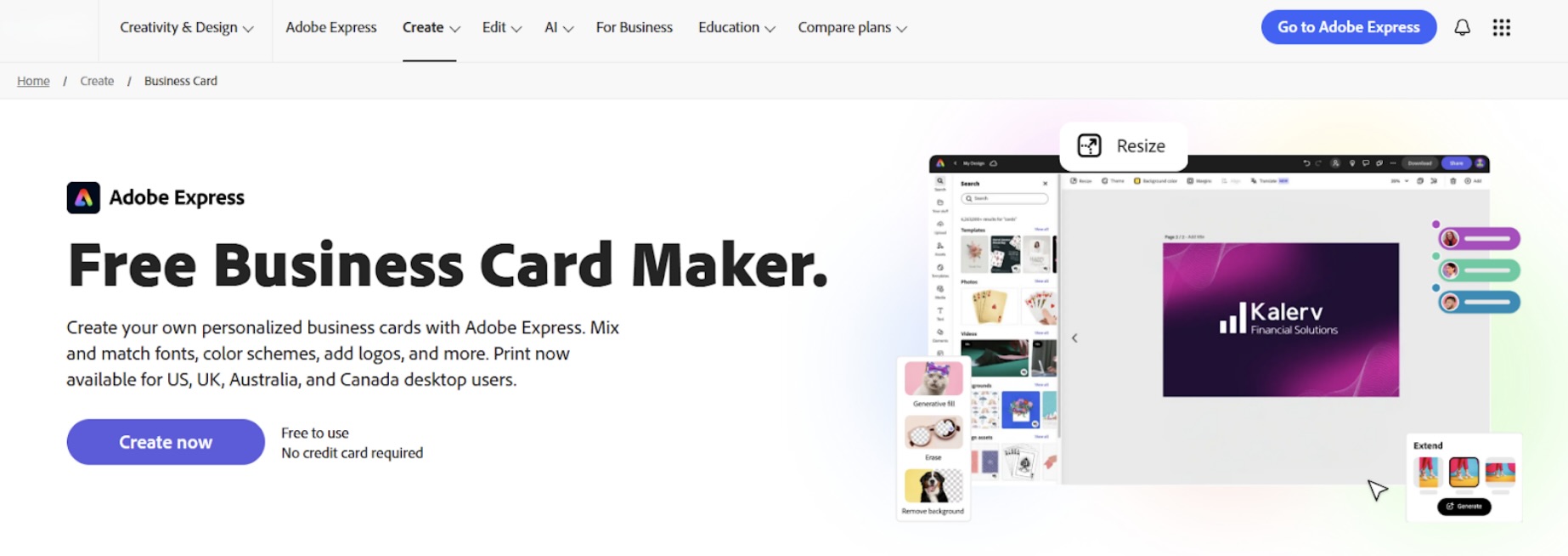
Adobe Express is Adobe’s simplified, browser-based design tool built for users who want professional results without the complexity of Photoshop. They offer a business card maker with customizable templates for editing and personalization. Alternatively, you can start from a blank canvas. They focus on clean layouts and polished visuals, making it a solid option for those who prefer a contemporary look.
Key Features
- High-quality assets: You get access to Adobe Fonts and Adobe Stock, ensuring your cards are beautiful and high-quality.
- Stylish designs: They offer a wide selection of creative, chic, and trendy cards, ideal for those seeking fun card styles.
- Advanced features: Users can add sounds, videos, animations, and other effects for digital versions. Printing directly on the platform is also available in select locations.
- Cloud-based editing: Access and edit your designs across devices using your Adobe account, which is ideal for users already in the Adobe ecosystem.
Pros
- Fun and creative designs
- Access to exclusive Adobe assets
- Advanced design tools
Cons
- Might still be too complicated for beginners
Pricing
- Adobe Express Free includes basic editing tools and limited assets
- Adobe Express Premium provides access to all editing tools and assets
- Premium plans include additional generative AI credits and larger storage
- Plans start at $6 per month

Image by Pexels.
Final Thoughts
Business card makers have evolved in 2026. They are no longer simple tools. Now, you can easily create unique shapes, add creative fonts, play around with the color palette, add QR codes, and create industry-specific designs with just a few clicks.
Free business card makers are also just a massive help in general. You no longer need expensive designers or advanced editing skills. With the tools listed above, you can create beautiful, high-quality business cards that help you make a lasting impression.
Featured Image generated by Google Gemini.
Share this post
Author

Read the latest articles from Faviola Publico
Best Website Builders in 2026
March 1, 2026
Websites are essential for businesses, especially today, when almost everything is digital. They help businesses establish their online presence and credibility, enabling them to reach a wider audience and attract more customers.
Learn moreLeave a comment
All comments are moderated. Spammy and bot submitted comments are deleted. Please submit the comments that are helpful to others, and we'll approve your comments. A comment that includes outbound link will only be approved if the content is relevant to the topic, and has some value to our readers.
Comments (0)
No comment