
Half of all working Americans now use AI at their jobs. That's not a prediction or a projection.
But here's what makes the picture interesting. Only 1 in 10 employees say AI has actually changed how work gets done at their company. So, there's a clear gap between using AI and using it well.
This guide breaks down what AI for productivity actually means, what benefits it offers, which tools are worth your time, and where it makes the biggest difference. No fluff, no hype, just what works.
What Is AI for Productivity?
AI for productivity is the use of artificial intelligence to help people work faster, smarter, and with less friction. It covers everything from automating repetitive tasks to analysing data, drafting content, managing schedules, and even making decisions on your behalf.
For example, let’s say you spend 30 minutes writing a meeting summary every day. An AI tool like Otter.ai or Fireflies can do that in seconds.
The big shift in 2026 is that AI has moved beyond simple text generation. We now have "agentic AI," systems that can plan, reason, and complete multi-step tasks on their own. According to NVIDIA's 2026 State of AI report, 44% of companies were already deploying or testing AI agents by the end of 2025, and that number has grown significantly this year.
7 Proven Benefits of AI for Productivity
The hype around AI is loud, but the data is actually backing it up now. Here are seven benefits that are showing up consistently in research and real-world usage.
- Significant time savings: 90% of knowledge workers say AI saves them time. In workflow-heavy environments, businesses report saving 10 to 20 hours per employee per week. Even smaller gains, like trimming 15 minutes off daily email drafting, add up to weeks over a year.
- Higher quality output: An average 66% productivity gain across three business domains when workers used AI. For coding tasks specifically, the gain was even higher at 126%. These aren't just speed improvements; they're quality improvements too.
- Better decision-making. AI can process large datasets and surface patterns far faster than any human. Companies using AI for analytics and forecasting report faster decision cycles and fewer blind spots, especially in data-heavy sectors like finance, retail, and logistics.
- Levelling the playing field. Research from MIT Sloan shows that the biggest productivity gains from AI go to the least-skilled workers, about a 40% performance boost. AI narrows the gap between junior and senior employees, which is a major win for team-wide performance.
- Lower operational costs: 30% reduction in customer service handle time. ServiceNow reported that AI helped save employees over 2.3 million hours in a single year. These aren't small numbers.
- Reduced cognitive load: AI takes care of prep work, follow-ups, note-taking, and coordination. This frees up mental bandwidth for the kind of deep thinking and creative work that actually moves the needle.
- Scalability without more headcount: AI solutions can handle increased workloads without needing proportional increases in team size. This is crucial for startups and growing businesses that need to do more with limited resources.
Top AI Productivity Use Cases
AI can technically be applied to hundreds of tasks, but not all of them deliver equal value. Here are the use cases where AI is making the most measurable difference right now.
Writing and Content Creation
This is probably the most popular use case. Tools like ChatGPT, Claude, and Jasper can draft blog posts, emails, social media captions, ad copy, product descriptions, and more. Marketing teams using AI for content creation have reported up to a 60% increase in output.
But the real trick isn't just generating content. It's giving AI the right instructions. A vague prompt gives you vague results. That's why tools like an AI prompt generator exist. They help you turn a rough idea into a structured prompt that gets better output on the first try.
Content teams are also using AI to repurpose content across channels. One long-form article can be turned into a LinkedIn post, an email newsletter, a Twitter thread, and a set of Instagram carousel slides, all within minutes.
Meeting Management
Meetings eat up a lot of time, and not just the meetings themselves. It's the prep, the notes, and the follow-ups. AI is handling all three now.
- Tools like Otter.ai and Fireflies auto-transcribe calls, highlight key points, and send action items to the right people.
- Equifax ran a pilot with Google's Gemini for meetings. 97% of participants wanted to keep their AI licenses after the trial.
- Some teams are even using AI to search across months of meeting transcripts to find past decisions and context without digging through documents.
Research and Knowledge Retrieval
Whether you’re a marketer doing competitive analysis, a consultant preparing for a client call, or a student writing a thesis, research is time-consuming.
AI tools like Perplexity AI deliver sourced, cited answers in seconds. Claude handles deep document analysis and complex reasoning. Notion AI lets you ask questions about your entire workspace.
The shift here is from "searching" to "asking." Instead of scanning 20 tabs, you ask a question and get a synthesised answer with sources.
Workflow Automation
This is where AI gets quietly powerful. Tools like Zapier connect your apps and automate the handoffs between them. When a lead fills out a form, AI can:
- Add them to your CRM automatically.
- Notify your sales team on Slack.
- Trigger a personalised welcome email.
- Schedule a follow-up task for three days later.
No one lifts a finger. ServiceNow reported that 89% of their customer self-service requests were handled by AI in 2025. That’s the kind of scale automation can achieve.
Coding and Development
Developers were among the first to see real productivity gains from AI. GitHub Copilot, Claude Code, and similar tools can generate code, write tests, debug issues, and even refactor legacy codebases. ANZ Bank ran a six-week trial with GitHub Copilot and saw a 42% reduction in task completion time.
That said, AI-generated code still needs review. About 48% of developers say they always check AI output before committing. The best approach? Treat AI code as a first draft, not a final product.
Design and Visual Content
Design used to be a bottleneck. But now tools like Canva's Magic Studio, Midjourney, and Adobe Firefly let even non-designers produce professional visuals. Need a quick logo concept for a pitch deck? An SVG logo generator can create clean, scalable logos in seconds. For social media graphics, presentation slides, or product mockups, AI design tools cut production time from hours to minutes.
Best AI Productivity Tools in 2026
There are hundreds of AI tools out there. Most of them overlap. Instead of listing 50, here’s a focused table of tools that consistently show up in real-world productivity stacks across different use cases.
| Tool | Best Use Case | Learning Curve |
|---|---|---|
| ChatGPT | General-purpose writing, brainstorming, coding, analysis | Low |
| Claude | Long-form writing, complex reasoning, document analysis | Low |
| Perplexity AI | Research with cited sources | Low |
| Notion AI | Workspace organisation, docs, team wikis | Medium |
| Zapier | Workflow automation across 8,000+ apps | Medium |
| Otter.ai | Meeting transcription and summaries | Low |
| Fireflies | Meeting notes, action items, CRM sync | Low |
| GitHub Copilot | Code generation, debugging, test writing | Medium |
| Jasper | Marketing content at scale with brand voice | Medium |
| Motion | AI-powered calendar and task scheduling | Low |
| Grammarly | Writing polish, tone adjustment, grammar checks | Low |
| Canva Magic Studio | Visual design, presentations, social graphics | Low |
A practical starting stack for most professionals: Claude or ChatGPT for writing, Perplexity for research, Otter.ai or Fireflies for meetings, and Zapier for automation. That covers 80% of daily productivity needs without tool overload.
How to Actually Adopt AI for Productivity (A Practical Framework)
Buying AI tools is the easy part. Getting real value from them requires a more deliberate approach. Here’s a simple framework that works.
- Start where the frustration is - Don't try to "AI-ify" everything at once. Ask your team: what task do you dread the most? What eats up time without adding value? That’s your starting point. Meeting follow-ups, CRM updates, scheduling, report generation, these are great first candidates.
- Pick one tool and go deep - Tool overload is real. Instead of signing up for ten free trials, choose one tool that addresses your biggest pain point. Learn it properly before adding another.
- Always review AI output - AI is fast, but it’s not always right. Whether it’s an email draft, a code snippet, or a data summary, a human should review it before it goes out. This isn’t optional.
- Create simple prompts and templates - Once you figure out what works, document it. Save your best prompts as templates so your whole team can use them. This turns individual productivity gains into team-wide improvements.
- Measure what matters - Track time saved, error reduction, and output quality. "We use AI" is not a metric. "We cut report generation time from 3 hours to 20 minutes" is.
- Train your team - More than half the global workforce (56%) has received no recent AI training. Don't hand people tools and expect magic. Invest 30 minutes a week in learning sessions.
Common Mistakes & Pitfalls of AI for Productivity
AI can boost your output significantly, but only if you avoid the traps that many businesses fall into. Here are the most common ones.
- AI output is a starting point, not a finished product. Nearly 40% of AI time savings are lost to fixing low-quality output. If you're not editing and refining, you're just creating a different kind of work.
- There's a new AI tool launching every day. But stacking five overlapping tools doesn't make you productive, it makes you a full-time tool manager. Pick a lean stack and stick with it.
- AI tools often process sensitive information. Before plugging company data into any platform, check its privacy policy, data handling practices, and compliance certifications. This is especially critical for industries like healthcare and finance.
- Not every task benefits from AI. If a process requires deep context, relationship-building, or nuanced judgment, automating it might do more harm than good. Automate the repetitive stuff, not the human stuff.
- AI tools get better when you guide them. If you never refine your prompts, update your templates, or give feedback on outputs, you'll keep getting mediocre results.
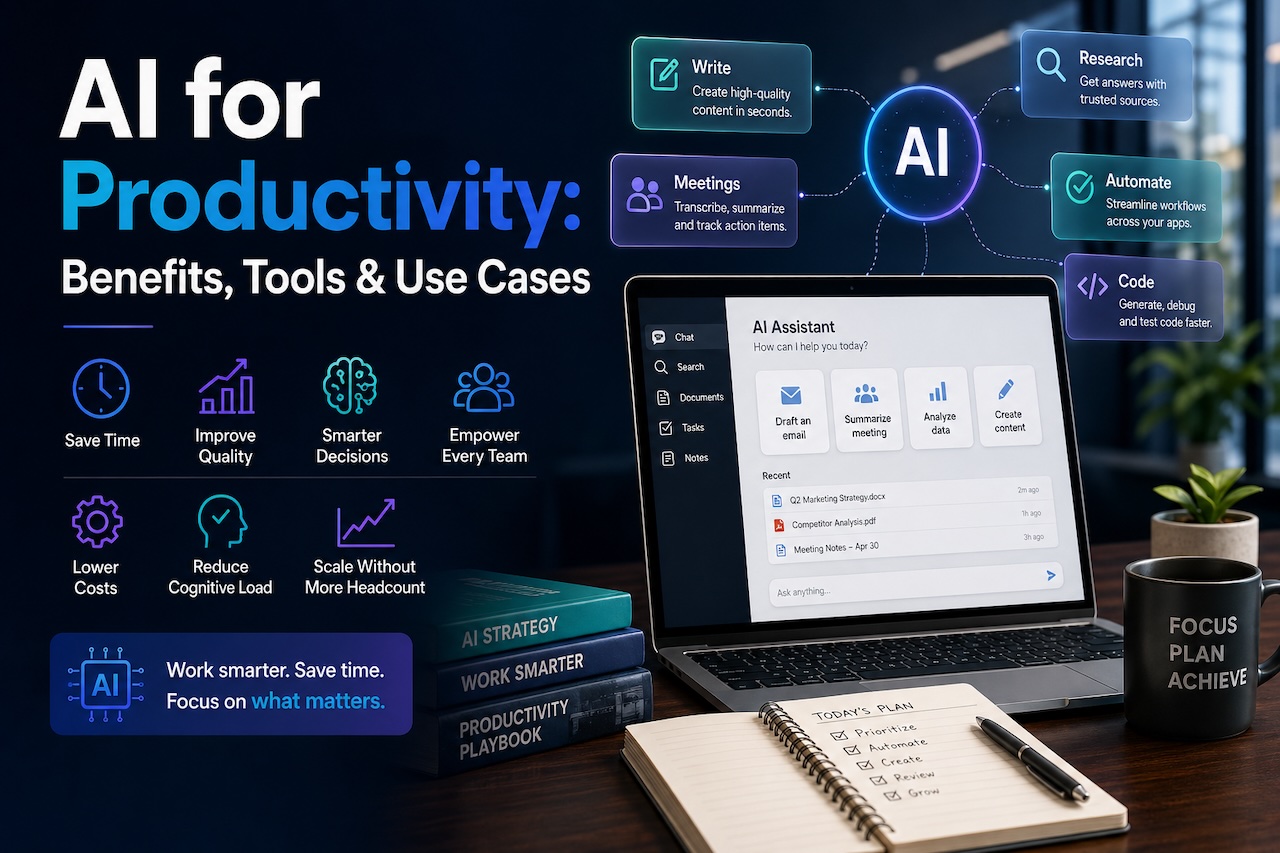
Featured Image generated by ChatGPT.
Share this post
Leave a comment
All comments are moderated. Spammy and bot submitted comments are deleted. Please submit the comments that are helpful to others, and we'll approve your comments. A comment that includes outbound link will only be approved if the content is relevant to the topic, and has some value to our readers.
Comments (0)
No comment