
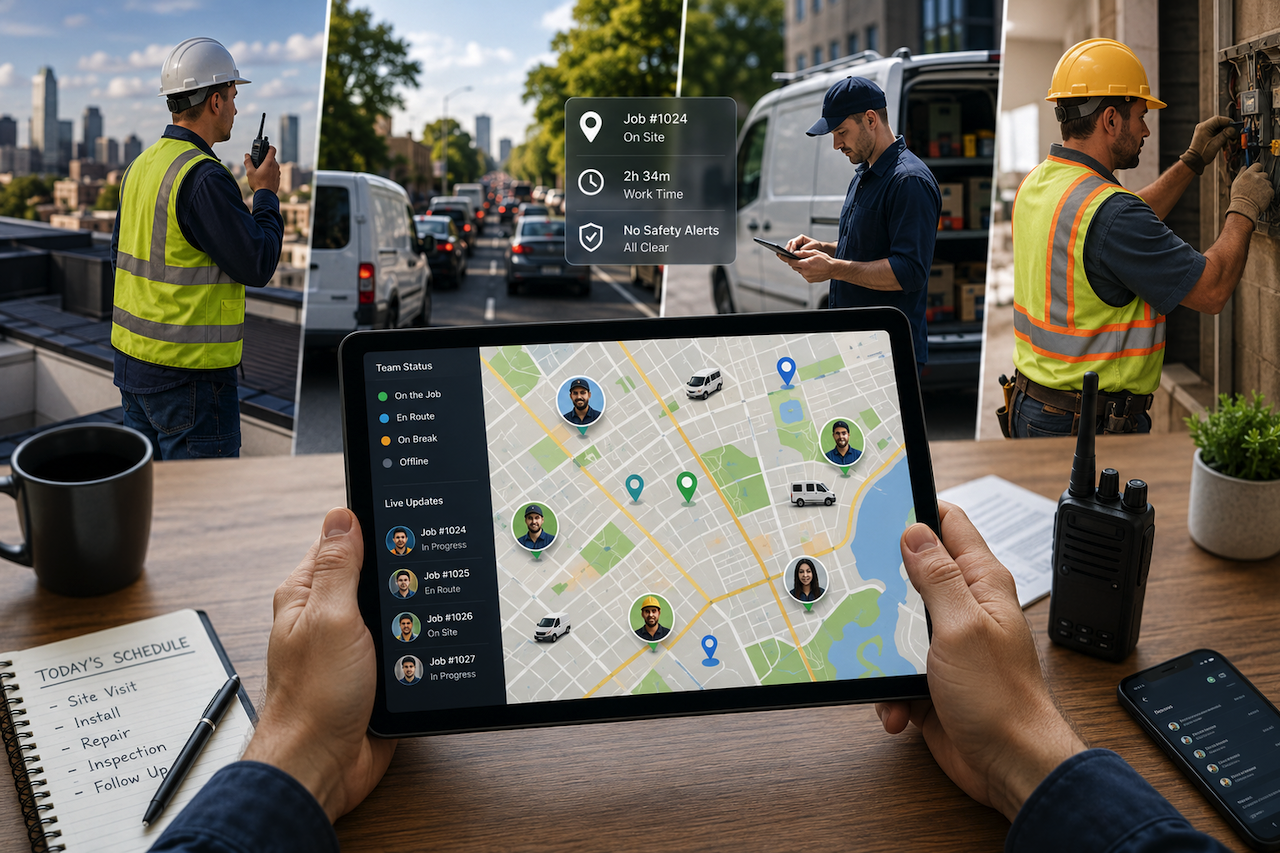
Your crew is spread across town right now. Some are on rooftops, some stuck in traffic, some halfway through a job you booked this morning.
Keeping an eye on all of them can feel impossible when you are back at the office, staring at your phone.
Companies running mobile-first field operations report major productivity gains, according to recent field service trends, so the right tracking setup can pay for itself quickly.
In this article, you’ll find eight tools you can lean on to see where your people are, what they are working on, and if they are safe.
Why Eyes on the Field Have Become a Survival Skill
Skilled workers are becoming harder to find, and rising customer demand has intensified the challenges for owners running lean teams. Add a wave of retirements to this looming shortage, and every idle hour starts to sting.
The crux of the matter is simple: if you cannot see what is happening in the field, you cannot fix it. One clear sign you need help is calling techs to ask where they are. Another easy tell is timesheets that never quite line up with the work. Tracking can hand that visibility back, gently.
The Talent Crunch Has Reset the Stakes
Skilled workers are becoming harder to find, and rising customer demand has intensified the challenges for owners running lean teams. About 63% of service leaders say hiring skilled technicians is tough, and roughly 75% of techs feel they need more expertise than they did before.
Add a wave of retirements to this looming shortage, and every idle hour your remaining crew loses on the road starts to sting. When you cannot easily replace people, you have to get more from the ones you already have.
Hidden Hours Are Quietly Draining Your Budget
The main thing is money walking out the door before you notice. Employers lose about 4.5 hours per employee per week to time theft, and buddy punching alone affects an estimated 75% of businesses, averaging around $1,560 per worker each year.
In a 2025 report, nearly 24% of US workers admitted to exaggerating or manipulating their time records. When your crew is scattered across town, those minutes get even harder to spot. GPS-stamped punches can close that gap fast.
Safety, Trust, and Knowing for Sure
Visibility cuts both ways, and the good kind protects your people, too. If a lone worker stops moving in a remote spot, a location ping can get help on the way before anyone panics. Another easy tell that your current setup is weak shows up at payroll, when disputes start piling up.
Companies that added verified clock-ins reported around 27% fewer payroll disputes and a 15% bump in productivity. Done out in the open, tracking can build trust rather than chip away at it.
Comparison Table
| Tool | Best for | Key tracking features | Standout | Pricing note |
|---|---|---|---|---|
| Peak PTT | Crews needing voice + location together | 60-sec GPS, 90-day route history, geofencing | Push-to-talk radios with GPS, SOS and lone-worker alerts | Hardware + per-radio airtime, no contracts |
| Jobber | Home service businesses wanting tracking + admin in one | GPS waypoints on clock-in/timers, scheduling map, FleetSharp live vehicle tracking | All-in-one field service management, quote to invoice | Tiered plans; team GPS on higher tiers |
| Hubstaff | Productivity data + location | GPS during clock, auto job sites, mileage | Optional activity tracking (lighter touch advised) | Free tier, paid team plans |
| Timeero | Mileage-heavy crews | Real-time GPS, auto mileage, segmented tracking | Route replay for disputed timesheets | Per user/month |
| Workyard | Construction and trades | High-accuracy GPS, live map, movement timeline | Precise locations + labor cost-to-project tracking | Per user/month |
| Jibble | Tight budgets | GPS on every punch, geofencing, and facial recognition | Free for unlimited users | Free core, paid add-ons |
| Samsara | Vehicle and fleet-heavy operations | GPS fleet tracking, dash cams, and telematics | Driver safety scoring and alerts | Mid-to-large scale, custom pricing |
| QuickBooks Time | Teams already in QuickBooks | GPS during clock, "Who's Working" view, geofencing | Built-in payroll and compliance tools | Base fee + per user |
1. Peak PTT
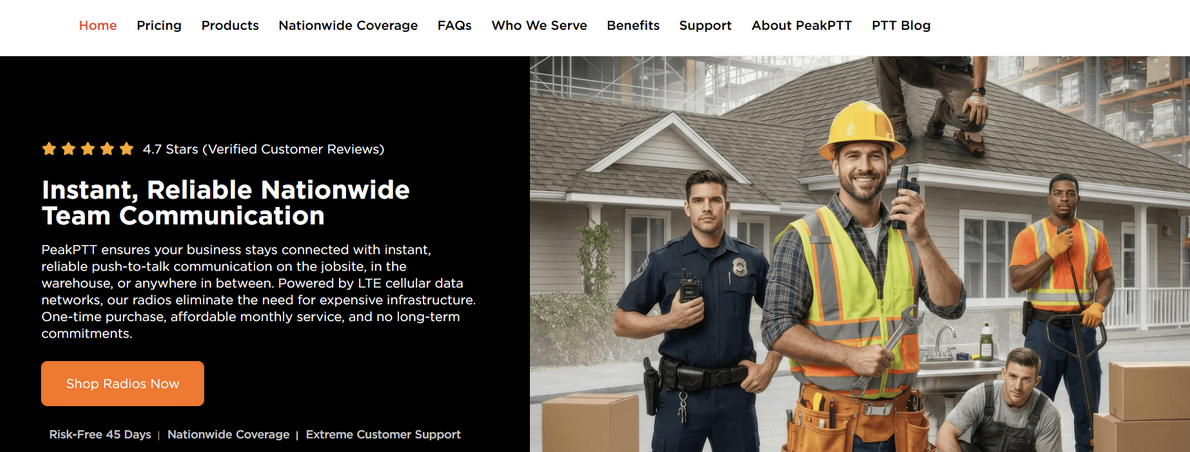
Peak PTT gives you GPS tracking built right into rugged push-to-talk radios, so your team carries one device instead of juggling two. Each radio reports its location every 60 seconds, and you can view all of them on an online dashboard or in the mobile app. If a tech wanders off route or stops moving for too long, you can spot it fast.
The tracking portal holds around 90 days of route history, which can help when a customer disputes an arrival time or when you need to settle a payroll question. You can also set geofences that ping you by text or email when someone enters or leaves a site.
Live mapping paired with instant voice means you can see where a worker is and talk to them in the same breath. There are SOS and lone-worker safety alerts too, so if someone runs into trouble in a remote spot, help can reach them quickly. For crews that need voice and location together, it can be a strong fit.
2. Jobber
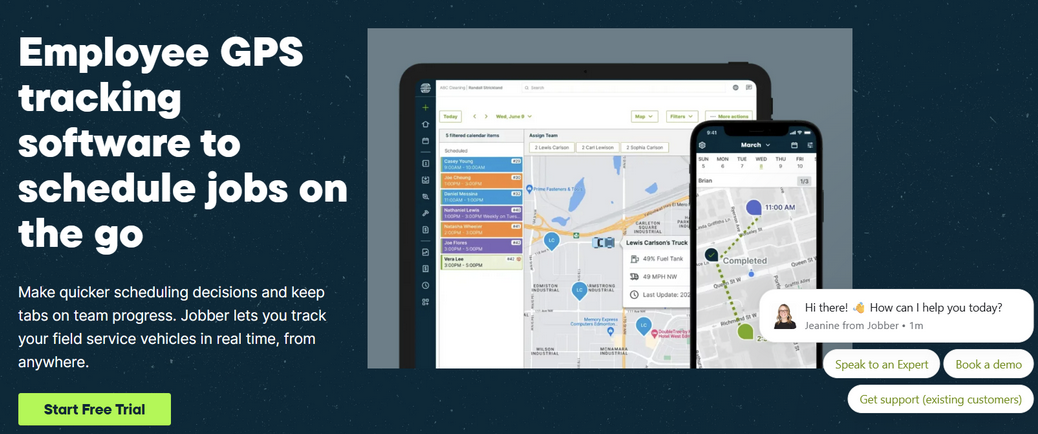
Jobber is built for home service businesses, so it bundles GPS tracking inside a full field-service platform that also handles quoting, scheduling, and invoicing. When your team uses the app, it drops GPS waypoints as they clock in, start a timer, or wrap up a visit, giving you a record of where the work happened.
The scheduling map shows your crew's locations, so you can send the closest tech to a last-minute call instead of guessing. On higher tiers, a FleetSharp integration adds live vehicle tracking, route replay, idle-time reports, and geofencing for a deeper look at your fleet.
Location timers can clock people in automatically when they arrive at a site, which can go a long way toward keeping timesheets honest without nagging anyone. Everything ties back to the same job, from the first quote to the paid invoice. If you run plumbing, HVAC, landscaping, or similar work, it can pull your whole operation together. Pricing climbs by plan as you add features.
3. Hubstaff
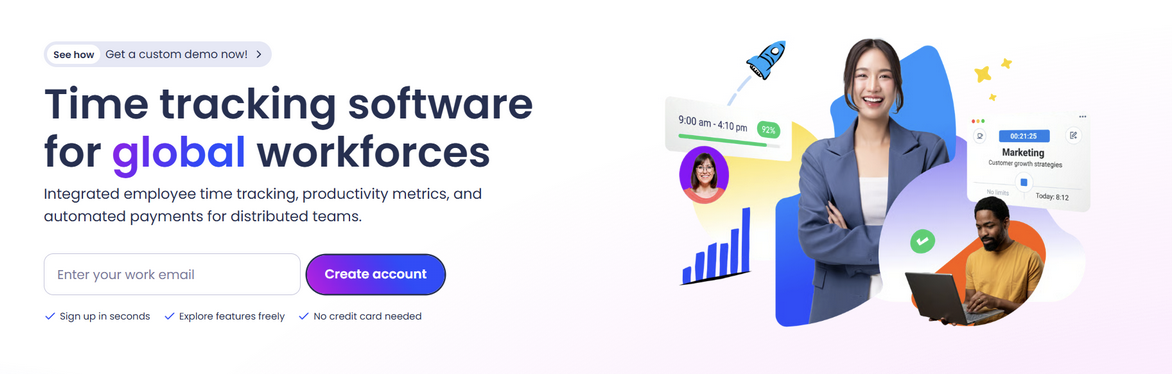
Hubstaff leans toward teams that want productivity data alongside location, so it fits field crews and remote workers alike. The mobile app tracks GPS location while the clock runs and can automatically log job sites as people arrive and leave.
You can review timesheets, see who is working right now, and check mileage for reimbursement, all from one screen. Geofenced job sites can trigger automatic clock-ins and clock-outs, which trim the fiddly manual steps your team tends to skip. There is also a more comprehensive monitoring side, with optional activity tracking and screenshots, though that part suits desk work more than field work.
Be mindful of how your crew feels about heavier monitoring, since trust can fray if people sense they are being watched too closely. Used with a light touch, the location and time features can give you a clear read on the day without making anyone uneasy. Plans scale from free up through team tiers as you grow.
4. Timeero
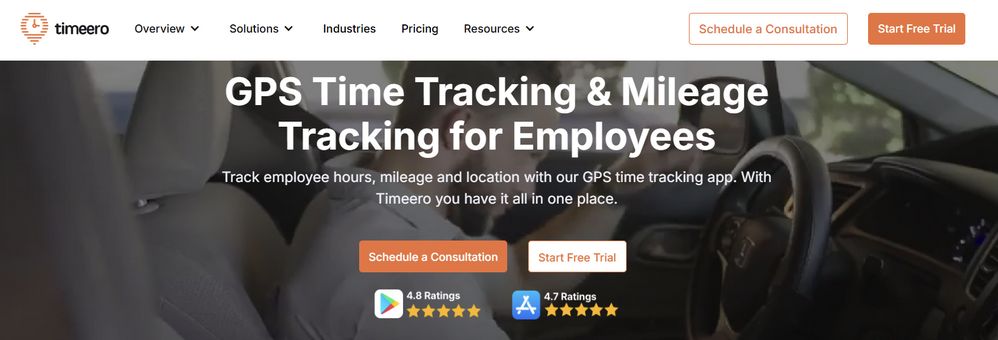
Timeero focuses on GPS time tracking with built-in mileage, which makes it handy if your team racks up miles between stops. Workers clock in on their phones, and the app follows their route in real time, so you can open a map and see who is where.
The mileage tracking runs automatically, logging distance for accurate reimbursement without anyone having to jot numbers on a napkin. A feature called Segmented Tracking breaks the day into stops, showing how long someone spent at each site and how long they drove between them. You can go a step further by setting up geofenced job sites that prompt clock-ins, tightening up your records even more.
If you ever question a timesheet, the route replay can show you the path traveled that day. It tends to suit home health, sales, and field service teams who live in their vehicles. For mileage-heavy crews, it can save real money over the course of a year.
5. Workyard
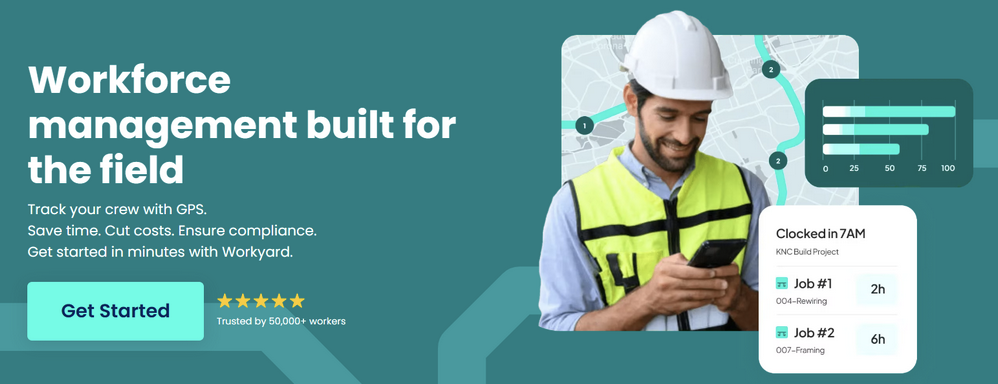
Workyard is aimed squarely at construction and the trades, where GPS accuracy can make or break your payroll numbers. The app is built to capture precise locations even on sprawling job sites, and it helps reduce GPS drift that messes up cheaper tools. Workers clock in from their phones, and you get a live map of who is on which site, plus a timeline of their movements.
If your current tool keeps logging people at the wrong address, you might try altering your approach and test something built for high accuracy, like this. It also flags suspicious activity, such as someone clocking in far from any assigned seat, so that you can ask questions before payday.
Labor cost tracking ties hours straight to projects, giving you a clearer view of where your money goes. Set up leans toward contractors with crews spread across multiple builds. If accurate field hours are your headache, it can be worth a look.
6. Jibble
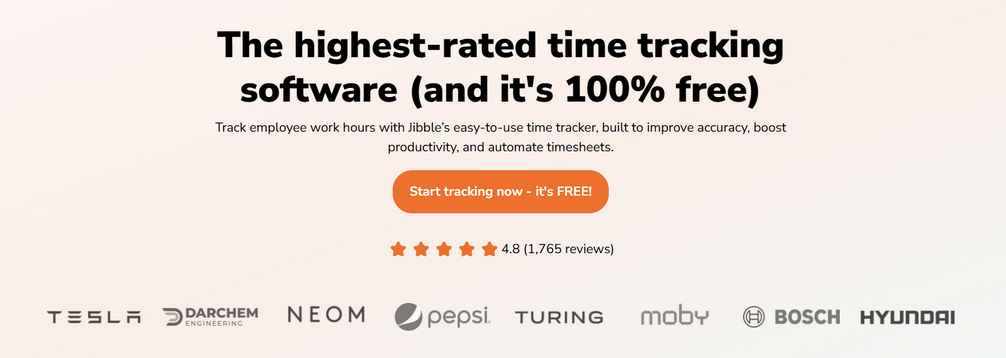
Jibble earns a spot if the budget is tight because the core time-tracking app is free for unlimited users. Workers clock in from their phones, and you can require GPS location on every punch, so each entry comes with a spot on the map.
You can set up geofenced locations that limit where clock-ins count, which keeps early or off-site punches from slipping through. There is also facial recognition to confirm the right person is clocking in, handy if buddy punching has been a problem on your crew. The live dashboard shows who is working and where, and you can pull payroll reports without paying a cent for the basics.
Paid tiers add things like automated reminders and deeper admin controls, but plenty of small teams stay on the free plan for a long time. It will not replace heavy fleet software. For simple, low-cost location-aware time tracking, it can handle small operations well.
7. Samsara
Samsara sits on the heavier end, built for businesses that run vehicles and equipment as much as people. It combines GPS fleet tracking with dash cams, engine diagnostics, and asset monitoring, so you see not only where a truck is but how it is being driven.
The real-time map shows your entire fleet at a glance, and route history lets you reconstruct a day if a question arises. You can pair this with driver safety scoring, which flags hard braking, speeding, and other habits that drive up your insurance and fuel costs. Alerts can ping you about unsafe driving, idle time, or a vehicle leaving a set zone.
For field teams who rely on company vehicles, knowing the truck location often tells you the worker's location. It tends to suit mid-size and larger operations, since the hardware and pricing reflect that scale. If wheels are central to your work, it can give you serious control.
8. QuickBooks Time
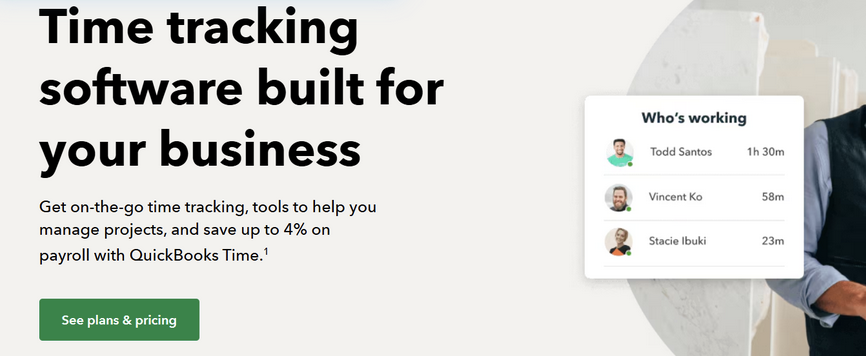
QuickBookTime, formerly known as TSheets, combines GPS tracking with payroll and accounting, which can be a relief if you already use QuickBooks. Workers clock in on a phone or tablet, and the app tracks their location while they are on the clock, so you can see who is at which site.
A "Who's Working" view gives you a quick read on the whole crew in real time. Geofencing can remind people to clock in or out when they reach or leave a job site. Because overtime, breaks, and labor rules form a web of requirements that shifts from state to state, the built-in compliance tools can keep you on the right side of the line.
Hours flow straight into payroll, so you skip the double entry that eats your evenings. It fits service businesses that want tracking and bookkeeping under one roof. If QuickBooks already runs your back office, this can slot in easily.
Matching the Tracker to Your Type of Field Work
No single tool is the right fit for every business, since workforce size, job requirements, and operational priorities can vary significantly. Some platforms focus on GPS location tracking, while others combine tracking with scheduling, payroll, fleet management, or communication features.
When evaluating workforce tracking solutions, it can be helpful to identify the specific challenges you are trying to address, whether that is improving visibility into field operations, simplifying time tracking, managing vehicle fleets, or supporting payroll processes. Comparing features, costs, and implementation requirements can help organizations determine which approach best aligns with their needs.
Conclusion
Managing a mobile workforce becomes more challenging as teams spread across multiple job sites, vehicles, and service areas. Without reliable visibility into employee locations, work hours, and field activity, businesses can face inefficiencies, payroll disputes, scheduling challenges, and safety concerns.
Modern workforce tracking tools provide a range of capabilities, from GPS-based time tracking and geofencing to fleet monitoring, mileage tracking, and workforce management. The right solution depends on factors such as team size, industry requirements, budget, and operational priorities.
By understanding the available options and evaluating which features align with your organization's needs, businesses can make more informed decisions about how to improve visibility, accountability, and coordination across their field operations.
Disclaimer
The information provided in this article is for educational and informational purposes only. Features, pricing, availability, and specifications of the tools discussed may change without notice. Readers should independently verify all information and evaluate solutions based on their own business requirements before making any purchasing or operational decisions. References to specific products, services, or companies do not constitute an endorsement or recommendation by IPLocation.net. IPLocation.net is not responsible for any losses, damages, or business decisions resulting from the use of information contained in this article.
Featured Image generated by ChatGPT.
Share this post
Author

Leave a comment
All comments are moderated. Spammy and bot submitted comments are deleted. Please submit the comments that are helpful to others, and we'll approve your comments. A comment that includes outbound link will only be approved if the content is relevant to the topic, and has some value to our readers.
Comments (0)
No comment