

Forms remain one of the most practical tools on the internet. They power signups, feedback, payments, requests, and internal processes across nearly every industry. In 2026, forms are no longer static pages with a submit button. They are dynamic systems that guide users, route data, and trigger actions automatically.
AI form generators have reshaped how forms are built and managed. Instead of starting from a blank canvas, users can describe a goal and receive a ready-to-use form with fields, logic, and structure already in place. This shift has reduced setup time and lowered the barrier for non-technical teams.
This comparison breaks down 8 AI form generators in 2026. Each tool is evaluated based on real-world usage: how quickly forms can be created, how flexible they are, how well they integrate with other software, and how they perform at scale.
What Are AI Form Generators?
AI form generators are platforms that use artificial intelligence to automate parts of the form-building process.
Most tools in this category can:
- Create forms from plain-language prompts
- Suggest relevant questions and field types
- Apply conditional logic automatically
- Help organize, route, and reuse collected data
Rather than replacing form builders, AI removes repetitive setup work. Users stay in control while spending less time configuring rules, layouts, and validations.
In 2026, the strongest AI form builders also support workflows, approvals, analytics, and integrations that turn forms into operational tools.
8 AI Form Generators in 2026
1. Jotform AI Form Generator
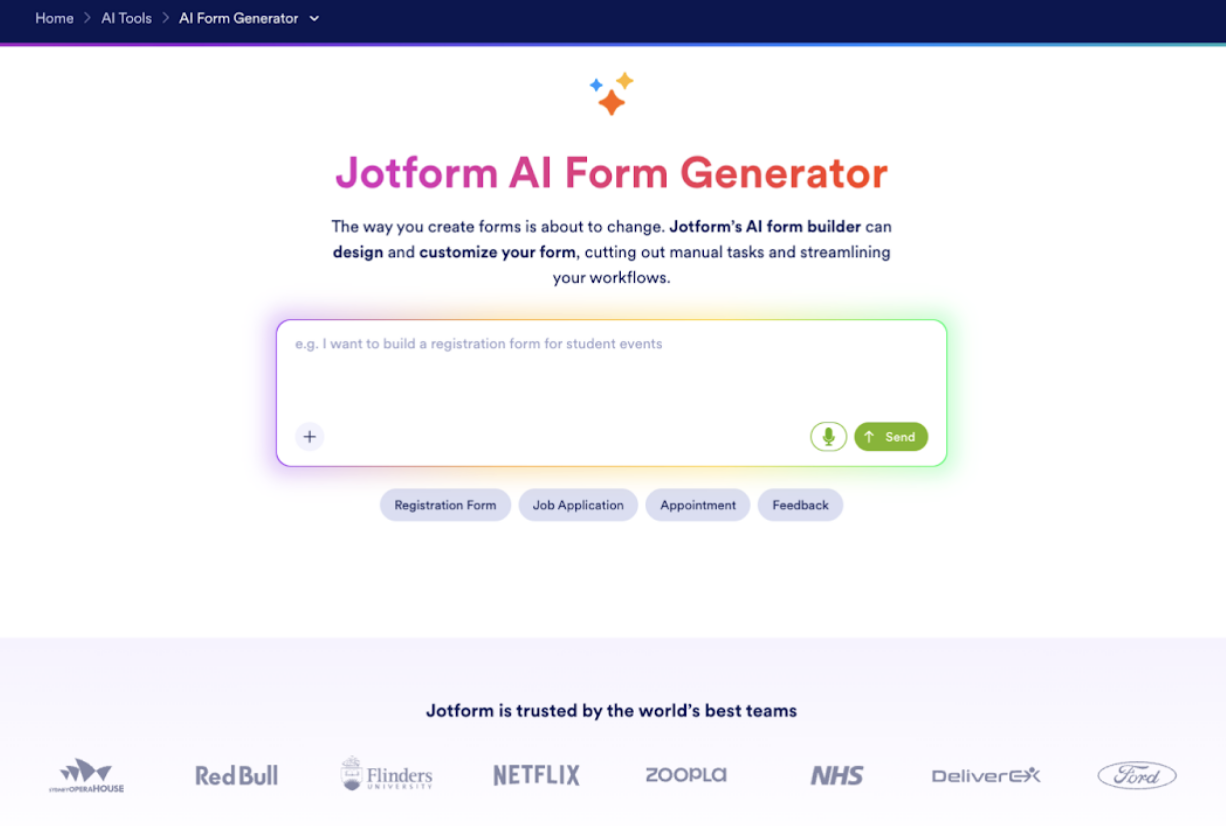
Jotform AI form generator leads the AI form builder space in 2026 due to its depth and flexibility. The platform combines fast AI-generated forms with detailed control over design, logic, and automation.
Using this AI builder, users can describe a form’s purpose and instantly receive a structured draft with conditional behavior and sensible defaults. From there, nearly every element can be adjusted, including style, calculations, and approvals.
Jotform also extends beyond forms. Built-in tools for payments, signatures, PDF generation, and reporting make it suitable for full workflows rather than one-off submissions.
Pros
- Reliable AI form creation with accurate structure
- Advanced logic, calculations, and approvals
- Large library of templates across industries
- Native support for payments and signatures
- Broad range of integrations and automation tools
- Consistent performance across devices
Cons
- A feature-rich interface may feel dense at first
- Overpowered for very simple surveys
Pricing
- Free forever starter plan
- Bronze: $34/month
- Silver: $39/month
- Gold: $99/month
- Enterprise: Custom pricing
Best For
Jotform is best for organizations that want a scalable AI form builder capable of handling complex workflows, payments, and data processing.
2. Google Forms with Gemini
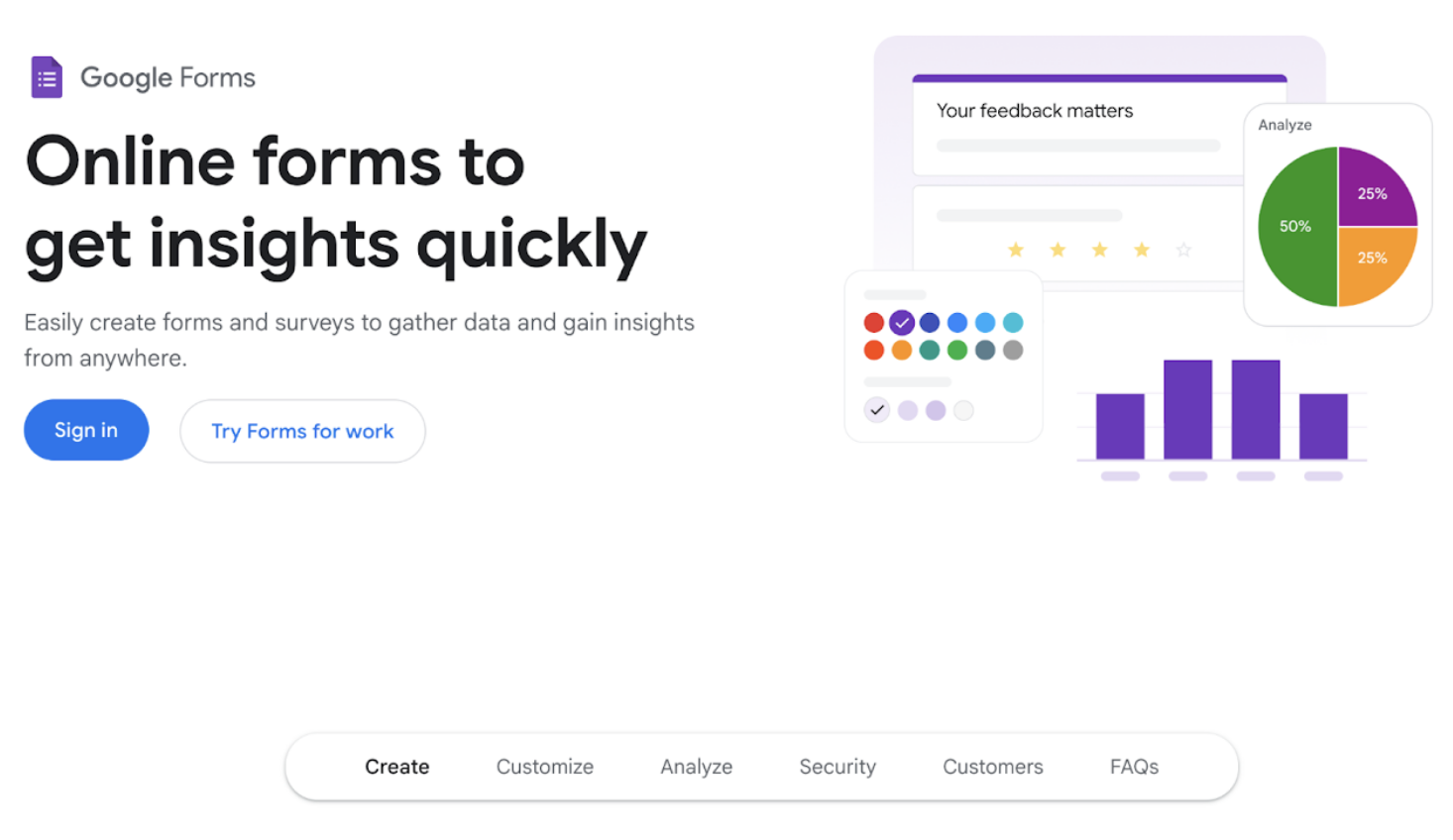
Google Forms remains one of the most familiar tools for basic data collection. With Gemini integrated, users now receive AI help when drafting questions, summaries, and descriptions.
The experience stays intentionally simple. AI assists with wording and structure, but customization options remain limited—most advanced behavior relies on external tools, such as Google Sheets or automation platforms.
For teams already embedded in Google Workspace, this setup remains convenient and accessible.
Pros
- AI-assisted question drafting
- Tight integration with Google tools
- Easy collaboration and sharing
- Minimal setup time
Cons
- Limited styling and layout control
- Basic conditional logic only
- No built-in payments or workflows
Pricing
Google Forms is free for personal use. Gemini features depend on the Workspace plan and AI subscription.
Best For
Google Forms with Gemini works best for lightweight surveys, internal polls, and simple data collection within Google Workspace.
3. Tally
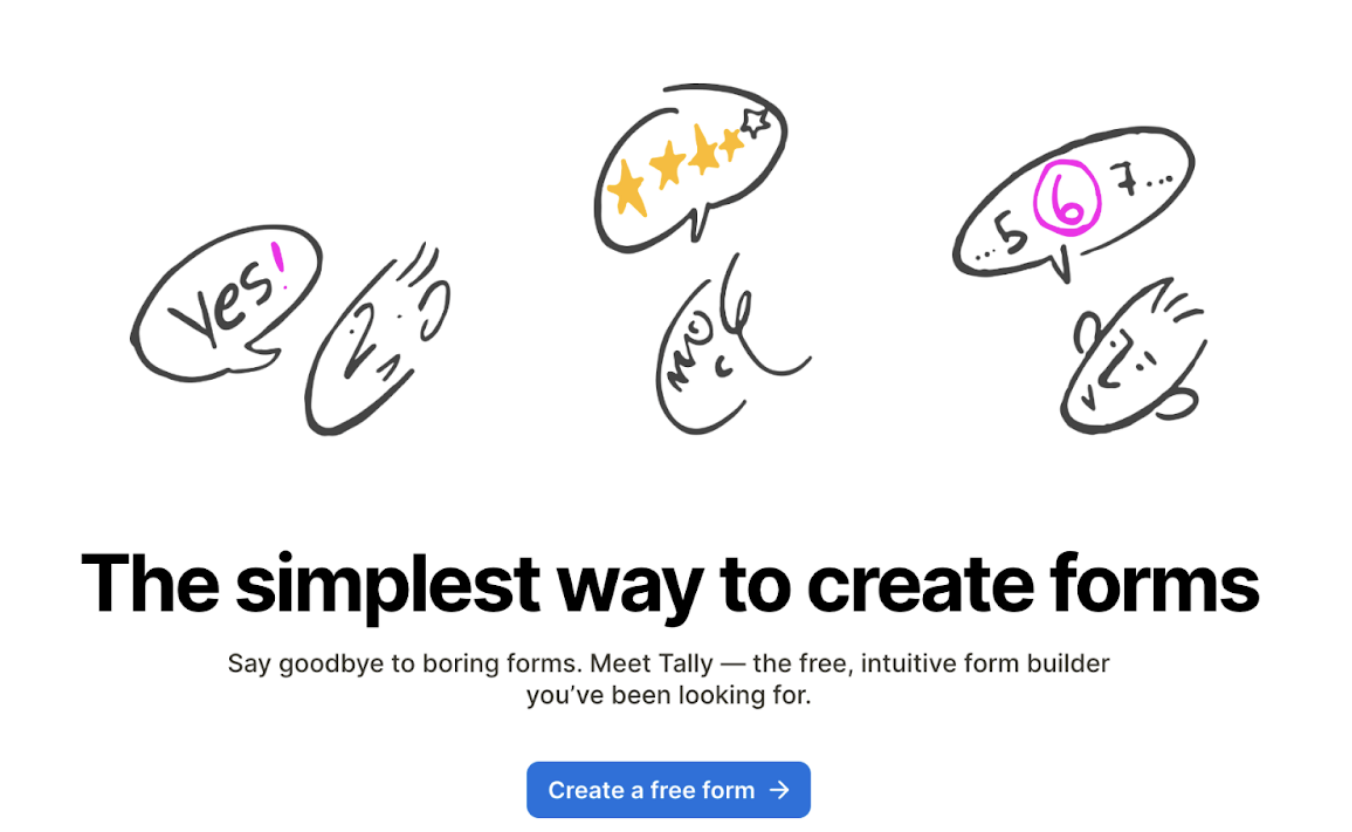
Tally keeps form building simple by using a text-first editor. The experience feels closer to writing a document than assembling components. AI helps generate questions and structure them quickly.
The platform prioritizes speed and clarity over visual customization. Logic rules are easy to apply, and forms load quickly on mobile devices.
Tally’s generous free plan has made it popular with early-stage teams and solo builders.
Pros
- Clean, distraction-free interface
- AI speeds up form creation
- Strong free plan
- Fast-loading forms
Cons
- Limited branding options
- Smaller integration list
- Not built for complex workflows
Pricing
- Free plan available
- Pro: $24/month
- Business: $74/month
Best For
Tally is best for simple forms, feedback collection, and quick setups where ease of use matters most.
4. Paperform
Paperform blends form building with page editing. Instead of rigid layouts, users design forms like documents, with text, images, and fields flowing together. AI assists with initial structure and content suggestions.
This flexibility allows forms to double as landing pages, making Paperform popular among creators and small businesses that care about presentation.
Logic and payments are supported, though more complex setups may take longer.
Pros
- Flexible layouts and visual control
- AI-assisted form drafts
- Built-in payments and scheduling
- Forms feel like custom pages.
Cons
- Logic setup can be slower
- No permanent free plan
- Fewer native integrations
Pricing
- Limited free plan
- Essentials: $24/month
- Pro: $49/month
- Business: $99/month
- Enterprise: Custom pricing
Best For
Paperform is best for creators, agencies, and businesses that want visually rich forms that also handle transactions.
5. Feathery

Feathery targets advanced form use cases. It supports detailed logic, branching paths, and multi-step flows that more closely resemble product interfaces than traditional forms.
AI helps generate a starting point, but much of Feathery’s strength comes from manual control. This makes it powerful, but less beginner-friendly.
Feathery integrates well with modern product stacks and APIs.
Pros
- Strong support for complex logic
- Multi-step and conditional flows
- Suitable for product-style forms
- Developer-friendly integrations
Cons
- Steeper learning curve
- Slower setup for simple forms
- Design customization takes effort.
Pricing
Pricing scales with usage and features, with advanced capabilities available on higher tiers.
Best For
Feathery is best for product teams and onboarding flows that require detailed logic and control.
6. BlockSurvey
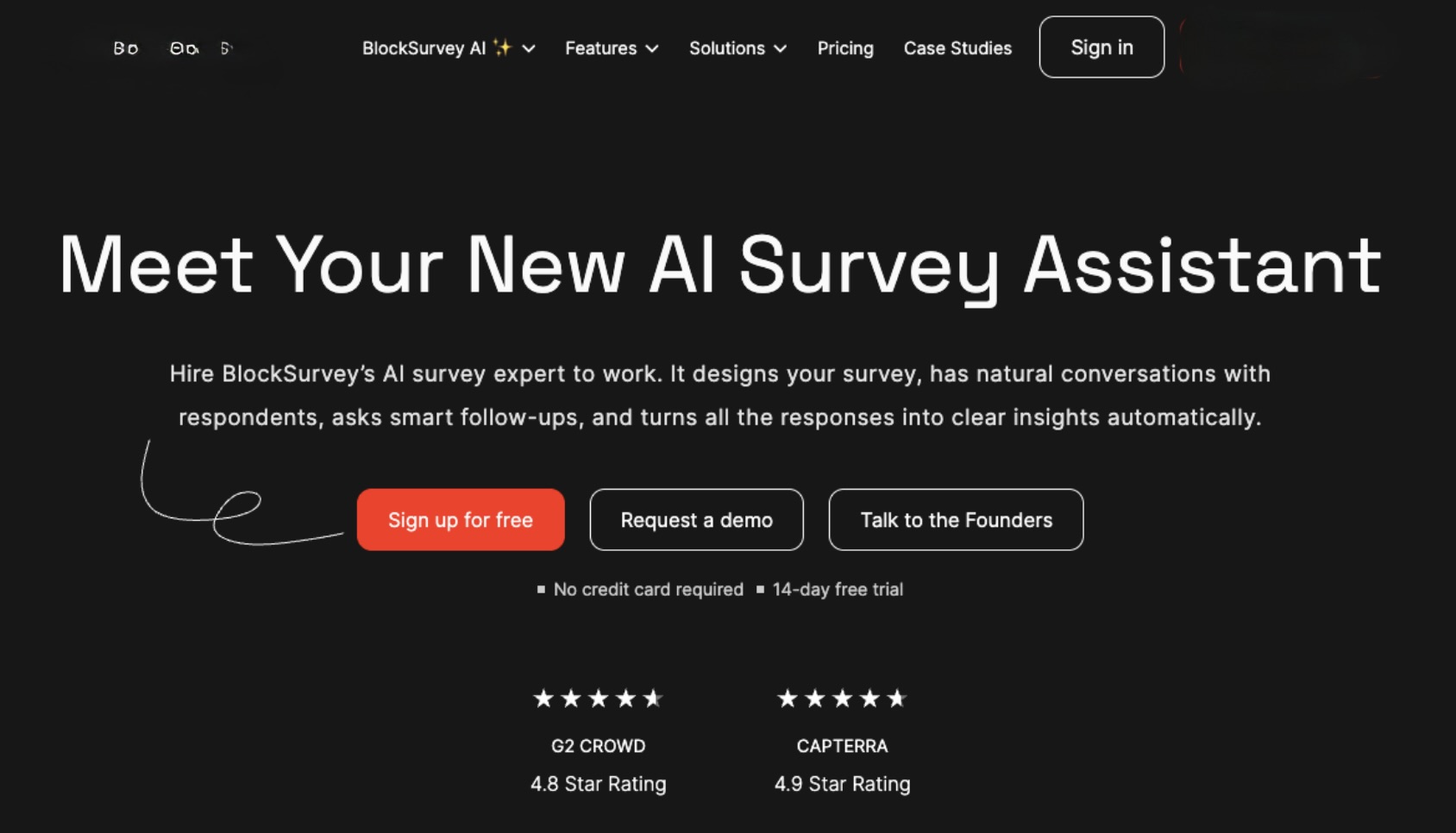
BlockSurvey is built around privacy and data control. AI helps generate surveys while keeping responses encrypted and under the creator's control.
The platform avoids unnecessary tracking and emphasizes transparency. While design options are limited, the focus stays on trust and data integrity.
This makes BlockSurvey appealing in research, community, and compliance-focused environments.
Pros
- Privacy-first data handling
- AI-assisted survey creation
- Clear ownership of responses
- Simple, focused interface
Cons
- Limited customization
- Smaller integration ecosystem
- Not designed for payments or workflows
Pricing
- Free plan available
- Standard: $39/month
- Premium: $79/month
- Team: $119/month
- Enterprise: Custom pricing
Best For
BlockSurvey is best for surveys where confidentiality and data ownership are top priorities.
7. ClickUp
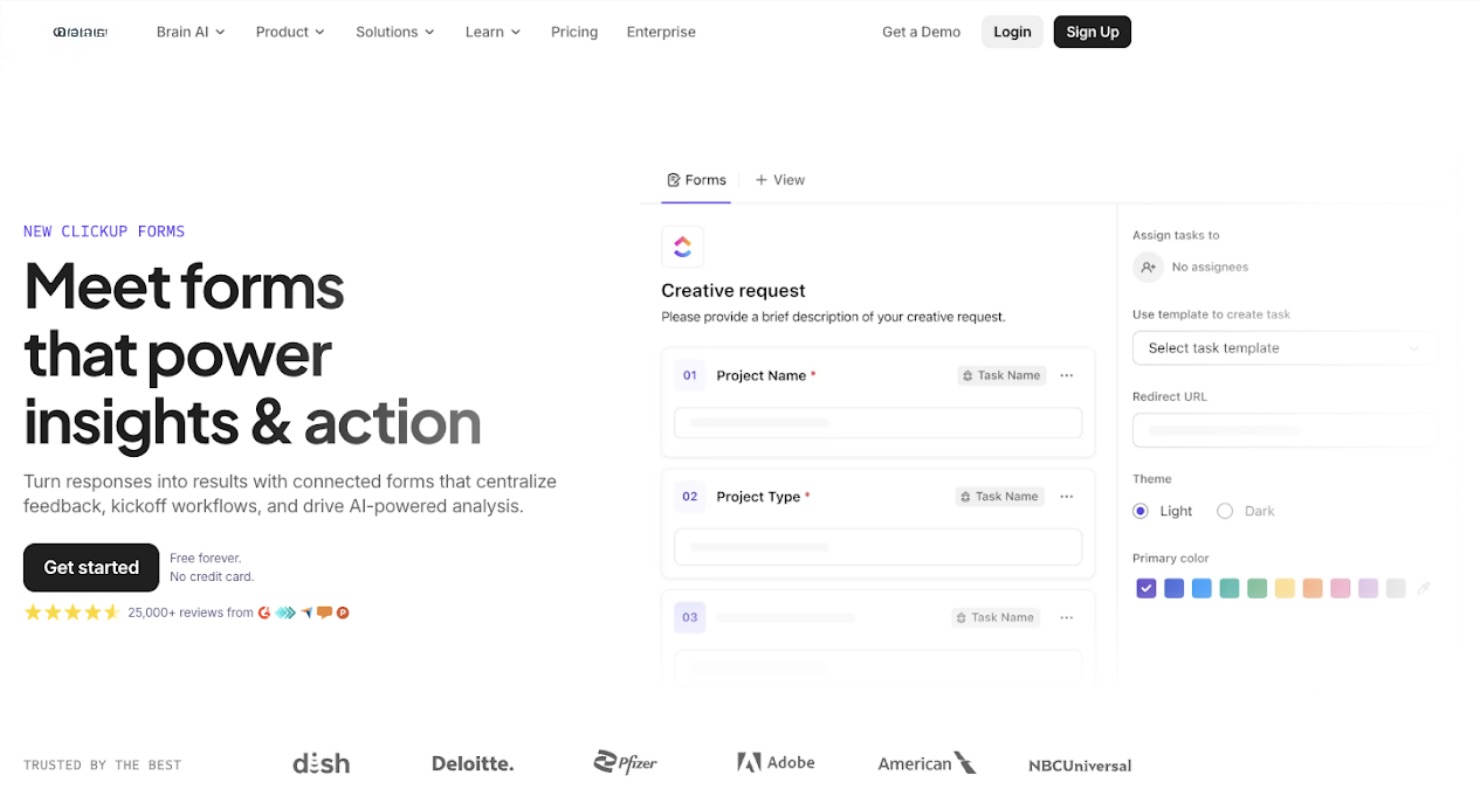
ClickUp includes forms as part of its broader work management platform. AI helps users create intake forms that feed directly into tasks, lists, and automations.
These forms are designed for internal use. Submissions become structured work items rather than standalone responses.
Design flexibility is limited, but the operational value is high for existing ClickUp teams.
Pros
- Direct connection between forms and tasks
- AI-assisted setup and routing
- Strong internal automation
- Centralized workflow management
Cons
- Not designed for public-facing forms
- Limited styling options
- Requires ClickUp adoption
Pricing
- Free plan available
- Unlimited: $7/user/month
- Business: $12/user/month
- Enterprise: Custom pricing
Best For
ClickUp is best for internal requests, intake processes, and workflow automation inside teams already using the platform.
8. Formless by Typeform

Formless by Typeform approaches forms as conversations rather than pages. AI generates chat-style flows that adapt questions based on user responses.
This format can be more engaging than traditional forms, especially for lead-capture and discovery questions. Instead of scanning a list of fields, users move through a guided exchange.
However, this approach trades structure for interaction. Long or detailed forms may not translate well to a conversational format.
Pros
- Conversational, AI-driven flow
- Adaptive question sequencing
- Polished user experience
- Strong engagement for short forms
Cons
- Not ideal for data-heavy forms
- Limited traditional layout control
- Costs rise with usage
Pricing
- Free trial account available
- Pro, 250 conversations: $59/month
- Pro, 1000 conversations: $175/month
- Pro, 5000 conversations: $720/month
Best For
Formless by Typeform is best for marketing teams focused on lead qualification and interactive experiences.
How to Choose the Right AI Form Generator
The right AI form generator depends on how forms are used in daily operations.
Key considerations include:
- Form complexity: Simple surveys need different tools than logic-heavy flows.
- Presentation needs: Some tools focus on design, others on function.
- Automation: Native workflows reduce manual handling.
- Integrations: Direct connections save time.
- Scale: Submission limits and performance matter as usage grows.
- Data control: Privacy requirements vary by industry.
For most teams, a flexible platform that grows with usage offers the most long-term value.
Comparison Table: AI Form Builders in 2026
| Tool | Key Feature | Best For |
|---|---|---|
| Jotform | Full AI-driven form and workflow system | Businesses and teams |
| Google Forms with Gemini | AI-assisted simplicity | Internal surveys |
| Tally | Minimalist AI form creation | Startups and solo builders |
| Paperform | Design-first form editing | Creators and agencies |
| Feathery | Advanced conditional logic | Product and onboarding flows |
| BlockSurvey | Privacy-focused surveys | Research and communities |
| ClickUp | Form-to-task automation | Internal operations |
| Formless by Typeform | Conversational AI forms | Lead generation |
Conclusion
AI form generators have transformed forms from static inputs into intelligent systems that guide users, automate workflows, and scale with business needs. In 2026, the best tools go beyond fast form creation, offering flexibility, integrations, and data control that support real operational use.
There is no single “best” platform for every scenario. Teams building complex workflows may benefit from feature-rich solutions, while others may prefer simpler, lightweight tools for fast data collection. By focusing on form complexity, automation needs, integrations, and privacy requirements, organizations can choose an AI form generator that delivers long-term value rather than short-term convenience.
 FAQs
FAQs
Jotform offers the broadest feature set, combining AI form creation with workflows, payments, and integrations.
Most tools are built for non-technical users, with AI reducing setup effort and errors.
In many cases, yes. They automate collection, routing, and follow-up steps.
All platforms listed support mobile-friendly forms.
BlockSurvey is designed for teams that prioritize privacy and the secure handling of encrypted data.
Featured Image generated by Google Gemini.
Share this post
Author

Leave a comment
All comments are moderated. Spammy and bot submitted comments are deleted. Please submit the comments that are helpful to others, and we'll approve your comments. A comment that includes outbound link will only be approved if the content is relevant to the topic, and has some value to our readers.
Comments (0)
No comment