
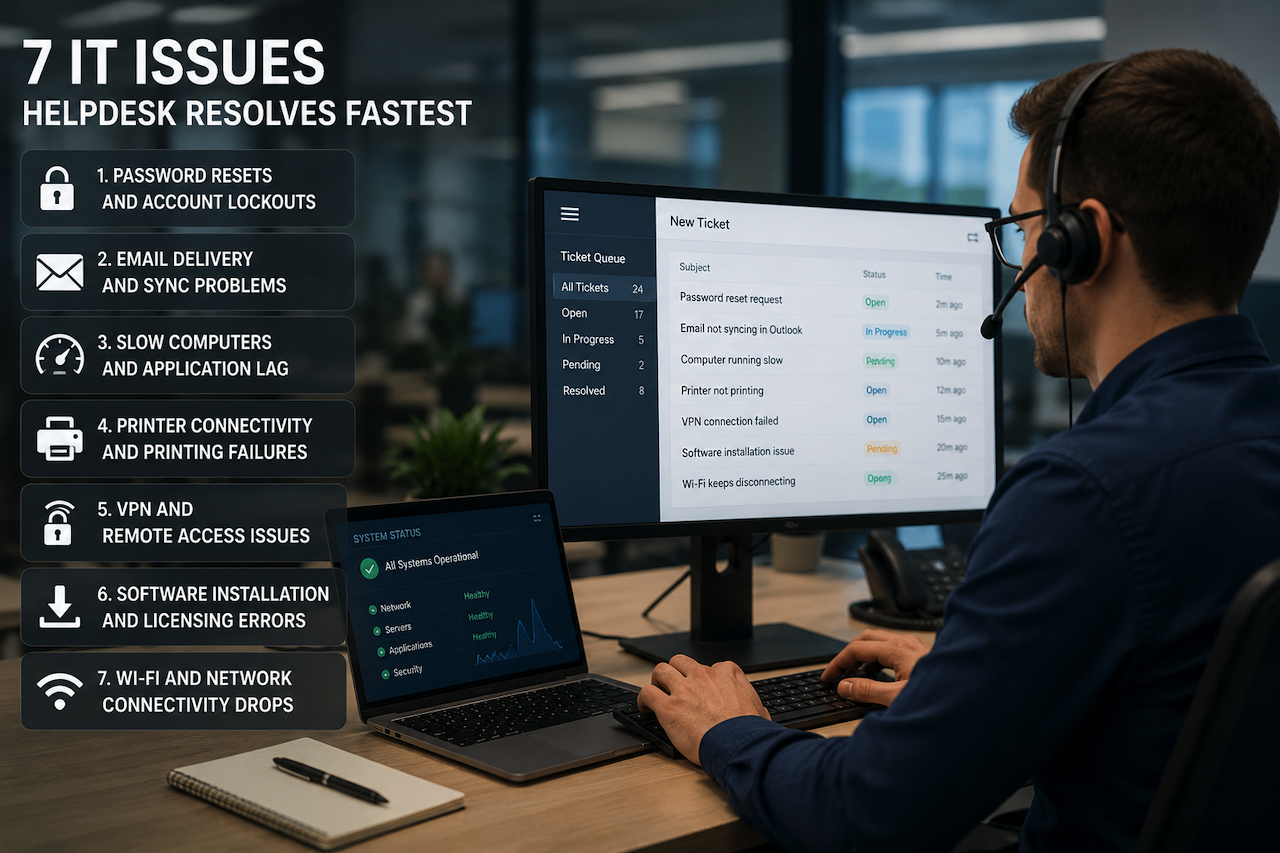
Every business runs into IT problems. The difference between a productive day and a wasted one often comes down to how fast someone can fix the issue standing between an employee and their work. That is the core promise of helpdesk support: rapid, structured, expert resolution of the problems that grind productivity to a halt.
Managed service providers (MSPs), such as Telco ICT, report that the majority of tickets logged in any given week fall into a small handful of recurring categories, and the good news is that a well-equipped helpdesk team can usually resolve them in minutes rather than hours. Here are the 7 IT issues a competent helpdesk handles fastest, and why each one matters more than business owners often realize.
1. Password Resets and Account Lockouts
The most common ticket in any organization, by a long stretch. An employee returns from leave, fat-fingers their password three times, and gets locked out of email, the CRM, or the company file share. A helpdesk team with proper identity management tooling, whether Active Directory, Azure AD, or Okta, can verify the user, reset the credentials, and have them back online in under five minutes. Self-service reset portals further reduce resolution time for users who can authenticate via a secondary device.
2. Email Delivery and Sync Problems
Outlook stops syncing, a critical message is stuck in the outbox, or a client claims they never received the quote you sent yesterday. Email issues feel urgent because they almost always are. A skilled helpdesk technician knows how to read message headers, check Microsoft 365 or Google Workspace mail flow logs, verify SPF, DKIM, and DMARC records, and identify whether the problem is a misconfigured rule, a quarantined message, or a deliverability issue on the recipient's mail server. Most email tickets are resolved within 10 to 15 minutes.
3. Slow Computers and Application Lag
"My computer is slow" is the vaguest ticket, but it is also one of the fastest to triage with the right tooling. Remote monitoring and management (RMM) software shows CPU, memory, and disk utilization in real time, allowing the technician to identify whether the issue is a runaway process, insufficient RAM, a failing SSD, or a Windows update consuming resources in the background. Quick wins such as clearing temp files, disabling startup bloat, or scheduling a memory upgrade often restore performance within the same support session.
4. Printer Connectivity and Printing Failures
Printers remain the most universally frustrating piece of office hardware ever invented. Driver conflicts, IP address changes, queue errors, and authentication failures account for an outsized share of helpdesk tickets. A good technician can remote into the affected machine, clear the print spooler, reinstall the correct driver, and verify network connectivity to the printer in under 10 minutes. For shared printers across a fleet, deployment scripts and print management software help desk teams resolve issues at scale rather than one user at a time.
5. VPN and Remote Access Issues
With hybrid work now permanent, VPN tickets have surged across every industry. Common culprits include expired certificates, ISP routing problems, MFA token desynchronization, and conflicting endpoint security software. A helpdesk team with visibility into firewall logs and the VPN concentrator can pinpoint whether the user, the connection, or the gateway is the cause. Most cases are resolved by restarting the client, rotating credentials, or pushing a fresh configuration profile, all of which are achievable within a single ticket and without on-site intervention.
6. Software Installation and Licensing Errors
New-employee onboarding, application updates, and license reactivations generate a steady volume of tickets. Modern endpoint management tools such as Microsoft Intune, Jamf, or third-party deployment platforms help desk staff push approved software remotely, validate licensing, and confirm successful installation without the user lifting a finger. What used to take an hour of desk-side support now takes a 15-minute remote session that scales easily across hundreds of devices.
7. Wi-Fi and Network Connectivity Drops
Intermittent Wi-Fi is the helpdesk equivalent of it works on my machine; hard to reproduce, easy to dismiss, but genuinely productivity-killing. A capable team uses network monitoring tools to identify access point coverage gaps, channel congestion, DHCP exhaustion, or rogue devices interfering with the corporate SSID. Simple fixes such as reassigning channels or rebooting an access point resolve most cases in minutes, while deeper issues get flagged for a site survey or hardware refresh.
The Bottom Line
The value of a helpdesk is not just in the issues it resolves, but in how quickly it removes friction from the working day. Businesses that invest in a properly resourced support team, whether in-house or outsourced, recover hours of lost productivity every week and protect the morale of staff who would otherwise be stuck waiting for someone to fix their tools. The 7 issues above account for most of the routine IT pain. A team that handles them well frees the rest of the business to focus on what actually generates revenue.
Featured Image generated by ChatGPT.
Share this post
Leave a comment
All comments are moderated. Spammy and bot submitted comments are deleted. Please submit the comments that are helpful to others, and we'll approve your comments. A comment that includes outbound link will only be approved if the content is relevant to the topic, and has some value to our readers.
Comments (0)
No comment