
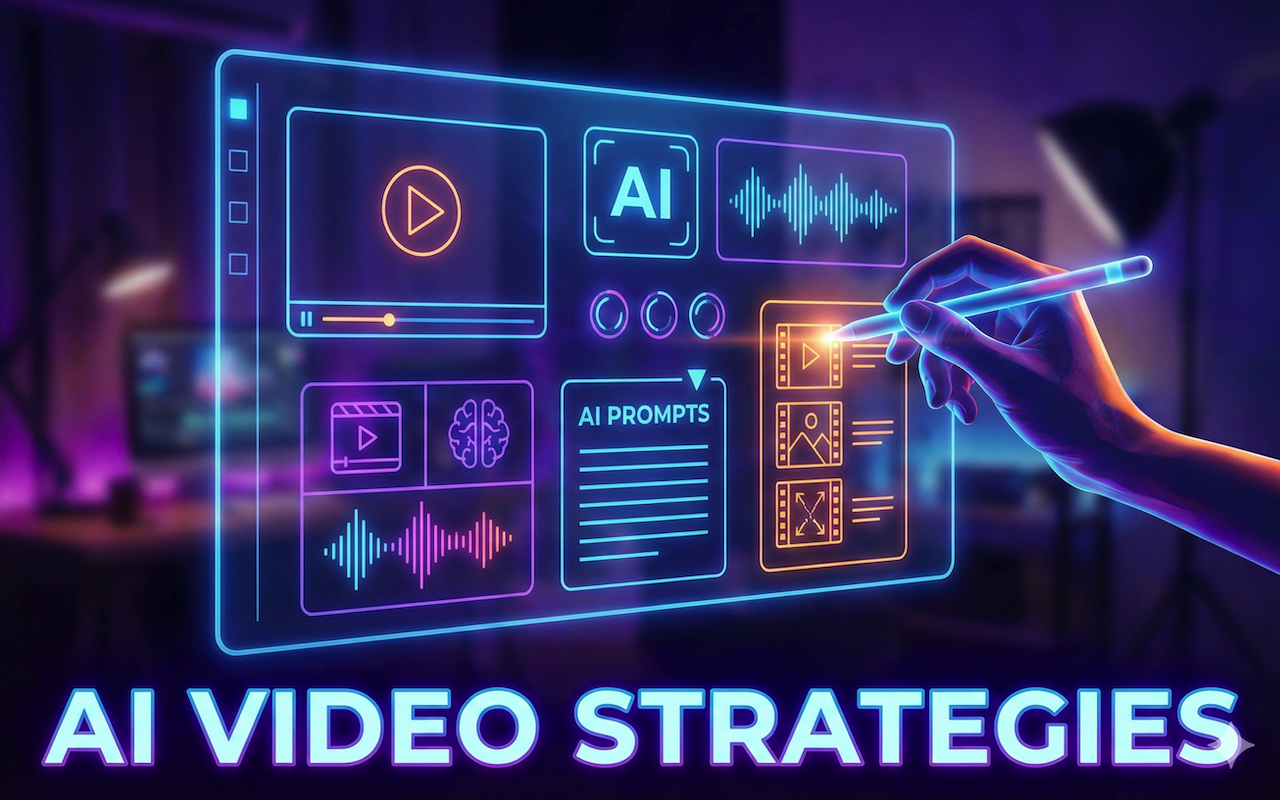
AI video technology revolutionizes content production by turning ideas into polished visuals with remarkable speed and efficiency.
Creators now produce professional-grade videos using simple inputs, bypassing lengthy traditional processes.
This guide outlines 10 practical strategies to harness this power, starting early with tools like an AI video generator for seamless results.
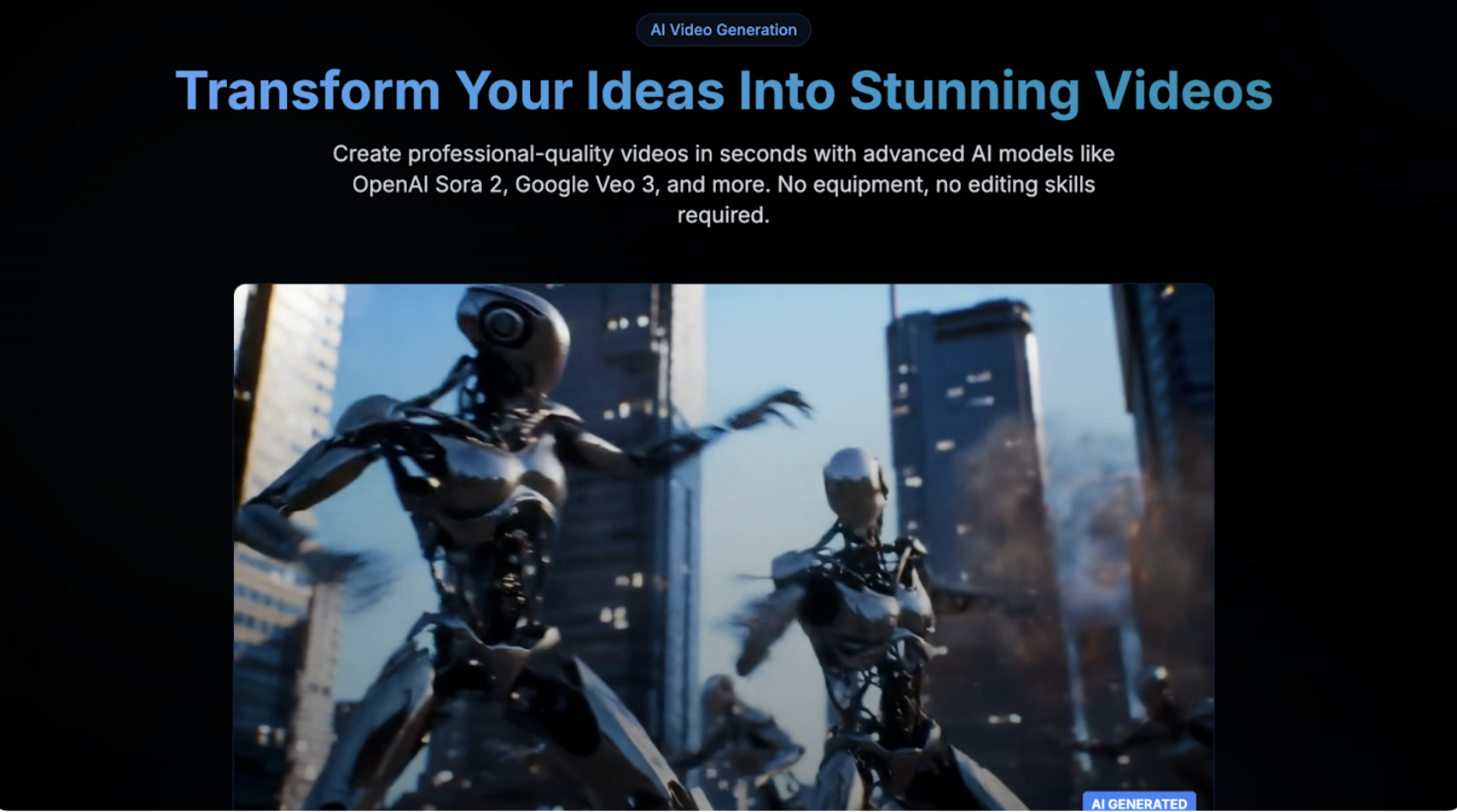
1. Craft Precise Prompts for Optimal Results
Great AI videos start with specific prompts in the present tense that describe what is to be shown. Including details (e.g., camera angle, lighting, and motion) helps the AI deliver the desired results. Coherent generations have the subject first. Then they have the actions. Finally, they have the atmosphere. Phrase your prompt in experiments, and try to add style keywords like "cinematic" or "vibrant." You can repeat an iteration across future projects once it minimizes regeneration and aligns with your vision.
2. Harness Text-to-Video for Quick Drafts
Easily convert scripts or outlines into video prototypes. Capture narrative structure, key scenes, and scene transitions. It works well for social media clips and animated explainer videos. This generates ideas more quickly, allowing refinement rather than starting anew. Set the tone, define the audience, and leverage previews to make key points or change pace. This ensures outputs target the audience effectively and address their needs. Creators who produce multiple daily videos can use it.
3. Animate Static Images into Motion
Pan, zoom, and rotate to add motion. In the viewer, use multiple images to create transitions between photos, telling a story or showing a product. This bridges stills and video, expanding possibilities without requiring a complete reshoot. Choosing high-resolution starting images and varying speeds adds dynamism. Each batch of animations is created quickly to ease review and selection before assembly. This creates compelling, easily consumable content.
4. Streamline Editing Through Commands
Once generated, text-editing commands are used to edit the footage, such as shuffling scenes, changing scene speed, or adding effects. This avoids the learning curve associated with editing software, saving time. Stacking textures, adjusting color balance, aligning objects, and removing redundant frames are made clear by short previews before use. This lets professionals iterate rapidly through fast workflows.
5. Sync Natural Voice-overs Seamlessly
Pick a natural-sounding narrator for a video with a voice and accent that fit your video. Record audio and video simultaneously to prevent sync issues. This improves accessibility for international audiences. The model can vary its tone and speed with prompts, making it suitable for high-energy promos or calmer tutorials. It speaks a range of languages without additional recordings. The combination creates an engaging video experience.
6. Develop AI-Assisted Storyboards
AI can produce shot lists and previews from scripts, allowing sequences to be defined by angle, duration, and mood. This means an entire filmed movie can be simulated in advance, reducing errors and reshoots. Include mood boards and reference images. Editable boards help refine the narrative strength of scenes. This allows for effective teamwork and cohesive work product.
Key Storyboard Elements
- Shot Types: Wide, close-up, over-the-shoulder for variety.
- Transitions: Fades, cuts, or wipes to maintain rhythm.
- Timing Notes: Seconds per scene to control pacing.
7. Customize for Platform Formats
Shooting for aspect ratios and lengths, and placing key moments in safe areas, can also help (vertical for stories, square for feeds, and horizontal for embeds). This avoids problems from cropping or stretching the image. Compose using principles such as the rule of thirds or headroom, then test it on the target platform. The proper formatting increases views and engagement.
8. Layer Enhancements with Recognition
Attach automatic info bubbles, graphics, or effects to detected objects or faces. Add context or highlight objects with text and graphics in educational, promotional, or other contextual videos. This interaction increases viewer engagement. Refine the detections to improve accuracy and highlight the main subjects, dynamically adapting to the content while maximizing impact with minimal user action. The result is highly responsive visuals.
9. Scale with Batching Techniques
Create multiple variations in parallel and refine winning pieces for diverse outcomes, as needed—pipeline from concept to edit for series or campaign briefs. Volume production may be achieved without burnout. Track how batches perform. Gradually rework prompts. Explore theme variations to fit different platforms. This eases the channel's continuous growth and innovation.
10. Perfect Lighting and Composition
Reference lighting setups, such as key, fill, and backlight, in three-point lighting. Maintain a uniform color temperature and a consistent shadow direction to achieve realism. Basic mastery produces professional-looking videos from amateur models.
Lighting Breakdown
- Key Light: Primary illumination for visibility.
- Fill Light: Softens shadows gently.
- Backlight: Separates subject from background.
Combine with steady motions and focal points for cinematic polish. Practice yields a distinctive visual signature.
Pro Tips for Elevated AI Videos
Using animation and similar techniques will create motion in a text-to-video pipeline. For visual inspiration, consider looking at design sites like Pixel Dojo. Ethics, as with transparency of AI use, can impart trust. Learn to make scalable, charming videos. Refine the video production process. Discover the exciting frontiers of AI-generated content.
Conclusion
AI video tools have reshaped how creators plan, produce, and refine visual content. By combining clear prompts, thoughtful composition, platform-aware formatting, and ethical use, creators can consistently generate videos that feel polished and intentional. While AI accelerates production, the strongest results still come from creative direction, experimentation, and attention to detail. As these tools continue to evolve, mastering their fundamentals now will help you stay adaptable and stand out in an increasingly competitive video landscape.
Featured Image generated by Google Gemini.
Share this post
Leave a comment
All comments are moderated. Spammy and bot submitted comments are deleted. Please submit the comments that are helpful to others, and we'll approve your comments. A comment that includes outbound link will only be approved if the content is relevant to the topic, and has some value to our readers.
Comments (0)
No comment