

The Ultimate Guide to AI Logo Generators: We Tested 10+ Platforms
Most people starting a business, a side project, or a personal brand face the same challenge: they need a logo, but hiring a designer feels like too much, and doing it themselves feels like too little. Modern AI logo tools come to the rescue, offering features to create a memorable logo without hiring a professional designer.
So we actually used them. We ran each platform through the same set of tasks: entering a fictional business name and industry, generating a logo, customizing it, and attempting to download a production-ready file. We reviewed the paid plans, tested free tiers honestly, and documented exactly what happened at each step. What follows is what we found.
Table of Contents
- How We Tested
- Quick Comparison
- Before You Start: Questions Worth Asking
- The Best AI Logo Makers in 2026
- Which Tool Is Recommended
How We Tested
We approached every platform the same way: as a small business owner with no design experience who needs a professional logo they can actually use.
The process for each tool:
- Onboarding: We timed how long it took to get from the homepage to the first generated logo. We noted how many questions the platform asked, how clear those questions were, and whether the answers actually influenced the output.
- Generation quality: We evaluated how relevant, distinctive, and usable the initial results were without any customization.
- Editor experience: We tested font changes, color swaps, icon replacements, and layout adjustments.
- Free tier reality check: We tried to download a logo without paying on every platform and documented exactly what you get.
- Export quality: Where downloads were available, we examined the file formats and checked whether SVG and EPS files were vector.
- Brand kit value: We noted what came with the logo maker, such as color palettes, font suggestions, business card templates, and social media assets.
- Pricing transparency: We mapped out exactly what each plan costs and what it includes.
Quick Comparison
| Category | Top Pick | Why It Stands Out |
|---|---|---|
| Best overall | Design.com | Free vector logos, AI generation, 500K+ templates, full brand kit |
| Best designer templates | BrandCrowd | Human-made templates with higher quality than AI-only tools |
| Best for speed | LogoAI | Clean results in under two minutes |
| Best for beginners | Logomaker.com | Guided step-by-step flow, no design skills needed |
| Best AI-driven results | Brandmark.io | Machine learning produces distinctive, non-generic outputs |
| Best budget option | Logomakerr.ai | Generous free tier with no watermark on downloads |
| Best hands-on editor | DesignEvo | Drag-and-drop freedom with 10,000+ templates |
| Best for existing websites | Zoviz | Scans your URL and builds a matching brand identity |
| Best AI-first logo generator | Logopony | Fast AI-generated concepts with minimal setup |
| Best all-in-one platform | Tailor Brands | Logo, website, social media, and legal setup in one subscription |
| Best brand kit | TurboLogo | Logo, brand kit, website, and marketing assets in one platform |
Before You Start: Questions Worth Asking
Not every tool is right for every situation. Run through these before you commit to one, and you will save yourself a frustrating hour of designing something you cannot actually use.
- What do you actually get for free? Some tools provide a production-ready SVG at no cost, while others only give you a low-resolution preview.
- Is editing locked after download? Some platforms treat the download as the end of the relationship. Look for tools that keep the editor open.
- Who owns the final file? Commercial rights are not always included on free plans, so check the license before using the logo commercially.
- Will it hold up at large sizes? If your logo may be printed or displayed at scale, you need a vector file such as SVG or EPS.
The Best AI Logo Makers in 2026
1. Design.com
| Criteria | Score | Notes |
|---|---|---|
| Template Variety | 5/5 | 500K+ logo templates, the largest library tested. |
| AI Customization | 5/5 | Generates logos from your name, industry, and style preferences. |
| Export Formats | 5/5 | Vector SVG and high-resolution PNG included on the free tier. |
| Ease of Use | 5/5 | No design skills required. |
| Free Tier Value | 5/5 | Production-quality files available at no cost. |
| Output Quality | 5/5 | High-quality exports suitable for digital and print use. |
How It Works
Design.com starts by asking, “What would you like to design?” You can choose from a wide range of options, including logo, website, business card, and social media posts. Then you provide your prompt, and the built-in AI instantly generates thousands of templates. To get results that are closer to your brand or industry, you can also insert some keywords or add your business name. Once you pick a direction, a full editor opens where you can change the font, color palette, icon, and layout. The whole flow from the first input to a customized result takes a few minutes.
What We Found When We Tested It
Of all the platforms we tested, Design.com came closest to delivering on its promises across every dimension. The generation results were consistently relevant to the industry prompt we used, were professional-looking, and the initial options had enough variation that choosing one didn't feel arbitrary. The editor gave us full control; we were able to swap to a completely different icon family, try custom color codes, and reposition elements without hitting any paywalls mid-edit.
The most significant finding was the free tier. We downloaded a vector SVG without paying, and it was a real, scalable file, not a watermarked preview or a low-resolution placeholder. The same download also unlocked a website builder and a digital business card tool at no additional cost, which made the free offering considerably more substantial than it initially appeared.
What's Included
- Free logos include a real vector SVG and high-resolution PNG identical to what paid users receive.
- Downloading a free logo also unlocks a website builder, link-in-bio tool, and digital business card.
- AI generates custom logos from your business name, industry, and style preferences.
- Full editor for changing fonts, colors, icons, and layouts after generation.
- Chat-based AI editor.
- Unlimited edits after logo generation.
- More than 525 exclusive fonts and 62,000+ custom vector shapes.
- Instant AI logo generation.
- More than 50 additional branding tools.
- 100% commercially safe, exclusive designs.
- A genuinely free tier with no hidden costs.

What Users Say
Design.com holds a 4.7/5 rating on Trustpilot based on more than 4,000 reviews. Customers frequently mention how intuitive the platform is, how professional the results look, and how easy it is to customize logos after generation. The support team also receives consistent praise for being responsive.
Our Verdict
Design.com is our top pick. Its AI draws from more than 500,000 templates, producing results that are consistently relevant to your industry. It is one of the few platforms that combines AI logo generation, high-quality exclusive designs, a comprehensive branding toolkit, and vector downloads in a single workflow.
2. BrandCrowd
| Criteria | Score | Notes |
|---|---|---|
| Template Variety | 5/5 | Thousands of human-designed logos searchable by industry or style. |
| AI Customization | 4/5 | Browse-and-pick model rather than generation from scratch. |
| Export Formats | 5/5 | Vector SVG included in free downloads. |
| Ease of Use | 5/5 | Fast to browse and customize with no learning curve. |
| Free Tier Value | 5/5 | Genuine free downloads with vector files. |
| Output Quality | 5/5 | Designer-quality results noticeably higher than most AI-generated tools. |
How It Works
Rather than generating a logo from a text prompt, BrandCrowd presents a searchable library of templates created by professional designers. You can search by keyword, industry, or visual style, browse the results, choose a design that matches your needs, and customize it using a simple editor for colors, fonts, and layout. There are no lengthy questionnaires or prompts, making the process quick and straightforward.
What We Found When We Tested It
The quality of the logos stood out immediately. BrandCrowd's templates consistently looked more polished and thoughtfully designed than those produced by many AI-first platforms. Details such as spacing, proportions, and icon selection reflected the work of experienced designers rather than purely automated generation.
The browse-and-filter workflow also helped us reach a usable design much faster than many competitors. Instead of refining prompts and regenerating results, we found a strong logo within just a few minutes of searching.
We were also able to download a vector SVG without paying, which remains uncommon among logo generators.
What's Included
- Professionally designed templates instead of AI-generated concepts.
- Vector files available with eligible logo downloads.
- Logos covering a wide range of industries.
- AI-powered tools, including logo generation and background removal.
- Multiple download formats.
- Customization of colors, fonts, and layouts.
- More than 380,000 logo templates and over 1 million total design templates.
- Additional branding tools, including websites, business cards, and presentations.

What Users Say
BrandCrowd holds a 4.7/5 rating on Trustpilot based on thousands of customer reviews. Small business owners frequently mention how quickly they were able to find and customize a professional logo, while users with little or no design experience praise the intuitive editing tools and clean interface.
Our Verdict
BrandCrowd takes a different approach from most AI logo generators. Rather than creating logos from scratch, it provides access to thousands of professionally designed templates. The craftsmanship is immediately noticeable, making it an excellent choice for users who value design quality over fully AI-generated concepts.
3. LogoAI
| Criteria | Score | Notes |
|---|---|---|
| Template Variety | 4/5 | Solid library with a clean, modern aesthetic. |
| AI Customization | 4/5 | Fast logo generation based on your name and style preferences. |
| Export Formats | 4/5 | SVG and PNG downloads are available on paid plans. |
| Ease of Use | 5/5 | Complete the process in under 10 minutes. |
| Free Tier Value | 2/5 | Free tier is limited to low-resolution previews. |
| Output Quality | 4/5 | Modern-looking designs with an optional animated logo feature. |
How It Works
LogoAI keeps the process simple. Enter your brand name, select an industry, and choose a visual style from a handful of options. The platform then generates multiple logo concepts, each with its own typography and color palette. You can browse the designs, switch between options, customize colors and fonts, and download your preferred logo. The entire workflow typically takes less than ten minutes.
What We Found When We Tested It
LogoAI quickly produced attractive, usable logo concepts. Its animated logo feature stood out as a unique capability that few competitors offer at a similar price point. For founders creating video intros, social media content, or animated branding, this is a valuable addition.
The biggest drawback was the free tier. Without paying, you only receive a low-resolution preview, which is useful for evaluating designs but not for real-world use. Downloading production-ready files requires a paid plan, and the lower-tier pricing felt relatively expensive compared to alternatives such as Design.com and BrandCrowd.
What's Included
- Modern, clean logo designs suitable for digital brands.
- Animated logo generation.
- Automatically generated brand guide PDF.

What Users Say
LogoAI receives positive feedback for its speed and ease of use. Users frequently describe it as one of the quickest platforms for generating professional-looking logos. The most common criticisms are the preview-only free tier and pricing that feels high compared to the features included in lower-cost alternatives.
Our Verdict
LogoAI delivers clean, modern logo concepts with very little effort. It is an excellent choice for founders who value speed and simplicity, although users looking for extensive customization or a more generous free tier may prefer other platforms.
4. Logomaker.com
| Criteria | Score | Notes |
|---|---|---|
| Template Variety | 4/5 | Good range of industry-specific templates. |
| AI Customization | 3/5 | Functions more as a template editor than a true AI logo generator. |
| Export Formats | 4/5 | SVG and PNG downloads are available on paid plans. |
| Ease of Use | 5/5 | Clear, step-by-step process that is easy to follow. |
| Free Tier Value | 1/5 | No free downloads; payment is required before downloading. |
| Output Quality | 3/5 | Reliable results, but the design style feels older than newer tools. |
How It Works
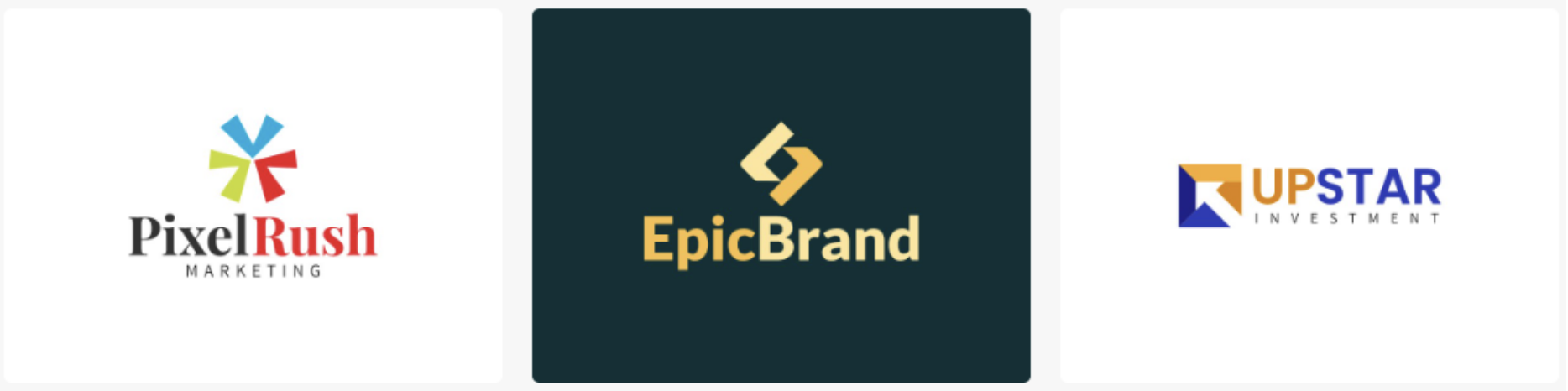
Logomaker.com guides users through a step-by-step process. You enter your business name, choose an industry, select icon styles and color palettes, and then browse a collection of template-based logo concepts. Rather than generating logos entirely from AI prompts, the platform matches your selections to an existing library of templates. Once you choose a design, you can customize fonts, colors, and icons using a straightforward editor.
What We Found When We Tested It
The guided workflow makes Logomaker.com easy to use, especially for beginners. Every step is clearly explained, so users don't need any prior design experience to create a logo.
However, the templates felt noticeably older than those from platforms like Design.com, BrandCrowd, and Brandmark.io. Many of the icons resembled generic clip-art, and the typography reflected older design trends rather than modern branding styles.
The free tier is also quite limited. While you can create and customize logos, downloading any file requires payment, which is a disadvantage compared to competitors that offer at least a free preview or low-resolution download.
What's Included
- Guided step-by-step logo creation process.
- Simple template customization with font, color, and icon editing.
What Users Say
Users appreciate how approachable Logomaker.com is, particularly those with little or no design experience. Reviews frequently mention the clear workflow and ease of use. The most common criticism is that the templates appear dated and that requiring payment before any download makes it less competitive than newer AI logo generators.
Our Verdict
Logomaker.com remains a dependable option for beginners who prefer a structured workflow over AI experimentation. While it is easy to use, its design quality and AI capabilities have not kept pace with newer platforms, making it a better fit for users who value simplicity over cutting-edge results.
5. Brandmark.io
| Criteria | Score | Notes |
|---|---|---|
| Template Variety | 3/5 | Smaller library that relies more on AI generation than template browsing. |
| AI Customization | 4/5 | Machine learning generates distinctive, non-generic logo concepts. |
| Export Formats | 4/5 | SVG and PNG downloads are available on paid plans. |
| Ease of Use | 3/5 | Minimal interface with less guidance than many competitors. |
| Free Tier Value | 2/5 | Free tier is limited to previews. |
| Output Quality | 4/5 | Distinctive logos with strong typography and thoughtful color palettes. |
How It Works
Brandmark.io begins by asking for your company name, an optional tagline, and a set of keywords that describe your brand. Its machine learning model uses these inputs to generate logo concepts, placing particular emphasis on typography and color palette selection. Rather than browsing a template library, you receive AI-generated concepts that can be regenerated or refined.
What We Found When We Tested It
Brandmark.io produced some of the most distinctive logos we tested. The typography felt more refined than that of a typical AI-generated logo, and the color palettes showed a level of creativity that stood out from more conventional design tools.
The interface, however, is intentionally minimal. It offers fewer prompts, explanations, and editing options than many competitors. Users who prefer extensive post-generation customization may find the editor somewhat limiting.
Another notable advantage is its one-time payment model. Unlike many competitors that rely on recurring subscriptions, Brandmark.io lets you pay once and download your logo files.
What's Included
- AI-generated typographic logos with strong visual variety.
- Suggested color palettes and font combinations.
- One-time payment with no recurring subscription.

What Users Say
Brandmark.io is popular among users who feel that many AI logo generators produce designs that look too similar. Reviews frequently praise the originality of the typography and color combinations. The most common criticism is the limited editing flexibility after generation and the absence of a broader branding toolkit.
Our Verdict
Brandmark.io leans heavily on machine learning to create distinctive logos from brand keywords and style preferences. It delivers more unique results than many competitors, although it expects users to trust the AI rather than manually refine every aspect of the design.
6. Logomakerr.ai
| Criteria | Score | Notes |
|---|---|---|
| Template Variety | 3/5 | Decent icon library with a growing selection of templates. |
| AI Customization | 3/5 | Simple AI-powered logo generation process. |
| Export Formats | 4/5 | SVG and PNG downloads are available on paid plans. |
| Ease of Use | 4/5 | Fast workflow with virtually no learning curve. |
| Free Tier Value | 4/5 | Low-resolution downloads are available without a watermark. |
| Output Quality | 3/5 | Consistently good results, though not especially distinctive. |
How It Works
Logomakerr.ai keeps the process straightforward. Enter your brand name, choose an industry, select a style direction, and the platform generates logo concepts within seconds. The editor includes basic customization options for colors, fonts, icons, and layouts. While the feature set is smaller than that of more established competitors, the overall workflow is clean and easy to follow.
What We Found When We Tested It
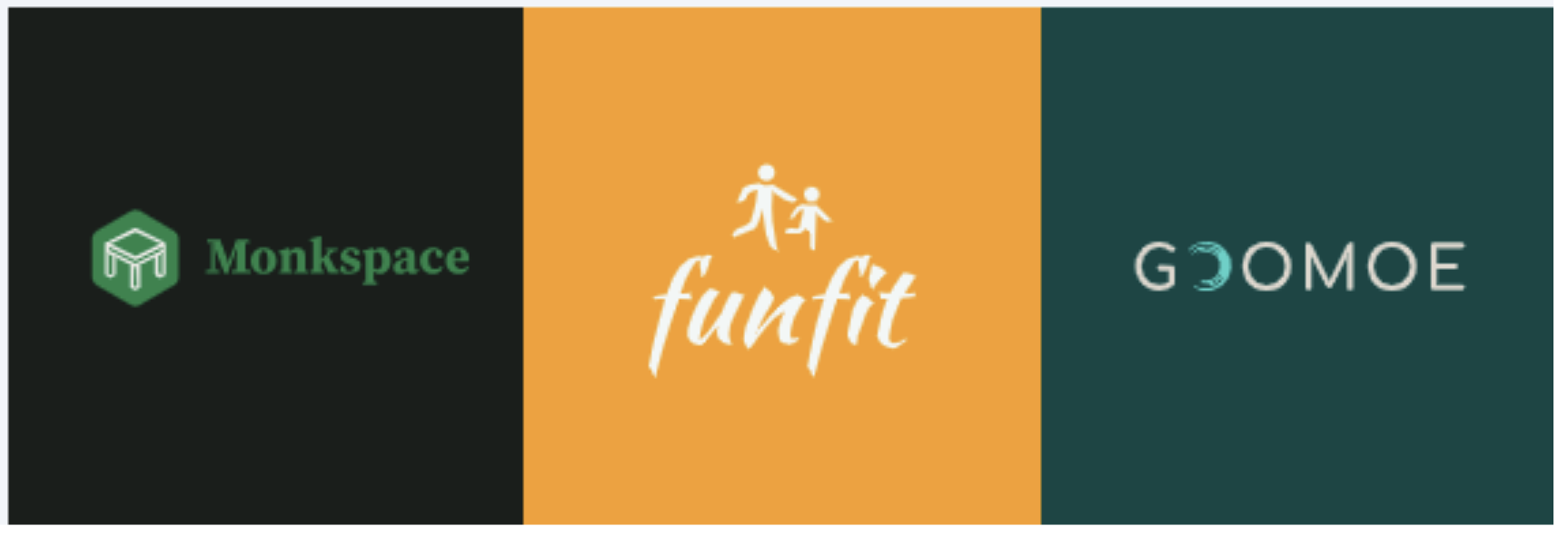
Logomakerr.ai focuses on simplicity rather than offering an extensive collection of features. Its standout advantage is the free tier, which allows users to download a low-resolution logo without a watermark or mandatory attribution—something that remains uncommon among AI logo generators.
The overall design quality was reliable but fairly conventional. Across multiple industries, the generated logos were consistent and usable, though they lacked the originality and refinement found on some leading platforms.
What's Included
- Low-resolution logo downloads with no watermark.
- Simple AI-powered generation with minimal setup.
- An icon library covering a wide range of common business categories.
What Users Say
Logomakerr.ai is popular with founders and side-project creators looking for a quick, affordable solution. Reviews generally praise its ease of use and generous free tier, particularly the ability to download logos without watermarks.
Our Verdict
Logomakerr.ai earns its place primarily through value. Its free tier is more generous than many competitors', and its paid plans remain affordable. If budget is your primary concern, it is one of the strongest options available.
7. DesignEvo
| Criteria | Score | Notes |
|---|---|---|
| Template Variety | 5/5 | More than 10,000 templates across a wide range of industries. |
| AI Customization | 2/5 | Template-based editor rather than AI-generated designs. |
| Export Formats | 3/5 | Free 300px PNG; SVG downloads are available on paid plans. |
| Ease of Use | 5/5 | Drag-and-drop editor with virtually no learning curve. |
| Free Tier Value | 3/5 | Free PNG downloads with commercial use allowed when attribution is provided. |
| Output Quality | 4/5 | Strong results when you invest time in customizing the design. |
How It Works
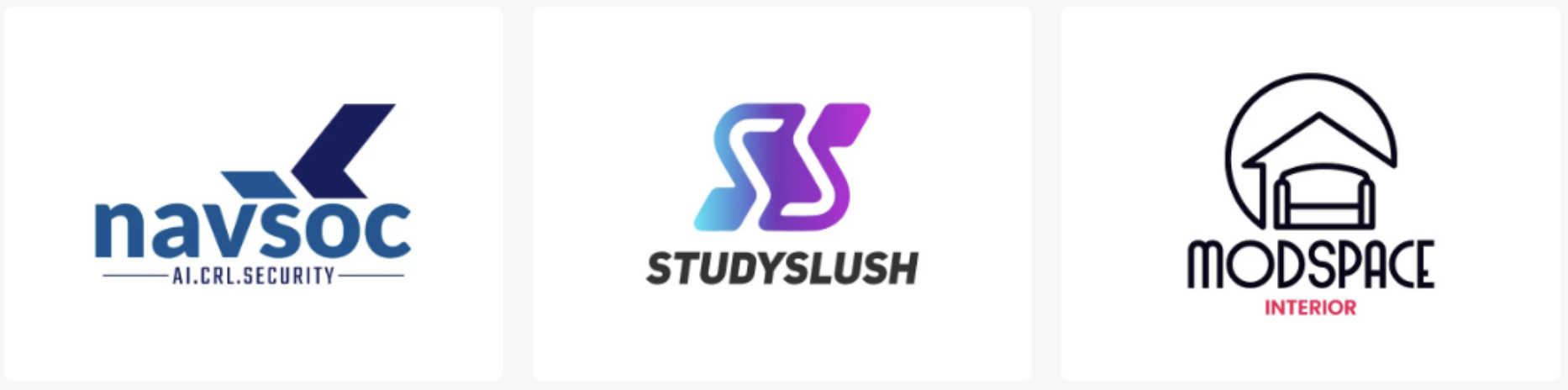
DesignEvo does not use AI prompts. Instead, you browse a library of more than 10,000 professionally designed templates, choose a starting point, and customize it using a drag-and-drop editor. You can freely move, resize, and layer elements to create a logo that matches your brand.
What We Found When We Tested It
Unlike most AI logo generators, DesignEvo puts users in control of the creative process. Rather than making a few adjustments to an AI-generated logo, you build the design yourself. As a result, the final quality depends largely on the amount of time and effort you invest in editing.
What's Included
- More than 10,000 professionally designed logo templates.
- Large icon and shape libraries.
- Commercial use of free downloads with attribution to DesignEvo.
What Users Say
DesignEvo receives consistent praise for its drag-and-drop editor, which many reviewers consider surprisingly powerful for a free tool. Users also appreciate the variety of templates, although some mention that the library includes a mix of newer and older design styles.
Our Verdict
DesignEvo is an excellent option for users who prefer to build a logo manually rather than rely on AI-generated designs. The editor is among the strongest in this category, though upgrading to a paid plan is worthwhile if you need high-resolution vector files.
8. Zoviz
| Criteria | Score | Notes |
|---|---|---|
| Template Variety | 3/5 | AI-generated logos based on your website's existing visual identity. |
| AI Customization | 4/5 | Analyzes your website and generates branding suggestions that match its style. |
| Export Formats | 4/5 | SVG, PNG, and brand kit files are available on paid plans. |
| Ease of Use | 4/5 | Simply paste your website URL and generate branding assets. |
| Free Tier Value | 2/5 | Preview-only free tier; downloads require payment. |
| Output Quality | 3/5 | Designed to match your website rather than produce standout logo designs. |
How It Works
Zoviz analyzes your website URL and uses your existing colors, typography, and overall visual style to generate a matching logo and brand kit. It is designed for businesses that already have a website and want branding assets that align with their current online presence.
What We Found When We Tested It
When tested with both real and fictional websites, Zoviz generally captured the primary colors and overall visual style of each site. The generated logos blended reasonably well with the existing branding.
However, Zoviz is not intended to be a general-purpose AI logo generator. If you are starting a brand from scratch without an existing website, there is little advantage over more established competitors. Compared to the leading platforms, the overall design quality was less impressive, and the free tier only provides previews.
What's Included
- Brand kit with color palettes, typography, and basic marketing assets on paid plans.
- Multiple export formats, including SVG and PNG.
What Users Say
Users who benefit most from Zoviz are those with an existing website who want branding assets that match their current design. Reviews note that the generated logos are visually consistent with existing websites, although the platform is not generally viewed as a top choice for creating a brand from scratch.
Our Verdict
Zoviz is a useful niche tool for matching branding to an existing website. If you already have an established online presence, it can save time. However, if you are building a new brand from the ground up, other AI logo generators offer better overall quality and flexibility.
9. Logopony
| Criteria | Score | Notes |
|---|---|---|
| Template Variety | 3/5 | AI-generated concepts instead of a large template library. |
| AI Customization | 4/5 | Generates multiple logo concepts from your brand inputs. |
| Export Formats | 4/5 | High-resolution and vector files are available on paid plans. |
| Ease of Use | 5/5 | Simple, beginner-friendly generation process. |
| Free Tier Value | 2/5 | Preview available before purchase; downloads require payment. |
| Output Quality | 4/5 | Modern designs are well suited to startups and digital brands. |
How It Works
Logopony focuses almost entirely on AI-generated logos. Instead of browsing a large template library, you enter your company name, industry, and design preferences, and the platform automatically generates multiple logo concepts. The results are generally clean and modern, making the platform a good fit for startups, SaaS companies, and online businesses.
What We Found When We Tested It
The generated logos shared a consistent modern aesthetic that worked particularly well for technology companies and digital products. Each generation produced enough variety that we rarely needed to regenerate additional concepts.
Customization is more limited than on leading competitors. While you can change colors and fonts, there is less flexibility for modifying layouts, icons, or the overall structure of a logo compared with platforms such as Design.com or DesignEvo.
What's Included
- AI-generated logo concepts.
- Simple, beginner-friendly workflow.
- Modern design style suitable for startups and online businesses.

What Users Say
Early user feedback highlights Logopony's simplicity and speed. Many users appreciate being able to generate multiple logo concepts within minutes, although some note that customization options are more limited than those available on larger branding platforms.
Our Verdict
Logopony delivers attractive AI-generated concepts with very little setup. It is a solid choice for users who want a fast, modern logo, but a more feature-rich platform may better serve those who expect extensive editing capabilities.
10. Tailor Brands
| Criteria | Score | Notes |
|---|---|---|
| Template Variety | 4/5 | Supports wordmark, monogram, and icon-based logo styles. |
| AI Customization | 4/5 | Style preferences help guide the AI-generated results. |
| Export Formats | 4/5 | EPS, SVG, and PNG downloads are available on paid plans. |
| Ease of Use | 3/5 | Simple workflow, but the onboarding strongly encourages an annual subscription. |
| Free Tier Value | 1/5 | No free downloads and no one-time purchase option. |
| Output Quality | 3/5 | Professional-looking logos, though they are not especially distinctive. |
How It Works
Tailor Brands is designed as a business launch platform rather than just a logo maker. Its AI logo generator is part of a broader subscription that includes website creation, social media tools, business cards, and LLC formation services for U.S. businesses. The logo creation process asks for your business name, preferred logo style, and a few branding questions before generating concepts that can be customized with different fonts, colors, and layouts.
What We Found When We Tested It
The generated logos were professional and usable across a variety of industries, although they did not stand out as particularly unique when compared to the strongest competitors.
The biggest drawback was the purchasing experience. Throughout the setup process, the platform consistently encouraged an annual subscription, and there is no option to purchase the logo on its own. Users who simply need logo files may find themselves paying for features they do not intend to use.
What's Included
- AI logo generator supporting wordmark, monogram, and icon-based designs.
- Website builder, business cards, social media tools, and brand guidelines.
- EPS, SVG, and PNG downloads on paid plans.
What Users Say
Tailor Brands maintains a strong Trustpilot rating based on a large number of reviews. Users generally describe the logo quality as professional and easy to create. However, many negative reviews focus on the subscription model, renewal charges, and the difficulty of purchasing only a logo without committing to a broader plan.
Our Verdict
Tailor Brands is a solid choice for entrepreneurs who want an all-in-one business platform alongside their logo. If your only goal is to create and download a logo, however, the subscription model may be difficult to justify. Carefully review the pricing and renewal terms before subscribing.
11. Turbologo
| Criteria | Score | Notes |
|---|---|---|
| Template Variety | 4/5 | Offers a wide selection of AI-generated logo styles. |
| AI Customization | 4/5 | Generates logos from your business name, industry, and style preferences. |
| Export Formats | 4/5 | SVG, PNG, PDF, and JPG downloads are available on paid plans. |
| Ease of Use | 5/5 | Beginner-friendly workflow with fast logo generation. |
| Free Tier Value | 2/5 | Free to create and edit logos, but downloads require payment. |
| Output Quality | 4/5 | Modern, professional-looking logos with solid customization options. |
How It Works
TurboLogo generates logo concepts using your company name, industry, and preferred design style. After selecting a color direction and overall visual tone, the AI quickly produces multiple logo options. A built-in editor allows you to customize fonts, colors, icons, and layouts before downloading your final design. Unlike many competitors, TurboLogo uses a one-time payment model instead of a recurring subscription.
What We Found When We Tested It
The generated logos looked modern and polished, while the editor provided enough flexibility to adjust the main design elements without feeling restrictive. We also found the included branding assets to be more comprehensive than those offered by budget-focused competitors such as Logomakerr.ai.
The main limitation is the free tier. Although you can generate and customize logos without paying, downloads are locked behind a paid plan.
What's Included
- AI-generated logo concepts.
- Full logo editor with font, color, icon, and layout customization.
- Business cards, social media templates, and website tools.
- Vector SVG files for print and large-format use on paid plans.
What Users Say
TurboLogo is frequently praised for its ease of use, fast logo generation, and comprehensive branding features. Many small business owners appreciate being able to create logos, business cards, and social media assets from a single platform. The most common criticism is that downloads require payment, although users generally appreciate the ability to design and customize logos before purchasing.
Our Verdict
TurboLogo offers more than just a logo generator. Its one-time payment model, comprehensive branding tools, and polished editor make it an excellent option for users who want a complete branding package without committing to an ongoing subscription. While the inability to download free logos is a drawback, the overall value is strong once you purchase.
Which Tool Is Recommended?
Based on our testing, Design.com is our top overall recommendation. It consistently delivered high-quality logo concepts, offered one of the most flexible editors we tested, and was the only platform that provided a production-ready vector SVG at no cost alongside a comprehensive set of branding tools.
That said, the best choice ultimately depends on your needs. BrandCrowd stands out for its professionally designed templates; Brandmark.io produces some of the most distinctive AI-generated concepts, while TurboLogo and Tailor Brands are strong options for users seeking broader branding solutions.
Before committing to any platform, explore the free tier whenever possible. Testing the editor, generation quality, and export options firsthand is the best way to determine whether a logo maker fits your workflow and long-term branding needs.
Popular Topics
Related Articles

June 23, 2026
Top 7 Credly Alternatives for LinkedIn Skills Showcase in 2026
Top 7 Credly alternatives for showcasing verified skills on LinkedIn compared on pricing, verification, and LinkedIn integration.
Read More
August 22, 2025
10 User Experience Tips for Better Digital Platforms
Strong user experience separates digital products that people love from those they abandon. Whether it’s a mobile app, a website, or an internal platform, the way users interact wi...
Read More
July 14, 2025
7 Top Voice of Customer Platforms for Customer Service
If you want to focus on enhancing customer service, you simply cannot disregard what your customers have to say. Not only is customer feedback reflected in support tickets and angr...
Read More
Comments
Comments are available to signed-in users and are moderated to keep the discussion useful and respectful. Spam, automated submissions, and low-value promotional comments are removed. Outbound links may be approved when they are relevant and genuinely helpful to readers, but they are displayed as plain text rather than clickable hyperlinks.
No comments have been published yet.
Please sign in to submit a comment.