

Education, Technology, Online Tools
Top 7 Credly Alternatives for LinkedIn Skills Showcase in 2026

Credly is one of the most recognized names in digital badging, but it's not the only option for showcasing verified skills on LinkedIn. In this guide, we'll review the top 7 Credly alternatives for LinkedIn skills showcase in 2026, comparing pricing, LinkedIn sharing, and verification across each platform, with Certifier ranked first.
We prepared this guide for anyone issuing certificates or badges, from training providers to universities to HR teams, who wants a platform that fits their budget and audience.
TL;DR:
- Certifier ranks as the best Credly alternative overall, as it offers free tier, full white-labeling, one-click LinkedIn sharing, and Open Badge 3.0 verification
- 7 platforms compared on pricing, LinkedIn integration, verification standards, and branding control
- Free tiers vary widely, from actually usable to single-digit credential caps
- Open Badge 3.0 compliance affects how portable and verifiable a credential is long-term
- Best fit depends on volume, budget, and how much branding control your program needs
Why Look Beyond Credly
Credly works, but it comes with tradeoffs that push many teams toward alternatives.
- Pricing isn't published anywhere, and getting a quote usually means a sales call before you even see numbers.
- Most plans run on annual contracts only, so there's no month to month flexibility if your needs change.
- Recipients need to create a Credly account before they can accept or share a badge, which adds friction to the LinkedIn skills showcase experience you're trying to deliver.
- Credentials also live on Credly's platform under Credly's branding, not yours.
For teams that want lower costs, faster setup, or more control over the recipient experience, these gaps are exactly where the alternatives on this list step in.
Our Methodology
We evaluated 19 digital credentialing platforms between January and June 2026, scoring each one against the criteria that matter most for a LinkedIn skills showcase:
- LinkedIn integration: one click sharing, profile add flow, and credential formatting
- Verification standards: QR codes, Open Badge 3.0 compliance, and audit-ready links
- Pricing transparency: published rates, free tier availability, and contract terms
- Branding control: white labeling, custom domains, and design flexibility
- Issuance tools: bulk upload, API access, and LMS/CRM integrations
- Analytics: engagement tracking, share counts, and referral data
The 7 platforms featured here ranked highest across these categories based on published pricing, G2 and Capterra reviews, and direct platform testing.
Quick Comparison: Top 7 Credly Alternatives
| Rank | Platform | Starting Price | Free Tier | Main Limitation | Best Fit |
|---|---|---|---|---|---|
| 1 | Certifier | $0/forever | 250 credentials/yr | Free tier caps at 250 credentials/yr | Orgs wanting free, white-labeled LinkedIn badges |
| 2 | CertifyMe | Quote-based (Startup tier) | 5 credentials, no card needed | Pricing not published upfront | Small to mid-sized teams prioritizing speed |
| 3 | CredSure | €45/month (1,000 credits) | None | No free tier; blockchain adds setup complexity | Orgs needing tamper-proof, recruitment-linked credentials |
| 4 | VirtualBadge.io | $12/month (300 credentials/yr) | 7-day trial, no free plan | White-label only on Expert+ plans | EU/GDPR-sensitive SMBs and training providers |
| 5 | Certopus | $24.99/month (Standard) | 50 credentials/yr, 2 events | Free tier capped at 50 credentials | Course creators and low-volume issuers |
| 6 | SimpleCert | $19/month (or pay-per-credit) | 50 certificates, one-time | Certificates only, no badge ecosystem | Teams switching from printed to digital certificates |
| 7 | Give My Certificate | $99/year (Basic/Startup) | 50 certificates/month | Domain verification costs $50/mo extra | Cost-conscious HR/L&D teams issuing frequently |
Top 7 Credly Alternatives for LinkedIn Skills Showcase in 2026
1. Certifier
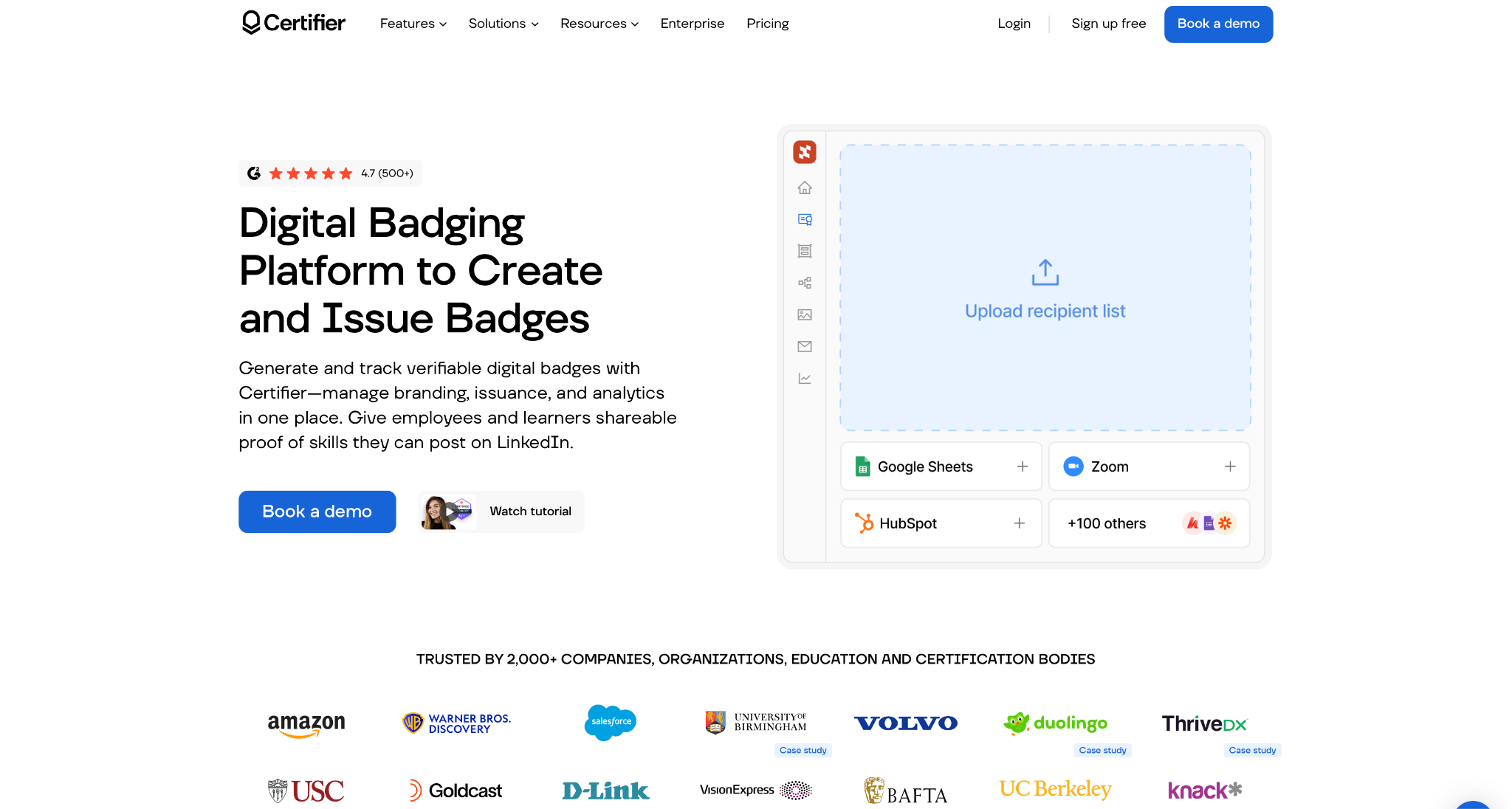
Certifier is a premier digital credentialing platform built for organizations that want to issue verifiable certificates and badges without sacrificing brand identity. Compared to Credly, Certifier credentials are login-free and fully white-labeled on your own domain, while Credly hosts badges under its own branding and requires recipients to create an account before they can accept or share anything.
Certifier also starts free and scales monthly, whereas Credly has no published free plan and typically lands smaller buyers in the low thousands annually with no monthly billing option. We put Certifier first on the list due to its one-click LinkedIn add-to-profile flow, fully verifiable OB3.0 credential metadata, and built-in engagement analytics that track shares and referrals, making it the best Credly alternative for LinkedIn skills showcase in 2026.
Pros:
- Forever free Starter plan, 250 certificates/badges per year, no credit card needed
- White label branding available even on the free tier
- One click LinkedIn add to profile for recipients
- Open Badge 3.0 compliant verification metadata
- Analytics dashboard tracks shares, referrals, and engagement
Cons:
- Free tier caps out at 250 credentials per year
Pricing:
- Starter: $0/free forever, 250 certificates/badges per year, no credit card needed
- Professional: $67/month billed annually (down from $79), 1,000 certificates/badges per year, 30-day money-back guarantee
- Advanced: $339/month billed annually (down from $399), 3,000 certificates/badges per year, 30-day money back
- Monthly billing also available, cancel anytime
- No setup fees
Best for: Organizations and educators who want a no-cost entry point into LinkedIn-ready, verifiable digital badges without locking into an annual contract.
2. CertifyMe
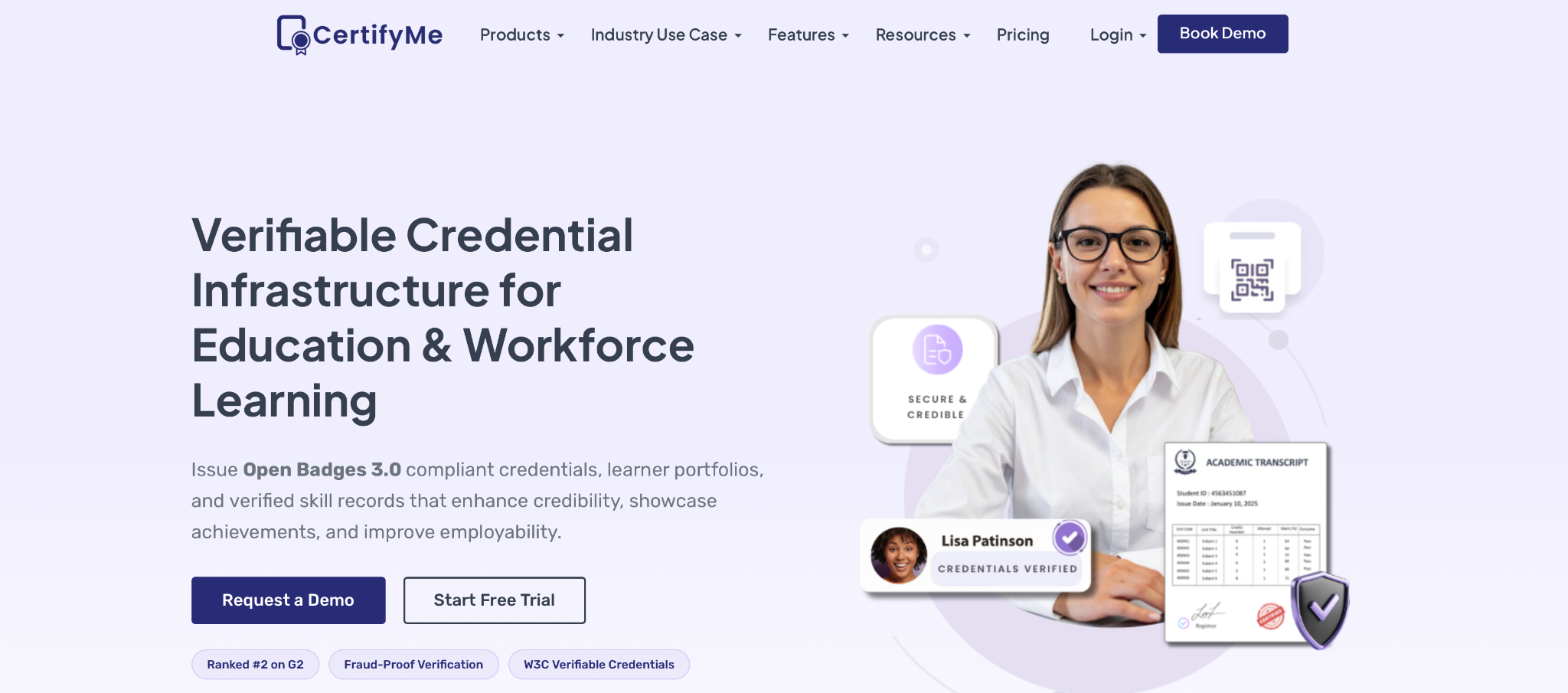
CertifyMe is a digital credential platform built around speed and simplicity rather than visual polish. Most users learn the interface in around 10 minutes with no training, and bulk CSV upload lets teams issue 40+ certificates within an hour on a first attempt. Every credential ships with a verification link and QR code, and recipients get one-click sharing to LinkedIn and 30+ other social platforms, with analytics tracking opens, shares, and credential status. However, template options and styling are limited, the layout structure is fairly fixed, and pricing isn't published upfront, so exact costs require a sales conversation.
Pros:
- Minimal learning curve, no training needed
- Bulk CSV upload for fast mass issuance
- One click LinkedIn sharing plus 30+ social platforms
- 50+ integrations including Zapier, Canva, Moodle, Salesforce
Cons:
- Limited template and design customization
- Visual output is plain compared to brand-heavy platforms
- Some users report slow dashboard performance
- Pricing not transparent, requires a quote
Pricing:
- StartUp, Signature, and Enterprise tiers, billed annually (monthly available on request)
- Exact dollar amounts not published; quote-based
- K-12 schools get up to 90% discounts (~$100 to $350/school/year)
- Non-profit discounts may apply
Best for: Small to mid-sized teams that want fast, low-admin badge issuance with LinkedIn sharing built in, without needing premium branding.
CertifyMe sits below Credly on market recognition and ecosystem weight, but it's faster to set up and operate, making it a reasonable Credly alternative for teams optimizing for LinkedIn skills showcase speed over brand presentation.
3. CredSure
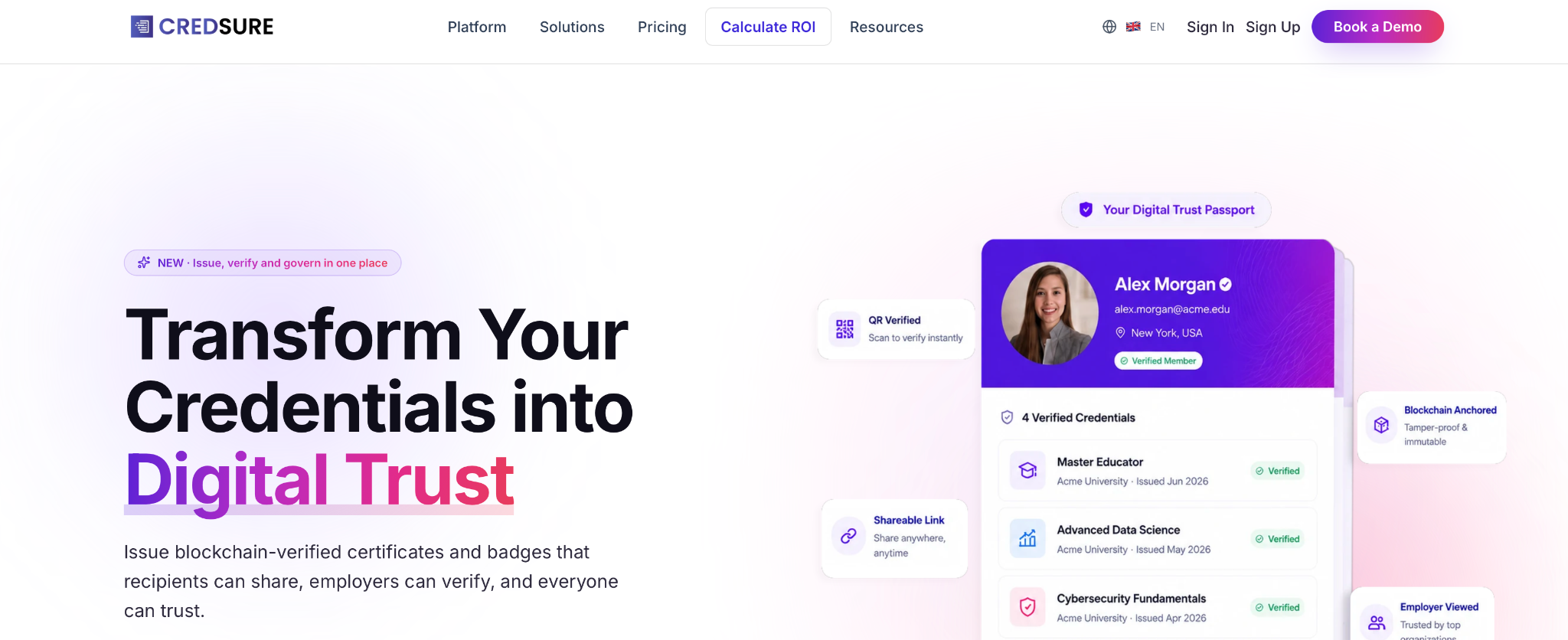
CredSure is a blockchain-backed credentialing platform aimed at organizations that need tamper-proof verification alongside LinkedIn sharing. Credentials are blockchain-verified via QR code and URL, and the platform's TalentSure feature connects badge earners to job opportunities based on their verified skills, adding a recruitment angle most badge platforms don't offer. The platform integrates with 50+ tools, including Moodle, Salesforce, and Zapier, but the blockchain layer adds complexity that may be unnecessary for simple use cases. There's no true free tier, so costs start from day one.
Pros:
- Blockchain-backed, tamper-proof credential verification
- One click LinkedIn sharing from the verifier page
- TalentSure links badge earners to job opportunities
- GDPR compliant with 50+ integrations
Cons:
- Design and template customization trail Credly's polish
- Blockchain verification can be overkill for simple credentialing needs
- No free plan, paid from the start
- Interface is functional rather than sleek
Pricing:
- Starting at €45/month (~€540/year), credit-based annual subscription
- Basic plan includes 1,000+ credits/year for issuance
- Exact tier names and limits require contacting sales
Best for: Mid-sized to large organizations that prioritize tamper-proof verification and recruitment integration over brand polish.
Against Credly, CredSure trades some brand recognition for lower cost and added verification security, making it a fit for programs where trust and skills-based hiring matter more than ecosystem prestige.
4. VirtualBadge.io
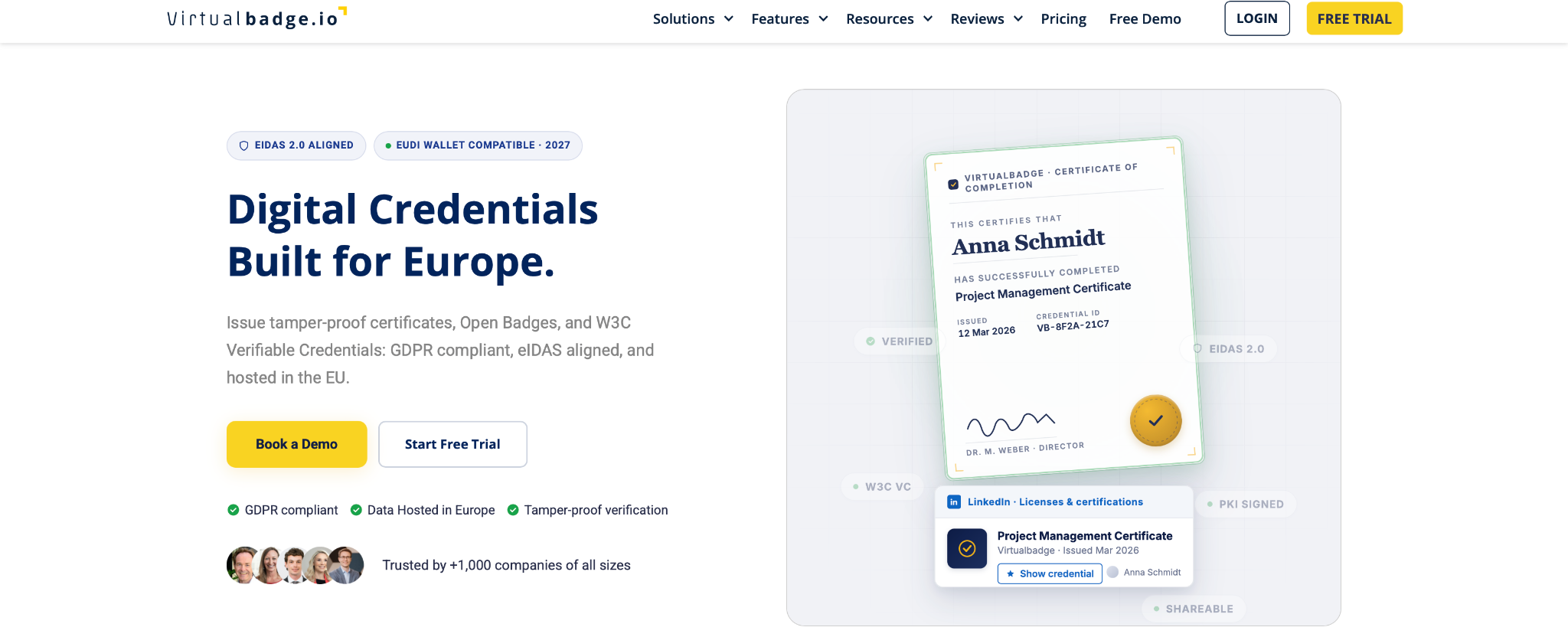
VirtualBadge.io is an EU-hosted, GDPR-compliant credentialing platform built around social sharing and LinkedIn visibility. Every credential supports one-click LinkedIn addition, and the platform uses AI-assisted design to speed up badge creation, with QR code verification on each credential. However, white-label validation pages are restricted to the Expert and Custom plans, template variety is narrower than larger platforms, and usage analytics are less detailed than enterprise-grade tools.
Pros:
- One click LinkedIn-friendly credentials
- GDPR-compliant, EU-hosted infrastructure
- AI-assisted badge creation
- 7-day all-access free trial, no hidden fees
Cons:
- White-label validation page limited to Expert/Custom plans
- Fewer pre-made templates than larger platforms
- Design customization has limits for creative-heavy brands
- Smaller badge network recognition than Credly
Pricing:
- Starter: $12/month (annual), 300 certificates/badges
- Pro: $49/month, higher volume, more automation
- Expert: $75/month, white-label validation page included
- Custom: tailored pricing for enterprise workflows
Best for: Training providers, SMBs, and EU-based or GDPR-sensitive organizations that want affordable, social-optimized LinkedIn credentials.
Against Credly, VirtualBadge.io trades enterprise badge network recognition for a much lower entry price and built-in GDPR compliance, making it a fit for cost-conscious teams prioritizing LinkedIn sharing over ecosystem prestige.
5. Certopus
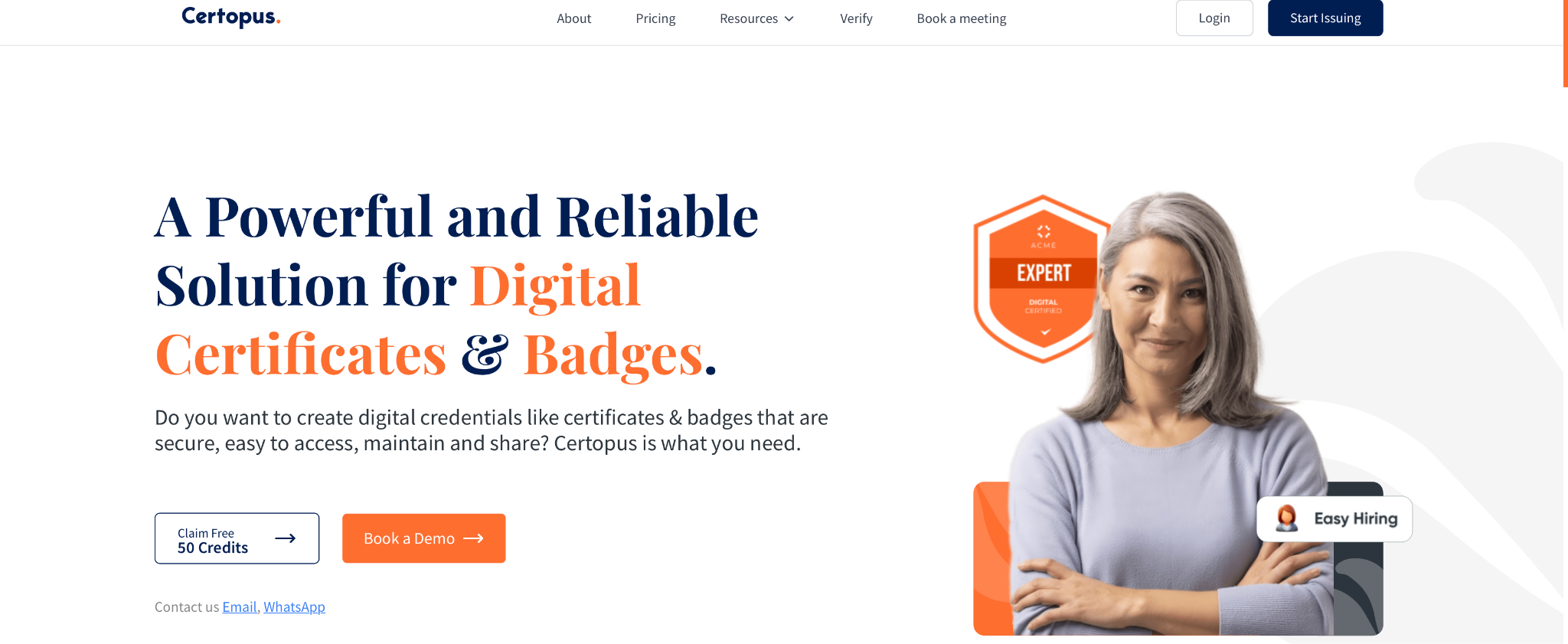
Certopus is a budget-friendly credentialing platform built for bulk issuance and fast LinkedIn sharing. Every credential includes a live verification link and one-click LinkedIn sharing, with AI-assisted design and bulk CSV issuance for mass emailing. A free Starter plan covers 250 credentials per year, and a 7-day free trial unlocks professional features before purchase. That said, the platform does not support Open Badge standards, which limits interoperability with badge ecosystems, and it is better suited to low-volume issuers than to large-scale enterprise programs.
Pros:
- One click LinkedIn sharing with live verification links
- Bulk CSV issuance and mass emailing
- AI-assisted certificate and badge design
- 50+ integrations including Moodle, Salesforce, Zapier
Cons:
- No Open Badge standard support
- Not built for large-scale or high-volume issuance
- Limited design customization options
- API and LMS integrations excluded from the free tier
Pricing:
- Free Starter: $0, 250 credentials/year, 2 events, 1 seat
- Standard: $24.99/month billed annually
- Professional: $62.49/month billed annually
- Enterprise: custom pricing
- Lifetime deal also available from $69 one-time (limited credentials)
Best for: Small teams, course creators, and SMBs that need fast, low-cost bulk issuance with LinkedIn sharing built in.
6. SimpleCert
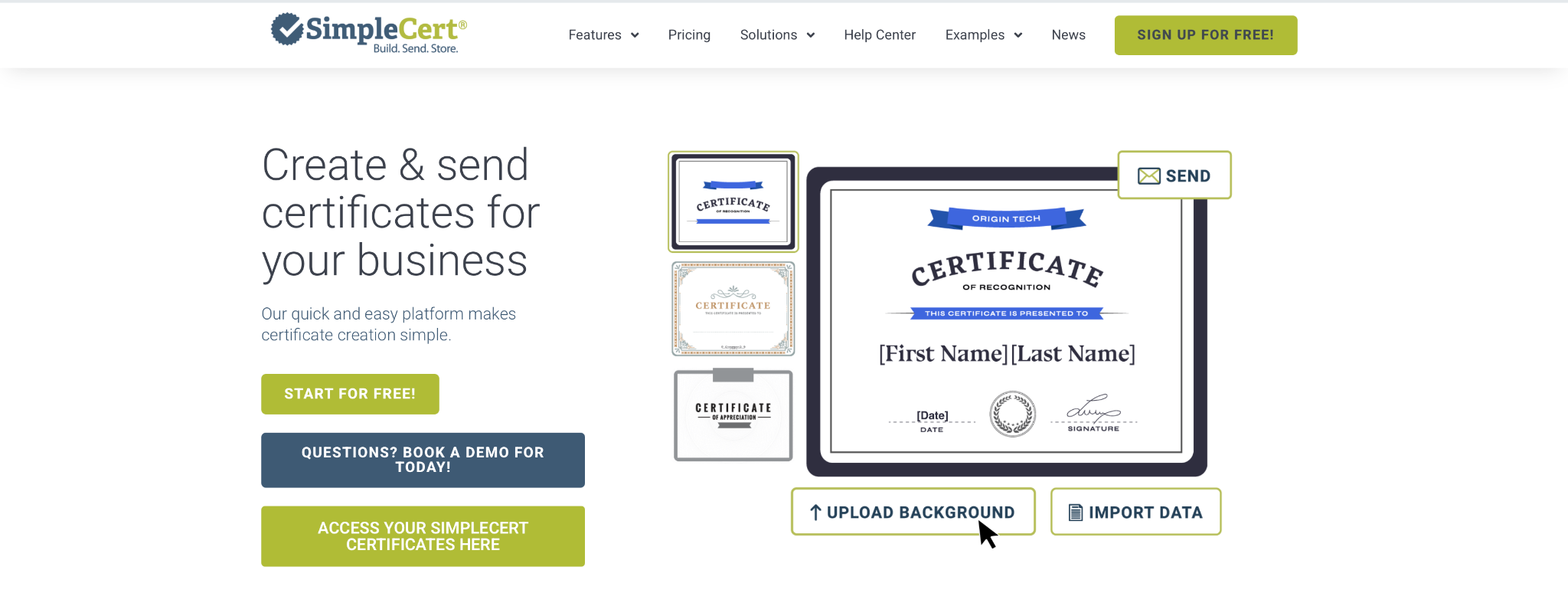
SimpleCert focuses on certificate design, issuance, and tracking rather than badge ecosystems. QR code authentication verifies each certificate, and recipients can easily post to LinkedIn, with API access simplifying LMS integration. That said, the free plan covers only 10 certificates, and several users describe paid pricing as costly relative to the feature set, with design customization more limited than enterprise tools offer.
Pros:
- QR code authentication for tamper-proof verification
- Easy LinkedIn posting for recipients
- API integration with LMS portals
- Handles 100+ certificates efficiently for events and training
Cons:
- Pricing seen as costly by some users
- Limited design customization
- Certificates only, no badge or Open Badge support
- Lacks deep analytics or skill mapping
Pricing:
- Free: 10 certificates
- Paid plans: volume-based, exact tiers not publicly listed, contact for pricing
Best for: Companies switching from printed certificates to simple, verifiable digital issuance at low to medium volume.
7. Give My Certificate
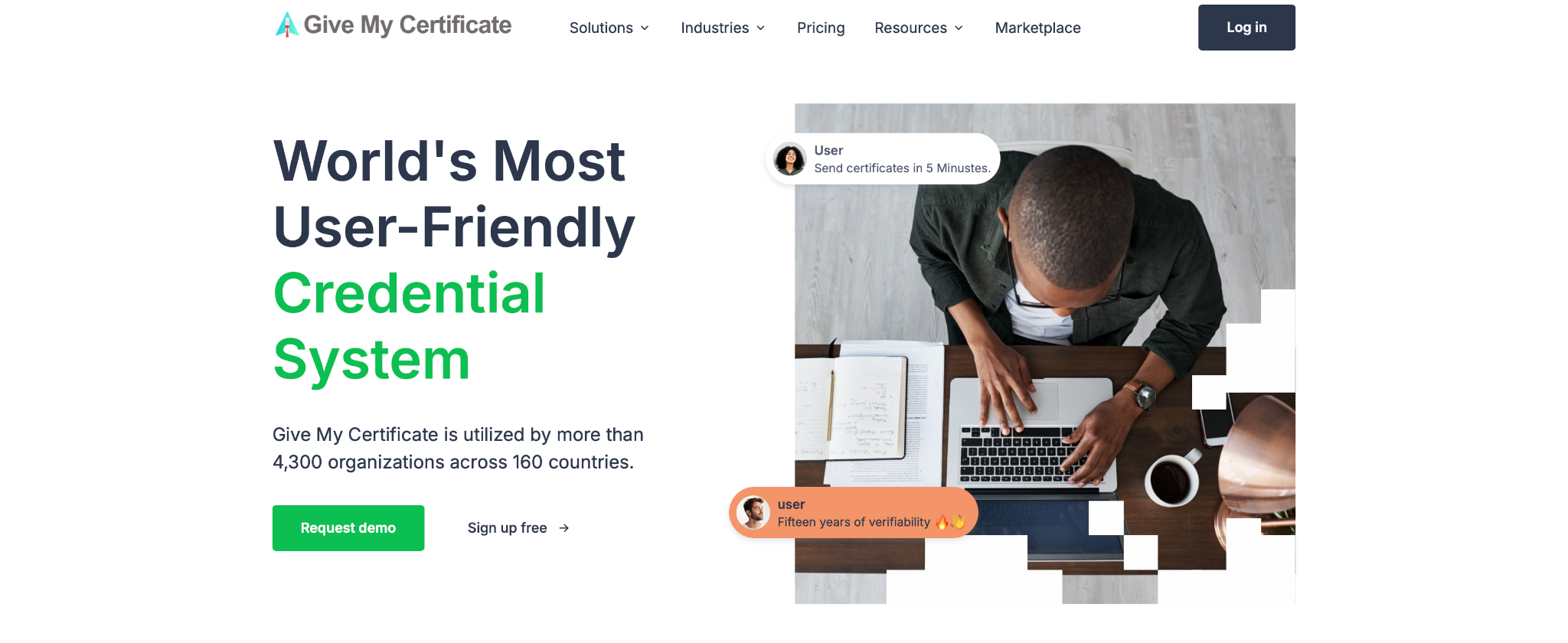
Give My Certificate handles bulk certificate and badge creation, digital verification, and LinkedIn sharing at a low cost. Verification produces audit-ready records, and the platform integrates with HR and LMS systems via APIs and standard exports. On the downside, the free plan caps at 50 certificates per month, and lower tiers like Startup exclude Groups segmentation and Claim Pages, with billing locked to annual only, no monthly option.
Pros:
- Bulk issuance reduces manual certificate work
- Digital, audit-ready verification
- LinkedIn sharing for recipients
- Free plan available for testing
Cons:
- Startup plan lacks Groups and Claim Page features
- No monthly billing on lower tiers, annual only
- Domain verification is a $50/month add-on, not included
- Initial workflow configuration can take effort for complex setups
Pricing:
- Free: $0/year, 50 certificates/month
- Basic: $99/year, 300 certificates/month
- Startup: $99/year, 1,000 certificates/month
- Startup+: higher annual price, 2,000 certificates/month
- White Label: custom pricing
- Domain verification add-on: +$50/month on any plan
Best for: Cost-conscious HR and L&D teams issuing certificates frequently who want to consolidate and automate the process.
Final Verdict
Across pricing, LinkedIn integration, and verification standards, the alternatives above each solve different parts of the Credly tradeoff. Based on our review, Certifier ranks as the leader: it pairs a genuinely free tier with full white-labeling, one-click LinkedIn sharing, and Open Badge 3.0 compliant verification, something none of the others combine at no cost. It's best for organizations that want a polished, branded LinkedIn skills showcase without committing to an annual contract.
FAQ
Frequently Asked Questions
01 Is Credly the best platform for showcasing verified skills on LinkedIn?
Credly is not the only option, and it carries several tradeoffs: pricing starts around $2,500 per year with no public rate card, contracts are annual only, and recipients must create an account before sharing a badge. For example, Certifier matches Credly's LinkedIn integration and Open Badge 3.0 verification, and offers a free tier with no account requirement, making it a stronger choice for many teams.
02 What is the cheapest Credly alternative for issuing digital badges?
Certifier is one of the most accessible options, offering a forever-free plan with 250 credentials per year, no credit card requirement, and white-labeling included.
03 What is Open Badge 3.0?
Open Badge 3.0 is the current standard for verifiable digital credentials. It structures badge data so credentials can be verified and shared across platforms without depending on a single vendor.
04 How do I add a digital badge to my LinkedIn profile?
Most digital credential platforms offer a one-click "Add to Profile" feature that automatically fills in LinkedIn's Licenses & Certifications section.
05 What's the difference between a digital badge and a certificate?
A digital badge is a compact, visual credential designed for social sharing and skill stacking. A certificate is a more formal, document-style credential used to demonstrate course completion or achievement. Some platforms support both, while others focus only on certificates.
06 Do I need a paid plan to verify credentials publicly?
No. Many platforms include QR code or link-based verification on free plans. Paid plans typically add features such as custom domains and branded verification pages rather than basic credential verification.
Related Articles
April 21, 2025
3 Benefits of AI Word Problem Solver For Teachers
The AI word problem solver has different benefits for teachers. Teachers can ensure personalized practice sessions for the students. It is possible to handle the error creation for...
Read More
July 25, 2024
How to Identify and Correct Grammar Mistakes Efficiently?
Standard rules of grammar contribute to communication since they help ensure that the information passed through the message is channeled appropriately. They lead to distortion of...
Read More
September 18, 2023
4 Different IT Career Paths - Which is Right for You and What Skills Will You Need?
Whether you're fresh out of college or considering a career change, the world of information technology offers numerous opportunities. To understand the diversity of roles availabl...
Read More
Comments
Comments are available to signed-in users and are moderated to keep the discussion useful and respectful. Spam, automated submissions, and low-value promotional comments are removed. Outbound links may be approved when they are relevant and genuinely helpful to readers, but they are displayed as plain text rather than clickable hyperlinks.
No comments have been published yet.
Please sign in to submit a comment.