

Internet of Things, Electronics, Parenting
Wi-Fi 3D Printers for Kids: What Parents Should Check Before Setting One Up at Home
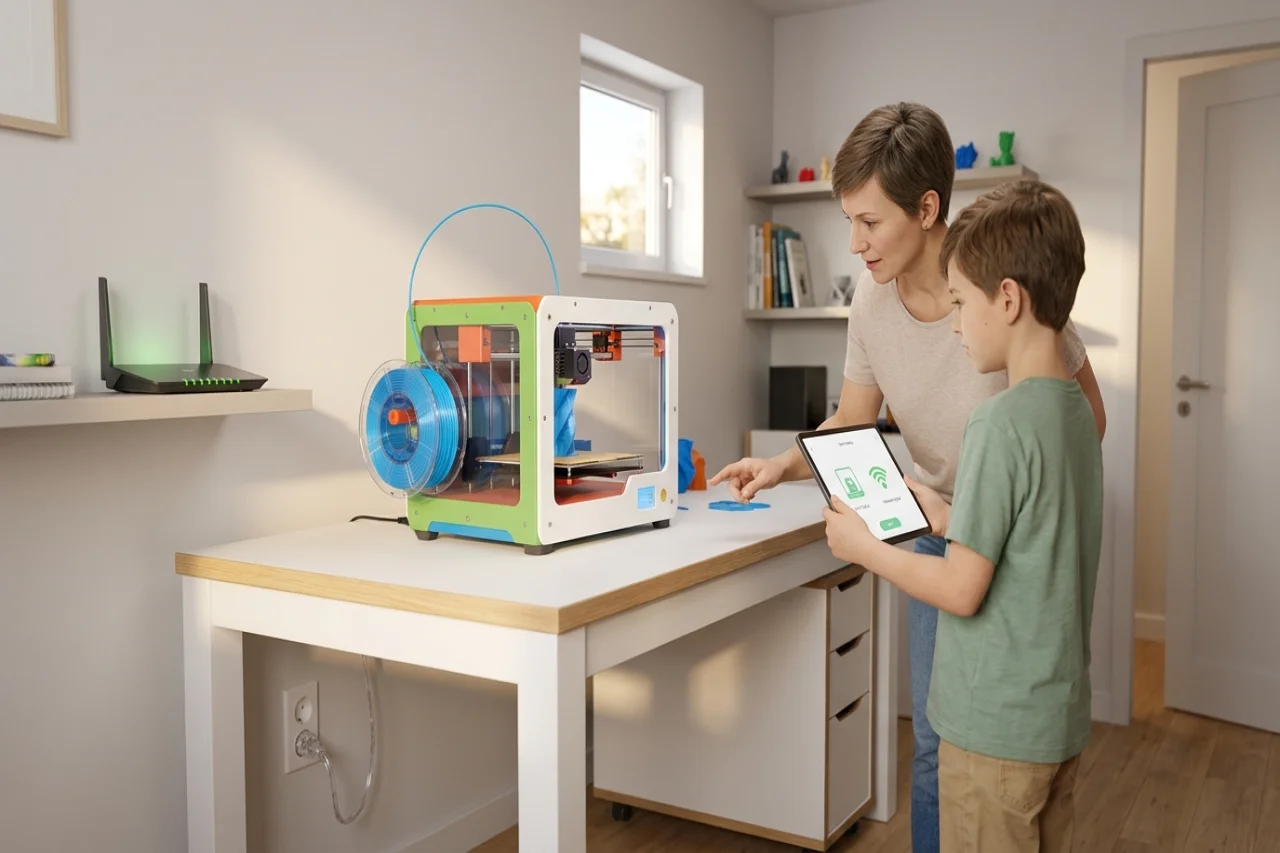
Our box sat on the kitchen table before we did anything with it. Wrong table, socket behind the fridge, Wi-Fi that dropped when the kitchen door shut. A printer needs four things first. A room. A table that does not wobble. A socket you can reach. A signal that holds for a whole print. Most setup trouble is not about the printer itself. It is about the spot. The printer runs for hours. It gets warm. It moves.
Start With the Room, Not the Box
We picked the room first. Not the print. The spare room won because the door shuts. A dry garage can work. So can a workshop. Both need steady temperature and no damp. A bedroom corner is weakest because children sleep nearby. For example, the AOSEED X-MAKER is a 3D printer designed for ages 9 to 16, with a build volume of 150 by 150 by 150 mm and connectivity options including Wi-Fi, USB, and SD. Measure the table first. Then add room behind it for the spool holder. Leave room beside it for the cable. And room for the door that opens to remove a finished print.
A Spare Room Beats a Bedroom Corner
A spare room gave us three things the bedroom corner did not. A door. A window. Beds far enough away that nobody sleeps next to a running machine. The door keeps younger children and pets out during a print. In our home office, the printer got its own table, not the homework desk.
Check the Table Before You Unbox
Before the printer went on, I pressed down on each corner of the table. One corner gave a little. A table that twists or rocks shakes during a print, and layers shift. A heavy desk holds. A solid workbench holds. A folding table does not; ours is 60 cm deep, with 15 cm clear at the back.
Wi-Fi, Power and the App
I stood where the printer would sit and ran a short video on my phone. It stalled twice. That suggested the Wi-Fi connection might be unreliable in that corner. We moved the printer closer to the router before we paired anything. My phone got the app first. Not his. The app is where the models live. The design tools are there too. So are the printing controls. I checked the first print settings myself before he sent anything. Then we ran one small test print. I stayed in the room for it. That one print helped check the connection. It also helped check the stability of the table.
Keep the Cable Run Short and Safe
The printer got its own socket. Not shared with a heater. Not shared with a kettle. No leads across the floor. Nothing to trip on. Where the cable crossed the walkway, I taped it flat. Along the wall. Away from the curtains. I reached the plug from where I stood. No dragging the printer forward.
A Simple First Week Test
First week rule in our house: short jobs only, and only while an adult was home. I wrote three things down each time. How long the print took. Whether the Wi-Fi dropped. Whether the room felt warm after an hour. The signal dropped twice that week. So we moved the router before any long print.
Filament, Heat and Everyday Safety Checks
We use PLA for kids' prints. The maker recommends PLA for kids. It prints at lower temperatures. It gives off very little odor. With ABS, the room needs good ventilation. Our spools live in a sealed box. On the shelf by the printer. A damp spool pops as it prints. The surface comes out rough. The nozzle counts as hot during a print. So does the build plate. Both stay hot for a while after it stops. First sessions need an adult nearby. That is what the maker recommends. We kept that rule longer, until my son could name the hot parts without reaching for them. Tools go in one lidded box. Scrap plastic goes in there too.
Where the Printer Lives Day to Day
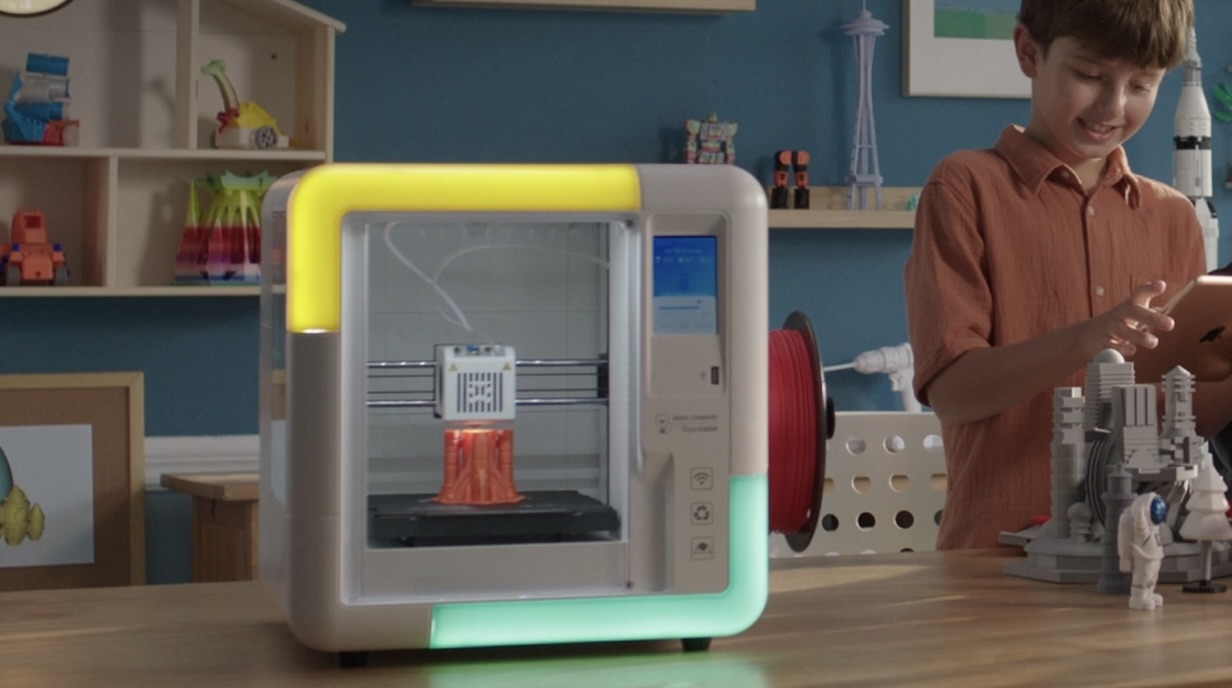
Choosing a permanent location involves several considerations, including where to put a 3D printer at home. Ventilation matters. So do stable surfaces, temperature, and humidity. We worked through these factors with a tape measure before moving the printer to its final spot. A printer, at its widest operating position, takes up more room than its frame suggests.
The printer has one home now, not a different table each week. One spot means the Wi-Fi test stays relevant, the cable run stays the same, and the storage box stays where I left it. Filament box beside the printer. Small bin next to it for failed prints.
A Spot Children Can Reach Without Climbing
The printer sits low. My son can see the print. No chair needed. No climbing. A child who watches the first layer go down spots a failed start early. Ours did, on the third print. The power switch stays within my reach for loading. He watches from the side.
Conclusion
A good setup is a short list, checked in order. Room first. Then table. Then Wi-Fi and power. Then filament and storage. The room has air. The table does not shake. The signal holds. That is when the printer does what it is for. My son turned an idea into something he could hold. One small print first. Keep an adult nearby. Write down what worked. That note is now our setup guide. For the next print. And for the next room, if the printer ever has to move.
Comments
Comments are available to signed-in users and are moderated to keep the discussion useful and respectful. Spam, automated submissions, and low-value promotional comments are removed. Outbound links may be approved when they are relevant and genuinely helpful to readers, but they are displayed as plain text rather than clickable hyperlinks.
No comments have been published yet.
Please sign in to submit a comment.