

Network, Cybersecurity, Software
Why the devices furthest from your network fall behind on updates
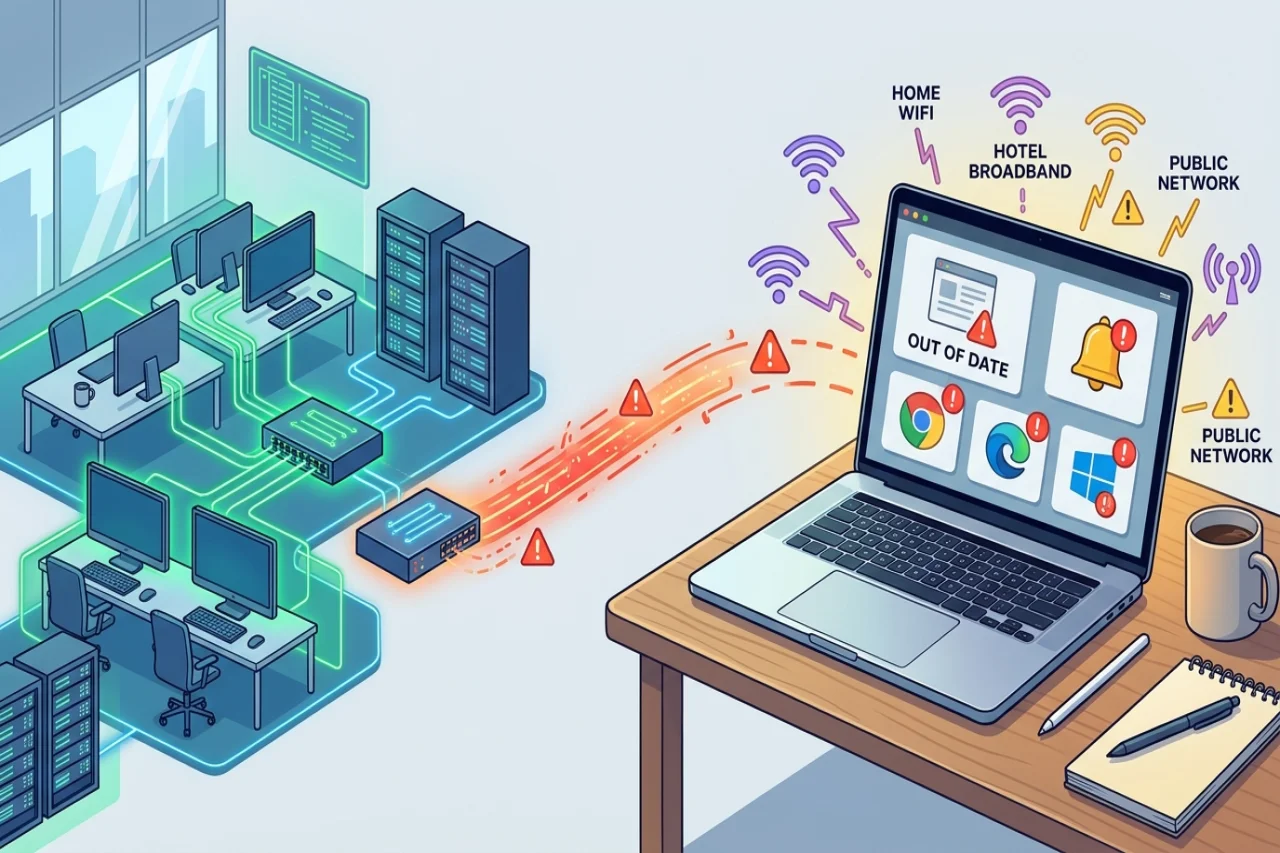
A laptop that spends most of its life on home broadband and hotel Wi-Fi shows up in your logs with a different IP address every week. What it does not show you is whether its browser, PDF reader, or operating system is up to date. For small teams, the devices furthest from the office are usually the ones furthest behind on updates.
Why devices outside the office fall behind
Update routines were built around machines that sit on one network all day. A device that connects for an hour, then disappears, misses the window. People postpone restart prompts during calls and forget them afterward. Over a few months, nobody can say with confidence which version of anything is running where.
This matters because an unpatched application is a published weakness. The fix is public, the flaw is documented, and anyone scanning for it knows what to look for. A device does not need to sit on a company network to be reached.
What free and open source tools can cover
Starting without a budget is reasonable, and many organizations use free or open-source tools to manage software updates. Heimdal, a security software provider, has published an overview of open source patch management software, covering both open-source projects and proprietary products with free or limited-access tiers. Such comparisons can provide information about available options, although licensing terms, features, and limitations should be evaluated independently. Depending on their capabilities, these tools may support deploying updates across multiple devices and tracking installation status.
However, the capabilities and requirements of these tools can vary. Some primarily support Linux servers, while others focus on Windows environments or require existing update management infrastructure. Depending on the software, setup may involve scripting or additional configuration, and features such as reporting, patch testing, and deployment controls may differ.How commercial patch management platforms work
The commercial route works differently. Commercial patch management solutions can manage updates for operating systems and third-party applications through a centralized console. Depending on the provider, these tools may support Windows, macOS, and Linux environments, allowing organizations to manage updates across multiple systems without relying on separate processes for each platform.
Many patch management platforms allow organizations to schedule updates outside regular working hours to minimize disruptions. Depending on the software, administrators may be able to establish different update policies for servers, employee laptops, and other devices. Some solutions also support version control, patch testing, automated deployment, and centralized reporting. Cloud-based platforms may allow updates to be managed remotely, although devices generally need an internet connection and must meet the platform's requirements. Features and capabilities vary by provider and subscription plan.
Organizations can begin by identifying all devices that access company accounts, including personal devices used for work where permitted. Removing unnecessary software can reduce the number of applications requiring updates. Establishing a regular schedule to review outstanding patches and monitor deployment status can help maintain consistent update practices across devices.
Conclusion
Keeping devices updated is an important part of maintaining security, especially when employees work remotely or use multiple networks. Both open-source and commercial patch management tools can help organizations track and deploy updates, although their capabilities, costs, and maintenance requirements vary. The most suitable approach depends on the organization's device environment, available resources, and security needs. Regular monitoring and consistent update policies can help reduce vulnerabilities and keep systems protected.
Comments
Comments are available to signed-in users and are moderated to keep the discussion useful and respectful. Spam, automated submissions, and low-value promotional comments are removed. Outbound links may be approved when they are relevant and genuinely helpful to readers, but they are displayed as plain text rather than clickable hyperlinks.
No comments have been published yet.
Please sign in to submit a comment.