

Software, Online Tools, Web Development
When Edge Read Aloud Is Enough and When to Try a Dedicated Text-to-Speech Tool
If you already use Microsoft Edge, you may not need to install anything to hear a web article. Its built-in Read Aloud feature is a useful place to start: open a supported page, choose a voice, and listen. That raises a fair question about dedicated text-to-speech products. What would make an extra reading tool worth using when the browser can already speak?
A reader who mainly opens articles and PDFs in Edge may already have what they need. Dedicated text-to-speech tools are worth comparing when a specific e-book integration, an imported-file workflow, or a reading interface matters. Mobile availability alone is not the distinction: Edge Read Aloud is also available in its iOS and Android apps.
What Edge Already Gets Right
On desktop Edge, Read Aloud provides voice and speed controls for supported webpages and PDFs. For a PDF, open the file in Edge and choose Read Aloud in the toolbar. On a webpage, use the browser’s Read Aloud command. If it extracts the right text and you like the voice, that may be sufficient for the task.
Microsoft offers online and offline Read Aloud, with fewer voice options available offline. Voice availability varies with the device, market, and browser version. For a quick article while connected, the built-in controls may already cover the job; for travel, prepare the available offline voice on the device you will carry.
Reading mode can simplify supported webpages, and highlighting helps you follow the narration. Those are substantial reading features, not merely a basic fallback. A dedicated product needs to add something useful to your own material to justify another installation or subscription.
On a supported page, Reading mode also lets you focus on the article before starting narration. The Read Aloud controls let you move between paragraphs, so try returning to a sentence and changing speed during that first article. If those actions cover the way you read, there may be little practical benefit in moving the same page into another product.
Edge’s current Reading mode also integrates Copilot for questions and interaction with the page. AI assistance is therefore not exclusive to a dedicated reading app. Compare the actual task: asking about an article in the browser is different from opening a connected bookshelf or reading an imported EPUB in a separate reader.
Compare the Book Workflow You Actually Need
Kindle is a useful example. A book that opens in Kindle Cloud Reader may render its words differently from an ordinary article. Some dedicated text-to-speech tools provide specific workflows for accessing supported e-books or connecting reading libraries. Those capabilities are a clearer reason to compare them with Edge than a general claim about having more features.
Different reading applications and browser extensions provide routes for various sources. Extensions may read pages in supported browsers, while web readers and standalone apps can open local documents. Some tools also include AI-powered explanation features that help users understand complex passages alongside narration of the original text.
For example, CastReader's apps and browser extensions support different reading workflows involving webpages, Kindle content, and imported documents. This illustrates how dedicated text-to-speech tools can accommodate reading materials beyond standard browser narration.
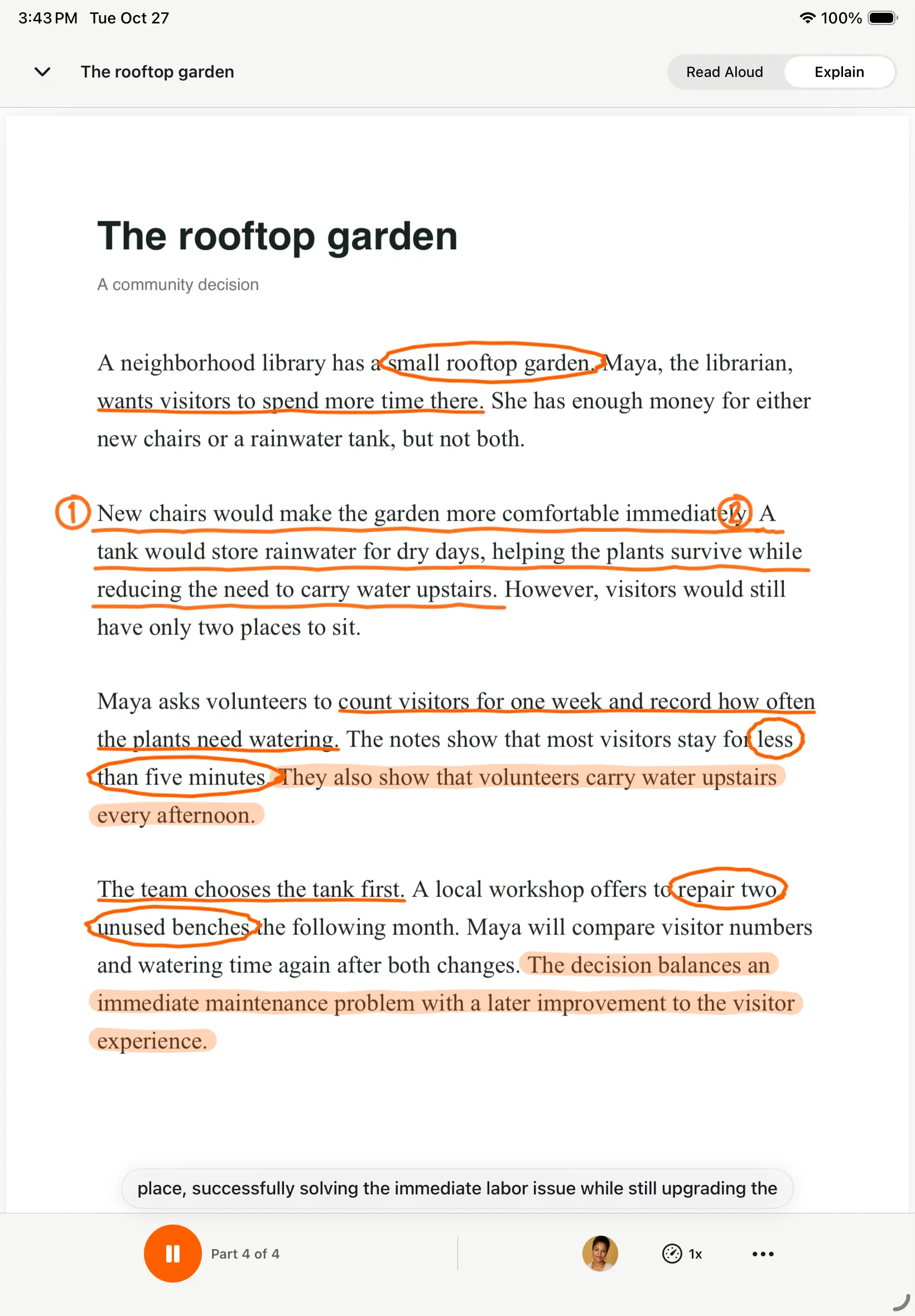
These differences matter when reading moves beyond an occasional webpage. A Kindle chapter, an EPUB from an independent author, and a dense passage you want explained are distinct tasks. Choose the entry point for the source rather than trying to make one browser command handle all three.
| Your Reading Task | Try First | What Distinguishes the Choice |
|---|---|---|
| An article or PDF already in Edge | Edge Read Aloud | Built-in controls without a separate reading subscription |
| Reading on an iPhone or Android phone | Edge for webpages; a dedicated reader for supported books and imports | Both options may offer mobile access, so the source is the deciding factor |
| An accessible Kindle book | A compatible e-book reading or text-to-speech tool | Dedicated workflows for supported e-book content |
| Reading without a connection | An available offline voice and prepared content | Online AI voice availability does not imply offline access |
Decide Whether a Second Tool Earns Its Place
A dedicated reader earns its place when its features serve a recurring part of your reading. An e-book connection can help a regular book reader; file imports can matter to someone collecting documents; an explanation mode can support difficult prose. For occasional pages that Edge already reads well, its built-in option remains a sensible choice.
The most useful comparison is not necessarily the number of features advertised by each product. Instead, consider whether a tool supports the file formats you regularly use, provides suitable voice options, and makes it easier to move between reading materials without unnecessary steps.
Start With a Specific Difference
If books are the reason you are considering a dedicated reader, check whether the tool supports your preferred e-book platform and reading format. Some desktop workflows use browser-based readers, while mobile applications may offer separate library connections. For example, the CastReader Kindle listening guide outlines different approaches to accessing supported Kindle content through desktop and mobile reading tools. These features do not necessarily provide access to purchased books or bypass publisher restrictions.
You can use Edge for a quick article and a dedicated reader for a particular bookshelf. Keep whichever combination handles your material with the least effort. The choice becomes easier when you compare one real reading task rather than two broad feature lists.
Comments
Comments are available to signed-in users and are moderated to keep the discussion useful and respectful. Spam, automated submissions, and low-value promotional comments are removed. Outbound links may be approved when they are relevant and genuinely helpful to readers, but they are displayed as plain text rather than clickable hyperlinks.
No comments have been published yet.
Please sign in to submit a comment.