

IP Address, Network, Geolocation
What Is My IP: Command-Line Ways to Get Your Public IP and Its Location
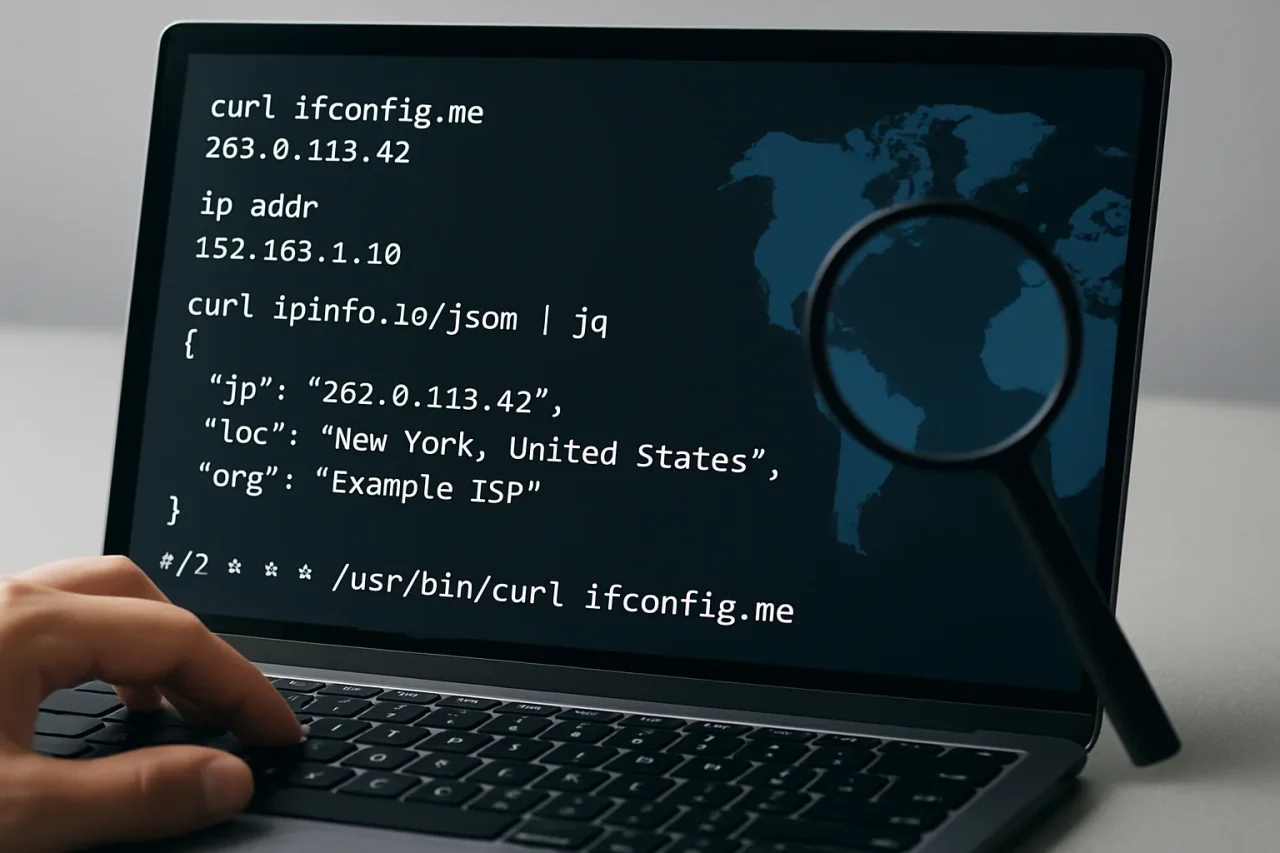
Every sysadmin eventually types some version of "curl what is my IP" into a terminal, usually while debugging a firewall rule or an allowlist that refuses to accept a server. The public IP is the address the rest of the internet sees, and it is not the one your network interface reports. This is the short, bookmarkable reference: the one-liners, the reason the two addresses differ, how to get the location and network for that IP as JSON you can script against, and a cron job that tells you when the address changes.
The One-Liner: curl What Is My IP
Any HTTP endpoint that echoes the caller's address will do. The ipstack API has a check endpoint that does exactly that and returns the location as well; with field filtering, you can ask for only the IP:
curl -s "https://api.ipstack.com/check?access_key=$IPSTACK_KEY&fields=ip"Output: {"ip":"203.0.113.10"}. The -s flag silences the progress meter, making the output clean enough to pipe. Keep the key in an environment variable (export IPSTACK_KEY=... in your shell profile) rather than in the command history.
Why "ip addr" and ifconfig Show a Different Address
Run ip addr on Linux (or ifconfig on older systems and macOS) and you will see something like 192.168.1.42 or 10.0.3.7. That is the private address your router or cloud VPC assigned to the interface. Between that interface and the internet sits network address translation, which rewrites outgoing packets to use one public address shared by everything behind it. So "Linux what is my IP" has two correct answers: the local one from ip addr, and the public one only an external service can tell you. Firewalls, allowlists, and geolocation all care about the public one.
On a cloud VM, the same split applies: the instance sees its private VPC address, while its public address (elastic, floating, or NAT gateway) is what the world sees. The curl check is the fastest way to confirm which public address a given box is actually egressing from, which matters when a NAT gateway is shared by many instances.
curl My IP as JSON, Then Parse It With jq
The value of a JSON answer is that it composes. Drop the field filter and a JSON IP API returns the address together with its location and network; pipe it through jq to pull out what you need:
curl -s "https://api.ipstack.com/check?access_key=$IPSTACK_KEY" | jq .

# just the pieces you want

curl -s "https://api.ipstack.com/check?access_key=$IPSTACK_KEY" \

| jq -r '"\(.ip) \(.city), \(.country_code) \(.connection.isp)"'
The second command prints a single line such as 203.0.113.10 Frankfurt am Main, DE Amazon.com, Inc., which is the right shape for a log line or a status script.
What Is My IP Geolocation? Adding Country, City and ISP to the Output
Sometimes the location is the whole point. You are validating that a new region deployment really egresses from that region, or checking which country a VPN tunnel exits to before running a geo-restricted test. Asking "what is my IP geolocation" from the shell is the same call with the relevant fields:
curl -s "https://api.ipstack.com/check?access_key=$IPSTACK_KEY&fields=ip,country_code,region_name,city,connection.isp" | jq .Read the city as an approximation. For a data center address, it is the facility's metro area, and for a home connection, it is usually right at the metro level and occasionally off by a neighboring town. Country and ISP are the fields you can rely on for automation decisions.
Scripting It: Cron Job That Logs Public IP Changes
Dynamic addresses change, and when they do, an allowlist somewhere silently stops working. A tiny script that records the public IP on a schedule and shouts when it changes has saved more than one on-call evening:
#!/usr/bin/env bash

# /usr/local/bin/ipwatch.sh

set -euo pipefail

STATE=/var/lib/ipwatch/last_ip

mkdir -p "$(dirname "$STATE")"

CUR=$(curl -s --max-time 10 "https://api.ipstack.com/check?access_key=$IPSTACK_KEY&fields=ip" | jq -r .ip)

[ -z "$CUR" ] || [ "$CUR" = "null" ] && exit 0 # network hiccup, try next run

PREV=$(cat "$STATE" 2>/dev/null || echo "")

if [ "$CUR" != "$PREV" ]; then

echo "$(date -Is) public IP changed: ${PREV:-none} -> $CUR" | logger -t ipwatch

echo "$CUR" > "$STATE"

fi
Then in crontab -e, once an hour is plenty for a home or office line:
0 * * * * IPSTACK_KEY=your_key /usr/local/bin/ipwatch.shThe --max-time flag matters in cron: without it, a hung request can pile up processes. And note the curl get IP address step exits quietly on a network failure instead of writing an empty file, so one bad minute does not trigger a false change alert.
IPv4 vs IPv6: Forcing One Family With curl -4 and curl -6
On a dual-stack host, curl may connect over IPv6 and report your IPv6 address, which is not what a legacy IPv4 allowlist wants to hear. Force the family explicitly:
curl -4 -s "https://api.ipstack.com/check?access_key=$IPSTACK_KEY&fields=ip"

curl -6 -s "https://api.ipstack.com/check?access_key=$IPSTACK_KEY&fields=ip"
If the -6 call fails, the host has no working IPv6 route, which is itself a useful diagnostic when a service reports connectivity problems for some users and not others.
Doing the Same From Python, PowerShell and Docker
The pattern travels. In Python, requests.get(url, timeout=5).json()["ip"]. In PowerShell, (Invoke-RestMethod $url).ip. Inside a container, docker run --rm curlimages/curl -s "$URL" confirms the address the container egresses from, which on a cloud host may differ from the node's own address if the pod uses a separate NAT.
The full field list, including the timezone, currency, and security objects, is in the API docs, and the check endpoint works on the free tier, so a free ipstack key is all you need to put these commands in your dotfiles today.
FAQ
FAQ
01Is it safe to send my IP to a lookup service?
Your IP is already visible to every server you connect to; a lookup service simply reports it back. The sensitive item in these commands is the API key, which is why it belongs in an environment variable or a secrets file and never in a shared script or a public repository.
02Why does my public IP differ from what my ISP told me?
Most consumer connections are dynamic and can change on reconnect or on a schedule, and some ISPs now use carrier-grade NAT, so several customers share one public address. The curl check shows what is true right now, which is the only answer that matters for an allowlist.
Comments
Comments are available to signed-in users and are moderated to keep the discussion useful and respectful. Spam, automated submissions, and low-value promotional comments are removed. Outbound links may be approved when they are relevant and genuinely helpful to readers, but they are displayed as plain text rather than clickable hyperlinks.
No comments have been published yet.
Please sign in to submit a comment.